• Shipping and Payment
  • Return & Exchange
  • Warranty service
  • Privacy Policy
  • Blog
Prozorro Logo
Корзина заказов 0
: 0 $
  • About Us
  • Products
  • Areas of Use
  • Gallery
  • Contacts
  • Shipping and Payment
  • Return & Exchange
  • Warranty service
  • Privacy Policy
  • Blog
+38 (066) 334-84-99
Instagram logo
  • en
    • ru
    • ua
Leave a request
Home|Blog|Interactive panel or whiteboard: a practical guide for teachers

Interactive panel or whiteboard: a practical guide for teachers

Educational technologies are constantly improving, and modern teachers are increasingly faced with the choice: to use an interactive panel or a board. These two tools have their advantages and disadvantages, but each of them is capable of transforming an ordinary lesson into an engaging interactive event. In this article, we will examine both options to help you make the right choice for your educational institution.
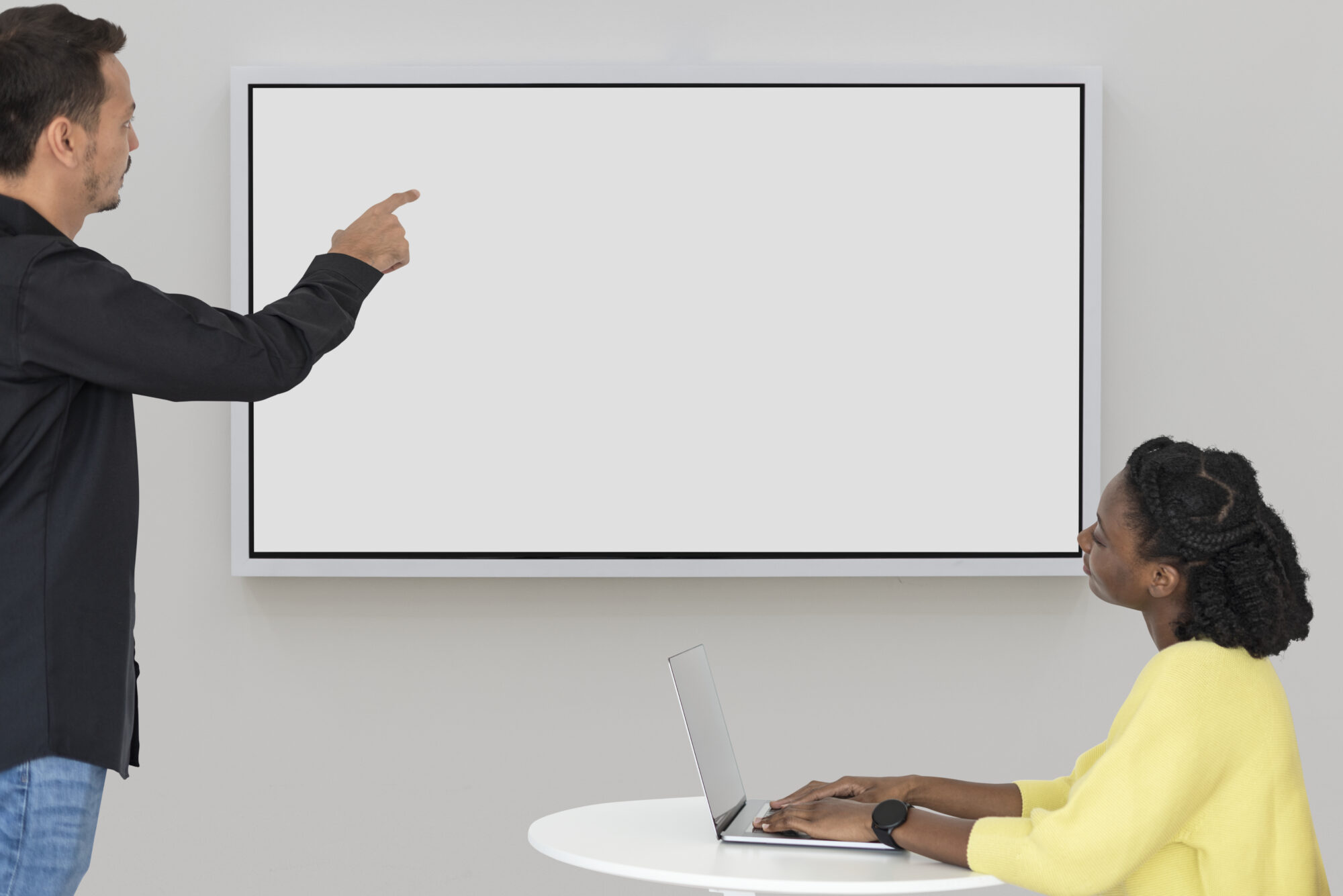
interactive panel

What is an interactive panel and an interactive whiteboard?

Interactive Panel

An interactive panel or multi-board is a large touchscreen display that looks like a giant tablet. It has an integrated operating system (usually Android or Windows), which allows it to operate without additional equipment. The panel combines the functions of a projector, computer, and monitor, providing high-quality image and quick touch response. Interactive panels are available in different sizes, from compact 32″ to large 100″ models, making it possible to select the optimal option for any educational space. Optical bonding technology provides a wide viewing angle of up to 178°, allowing the image to be comfortably viewed from any point in the room.

Interactive Whiteboard

An interactive whiteboard is a special surface that works in combination with a projector and computer. The projector displays the image on the whiteboard, and interaction is carried out using a stylus, touch, or laser pointers. Control is done through specialized software, which requires the installation of appropriate drivers. This ensures proper display of system components and touch accuracy adjustments.

1. Image Quality and Technical Specifications

Interactive Panel:

  • High resolution: Panels usually support 4K, providing clear images even in large auditoriums.
  • Brightness and contrast: Interactive touch panels are not affected by external lighting, so the image remains clear.
  • Built-in operating system: The panel works independently, without the need for an external computer or projector.

Interactive Whiteboard:

  • Dependence on the projector: Image quality depends on the power of the projector and the room’s lighting.
  • Poor visibility: In brightly lit rooms, the image may be blurry.
  • Limited features: The board only serves the functions of display and touch interaction, depending on connected devices.

2. Ease of Use

Interactive Panel:

  • Easy setup: The touch panel is ready to use “out of the box” — just plug it in, and you’re ready to start.
  • Intuitive interface: Even those without experience with technology can easily navigate its functions.
  • Portability: The panel can be mounted on a mobile stand for easy movement between classrooms.

Interactive Whiteboard:

  • Complex setup: The smart whiteboard requires the installation of a projector, computer, and regular calibration.
  • Limited flexibility: It is harder to move due to the need for a fixed projector.

3. Functionality

Interactive Panel:

  • Multitouch: Supports 10-20 simultaneous touch points, allowing multiple users to work at the same time.
  • Works with applications: Supports a wide range of educational programs, videos, graphics, and other interactive materials.
  • Cloud integration: Easy connection to online resources and saving materials in cloud storage.

Interactive Whiteboard:

  • Limited functionality: Used primarily for basic interactive tasks (writing, drawing, showing presentations).
  • Dependency on software: All additional functions depend on the connected computer.

4. Durability and Maintenance

Interactive Panel:

  • Long lifespan: Panels have a service life of up to 50,000 hours, ensuring stable operation for many years.
  • Minimal maintenance: The absence of lamps or mechanical parts significantly reduces the need for repairs.
  • Durability: The protective glass makes the panel resistant to scratches and impacts.

Interactive Whiteboard:

  • Wear and tear: Projector lamps require regular replacement (every 2-3 years).
  • Vulnerability to mechanical damage: The surface of the board may lose touch accuracy over time.
  • Regular calibration: Without this, the board’s accuracy decreases.

5. Financial Considerations

Multimedia whiteboards have a lower initial cost, making them a more affordable option for educational institutions with a limited budget. Kits that include a whiteboard, projector, and necessary software typically cost significantly less than interactive panels. However, this affordable price comes with additional expenses, such as regular lamp replacement in projectors, software updates, and the need to purchase new styluses as they wear out.

On the other hand, interactive panels require a higher initial budget due to the built-in technologies and high-quality components. However, the lack of lamp replacement or constant projector adjustments significantly reduces operating costs. Additionally, panels have a longer service life, making them more cost-effective in the long term.

Conclusion

The interactive whiteboard is a good choice for institutions with a limited budget or for teaching basic interactive lessons. It is a simpler and more affordable tool that has already proven its effectiveness in many schools. However, its limitations, such as dependency on the projector, the need for calibration, and limited functionality, may become barriers for teachers who seek a maximum interactive experience.

The touch panel, on the other hand, offers broader learning opportunities. It requires a larger initial financial investment, but these costs are justified by its durability, low operating costs, and the ability to significantly improve the educational process. With high image quality, fast performance, durability, and multifunctionality, it is an investment in the future. The panel allows teachers to use modern teaching methods, easily integrate technology into lessons, and create engaging interactive sessions.

So, if you’re ready to invest in the future and want your students to have the best learning experience, the interactive multi-board panel is the right choice for you. Meanwhile, the interactive whiteboard remains a good solution for those who are just starting their journey into the world of educational technologies.

PreviousNext
  • About Us
  • Products
  • Areas of Use
  • Gallery
  • Contacts
+38 (066) 334-84-99 info@elpasso.com.ua
2020 - 2026 Elpix. All rights reserved.
We are in social networks:
Залишити заявку

    Оставить заявку

      Leave a request

        Back call


          Product successfully added to cart!
          Checkout Continue shopping