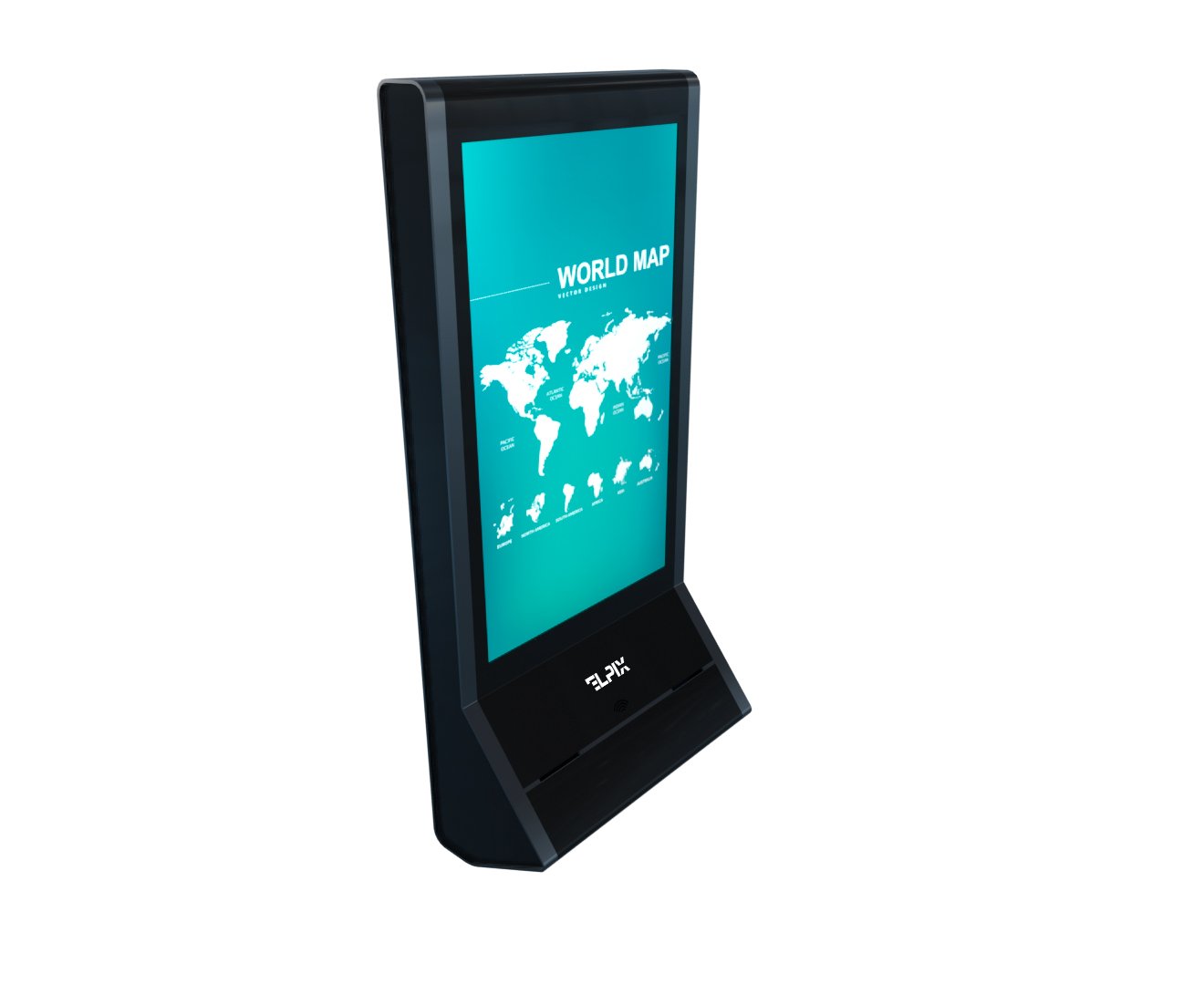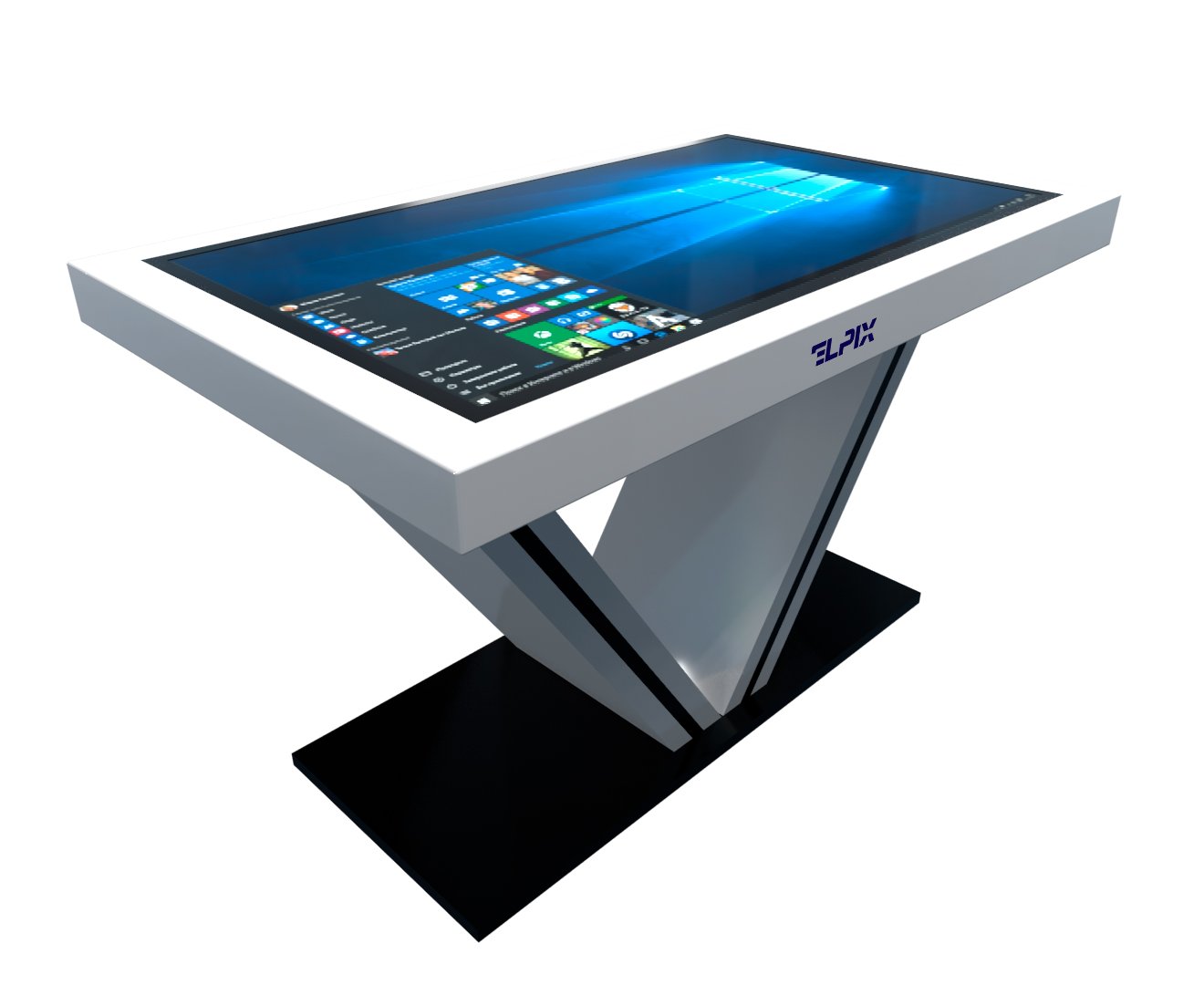

Interactive equipment covers touch-enabled and multimedia devices that let people work directly with on-screen content. The category includes panels, tables, kiosks, self-service terminals, and video walls. You will find them in retail, education, public services, and transport — anywhere a routine exchange such as finding a product, checking in, paying, or getting directions can be handled digitally.
What interactive equipment is and the main types
A conventional display broadcasts whatever it is given. An interactive device does something with the user’s input: a tap brings up a map, a swipe moves through a catalogue, or a phone held to the reader completes a payment. That exchange is the useful distinction. Screen size and price do not make a product interactive; the ability to respond does.
Elpix manufactures and supplies nearly every mainstream format in this category. In practice, buyers rarely come to us looking for a textbook definition of a touch panel. They have a shop, a classroom, or a public-service reception area and need to know what will work there. This guide is designed around that decision rather than around a list of technical terms.
We will first separate the equipment types that are often confused, then look at common industry applications. A selection table near the end brings the two together, so readers with a specific project can go straight to the relevant Elpix category.
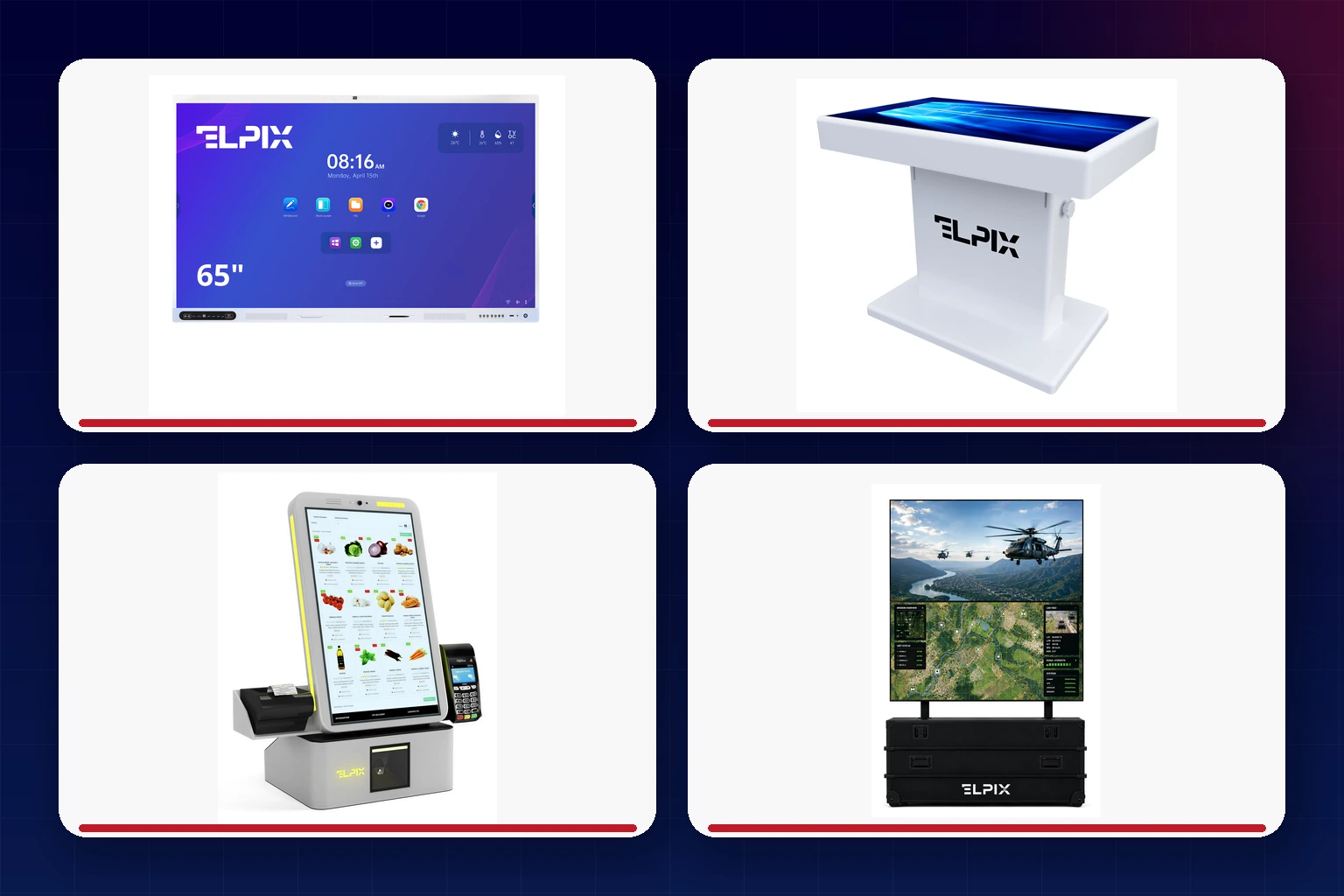
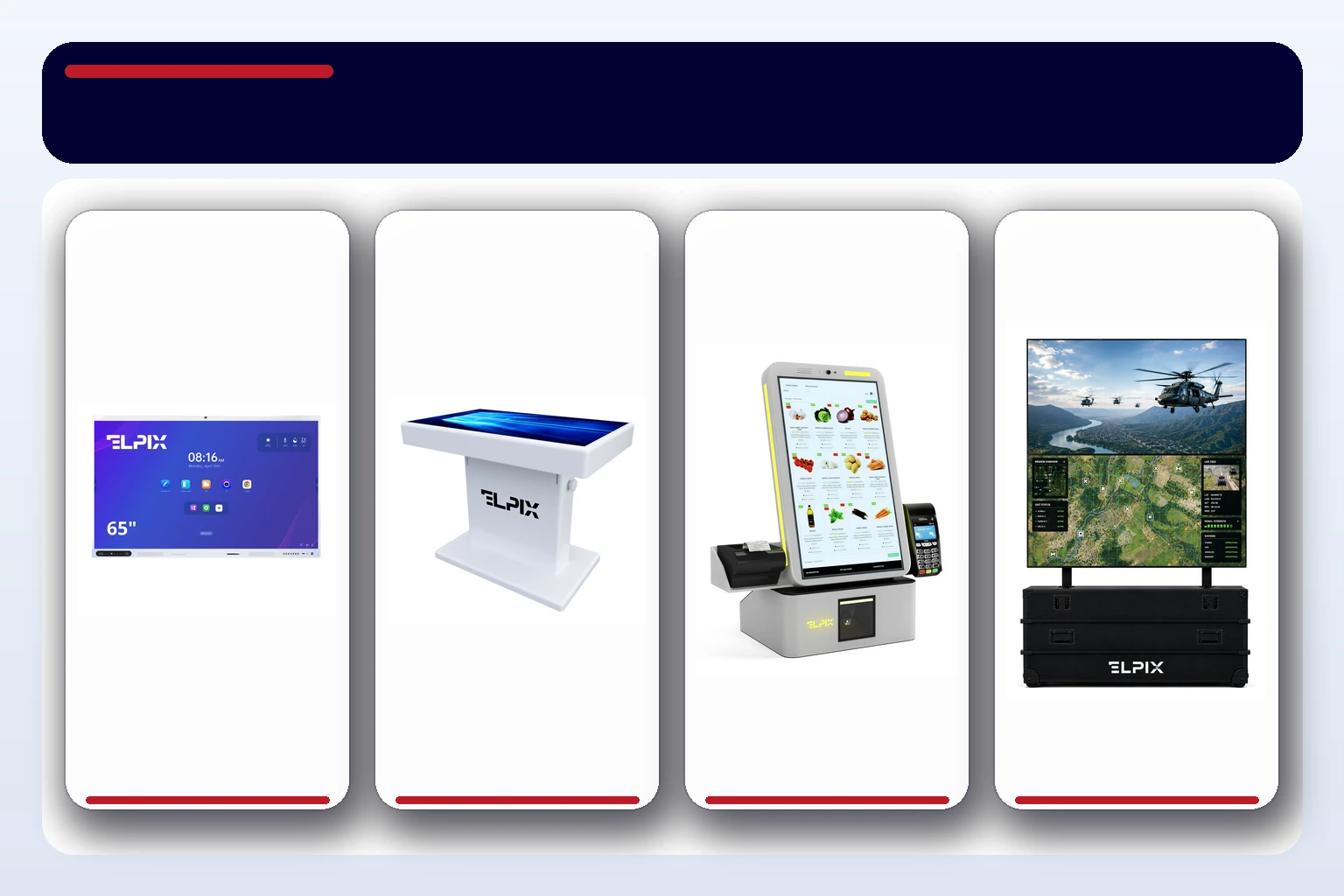
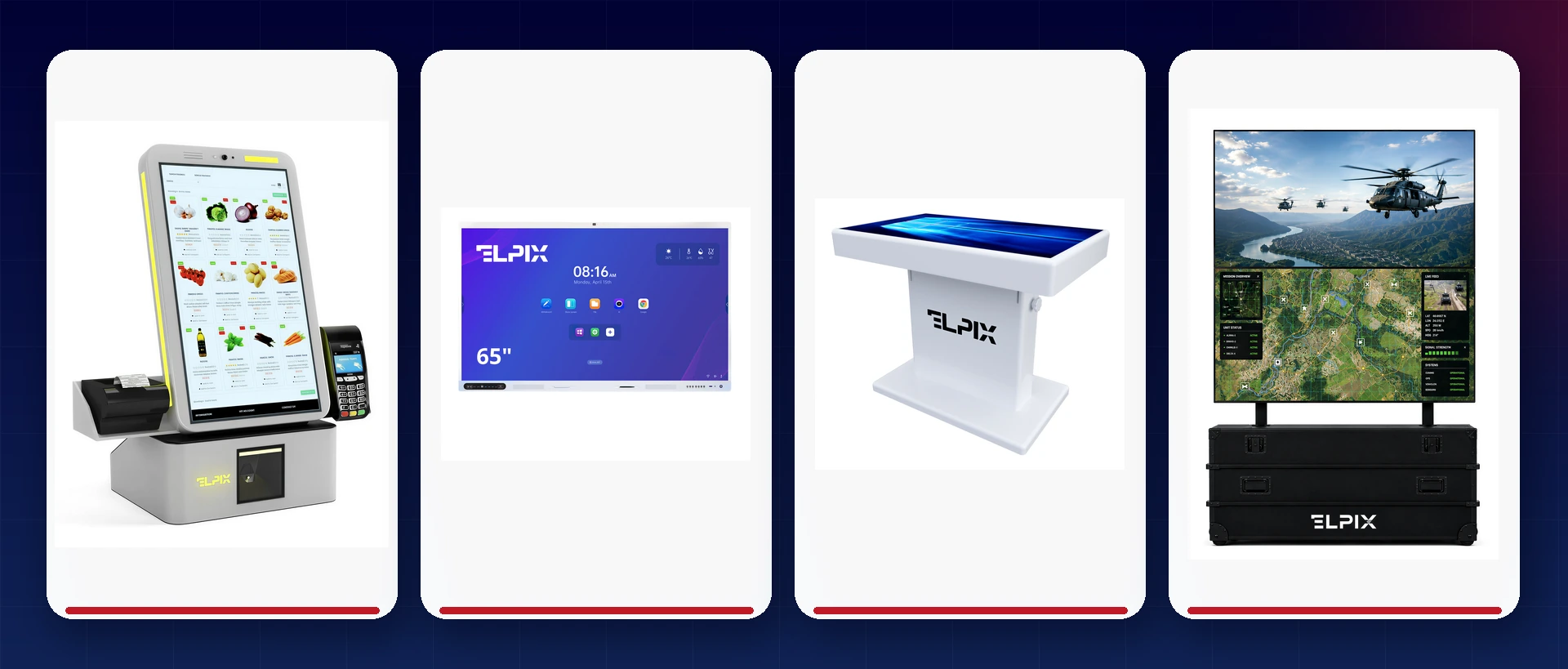
Panels, tables, kiosks, terminals, and video walls
An interactive panel is a wall-mounted or floor-standing touchscreen, typically 55 to 110 inches, with its own computer. Panels are at home in classrooms, meeting rooms, and showrooms. A multiboard adds software built around teaching and collaborative work; our dedicated multiboard guide covers that format in more detail.
With an interactive table, the working surface is horizontal. That layout makes sense when several visitors need to gather around one display, as they might in a museum, children’s centre, or property sales suite. Elpix also makes special-purpose tables for defence and security organisations. These can be built with a reinforced enclosure, independent power, and software for mapping and operational planning.
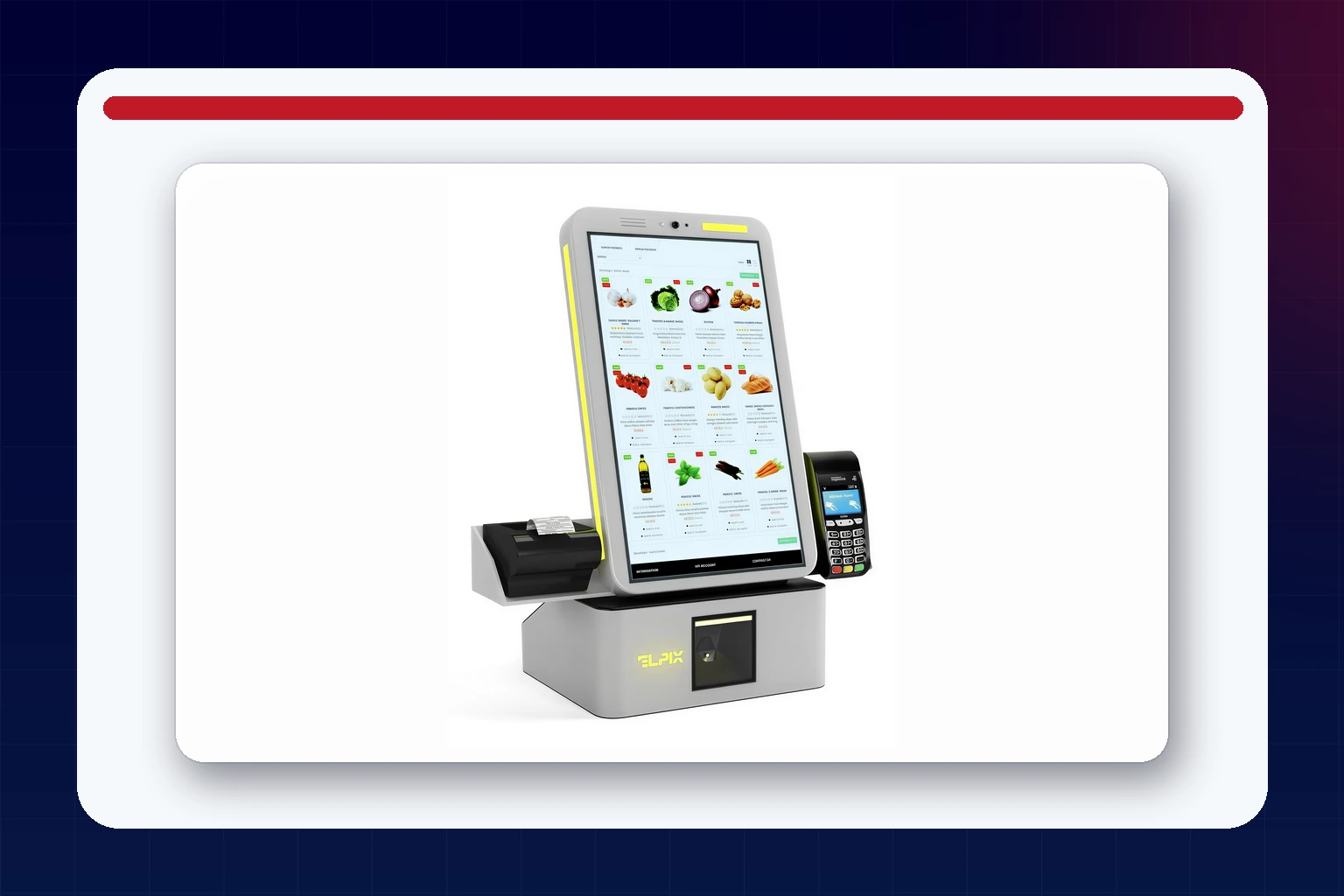
An information kiosk and a self-service terminal may share the same silhouette, but they are not interchangeable terms. A kiosk normally helps someone browse a directory, locate a destination, or read information. A terminal carries an action through to completion: it may take payment, scan a barcode, or print a receipt or queue ticket. The enclosure can be similar; the workflow and peripherals are what set them apart.
A video wall combines several LCD or LED modules into a single canvas. Scale is only part of the reason to use one. Operators can divide the canvas into independent areas, keeping live data, advertising, camera feeds, and an interactive map visible at the same time.
A nettop, or mini PC, is not an interactive device in its own right. It is often the computer hidden inside a panel or kiosk, or the machine driving content across a video wall. It belongs in this overview because system architecture matters: sooner or later, every project team asks what runs the experience behind the screen.
Other formats: film, mirrors, lecterns, and museum displays
Interactive film turns an existing pane of glass or shop window into a touch surface when paired with a projector. It is particularly useful when a large, opaque panel would dominate an otherwise carefully designed interior.
An interactive mirror hides a display behind semi-reflective glass. With the display off, it behaves like an ordinary mirror; once activated, the interface appears through the surface. Fitting rooms and retail showrooms are the most natural settings for it.
An interactive lectern is a freestanding unit with a built-in display. Depending on the project, it can become a reception point, an event check-in desk, or a presentation console for a speaker. A museum display, by contrast, is usually an application rather than a separate product class. It tends to be a panel or table loaded with an exhibition catalogue that visitors can explore at their own pace.
Where interactive equipment is used
Most enclosures are not tied to one market. Put the same kiosk in a shopping centre and it can display a floor plan; install it in a clinic and it can issue appointment tickets. The industry solution comes from the software, the peripheral modules, and the environment in which the hardware must operate. The examples below show the usual starting points, with links to more detailed industry pages.
Retail and shopping centres
In retail and shopping and business centres, interactive systems usually deal with wayfinding, product discovery, and faster checkout. Visitors can locate a store or check availability without waiting for an assistant. For the operator, that means shorter queues and fewer customers abandoning a purchase because help was difficult to find.
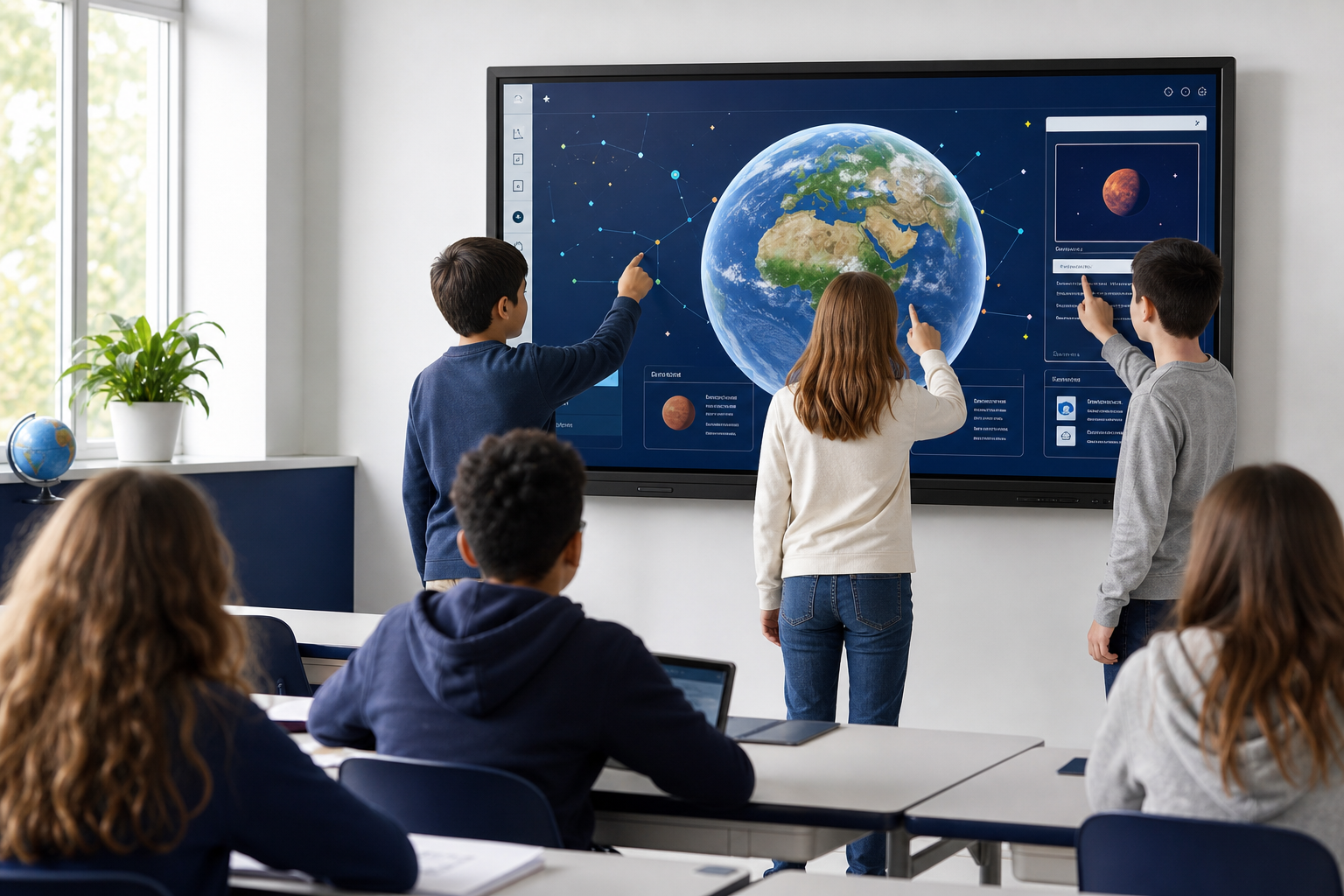
Education
Our guide to interactive equipment for schools looks specifically at New Ukrainian School requirements and explains why a panel or multiboard often works better than a projector and marker board. The broader education solutions page covers other settings as well. Preschools tend to favour touch tables; universities are more likely to need large lecture-room panels or equipment for VR labs.
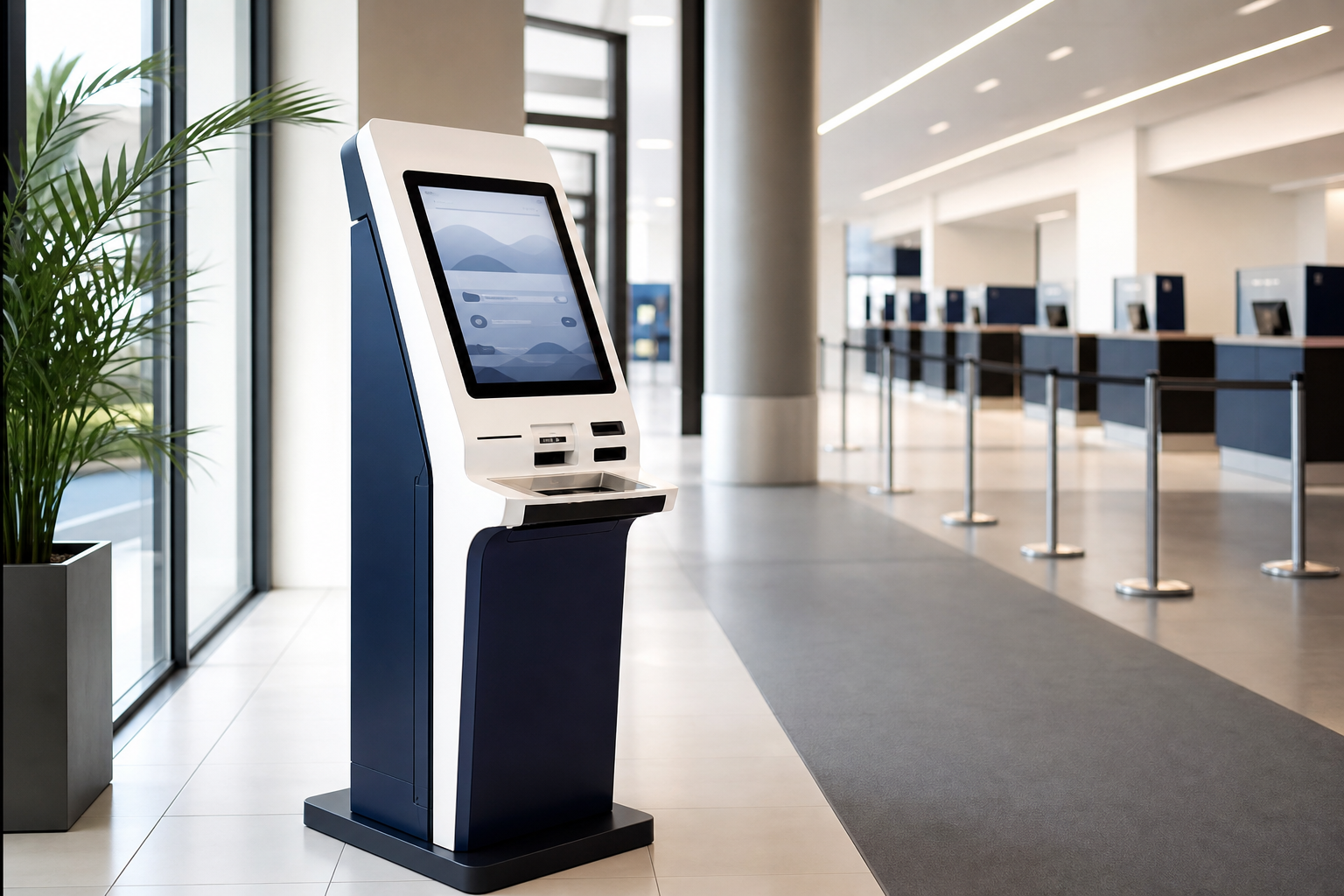
Government services and transport
In government offices, public-service centres, tax offices, and banks, terminals take repetitive work away from the service desk. A visitor can join a digital queue, submit a request, or pay a fee without an operator guiding every step. Airports and railway stations add a tougher engineering brief: continuous operation, heavy peaks in footfall, dust, and changing temperatures. A consumer television or ordinary office display is not built for that treatment.
Property developers and sales suites
Property developers use touch tables and kiosks to present a residential project in the sales suite. Prospective buyers can move between floors, inspect apartment layouts, and explore the surrounding infrastructure. When the project changes, updating a digital presentation is far less disruptive than reprinting every brochure or rebuilding a physical model.
How to choose for a real-world use case
Diagonal and budget are rarely the best opening questions. Start with the people, the location, and the outcome: who will touch the device, where will it stand, and what must happen next? A well-designed workflow is worth more than a small saving on hardware. Once a terminal is manufactured and installed, correcting a poorly planned interaction becomes both slower and more expensive.
The installation site determines the enclosure. An outdoor unit needs at least IP65 protection, toughened glass, and heating and cooling suited to the Ukrainian climate. Indoor equipment has an easier life, but brightness and anti-glare treatment still deserve attention. A sunlit shop window can create conditions much closer to an outdoor installation than to a typical office.
Operating hours shape the hardware specification. Eight hours on weekdays and genuine 24/7 service call for different components and backlight life. A station, factory, or shopping centre should use a commercial panel rated for at least 50,000 hours rather than a domestic television. Two displays may look almost identical on a comparison sheet while being designed for very different workloads.
Peripherals follow the transaction. Receipt printers, scanners, card readers, bill acceptors, and scales should be agreed while the technical brief is still being written. Retrofitting a module after the enclosure has been fabricated usually adds cost and pushes back launch.
Then there is the part buyers sometimes leave until last: software. Content management, interaction analytics, and remote fleet monitoring are what keep a deployed system useful. Without them, a good screen can turn into an expensive static poster that no one updates. Before ordering, establish which software and licences are included and which are priced separately.
Selection matrix by industry and task
| Equipment type | Industry | Task | Elpix category |
|---|---|---|---|
| Self-service terminal | Retail, shopping centres, government services | Payment, digital queuing, registration | Terminals |
| Interactive kiosk | Shopping centres, airports, stations | Wayfinding, catalogues, visitor information | Kiosks |
| Interactive panel / multiboard | Education, offices, conference rooms | Teaching, presentations, video meetings | Panels |
| Interactive table | Preschools, museums, sales suites | Group work, exhibitions, property presentations | Tables |
| Special-purpose table | Defence and security organisations | Command posts, mapping, operational planning | Special-purpose equipment |
| Video wall | Government, command centres, advertising | Live monitoring, digital signage | Video walls |
| Nettop (mini PC) | Any industry, internal component | Running a panel or kiosk application | Nettops |
| Interactive film | Retail, banking, showrooms | A touch window without replacing the glass | About interactive film |
For a closer look at retail, shopping-centre, and transport projects, see our separate guide to interactive equipment types. It goes further into infrared, projected-capacitive, and optical touch technologies and includes examples of suitable models.
Elpix: manufacturing and turnkey delivery
Elpix is a Ukrainian manufacturer and systems integrator. We work with companies, education providers, government organisations, and transport operators. Because the range is not limited to a single product family, a project can be anything from one meeting-room panel to the coordinated fit-out of a station or shopping centre.
Hardware supply is only one part of the job. Elpix develops the technical brief around the intended workflow, delivers the equipment, installs and commissions it, and provides ongoing support. Our warranty and service page explains the arrangements in detail. Service response has a direct business value when equipment handles customers: a dead terminal during Friday’s evening rush is not an abstract maintenance issue but a stream of transactions that cannot be completed.
FAQ
- What types of interactive equipment are available?
- The main groups are interactive panels and multiboards, touch tables, information kiosks, self-service terminals, and video walls. Interactive film, mirrors, and lecterns cover more specialised applications. Many of these devices use a built-in nettop to run the software and content.
- What should I choose for a shop, school, or government office?
- A shop will often benefit from a catalogue kiosk or an advertising video wall. Schools generally use panels and multiboards, while touch tables are a good fit for preschools. Government offices tend to need queue-management terminals or information kiosks. The final specification should always follow the actual user journey.
- How is an interactive panel different from a kiosk?
- A panel is designed for presenting and working together on content, including lessons, presentations, and video calls. A kiosk serves a visitor without an employee at their side and can incorporate a printer, scanner, card reader, or other peripherals required by the transaction.
- Who manufactures a full range of interactive equipment in Ukraine?
- Elpix designs and manufactures panels, tables, kiosks, terminals, and video walls for different industries. The team can handle the complete project, from product selection and manufacturing through to installation and after-sales service.
- What should you consider when choosing equipment for outdoor use?
- An outdoor installation needs an IP65+ enclosure, protective glass, heating and cooling designed for the Ukrainian climate. A standard commercial panel without that protection will not survive a season of rain and freezing weather. Indoor requirements are less demanding, but brightness and an anti-glare finish still matter for windows exposed to direct sunlight.
- Who installs and services Elpix equipment?
- Elpix manages the entire process: preparing the technical specification around the intended use, supplying and installing the equipment, configuring it and providing ongoing service support. You can read more about warranty and support in our dedicated article.