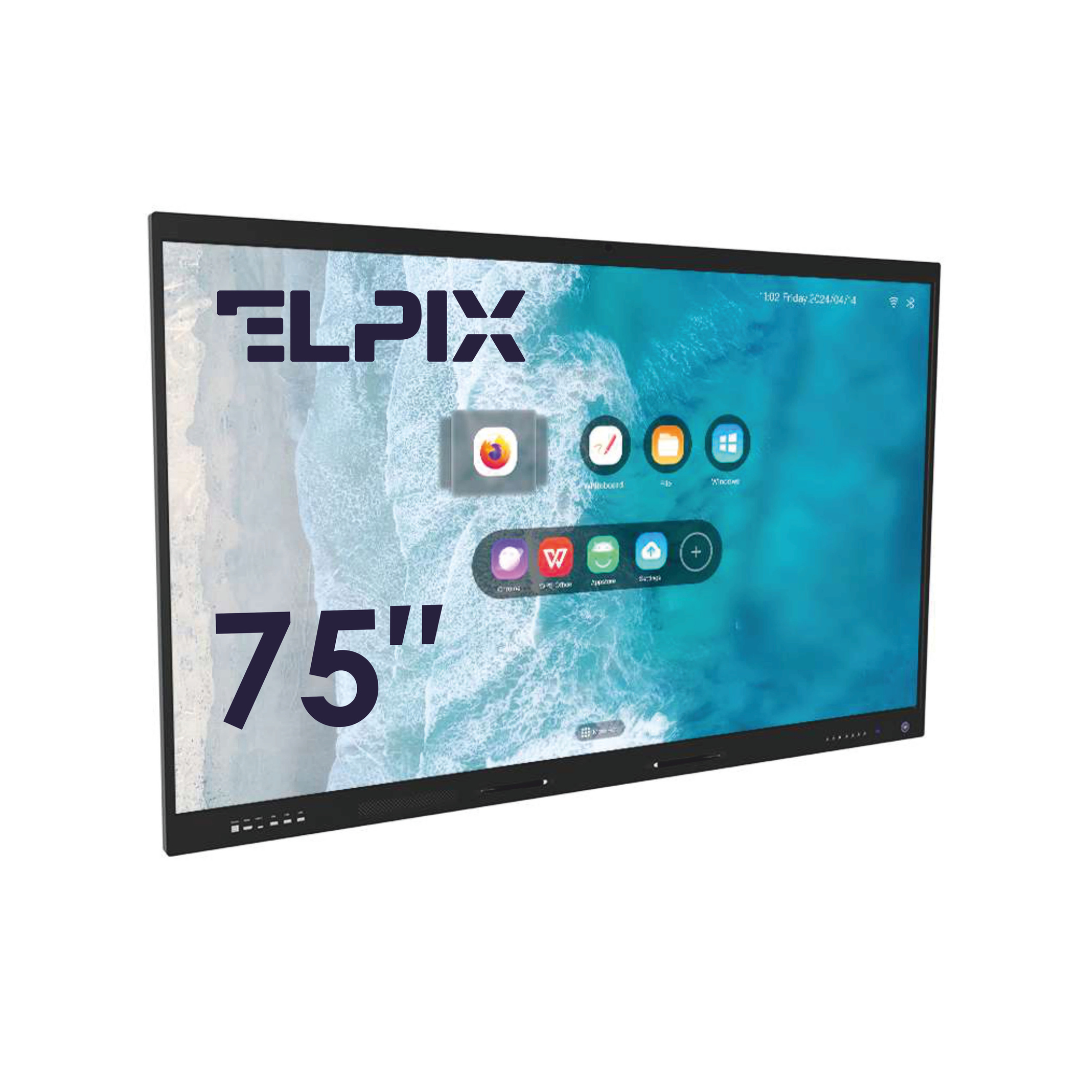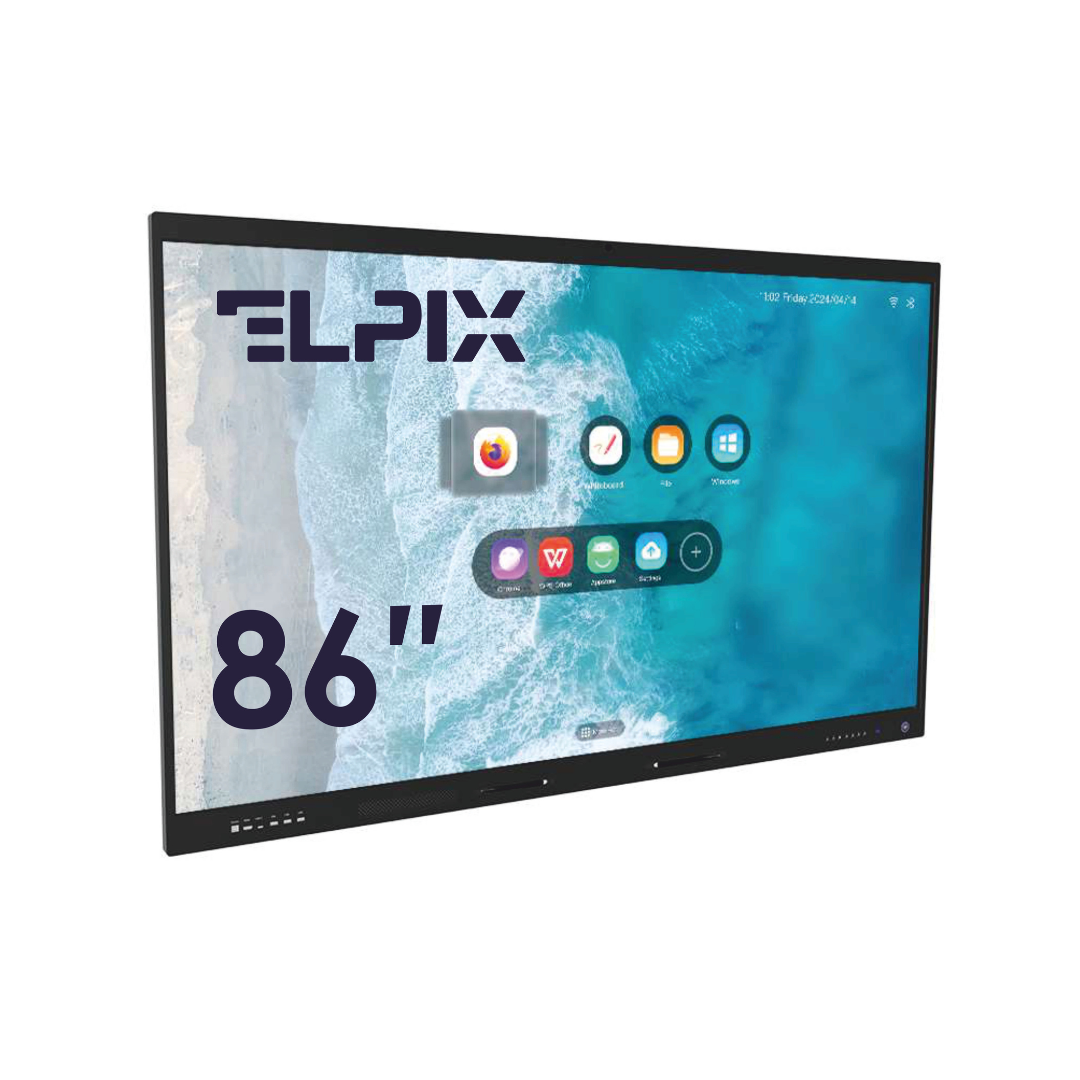

The New Ukrainian School (NUS) reform changed more than teaching methods — it changed the classroom itself: children no longer sit in rows facing a board but work in learning centers, in groups. That requires different equipment. The Ministry of Education and Science (MoES) sets the frame through its Standard Equipment List (Order №143), where an interactive panel — or a “board + projector” set — and a teacher’s laptop are mandatory. Everything else is the school’s call, but without hardware that actually supports interaction, the NUS method simply does not switch on in the lesson.
What NUS Is and Why the Reform Comes Down to Equipment
The New Ukrainian School is not the name of a textbook — it is a reform of general secondary education. Its framework is set by Cabinet of Ministers Decree №988-r of December 14, 2016 (“Concept for Implementing State Policy in Reforming General Secondary Education”), and the content of primary education by the State Standard, approved by CMU Resolution №87 of February 21, 2018.
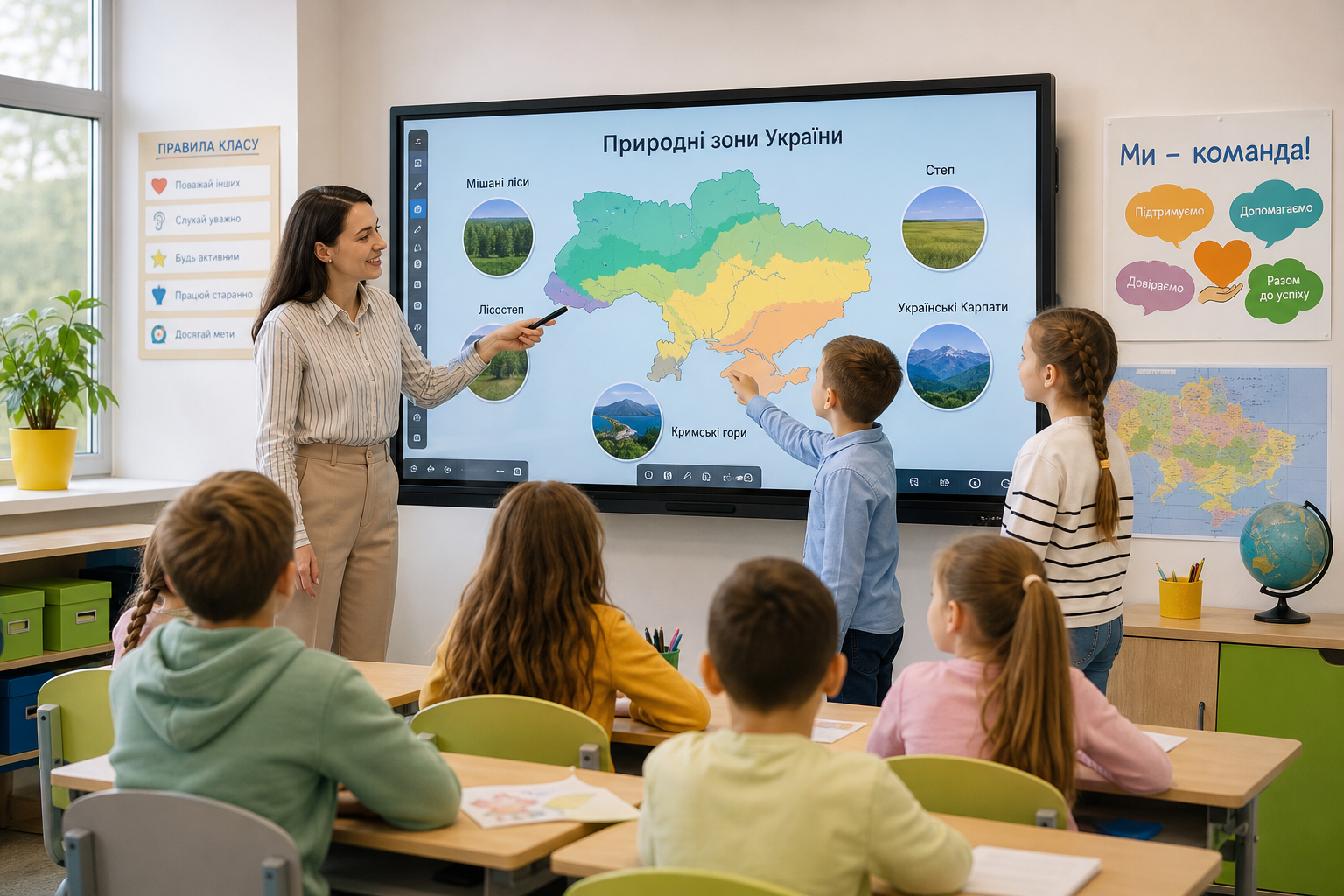
The shift is simple to state and hard to deliver in the room. Instead of “teacher at the board, children copying in rows,” NUS calls for competency-based, activity-driven learning: group work, inquiry, projects, movement between zones of the classroom. And this is exactly where the reform usually stumbles — not over the method, but over the room. A classroom designed for a 1980s front-of-class lesson physically cannot host the lesson the standard requires. Desks are bolted in rows, the board is chalk, and there is one outlet per wall. New curriculum, old room.
I’ll put it plainly: equipment is where the reform either becomes real or stays on paper. Schools that rebuilt the environment and brought in proper hardware in 2019–2021 actually run the NUS format. Those that ticked a box on a report imitate it every year.
The NUS Learning Environment: Learning Centers
The key concept MoES uses to describe a NUS classroom is learning centers. The room is divided into functional zones: a learning-and-inquiry center, thematic centers, a play center, an arts-and-crafts center, a rest area, a class library, and the teacher’s workstation. Furniture is mobile and reconfigurable — desks slide into groups and get rearranged by task, not set once and for good.
From this follows a requirement for technology that is easy to miss at procurement. If children work in groups and move around the room, the central screen must be visible and controllable from anywhere, not only from the teacher’s desk. A chalkboard cannot do this in principle. A projector can — as long as the room is dim and no one stands in the beam. An interactive panel does it always: a bright screen, touch right on the surface, no shadows and no recalibration.
What MoES Requires: the Standard Equipment List
The point here is not to confuse “recommended” with “mandatory.” The mandatory list is set by MoES Order №143 of February 7, 2020, “On Approving the Standard List of Teaching Aids and Equipment for Primary School Classrooms” (registered with the Ministry of Justice, z0410-20). For lower-secondary classrooms and STEM labs, a separate Order №574 of April 29, 2020 applies. The number of units in each set is calculated by the average class size — so the list is not abstract, it is tied to the real number of children.
The weakest part of procurement is almost always ICT. Under budget pressure, a school buys what is cheaper: a projector instead of a panel, a single “teacher’s” laptop with no peripherals. The list is formally closed; in practice, the interactivity the whole thing was meant for is not in the room. An inspection lets that pass — the method does not.
| Category | What NUS requires | What to check when choosing |
|---|---|---|
| Reconfigurable furniture | Mobile desks and chairs for group work, zoning | Adjustable height, casters/easy moving, safe edges |
| Interactive display | Central screen for the lesson, touch, showing content to groups | Interactive panel (all-in-one) or “board + projector + PC”; brightness, multitouch, built-in Android |
| Teacher’s computer | Laptop or nettop for lesson prep and delivery | Compatibility with the panel, software, screen output without adapters |
| Didactics and printing | Center kits, an MFP for handouts | Compliance with List №143, print yield |
Interactive Equipment for a NUS Classroom: Panel, Board, or Projector
This is the question half of all procurements break on, so I’ll go through the options one by one — not from the angle of “what is best in general,” but from what actually goes wrong in a specific lesson.
The “board + projector + PC” set is historically the most common and the cheapest up front. The trouble is in operation: the lamp dims, on a sunny day the image washes out, a child stepping up to write casts a shadow and gets blinded by the beam, and the calibration drifts. Within a year half of these sets work as an ordinary screen, because no one has time to fight the settings.
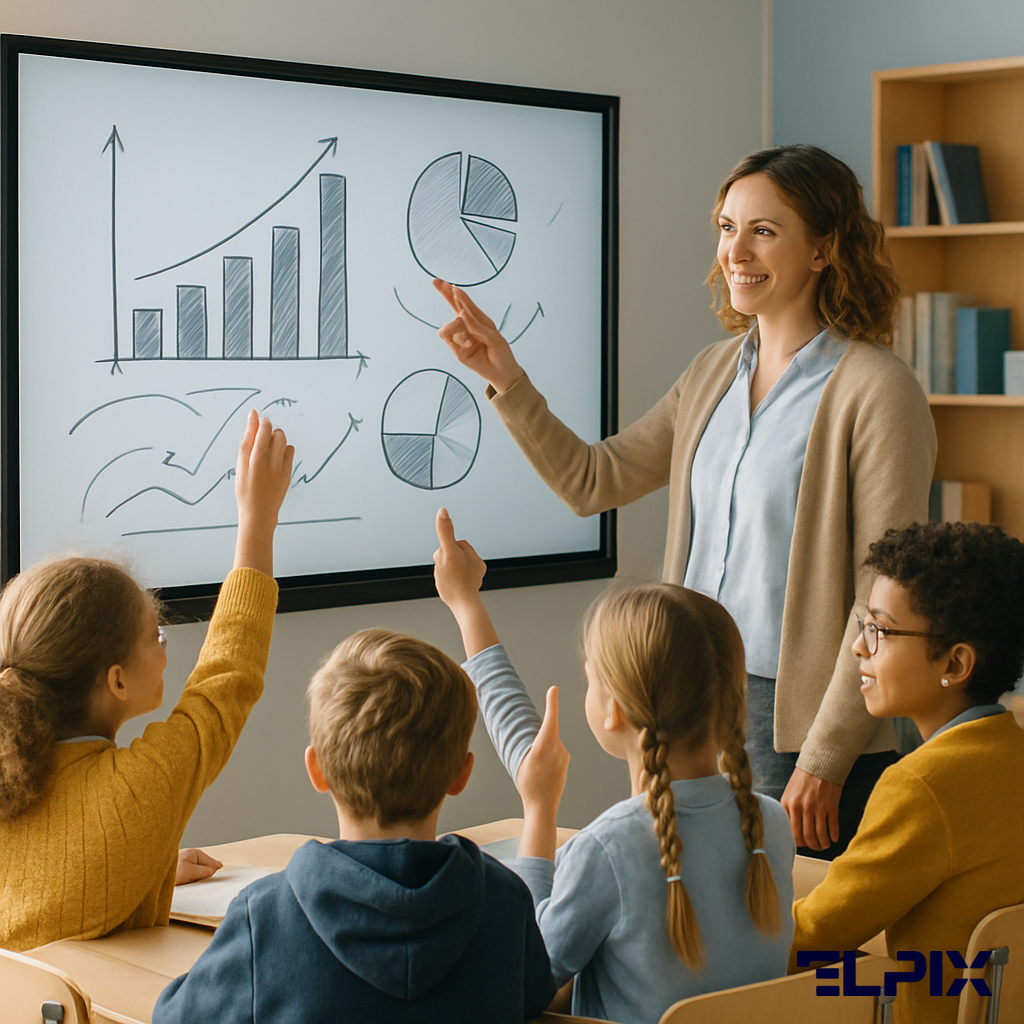
An interactive panel is an all-in-one unit: a bright 4K screen, 20-point multitouch, built-in Android, speakers. No separate PC needed. For a NUS classroom this is usually the working solution: the teacher writes straight on the screen, pushes tasks to groups, plays video with no need to dim the room. Counterintuitively, the main argument here is not “a big picture” — it is that the lesson starts without the technical fuss.
A touch table fits specifically primary school and kindergarten: children work around a horizontal screen in a group, which maps neatly onto the logic of learning centers. It is a complement to the panel, not a replacement.
Equipment bought “to close the list” and equipment a lesson actually runs on are two different purchases. The first sits in the corner under a cover until the next inspection. The second shapes how the teacher builds the lesson, which platforms they use, and what they learn themselves. The difference is not the size of the invoice — it is whether each line was tested against a real lesson rather than just against the list.
Procurement: the Subvention and ProZorro
Most schools equip their NUS classrooms not from their own budget but through the state education subvention, which flows to local budgets earmarked for specific purposes, equipment included. The purchase itself goes through ProZorro, which means everything hinges on the technical specification.
And this is where money is wasted most often. If the specification just says “65-inch interactive panel,” the tender brings in the cheapest option with no proper software, camera, or microphone — formally compliant, useless in the lesson. A solid specification describes not only the diagonal but also the processor, the number of touch points, a camera for hybrid lessons, the warranty, and staff training. This is not red tape — it is the difference between “we bought a screen” and “we got a working classroom.”
Elpix works directly with Ukrainian schools and education management authorities. We help prepare the technical specification for ProZorro, supply equipment with a full package of certificates, and provide installation and teacher training the same day. The school does not need to work out how to connect a panel to Google Meet or Zoom — we arrive, configure, demonstrate, and leave a classroom ready to work.
To understand which configuration suits your school specifically, share the number of classrooms, room dimensions, and current IT setup. Elpix will prepare a concrete proposal matched to your conditions — with documentation ready for ProZorro procurement.
What is a NUS classroom and how is it different from a regular one?
A NUS classroom is organized into learning centers — functional zones for group work, with mobile furniture and a central interactive screen. Instead of a front-of-class lesson “in rows facing a board,” children move between zones. This requires reconfigurable furniture and an interactive display in place of a chalkboard.
What equipment is mandatory for NUS under MoES requirements?
The mandatory aids are defined by the Standard Equipment List — MoES Order №143 of 07.02.2020 for primary school (and №574 of 29.04.2020 for classrooms and STEM). It includes an interactive display (a panel or “board + projector”), a teacher’s computer, reconfigurable furniture, and didactic kits. Quantities are calculated by class size.
Which is better for a NUS classroom — an interactive panel or a projector?
For NUS an interactive panel is usually more practical: a bright screen with no need to dim the room, touch right on the surface, no shadows or calibration, and a built-in PC. A “board + projector” set is cheaper up front, but in use the lamp dims, the image washes out in sunlight, and a child at the board casts a shadow.
How do you procure NUS equipment through the subvention and ProZorro?
Most schools are equipped through the state education subvention via the ProZorro system. Everything hinges on the technical specification: it should describe not only the diagonal but also the processor, touch points, camera, warranty, and training. Elpix helps draft such a specification and prepares the procurement documentation.