



Modern interactive touch displays (Interactive Flat Panel Displays — IFPD, smartboards) have established themselves as the industry benchmark for visual collaboration, smart classroom education, and enterprise presentations. These All-in-One commercial devices combine an ultra-crisp 4K Ultra HD LCD screen, high-precision infrared or capacitive multi-touch sensing (up to 40 touch points), built-in stereo audio, and a modular Dual OS computing architecture (Android + Windows OPS).
An interactive panel completely supersedes the traditional multimedia combination of an external projector, pull-down screen, external computer, and whiteboard. Operating with instant startup, it eliminates presenter shadows and delivers pristine readability even in brightly illuminated conference rooms.
In this technical buying guide, the engineering team at Elpix — a leading European manufacturer of interactive hardware — details hardware architectures, core advantages over projection boards, diagonal sizing (32″ to 98″), operational use cases, and key selection criteria.
What is an Interactive Flat Panel Display and How Does It Differ from an Interactive Whiteboard?
While the terms «interactive whiteboard» and «interactive flat panel» are frequently used interchangeably, they represent two fundamentally different hardware architectures.
Interactive Flat Panel Display (IFPD / Smartboard)
An interactive flat panel is an autonomous, self-illuminating commercial display featuring a 4K UHD D-LED matrix, 6mm anti-glare tempered safety glass , and an onboard computing core. The multi-touch sensor grid is integrated directly into the display frame, delivering exceptional brightness (over 350 cd/m²) and wide 178° viewing angles under any ambient lighting.
Key Advantages Over Traditional Projector-Based Whiteboards
- Zero Shadowing & No Glare: Traditional whiteboards rely on external projectors where the presenter casts a shadow over the content while the beam causes eye strain. Interactive panels are direct-emitting displays, eliminating shadows entirely.
- Superior 4K UHD Visual Clarity: Projection screens suffer from washed-out colors and require room darkening. Elpix panels deliver native 4K (3840×2160) resolution, high contrast, and anti-glare clarity even in sunlit spaces.
- Zero Calibration & Maintenance-Free: Projectors require regular recalibration and costly periodic lamp replacements. Elpix IFPDs require zero calibration over a operational lifespan.
- Durability & Public Safety: Built with industrial-grade 6mm tempered safety glass, Elpix interactive panels easily withstand heavy public use and accidental impacts.
Types and Model Lineup of Interactive Displays
Interactive displays are categorized by screen diagonal, touch sensing technology, and operational environment.
1. Screen Size Hierarchy
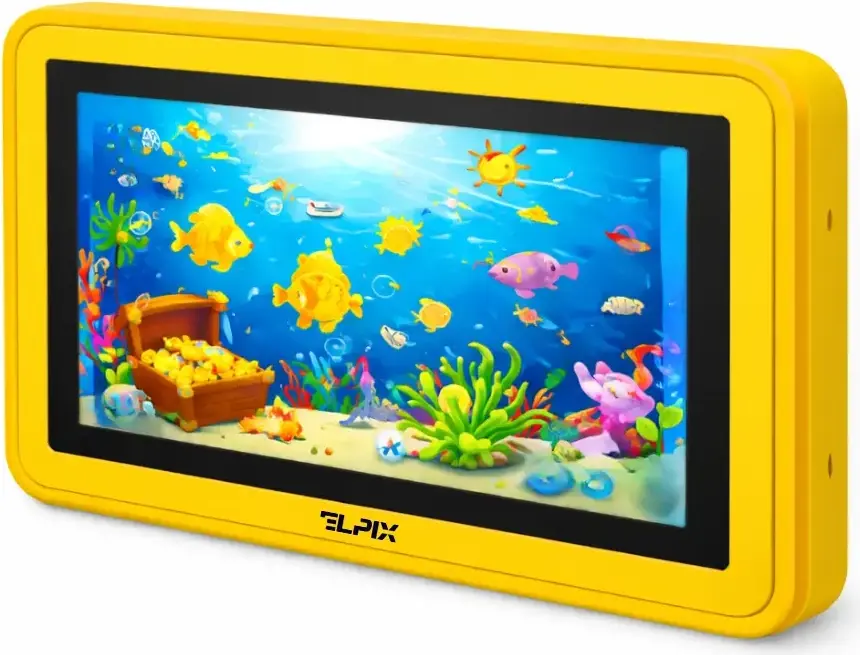
- Compact 32″ Displays (Elpix Z5 / Kids Series): Tailored for preschool education, special education centers, speech therapy rooms, huddle spaces, and digital concierge kiosks.
- Universal 65″ Displays (Elpix Z3 65″ Series): The industry standard for K-12 classrooms (15–25 students) and corporate meeting rooms up to 30 m².
- High-Impact 75″ Displays (Elpix Z3 75″ Series): The premier choice for university lecture halls, large corporate boardrooms, and training centers (25–40 participants).
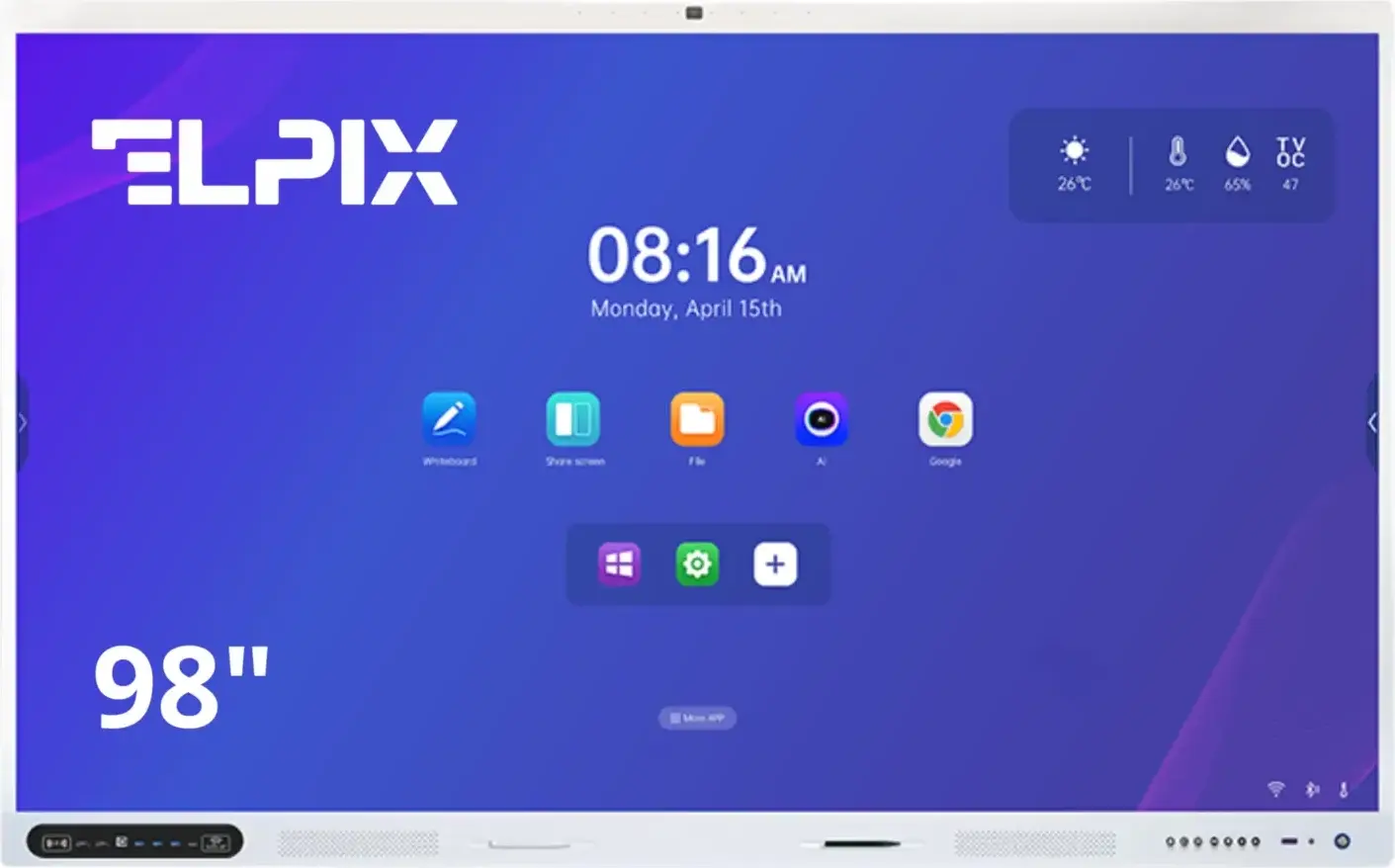
- Flagship 86″ and 98″ Displays (Elpix Z3 86″ / 98″ Series): Massive large-format displays designed for executive boardrooms, auditorium halls, command-and-control centers, and emergency management rooms (40 to 100+ viewers).
2. Specialized Series by Elpix
- Elpix Z3 Professional & Education Series: Full-size 65″–98″ panels powered by high-performance 8-core Rockchip RK3588 processors, supporting Dual OS (Android 12/13 + Windows 11 via OPS slot), 40-point multi-touch, anti-glare tempered glass, and front-accessible Type-C ports (Power Delivery + 4K DisplayPort).
- Elpix Z5 & Early Childhood Series (32″): Ergonomically crafted with rounded safety corners, mobile tilt-adjustable stands, and pre-installed interactive cognitive/drawing software.
- Precision Drawing & Annotation Panels: Touch displays engineered with Optical Bonding (zero air gap) and ultra-low latency for a natural, pen-on-paper writing experience.
Key Industry Applications
- K-12 & Higher Education (Smart Classrooms, STEM Labs): Interactive lessons, dynamic 3D science simulations, collaborative group work, and multi-user split-screen problem solving.
- Corporate Boardrooms & Meeting Spaces: Executive presentations, hybrid video conferences (Microsoft Teams, Zoom, Google Meet), agile sprint planning, and interactive real-time data analysis.
- Government & Command Centers: High-definition tactical mapping, surveillance feeds, mission-critical dashboards, and executive decision-making rooms.
- Museums, Exhibitions & Public Venues: Interactive digital exhibits, self-guided multimedia tours, and digital directory wayfinding.
Technical Specifications: What to Evaluate Before Buying
- Display Resolution & Panel Quality: Native 4K Ultra HD (3840×2160) with IPS wide-angle viewing (178°/178°) and matte anti-glare glass.
- Touch Sensor & Multi-Touch Points: Infrared (IR) multi-touch supporting up to 40 simultaneous touch points, palm rejection, gesture recognition, and dual-stylus input.
- Dual OS Architecture (Android + Windows OPS): Onboard Android provides instant whiteboarding, wireless screen casting, and file viewing. An optional modular Windows OPS PC (Intel Core i5/i7) runs full desktop business suites and CAD software.
- Modern Connectivity: Front-facing full-feature USB Type-C port (transmitting 4K video, audio, touch signal, and laptop charging via a single cable), plus multiple HDMI, USB 3.0, and Wi-Fi 6 modules.
- Centralized Content Management (CMS Elpix Play): Cloud-enabled digital signage software for remote scheduling, screen broadcasting, and fleet management.
Application Matrix: Use Case × Recommended Model
| Use Case Scenario | Recommended Diagonal | Elpix Model | OS Configuration | Key Benefits |
|---|---|---|---|---|
| Preschool / Inclusive Education | 32″ | Elpix Z5 32″ / Kids Panel | Android + Cognitive Software | Rounded safety corners, height/tilt-adjustable mobile stand |
| K-12 Smart Classroom (15–25 st.) | 65″ | Elpix Z3 65″ (RK3588) | Android + Optional Windows OPS | 40 touch points, durable glass, built-in whiteboard tools |
| University / Corporate Room (25–40 p.) | 75″ | Elpix Z3 75″ (RK3588) | Dual OS (Android + Windows OPS i5) | Type-C single cable hookup, 4K camera/mic array |
| Executive Boardroom (40+ people) | 86″ | Elpix Z3 86″ (RK3588) | Dual OS (Android + Windows OPS i7) | High visual impact, wireless screen sharing from iOS/Android/PC |
| Command Center / Auditorium | 98″ | Elpix Z3 98″ (RK3588) | Dual OS (Windows OPS i7 / 16GB / SSD) | 2.5-meter seamless display, replaces complex video walls |
| Centralized Screen Network | Any diagonal | CMS Elpix Play | Cloud / On-Premise Control | Remote scheduling, multi-zone screen splitting, fleet monitoring |
Elpix Hardware
Popular Interactive Panel Models
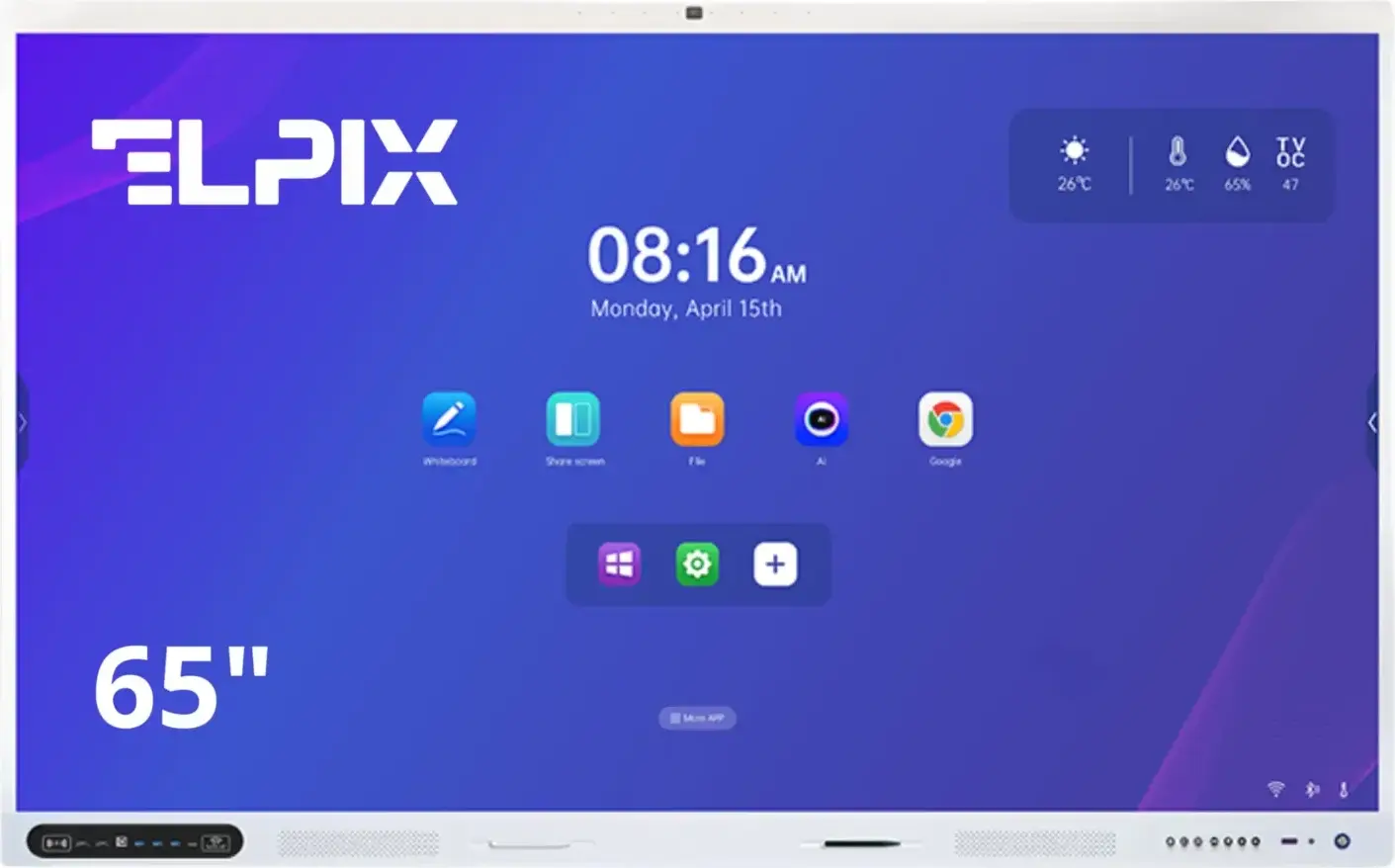
Elpix Z3 65″
Ideal for classrooms & offices: 4K UHD, 40 touch points, RK3588 chipset, Type-C.
View Model
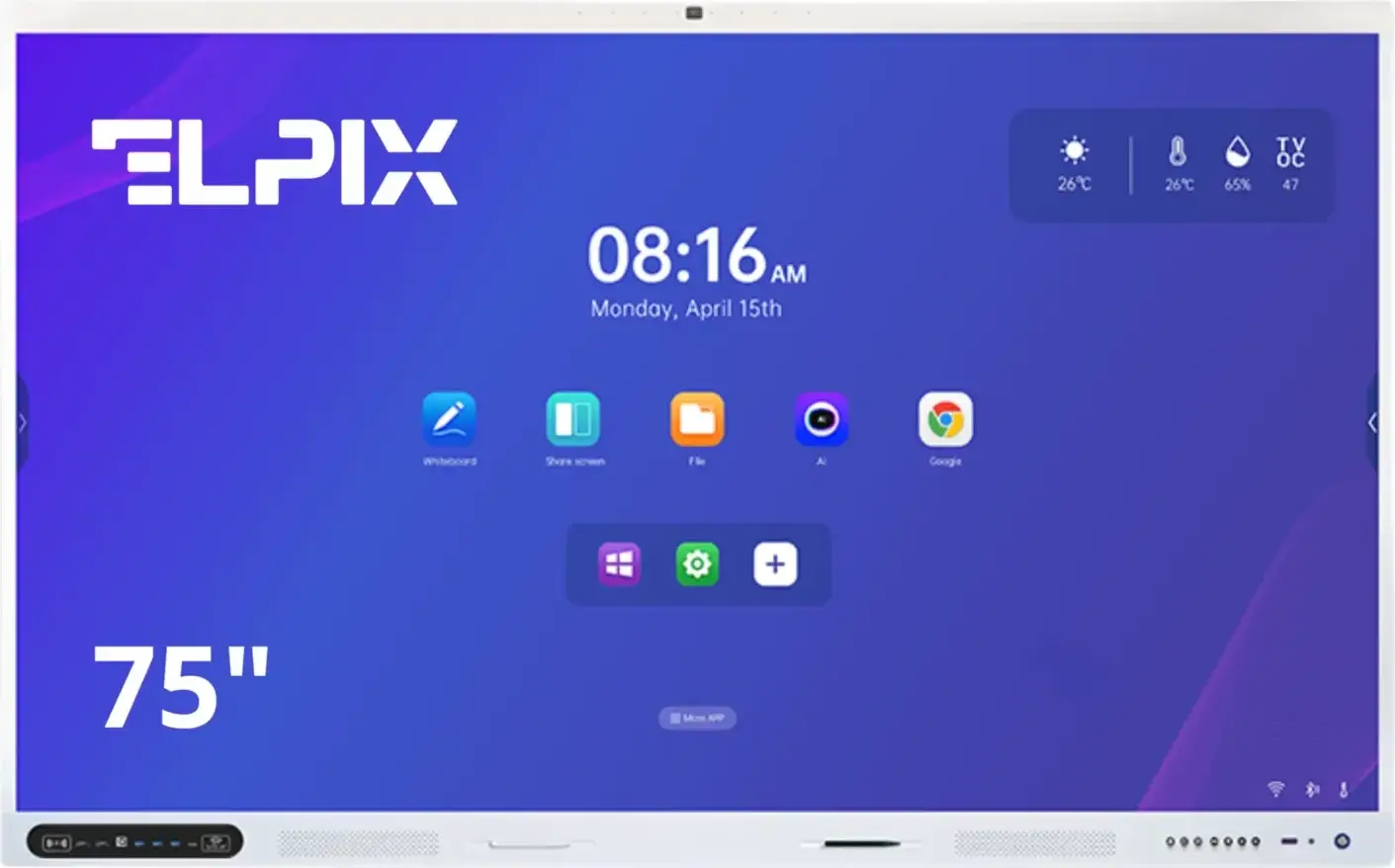
Elpix Z3 75″
Optimized for university halls & boardrooms (25–40 people): Dual OS, 6mm glass, mic array.
View Model
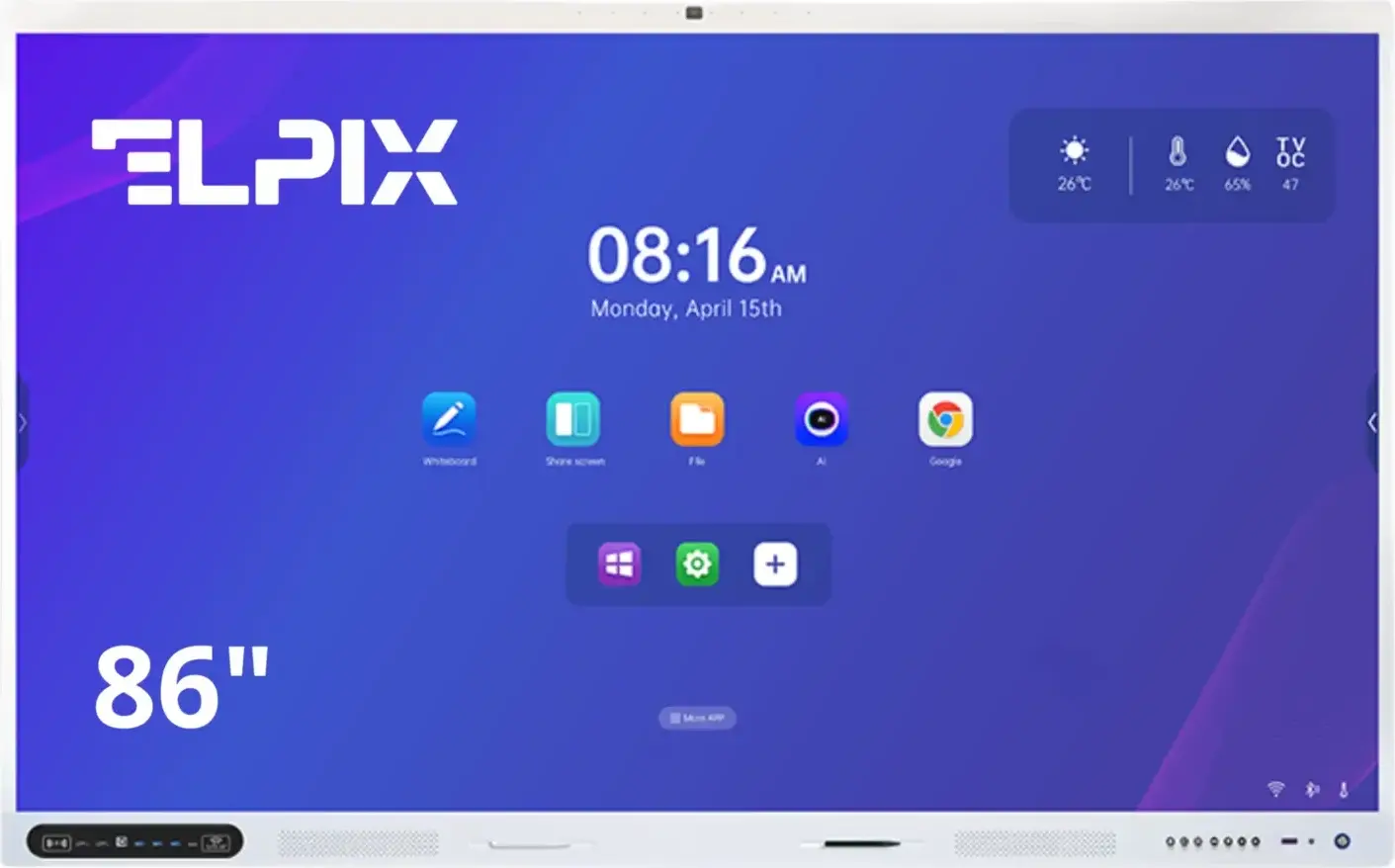
Elpix Z3 86″
Large-format display for executive conference rooms: pristine 4K video, wireless screen cast.
View Model
Discover all available configurations in the catalog: Elpix Interactive Panels.
Elpix: Turnkey Manufacturing, Installation & Support
As an established European manufacturer of interactive hardware, Elpix delivers end-to-end turnkey solutions:
- Domestic Manufacturing & Rigorous QA: Complete in-house production and quality control meeting international standards and Ministry of Education equipment guidelines.
- Custom Hardware Tailoring: Tailor your computing power with modular OPS units (Intel Core i5/i7, up to 32GB RAM, high-speed NVMe storage) and heavy-duty motorized or mobile stands.
- Official Factory Warranty: Comprehensive factory warranty, direct technical support, and genuine replacement parts from our local warehouse.
- Professional Installation & Training: Full-cycle delivery, precision mounting, calibration, and hands-on staff training.