


When a command post needs to display digital maps, video feeds, monitoring data and operational applications at the same time, a single laptop is often not enough. However, having four monitors does not necessarily mean a system is designed for two people. The key question when choosing a setup is how many operators will work simultaneously and what tasks they need to perform.
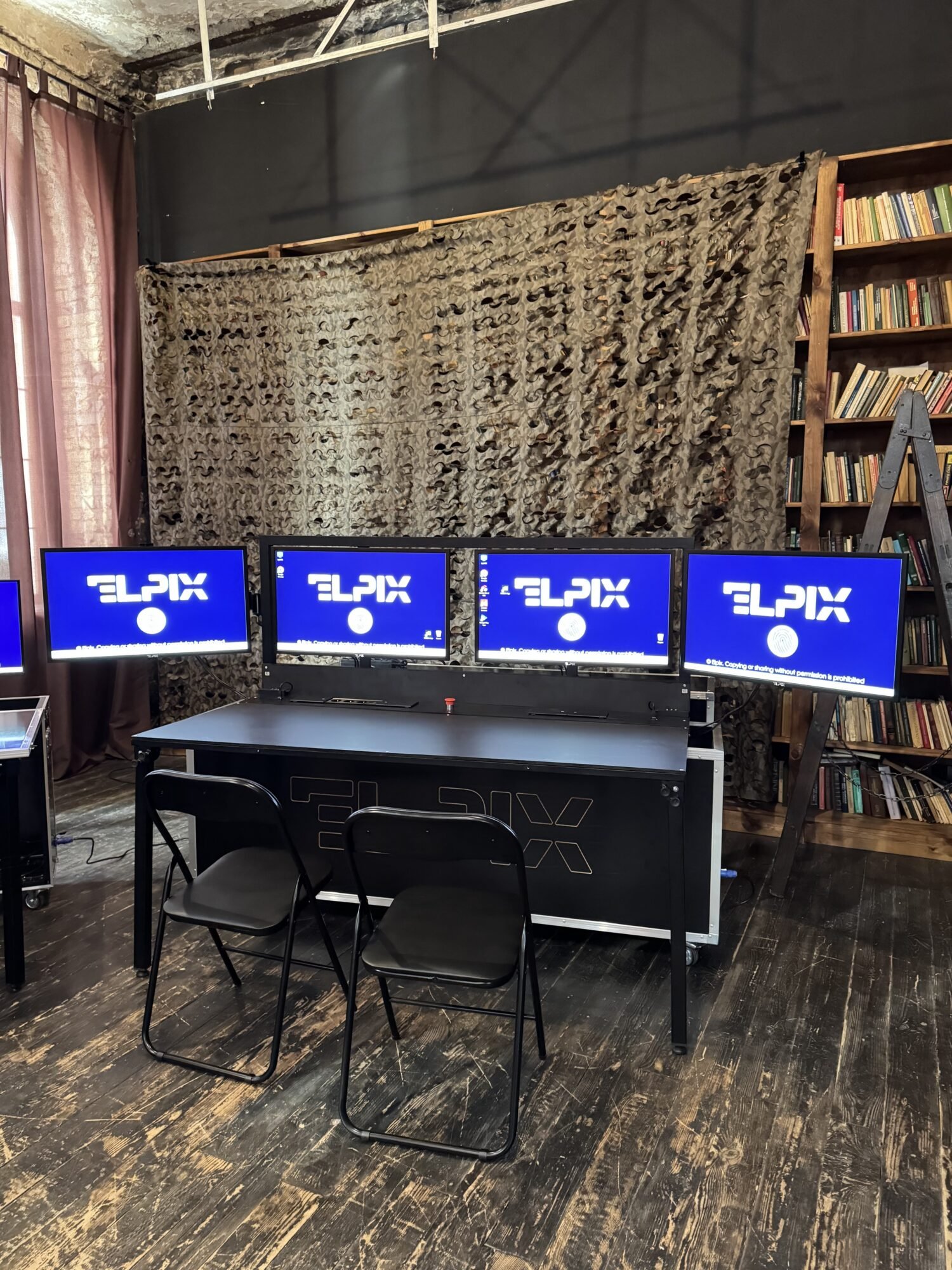
Automated workstation (AW) ELPIX brings monitors, computer hardware, connectivity components, a desk and transport equipment together in a mobile system. The range includes a compact 2×27″ setup and full-size 4×32″ configurations for one or two operators.
This guide explains how the number of workstations affects your choice, when to select a standard or high-performance configuration, and what to check before ordering.
Contents
What is an automated workstation, and how does it differ from a regular PC?
A regular computer is a standalone device for which a display, peripherals, furniture and cables must be selected separately. A mobile automated workstation is a complete working setup whose components are selected to work together, integrated into a transportable structure and prepared for deployment at a new location.
Depending on the configuration, an ELPIX system includes one or two computers, two or four monitors, a desk, chairs, keyboards, mice, power cables and a transport case.
Mobility matters when workstations need to be moved between rooms, transported to another site or set up in a temporary workspace.
Important: four monitors do not necessarily mean two operators. ELPIX offers 4×32″ configurations with either one or two computers. The number of independent workstations is what matters.
Types of ELPIX automated workstations: three mobile command post formats
1. Mini Mobile Command Post for one operator — 2×27″
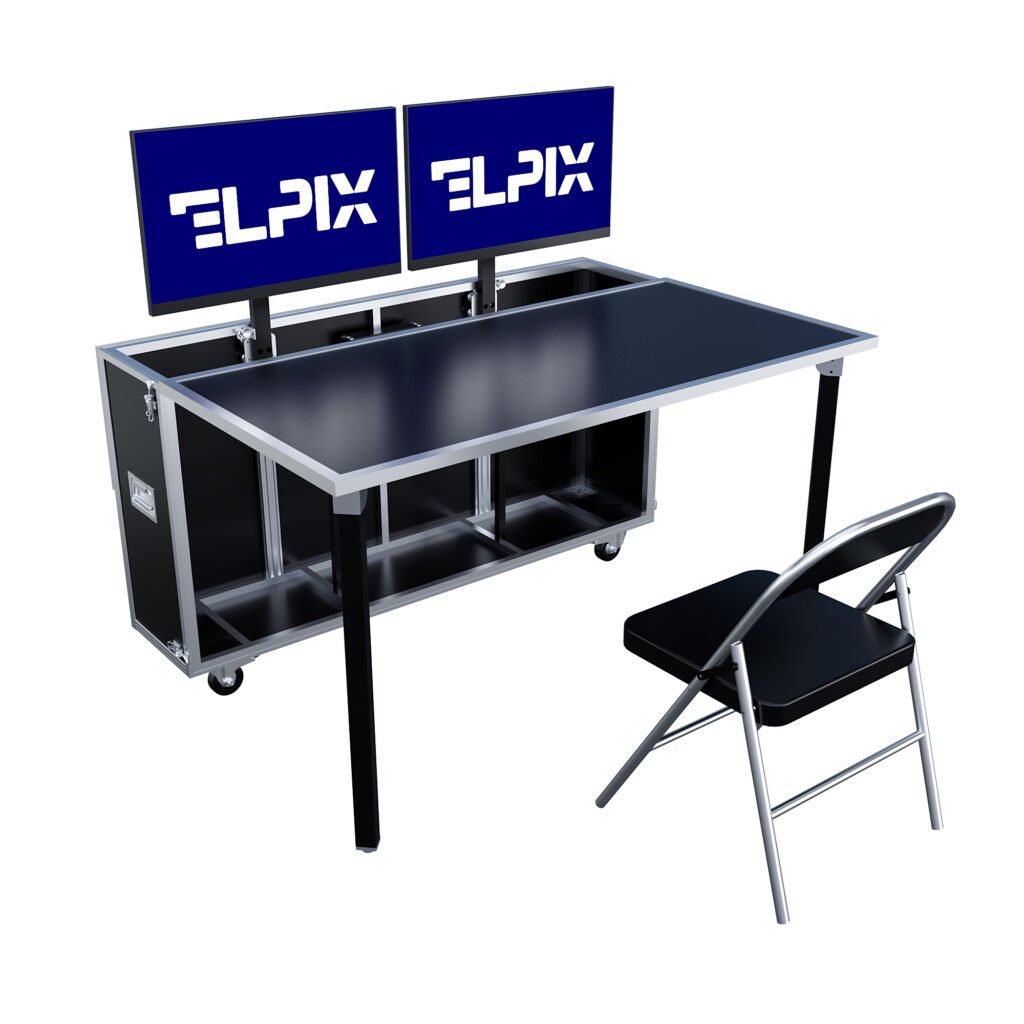
This compact workstation features two 27-inch Full HD IPS monitors and is designed for one specialist. One display can show a map or primary application, while the other shows video, supporting data or operational messages.
- Displays: 2 × 27″, IPS, 1920×1080, matte finish.
- Computer: Intel Core i5-1235U, 16 GB RAM and 1 TB storage.
- Included equipment: folding desk, chair and integrated power and connectivity components.
- Mobility: compact transport-case design; the model page lists a weight of up to 50 kg.
Best suited for: teams needing one operator workstation with two simultaneously visible information windows, without a large multi-monitor setup.
2. Automated workstation for one operator — 4×32″
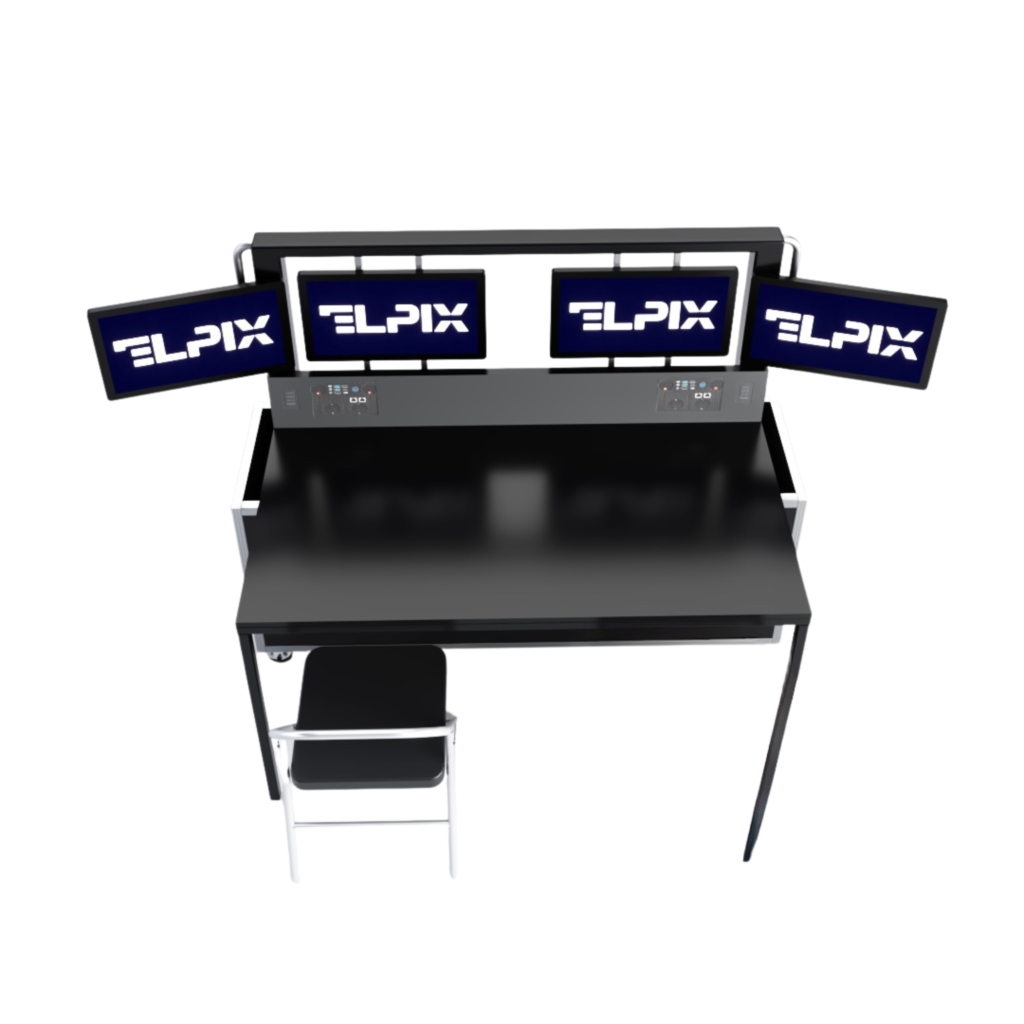
This configuration has four 32-inch monitors but one computer and one operator workstation. The larger display area lets the operator keep multiple applications and data sources visible without constantly switching between windows.
A standard or high-performance hardware configuration can be selected based on requirements. For its standard model, ELPIX lists an Intel Core i5 processor, 16 GB RAM, a 1 TB SSD and GeForce RTX 3050 graphics. The package includes a folding desk and one chair.
Best suited for: a single operator who regularly needs to view several maps, monitoring dashboards, video feeds or other information systems at once.
3. Automated workstation for two operators — 4×32″
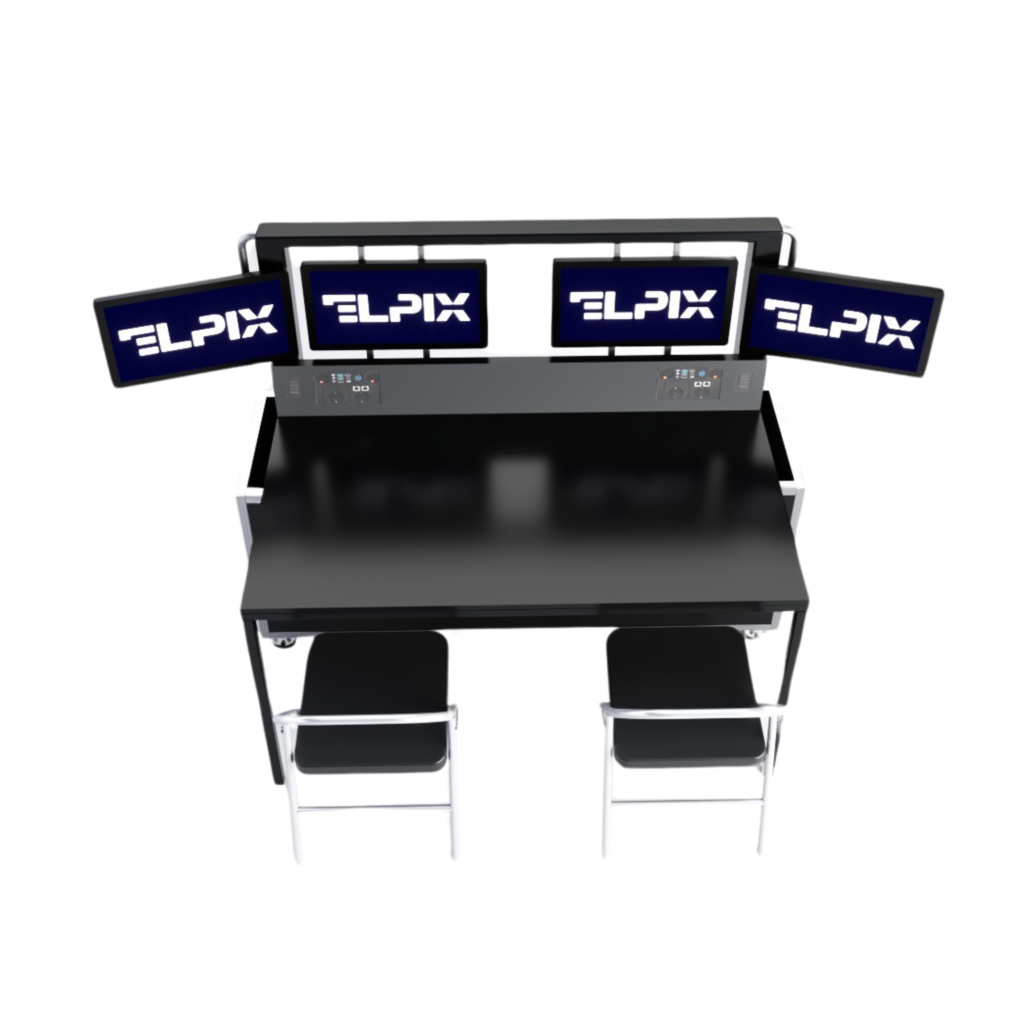
In the two-operator version, four monitors are combined with two computers and two independent workstations. Each operator can run their own applications while working within the same mobile system.
For the high-performance model, ELPIX lists Intel Core i7-12700KF-class processors, 32 GB RAM, a 2 TB M.2 SSD and dedicated GeForce RTX 5060 graphics. The package includes a folding desk and two chairs.
Best suited for: situations where two specialists need to work in parallel, rather than simply giving one operator more screen space.
Where are ELPIX mobile command posts used?
An automated workstation provides the hardware foundation for an operator. Its capabilities depend on the installed software, available information sources and compatibility with other systems.
- Unmanned systems operators. Displaying video, mapping data, telemetry and software interfaces at the same time, provided compatible software is available.
- Unmanned ground vehicle (UGV) operations. Displaying data feeds, images and operating interfaces from compatible robotic systems.
- Information monitoring and analysis. Workstations for communications and intelligence specialists, electronic warfare/electronic intelligence teams and situation centres.
- Airspace monitoring. Displaying digital maps and operational dashboards through specialised information systems.
- Training centres. Training operators, presenting information and working with learning platforms and simulators.
Support for particular software applications, peripheral devices and connection protocols should be confirmed separately for each project.
Technical specifications: what to consider when choosing a workstation
Number of operators
If one specialist uses all the applications, a second computer may not be necessary. If two people must work simultaneously, choose a two-operator configuration with separate PCs.
Number and size of displays
Two 27″ displays offer a compact solution. Four 32″ displays provide more space for continuously visible information. The 4×32″ models are specified with Full HD monitors, matte anti-glare finishes and brightness above 350 cd/m².
Computer performance
A standard configuration may be suitable for routine work with maps, documents and information interfaces. More demanding software and resource-intensive multitasking may call for a high-performance configuration. Choose based on your applications’ actual system requirements, not just the processor name.
Transport, protection and power supply
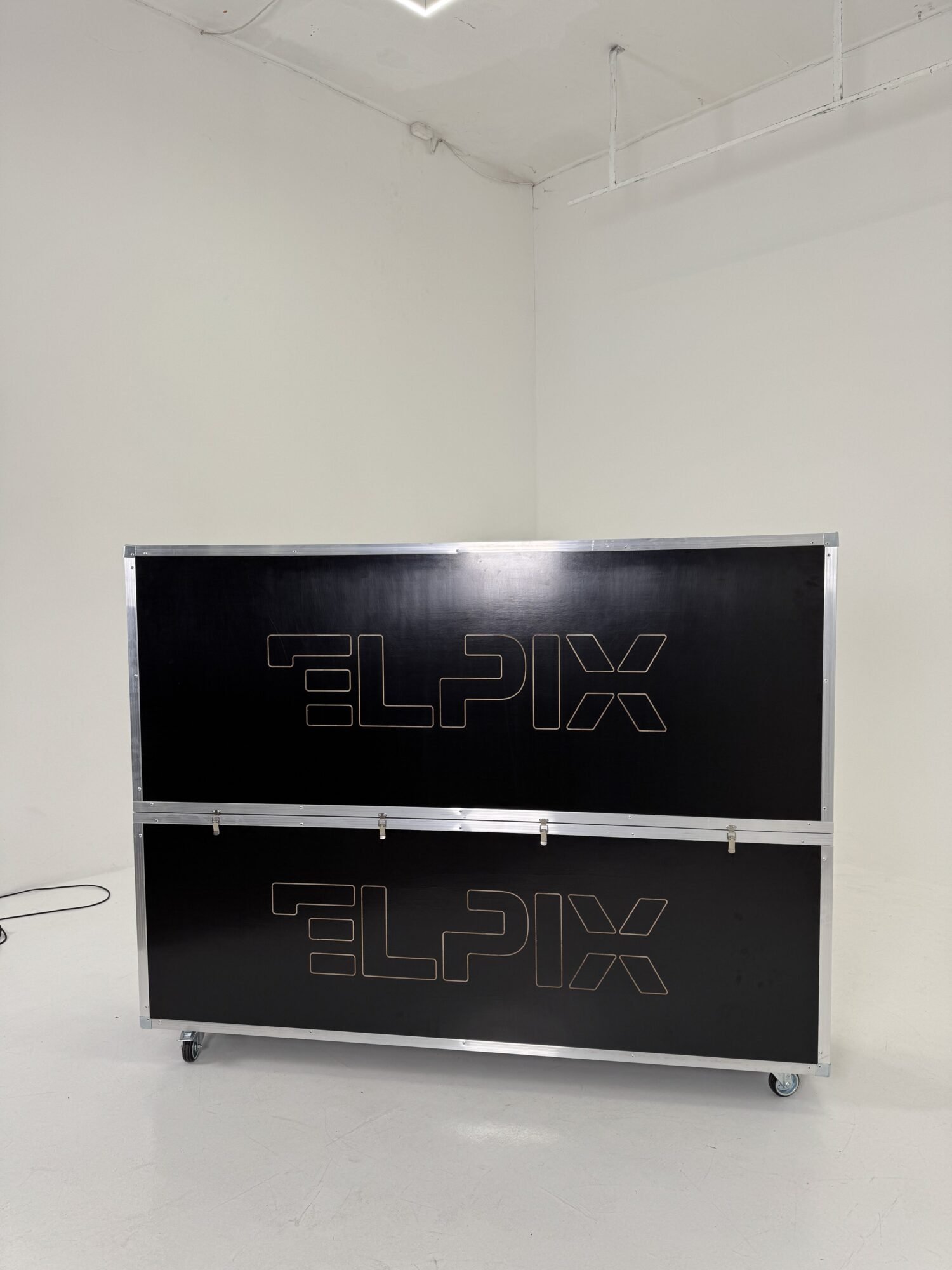
Standard 4×32″ models are supplied in cases made from moisture-resistant plywood, with aluminium profiles, handles and lockable castors. However, a moisture-resistant case does not mean that every electronic component is protected against rain or dust. The standard models are listed with an ingress protection rating of at least IP20.
Autonomous power should not be assumed to be included either. If the system must operate without a mains supply, specify the requirements for backup power in the technical brief.
Configuration comparison: which mobile command post should you choose?
| Configuration | Operators | Displays | Computers | When to choose it |
|---|---|---|---|---|
| Mini Mobile Command Post 2×27″ | 1 | 2 × 27″ | 1 | When compact size and two displays are priorities |
| 4×32″ Workstation — Standard | 1 | 4 × 32″ | 1 | One operator needs to monitor several information sources |
| 4×32″ Workstation — High Performance | 1 | 4 × 32″ | 1 | The same layout with greater processing requirements |
| 4×32″ Workstation — Standard | 2 | 4 × 32″ | 2 | Two independent workstations for routine tasks |
| 4×32″ Workstation — High Performance | 2 | 4 × 32″ | 2 | Two operators using resource-intensive applications |
Key takeaway: the choice between one and two operators depends on how work is organised; the choice between Standard and High Performance depends on the required computing capacity.
What to clarify before ordering a mobile command post
To avoid unnecessary components or compatibility issues, prepare a short technical brief before ordering.
- How many people will work at the same time? This determines the number of computers, peripheral devices and workstations.
- How many sources need to be visible simultaneously? Decide how many monitors you need and how the sources will connect.
- Which applications will be used? Check their operating systems and CPU, GPU, RAM, storage and network requirements.
- Where will the system be used? Specify transport conditions, operating temperatures, dust and moisture protection, and power requirements.
- Will the system need to be expanded? Discuss any additional displays or a 2×55″ video module in advance.
Common mistake: selecting the maximum number of monitors before checking software and interface compatibility. A better sequence is: tasks → software → number of operators → workstation configuration.
Five mistakes to avoid when choosing a workstation
- Confusing monitor count with operator count. Four screens do not replace two independent workstations.
- Choosing a computer without checking software requirements. High performance is of little use if the system lacks required ports or a compatible operating system.
- Overlooking transport-case dimensions. Check how the equipment will be transported and whether it fits through doorways.
- Assuming backup power is included. Backup power must be specified separately.
- Failing to check operating conditions. A transport case’s material is not the same as the electronics’ IP protection rating.
ELPIX equipment
Mobile command posts for one or two operators
Mini Mobile Command Post
A compact workstation with two IPS monitors and an integrated computer.
View model
Workstation for one operator
Four monitors for simultaneous work with multiple information sources.
View model
Workstation for two operators
Two computers, two independent workstations and high-performance hardware.
View model
Why choose an ELPIX automated workstation?
ELPIX is a Ukrainian manufacturer of interactive equipment and information visualisation systems. The company offers mobile automated workstations in several configurations and helps customers define the required specifications and select components to suit their tasks.
For a more comprehensive setup, automated workstations can be combined with interactive tables, panels and ELPIX video walls. Compatibility and integration requirements should be assessed during the design and installation stages.
Tell us how many workstations you need, which applications will be used, what displays are required and where the system will operate. ELPIX specialists can recommend a configuration and prepare a quotation.