



The equipment is chosen, the invoice is paid, the delivery date is set. Then comes the part almost nobody plans in advance — video wall installation. Schedules slip right here, not because panels are hard to hang, but because the room is not ready for them.
The familiar picture: the hardware arrives, the crew is on site, and there is no power outlet for the canvas, no cable route, and a wall that will not carry the load. That is where the two-week delay comes from.
Below is the sequence from room preparation to signing off: what to do before delivery, how assembly runs, what to check at handover, and how installing a fixed Elpix video wall differs from a mobile one.
Room preparation: four things before delivery
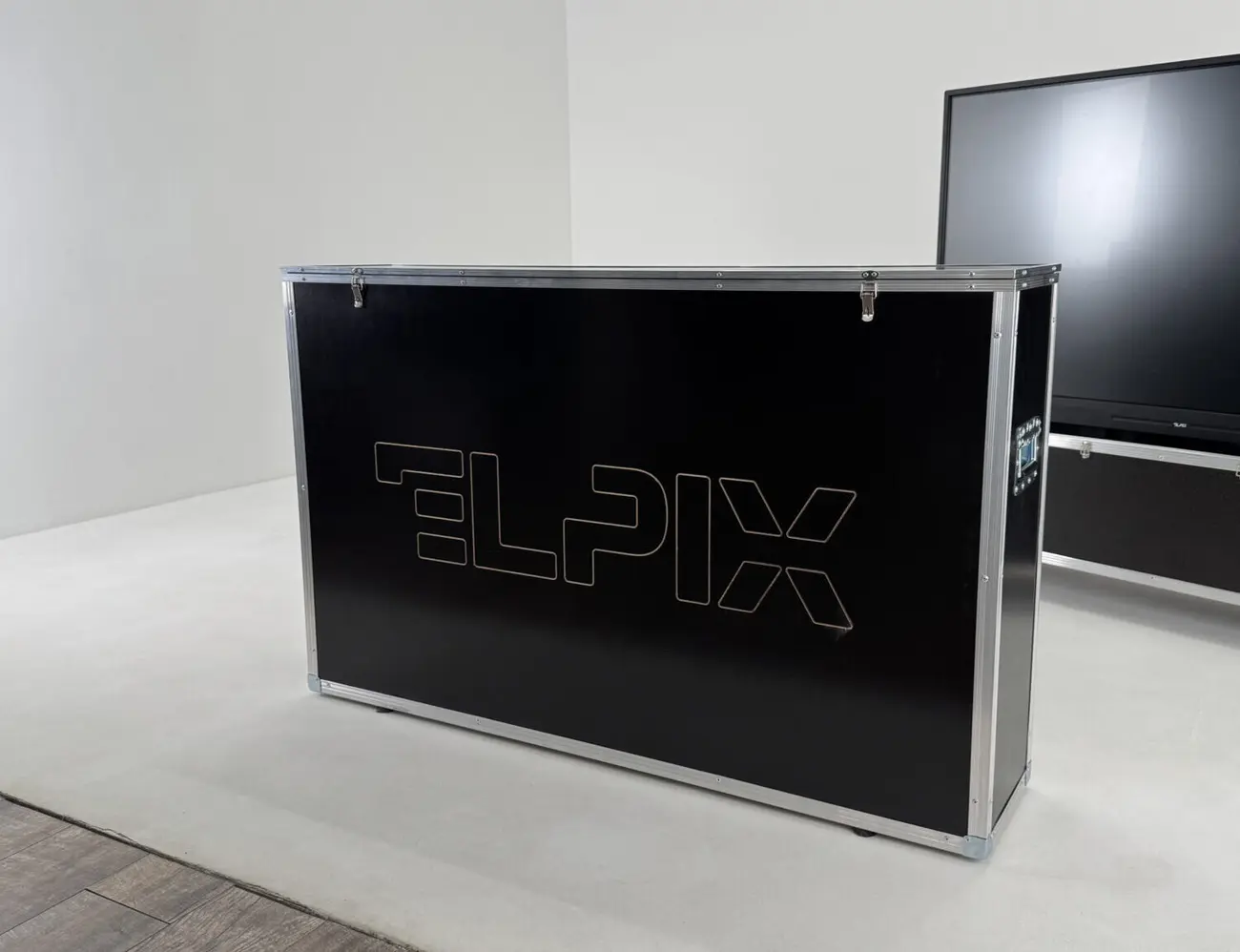
1. Power
Every panel is a separate connection. A 4×2 canvas means eight points, a 6×2 means twelve, plus the controller and the operator workstation. Put the wiring on its own circuit with its own breaker, so the canvas does not go down with the rest of the room’s sockets.
Controllers differ here: the VM-12×12 runs on 100–240 V mains, while the ME-16×2 takes DC 12V and can run from an autonomous supply. For a mobile kit that is worth deciding early.
2. Cable routes
Each panel gets its own HDMI from the controller. Twelve screens mean twelve cables plus power. Past 10 metres ordinary cable starts failing: you need a quality line or twisted-pair transmission. The VM-12×12 offers HDMI-over-Cat6 / HDBaseT for that.
3. Load bearing and geometry
LCD video wall panels are heavy, and mounts add to the load. Before installation check not only weight but flatness: the canvas has to sit in one plane, otherwise the joints show from the side at a sharp angle.
4. Ventilation
Twelve panels running in a closed room heat the air noticeably. Server rooms plan for it; meeting rooms and classrooms remember in summer, when the air runs out.
What follows from this: these four points are settled a week before delivery and cost almost nothing. The same work after the crew arrives becomes a separate stage with downtime.
Fixed installation or a mobile structure
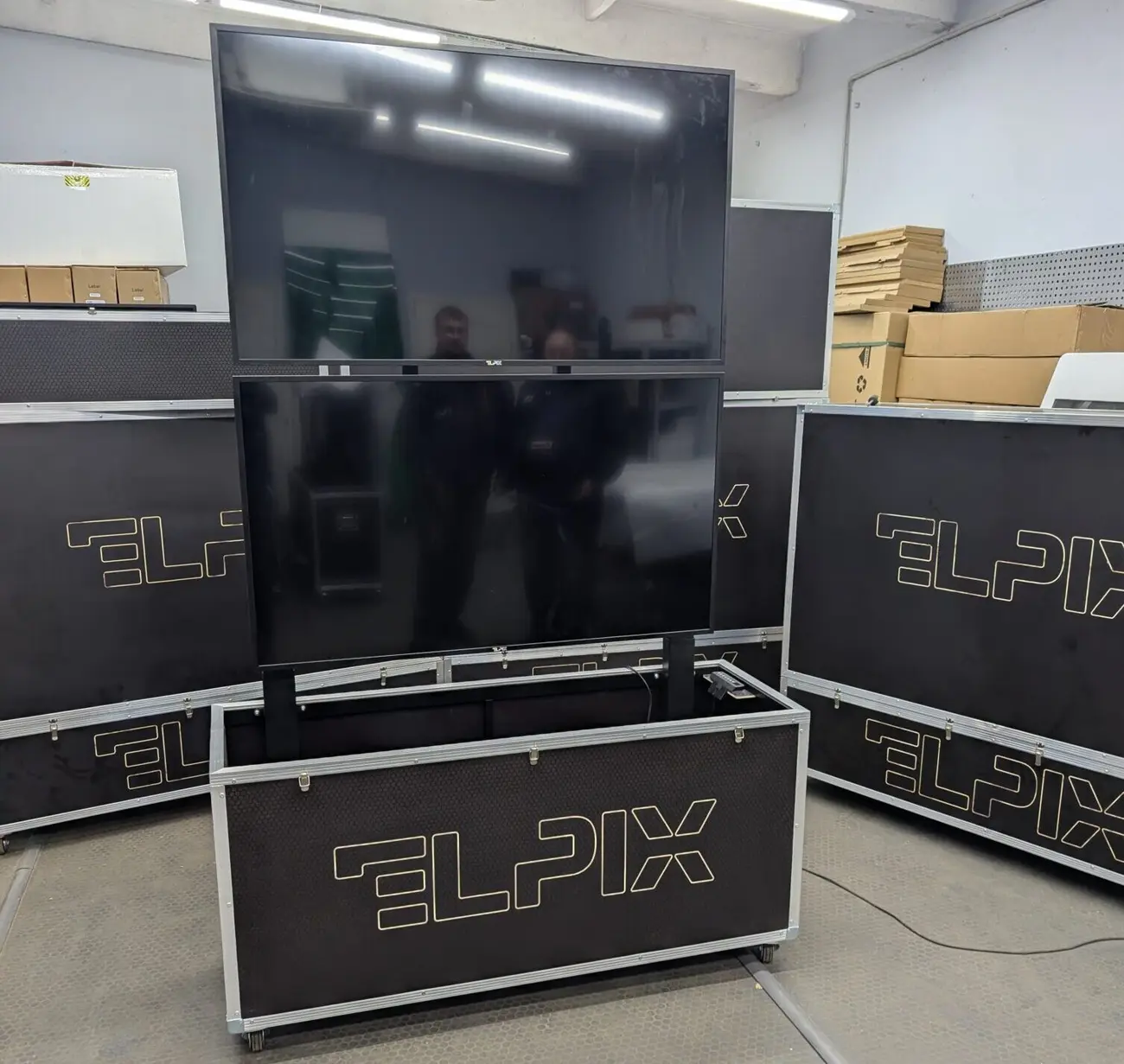
Two approaches for two different problems.
Fixed installation — brackets, wall anchors, concealed cable trunking. It looks tidy and takes minimal space, but it belongs to that room permanently. Every relocation means dismounting, new fixings and a new cable route.
Mobile structure — Elpix video walls in transport cases. Panels travel two to a case, and the case becomes the base once deployed. No wall is needed at all: the canvas stands on its own support and goes up with two or three people.
For command posts, situation centres and field headquarters the choice is obvious. For a meeting room where the canvas will hang for years, fixed mounting costs less.
What follows from this: the question is not the price of installation but how many times the system will be moved over its service life.
How assembly runs
- Unpacking and checking the kit. Match the contents against the delivery note: panels, controller, mounts, cables, remote, power supply. Record any transit damage at delivery, not after installation.
- Setting the support or mounts. In the mobile version the cases are lined up and locked; in the fixed one the brackets are marked out and fitted.
- Hanging the panels. Screens go bottom-up, aligned horizontally and in plane. Gaps between panels are adjusted at this stage.
- Cabling. Every panel takes its HDMI from the controller, sources connect to the inputs, and the controller joins the LAN.
- Layout setup. The canvas configuration is set in the controller — 2×2, 3×2, 3×3 or another — and image continuity is checked.
- Brightness and colour matching. Panels from one batch differ only slightly, but the difference shows on a white field and is removed by calibration.
- Saving scenarios. The operator receives ready presets for their working modes rather than an empty interface.
A mobile 2×2 canvas deploys in about an hour with two people. A fixed 6×2 installation with cable routing takes a full working day, sometimes two.
Table: what to prepare for each configuration
| Configuration | Power points | HDMI runs to panels | Canvas width | Mobile deployment |
|---|---|---|---|---|
| 2×2 (4 panels) | 4 + controller | 4 | ≈ 2.44 m | about an hour, two people |
| 3×2 (6 panels) | 6 + controller | 6 | ≈ 3.65 m | 1–1.5 hours |
| 4×2 (8 panels) | 8 + controller | 8 | ≈ 4.87 m | 2 hours |
| 6×2 (12 panels) | 12 + controller | 12 | ≈ 7.31 m | 2–3 hours, three people |
Deployment times apply to the mobile cased structure on level flooring. A fixed installation with marking out, mounts and cable routing starts at a full working day.
What to ask the installers before work starts
Four questions worth asking before anyone starts drilling.
- Who handles the electrics. Equipment installers usually do not run a new circuit — that is separate work and often a separate contractor.
- How long the cable routes are and how they are covered. Exposed cable across a wall spoils the room, and trunking has to be in the estimate from the start.
- Who calibrates the canvas after hanging. Brightness and geometry matching is its own stage, and it sometimes quietly falls out of the scope.
- What the customer keeps after handover. Wiring diagram, passwords, manual and a service contact belong in the customer’s hands, not in the fitter’s head.
What follows from this: most installation disputes are not about workmanship but about where responsibility ends. Settle that before the work, not after.
Handover: a fifteen-minute checklist
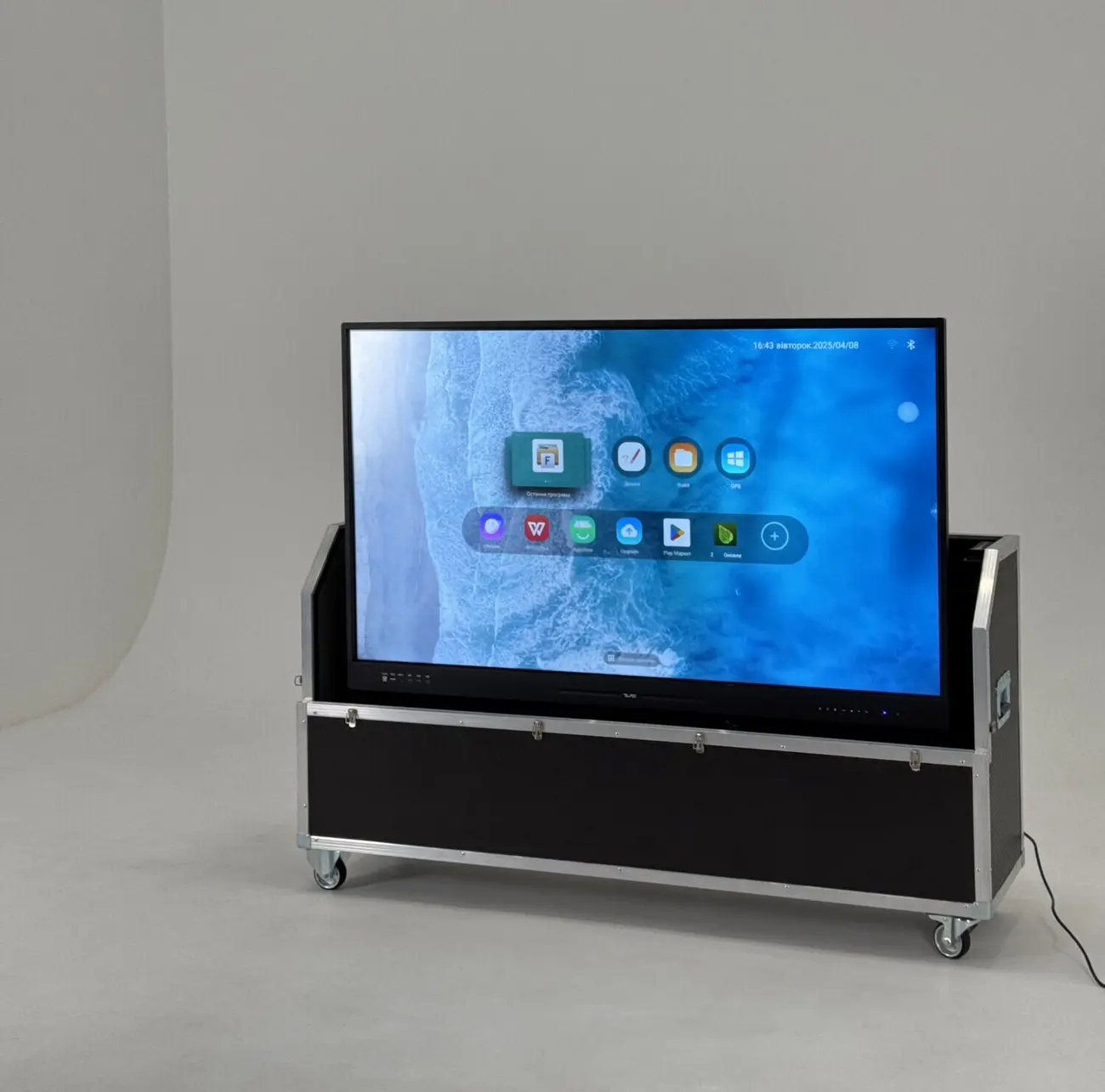
Run the check before signing, while the crew is still there. None of it needs special instruments.
- Full white across the canvas. Exposes colour temperature mismatch between panels — a yellowish or bluish screen stands out immediately.
- Full black. Reveals light bleed at matrix edges and uneven backlighting.
- A grid with small text. If letters break at a joint, the panels are not aligned properly.
- One image across the whole canvas. A map or photo shows whether the geometry drifts between screens.
- Every input in turn. Each source goes into its own port and the controller has to see it.
- Scenario switching. Run the presets from the remote and from the web interface — both paths must work.
- Switching during video. There should be no black frame between sources.
- A look along the canvas at a sharp angle. Depth differences show up that are invisible head-on.
- Structural stability. A light push at the edge: the structure must not sway.
- Documents and access. Web interface passwords, wiring diagram, manual, warranty papers.
What follows from this: fifteen minutes with the crew present saves weeks of correspondence later. After the acceptance certificate is signed, any claim gets much harder to prove.
Operation: what to do in the first months
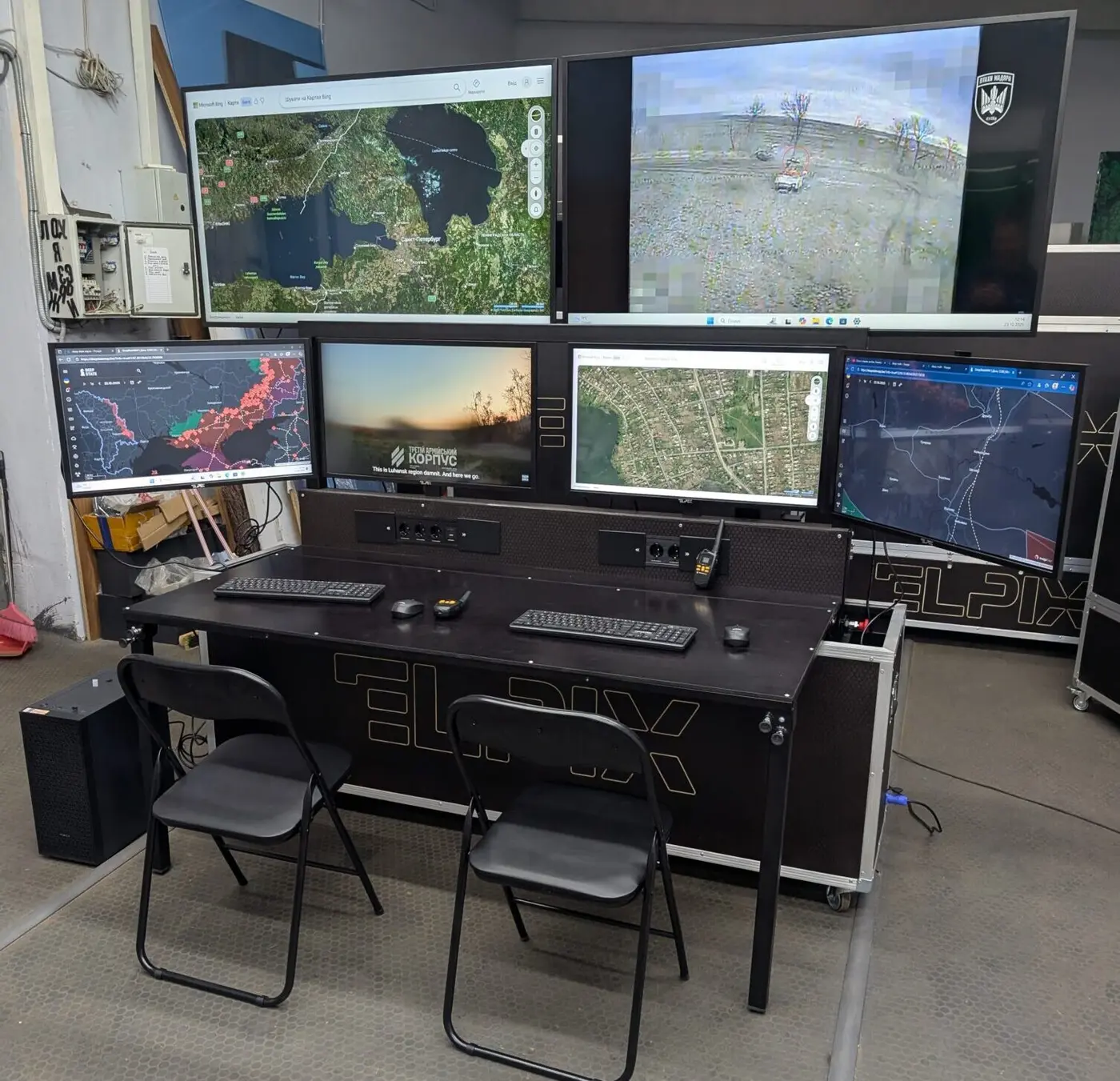
A video wall is not a device you switch on and forget. Three habits extend its life.
- Do not leave a static image up for a day. A fixed interface element shown continuously for months can leave a trace on the matrix. Rotate scenarios or dim the wall outside working hours.
- Clean it properly. Dry microfibre or a dedicated screen cleaner. Household products with alcohol damage anti-glare coatings.
- Keep the configuration. After setup, back up the scenarios and write down where the backup lives. When a controller is replaced, that saves half a day.
Video wall displays are built for long continuous operation, and LED modules carry a service life above 100,000 hours. That figure assumes proper operation; it is not a guarantee on its own.
How LED installation differs
When light-emitting modules replace LCD panels, three things change fundamentally.
Module-by-module assembly. An LED canvas is built from modules that butt together without frames. Precision matters more here: a millimetre step between neighbouring modules shows on a continuous image, because there is nowhere to hide it.
Calibration is mandatory. A new LED canvas almost always needs brightness and colour matched across modules. On LCD that is desirable; on LED the system is not handed over without it.
Spare modules in stock. A burnt-out module is replaced with an identical one from the same batch. Without spares, a replacement a year later leaves a visible patch of a different tone.
Elpix mobile LED posters simplify this: each stands on its own wheeled base, and three 960×1920 mm modules form a 2880×1920 mm canvas without drilling anything.
What to do when part of the canvas goes dark
The most common operational scare looks worse than it is. One screen is black, the rest are fine.
- Check the cable to that panel: HDMI works loose far more often than matrices fail.
- Swap two cables on the controller outputs. If a different screen goes black, the fault is in the controller output rather than the panel.
- Check power to that specific panel separately from the rest of the group.
- Only after those three steps call service — the request will already say where the problem is.
Three minutes of checking often closes the issue without a technician.
Five installation mistakes
- Leaving room preparation until installation day. The crew arrives and waits for an electrician.
- Saving on cables. Cheap HDMI over 10 metres produces dropouts that take weeks to trace.
- Signing off without checking. Proving an alignment defect after the certificate is signed is far harder.
- Not collecting access details. The controller’s web interface password belongs to the customer, not only to the installers.
- Ignoring ventilation. Overheating shortens matrix life and raises the chance of failures.
Elpix equipment
Mobile kits that assemble without drilling
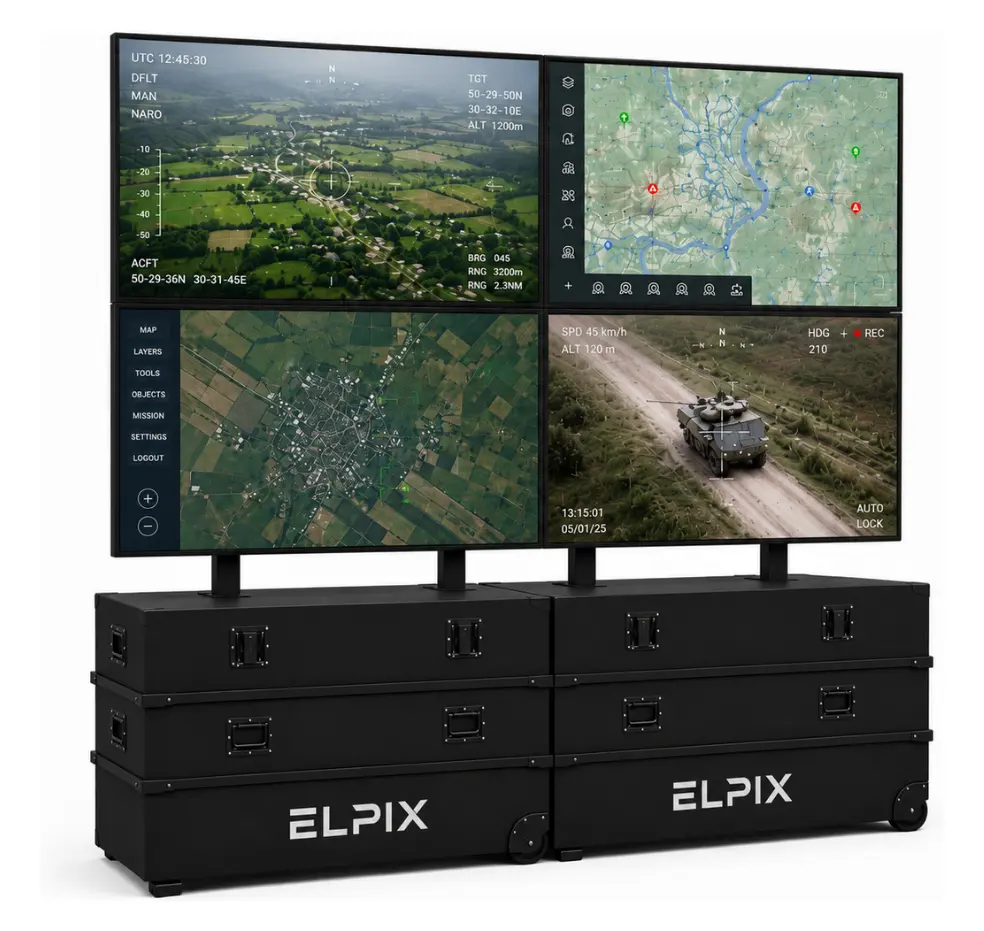
Elpix video wall 2×2, 4×55″
Deploys in an hour with two people: a 3840×2160 canvas with no wall fixings.
View model
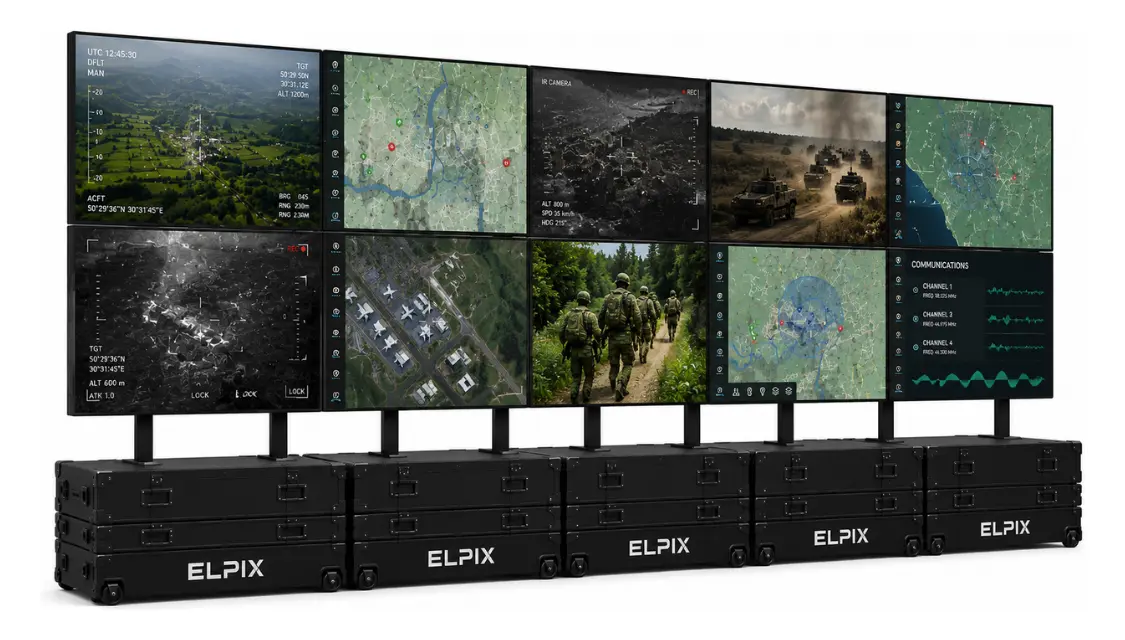
Elpix video wall 5×2, 10×55″
Ten panels and 9600×2160 for a large monitoring centre; VM-12×12 controller included.
View model
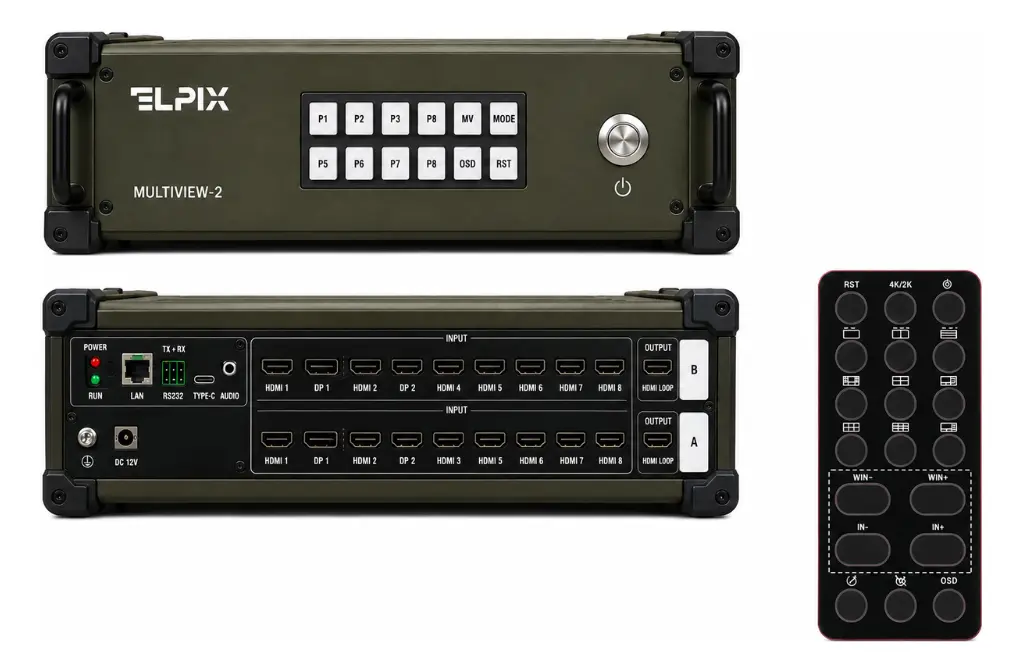
ME-16×2 multiscreen
Up to 16 sources on two screens, DC 12V power — for autonomous and field systems.
View model
Elpix video wall installation: what the work includes
Elpix manufactures video walls in Ukraine and supports the system from configuration to staff training. That removes the classic situation where one company sold the hardware, another mounted it, and nobody is left to configure it.
- Configuration matched to the room. Hall size, viewing distance and the list of sources define the canvas and the controller.
- Delivery across Ukraine. Mobile kits travel in transport cases, ready to deploy on arrival.
- Installation and setup. Assembly, cabling, canvas calibration and recording of working scenarios.
- Staff training. The operator receives the system with ready presets and knows how to change them.
- Service in Ukraine. Maintenance and module replacement without waiting on imports.
Configurations, specifications and current prices are in the catalogue — Elpix video walls. A quote needs the room dimensions, the viewing distance and the list of signal sources.