


An interactive kiosk is more than a touchscreen in an enclosure. It can help visitors find information, browse a catalogue, navigate a building or access services independently. Yet even devices that look similar can differ significantly in hardware, software and operating requirements.
To ensure that the equipment meets its intended purpose, it is worth preparing a technical specification for an interactive kiosk (TS) before placing an order. This helps the manufacturer select the right configuration and enables the customer to avoid unnecessary costs and changes after production.
Below is a step-by-step guide with sample wording and a ready-to-use requirements table that you can adapt for your project.
What Is a Technical Specification for an Interactive Kiosk?
A technical specification (TS) is a document that describes the kiosk’s purpose, functions, display and computer characteristics, hardware configuration, software and delivery conditions. It can be used both to request a quotation and to agree on the project before manufacturing begins.
Saying “We need a 43-inch touchscreen kiosk” is not enough. The manufacturer needs to understand what users will actually do with the device: browse a map, register, scan a code or place an order. The answer determines all the other specifications.
1. Define the Purpose and User Scenario
Start with the problem the kiosk should solve. Possible applications in different sectors include:
- Shopping malls and business centres: interactive wayfinding, store directories and office searches.
- Hotels: information about services, directions and guest information support.
- Museums and exhibitions: digital exhibits, multimedia content and interactive catalogues.
- Healthcare facilities: information services, registration and electronic queue management where suitable software is available.
- Government institutions: service directories, wayfinding and digital public services.
- Showrooms and sales offices: product presentations, floor plans and configuration options.
Example wording for a technical specification: “The interactive kiosk is intended to help visitors locate stores in a shopping mall and display directions to the selected destination on a digital map.”
Also specify the approximate number of users, the required languages and whether the device will be used by one person or several people at the same time.
2. Specify the Installation Location and Operating Conditions
The design depends not only on the installation site but also on the environment: indoors or outdoors, expected usage intensity, lighting and access to utilities and network connections.
Indoor kiosk
For offices, retail spaces, museums and reception areas, the specification should identify the installation location, daily operating hours, exposure to direct sunlight, available floor space and how power and internet connectivity will be provided.
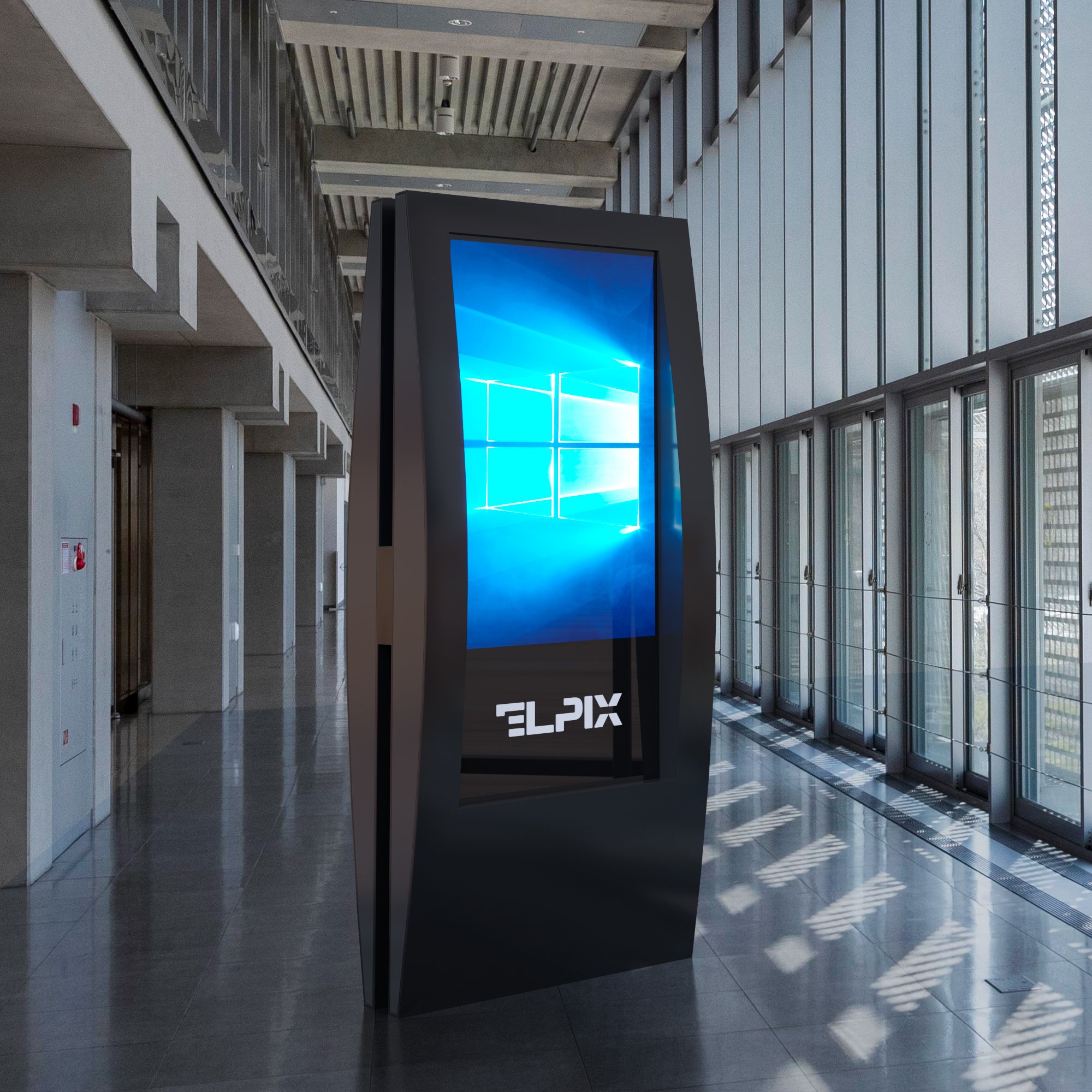
Outdoor kiosk
Outdoor use requires separate requirements for dust and water resistance, operating temperatures, screen brightness, ventilation or heating, protective glass and enclosure design. The specific IP rating and temperature range should be determined by the installation conditions and agreed with the manufacturer.
A standard indoor kiosk should not automatically be considered suitable for outdoor use.
3. Choose the Display and Touch Technology
Screen size affects how easily users can view maps, catalogues and menus, but it should be selected together with the interface designer.
| Screen size | Typical applications |
|---|---|
| 32″ | Compact information terminals, registration and electronic catalogues |
| 43″ | Wayfinding, service and product presentations, interactive maps |
| 50–55″ | Large information displays, exhibitions and more complex visual applications |
These are guidelines rather than strict standards. The specification should also state the required resolution, brightness, viewing angle, protective glass type and number of simultaneous touch points.
Infrared (IR) or projected capacitive (PCAP) touch technology
IR works by detecting interruptions in infrared beams and is often used in large touchscreens. PCAP detects changes in the electrical capacitance of the touch surface and supports precise interaction. The choice depends on operating conditions, enclosure design and the intended user experience.
4. Define the Computer Specifications and Operating System
The kiosk needs a computing platform capable of reliably running the required application. Android may be sufficient for simple information interfaces, while certain enterprise systems, specialised applications and peripheral devices may require Windows.
Specify the processor, RAM, SSD storage, operating system, available ports and network connectivity. Do not choose a platform solely on the assumption that “more powerful is always better”: start with the software’s actual system requirements.
For example, the ELPIX V15 32″ basic configuration lists an Intel Core i3 processor, 8 GB of RAM, 128 GB of storage and Windows. This is one specific configuration, not a universal standard for all kiosks.
5. Plan Additional Modules and Interfaces
If the kiosk needs to do more than display information, additional peripherals may be required: a QR code scanner, camera, NFC reader, ticket printer or compatible payment module.
The technical specification should define the purpose of each module, how it connects and whether it is compatible with the software. It should also list required interfaces such as Ethernet, Wi-Fi, USB and others, depending on the equipment.
If these requirements emerge after production, modifications to the enclosure, wiring or software configuration may be necessary.
6. Describe the Software Requirements
Software determines what visitors see on the screen and which actions they can perform. The easiest way to describe it is through a user journey:
- The user opens the main menu.
- They choose a category or enter the name of a destination.
- They view an information page.
- They receive directions or perform another required action.
- When the session ends, the interface returns to the home screen.
The specification should also cover supported languages, administrator access, content update methods, offline operation, personal data protection (if personal data is processed), and integrations with CRM, ERP, electronic queue management or other systems.
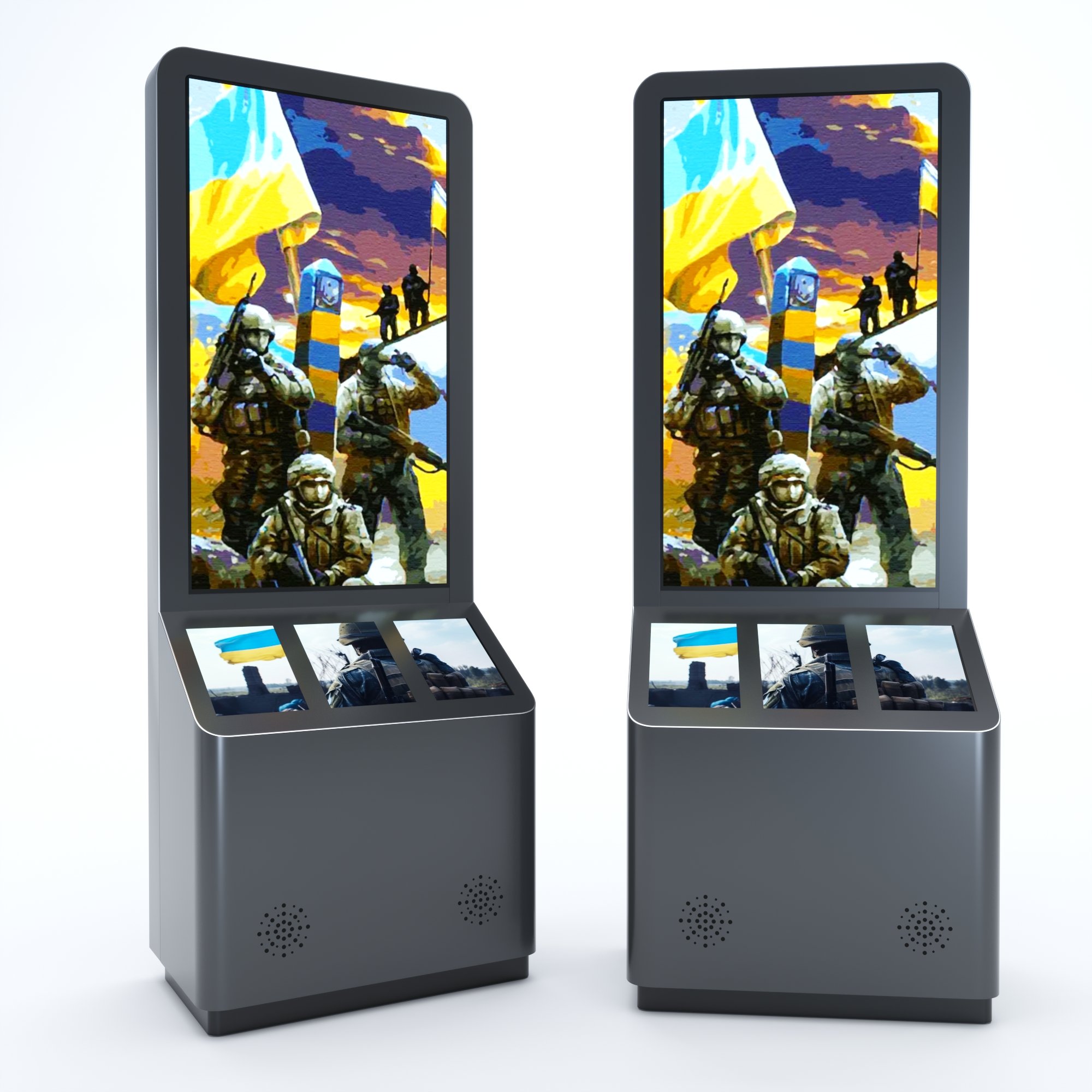
Important: a touchscreen does not mean that the kiosk comes with a ready-made map, catalogue or application. Agree in advance who will develop, install, license and support the software.
7. Agree on the Enclosure, Design and Ergonomics
The enclosure affects more than appearance. Its shape determines stability, access to connectors, ease of maintenance and user comfort.
Specify the enclosure type (upright, angled or wall-mounted), material (such as metal, MDF or acrylic solid surface), RAL colour, dimensions, logo placement, concealed cable routing and mounting method.
For public spaces, consider accessibility separately: the height of interactive controls, screen angle, clear space for wheelchair access and an easy-to-understand interface.
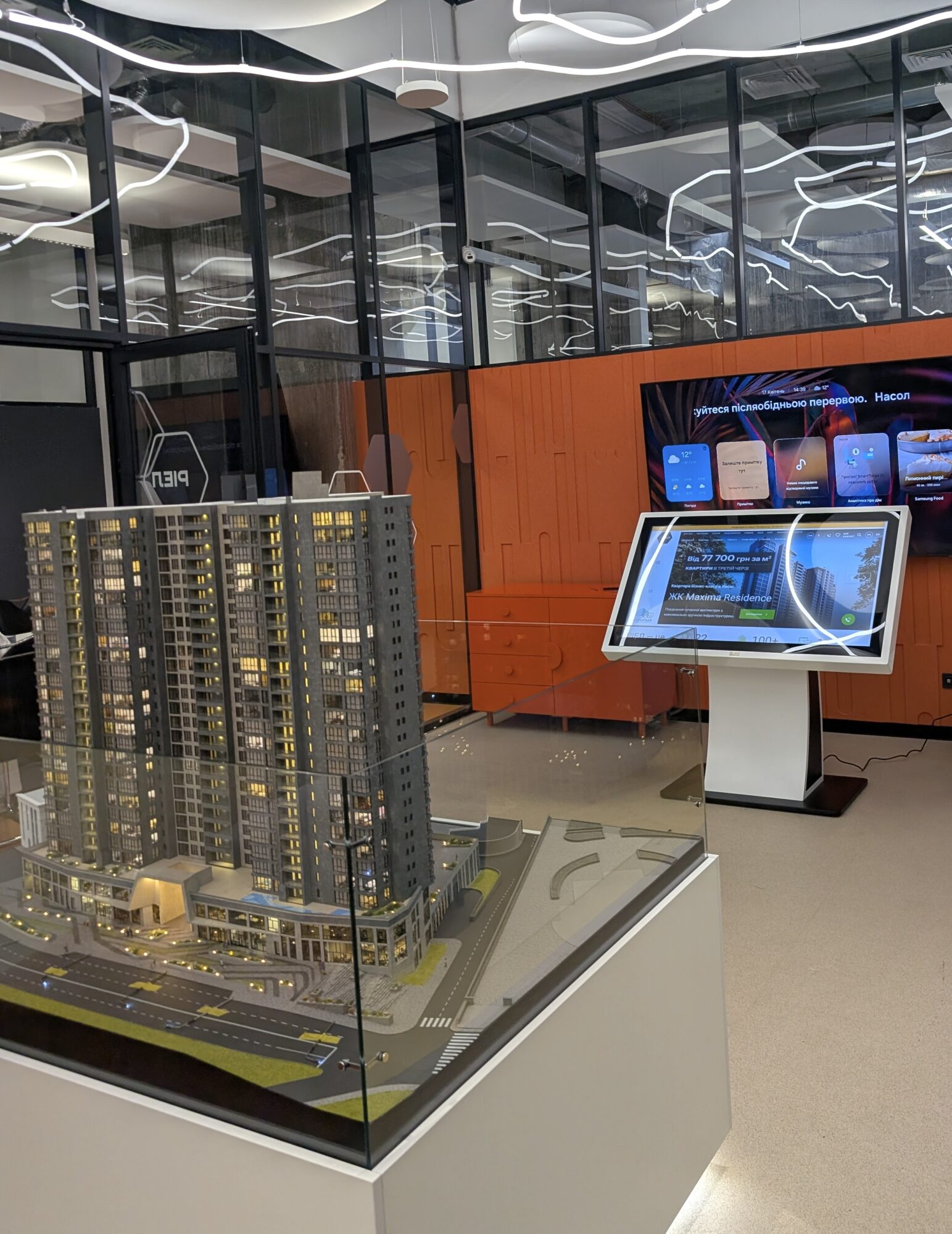
8. Specify Delivery, Installation and Support Requirements
The technical specification should cover not just the product characteristics but also the scope of services. Agree whether the order includes delivery, bringing the unit indoors, installation, network connection, software installation and testing, and staff training.
Before acceptance, check operating system and software startup, touchscreen accuracy, network connectivity, all specified peripherals and the completeness of the documentation. Record warranty terms and service responsibilities separately.
Example Technical Specification for an Information Kiosk
Below is a simplified example of a touchscreen kiosk specification for a business centre. You can adapt it to your project after clarifying the software requirements.
| Parameter | Example requirement |
|---|---|
| Purpose | Information system and visitor wayfinding |
| Installation location | Business centre lobby, indoors |
| Enclosure type | Floor-standing touchscreen kiosk |
| Screen size | 43″ |
| Resolution | At least Full HD (1920 × 1080) |
| Touch technology | IR or PCAP, subject to agreement |
| Operating system | Windows (depending on software requirements) |
| RAM | At least 8 GB, subject to software requirements |
| Storage | SSD, at least 128 GB |
| Connectivity | Ethernet; Wi-Fi if required |
| Enclosure material | Metal or MDF |
| Colour | In line with corporate identity / RAL |
| Software | Interactive map and organisation directory |
| User functions | Search by name, category or floor |
| Operating hours | Up to 12 hours per day |
| Acceptance testing | Check touchscreen, software, network and completeness |
Note: these specifications illustrate how to structure a technical specification; they are not a universal ready-made specification. The manufacturer and customer agree on the final parameters after reviewing the software and operating requirements.
Common Mistakes When Preparing a Technical Specification
- Focusing only on screen size. A large screen cannot make up for a poorly designed interface.
- Failing to describe the software. A kiosk without the required application will not meet the business need.
- Forgetting scanners, printers and other peripherals. Adding them after production may be more difficult.
- Ignoring operating conditions. An indoor device should not be used outdoors unless it has the appropriate specifications.
- Failing to define acceptance criteria and support. Without these, it is harder to verify the result and agree on service responsibilities.
Before approving the specification, walk through the entire user journey once more, from the first touch to the end of the session.
Which Interactive Kiosks Does ELPIX Offer?
Ukrainian manufacturer ELPIX produces information kiosks and interactive stands for businesses, museums, exhibitions, public spaces and government institutions. Different screen sizes, enclosure designs, materials and configurations are available. The photos below show examples of enclosure designs, not the fixed technical specifications of each model.
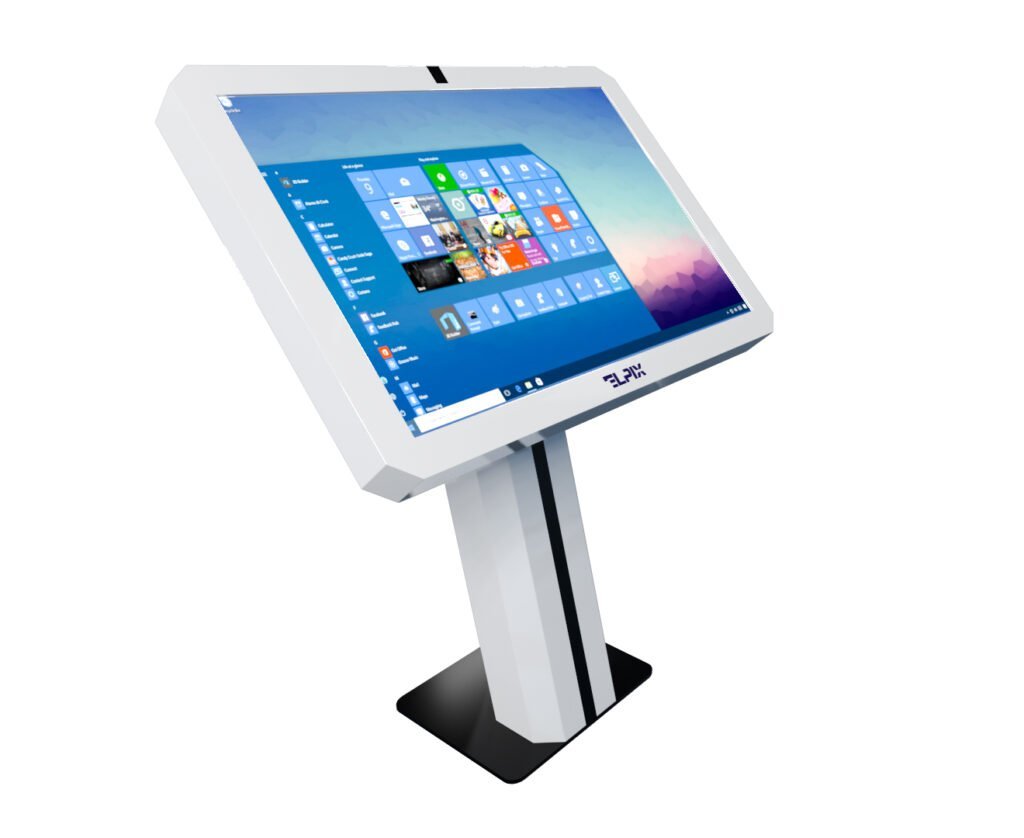
An angled touchscreen with a white MDF enclosure, suitable for information areas, digital catalogues and directories.
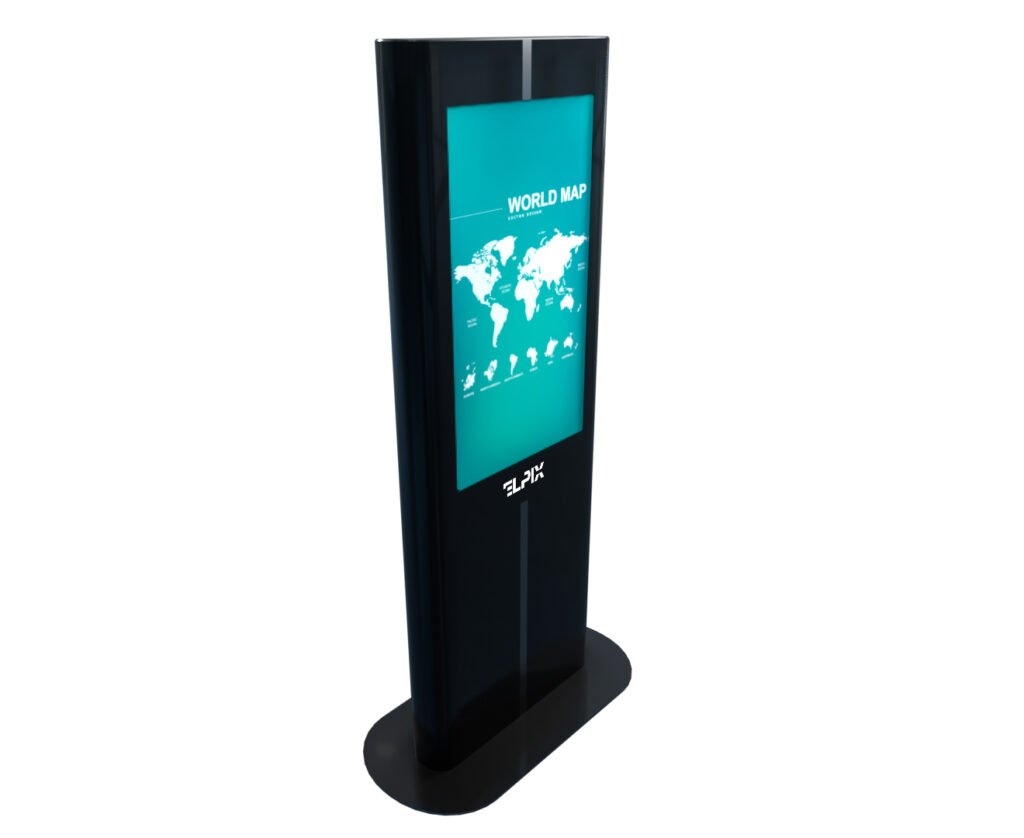
An upright model with a black metal enclosure for wayfinding, presentations and digital information.
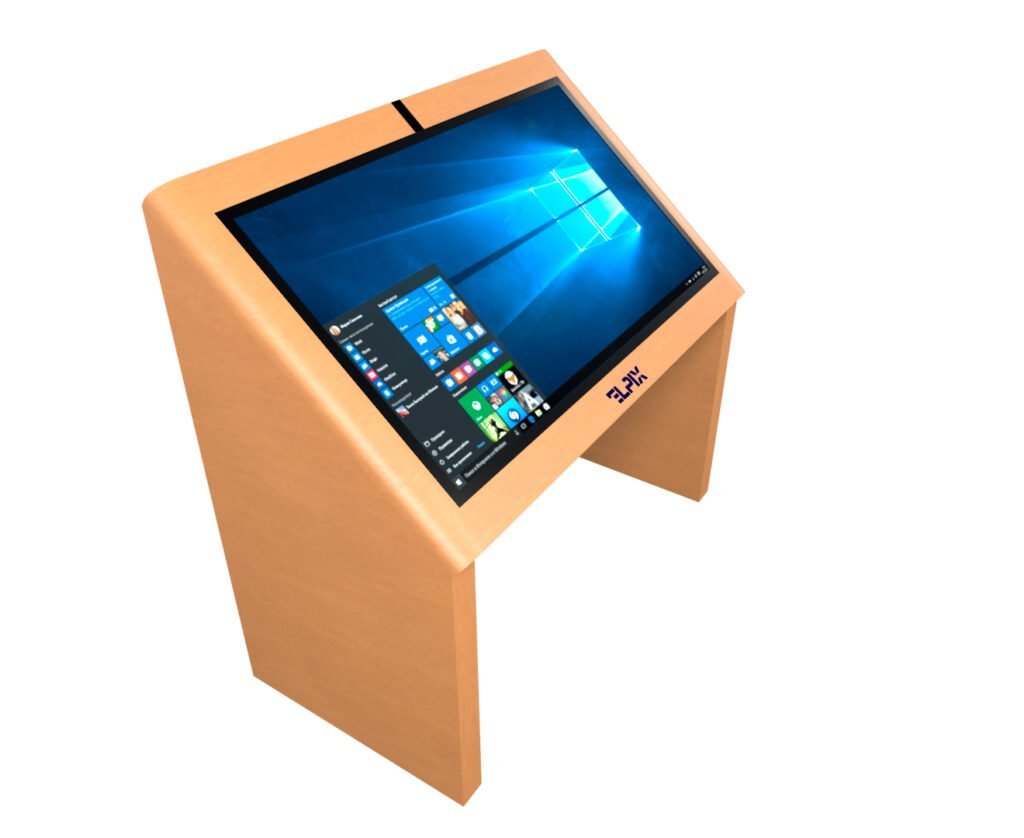
An angled touchscreen kiosk in a light solid alder wood enclosure, suitable for museums, showrooms and other spaces.
Browse the available configurations in the ELPIX interactive kiosk catalogue.
How to Order a Kiosk to Your Own Technical Specification
You do not need to define every processor, port or enclosure detail yourself. To get started, simply describe the kiosk’s purpose, installation location, key functions, design preferences and any existing software requirements.
ELPIX can help refine your technical specification and select the right configuration for your project. You can explore the options in the kiosk catalogue or get in touch through the ELPIX website to request a consultation and quotation.