


OPS Intel Core i5 or i7 for an interactive display—which should you choose? For standard lessons, presentations, web browsing, office documents, and most everyday video meetings, an OPS computer with an Intel Core i5 is usually sufficient. If the interactive display will run demanding Windows applications, 3D visualizations, complex projects, or graphics-intensive workloads, consider a Core i7 configuration—paying particular attention to its graphics card and the requirements of the software you plan to use.
The key is to compare more than the i5 and i7 labels. Processor generation and exact model, graphics hardware, RAM, SSD capacity, cooling, and compatibility with the display are all important. Let’s look at actual OPS configurations available for ELPIX Z3 interactive displays.
OPS Core i5 vs i7: a quick answer for buyers
Lessons, digital whiteboards, Microsoft Office, PDFs, web browsers, video conferences, video playback, and business presentations.
Priority: software compatibility, stable operation, and sufficient memory.
Resource-intensive Windows applications, selected 3D and CAD workflows, graphics projects, and other tasks that benefit from a dedicated GPU.
Priority: the exact CPU/GPU models and the software’s system requirements.
What is an OPS computer, and how does it work with an interactive display?
OPS (Open Pluggable Specification) is a standardized form factor for a removable computer module. The module fits into a compatible slot in an interactive display, providing a complete computer environment without a separate desktop PC beside the screen. The standard establishes a mechanical and electrical connection concept, but actual compatibility must be verified for each OPS module and display combination.
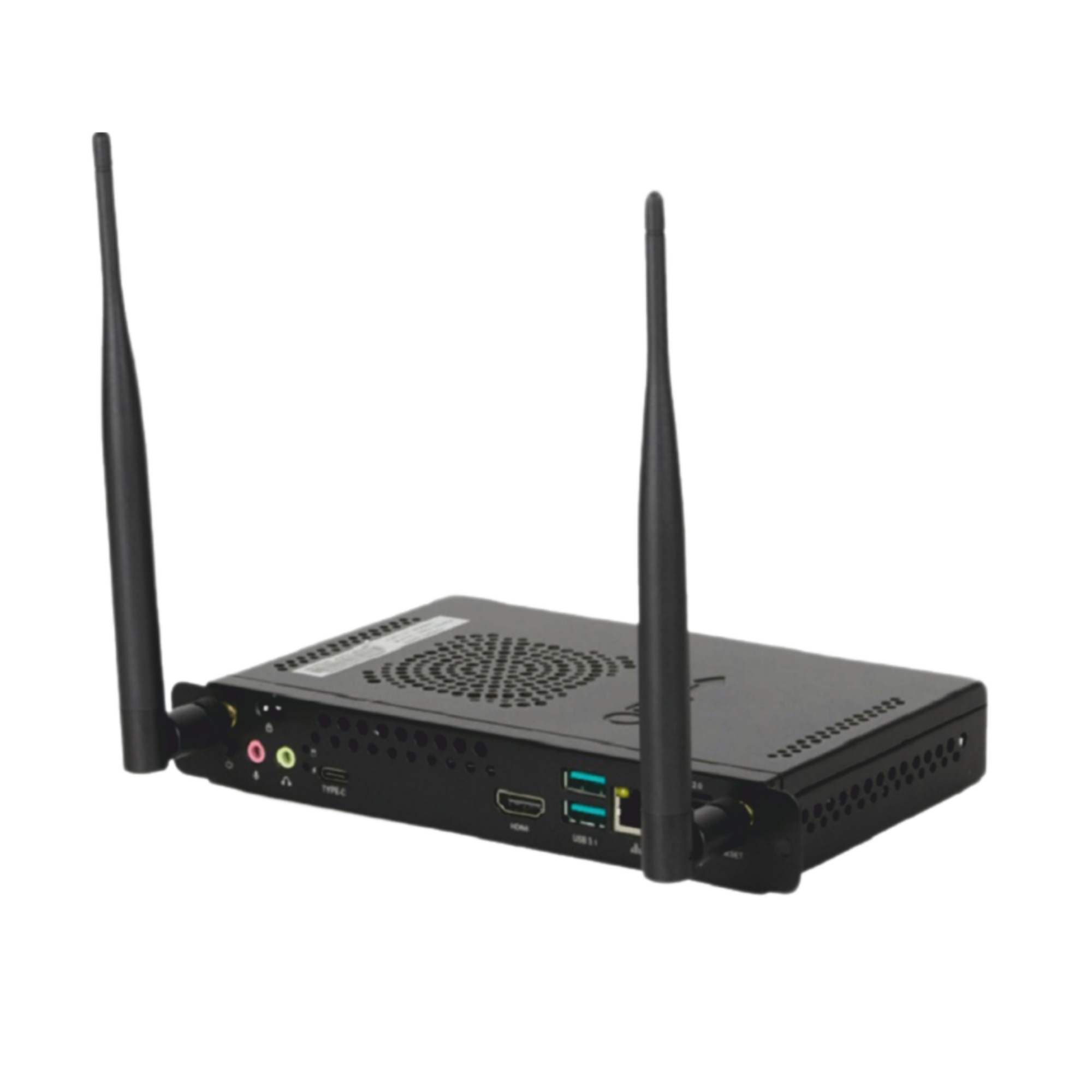
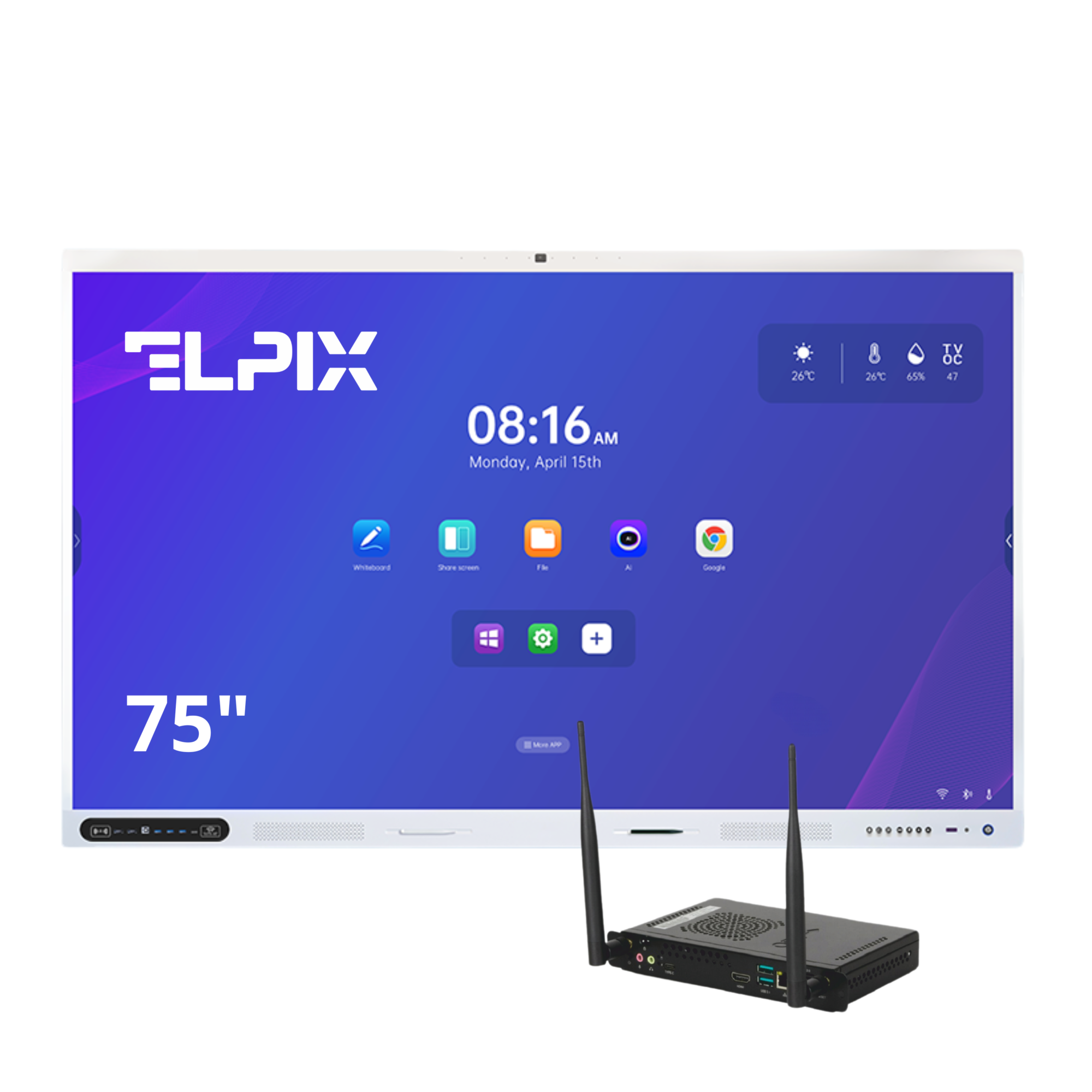
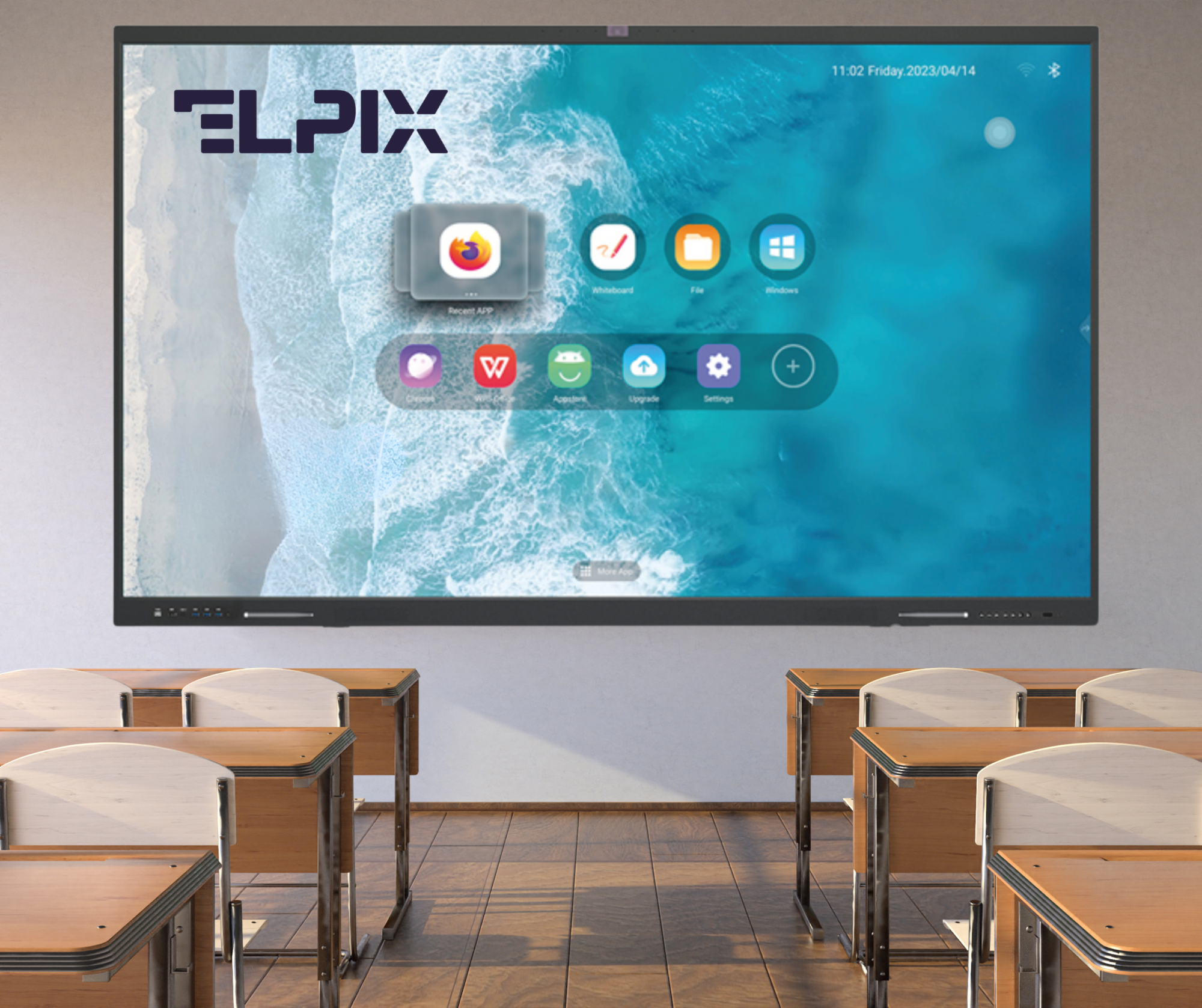
In many ELPIX Z3 configurations, the display has its own Android operating system, while OPS acts as a separate computer running Windows 11 Pro. Users can select the environment required by their applications. A more powerful OPS module does not make Android itself run faster: these are separate computing platforms.
Another important point: a 4K Ultra HD display does not automatically require a Core i7. The panel’s native resolution is determined by its display hardware; OPS performance requirements depend on applications, video processing, and the number of tasks running simultaneously.
Intel Core i5 vs i7 for ELPIX Z3: specification comparison
ELPIX Z3 product pages list, among other options, two OPS configurations: I5-13450HX/16/512/W11Pro and I7-RTX3050M-16/1/W11Pro. These are configuration codes, not complete component datasheets.
| Specification | OPS Intel Core i5 | OPS Intel Core i7 |
|---|---|---|
| Catalog configuration code | I5-13450HX/16/512/W11Pro | I7-RTX3050M-16/1/W11Pro |
| Processor | Intel Core i5-13450HX | Intel Core i7; exact model must be confirmed |
| Cores / threads | 10 cores / 16 threads, according to Intel’s i5-13450HX specifications | Cannot be confirmed without the exact processor model |
| Memory (RAM) | 16 GB | 16 GB |
| Storage | 512 GB | 1 TB (as indicated by the configuration code) |
| Graphics | Intel UHD Graphics integrated into the i5-13450HX; verify the complete module configuration | Dedicated RTX 3050M indicated in the configuration name |
| Operating system | Windows 11 Pro | Windows 11 Pro |
| Typical use | Everyday office and educational tasks | Workloads with higher graphics or computing demands, subject to software compatibility checks |
Configuration details are based on ELPIX Z3 product listings; i5-13450HX processor specifications are from Intel. The public i7 configuration code does not identify the exact CPU model. This table is not based on comparative performance testing, and available options may change.
When an Intel Core i5 OPS computer is sufficient
In many educational and business settings, the priority is to open presentations quickly, work with documents, use a browser, and show content on a large touch display. For these tasks, an Intel Core i5-13450HX configuration with 16 GB of RAM is usually a sensible choice.
- Education: interactive whiteboard lessons, PDFs, presentations, browser-based learning platforms, and Windows educational applications.
- Meeting rooms: displaying reports, editing documents, presenting materials, and using standard business tools.
- Training centers: working with several open windows, videos, digital teaching resources, and less demanding educational programs.
As a reference, the Intel Core i5-13450HX has 10 cores, 16 threads, and a maximum turbo frequency of up to 4.6 GHz according to Intel. However, the processor’s specifications alone do not determine real-world performance in a particular OPS enclosure. Cooling, power settings, and other components also affect results.
When to choose Intel Core i7 OPS with RTX 3050M
The OPS option listed as I7-RTX3050M-16/1/W11Pro is worth assessing when a customer’s applications need additional computing or graphics resources. This is not about turning presentation slides faster. It concerns specific workflows such as complex graphics scenes, modeling, processing visual materials, and software with explicit GPU requirements.
For professional 3D, CAD, or video editing, the label RTX 3050M alone does not guarantee that a configuration is suitable. Check the amount of video memory, supported drivers, OPS thermal limits, and the application’s official system requirements. Some programs may need more than 16 GB of RAM regardless of the CPU class.
For demanding software, the key takeaway is this: establish the application’s requirements first, then select the processor and graphics hardware. If the software vendor specifies a different GPU, additional RAM, or particular interfaces, discuss a customized OPS configuration or an external workstation.
Which OPS should you choose for schools, businesses, and professional software?
| Use case | Recommended starting point | When to assess a more powerful configuration |
|---|---|---|
| Classroom lessons, interactive whiteboards, online learning platforms | Intel Core i5 | When educational software has specific GPU or RAM requirements |
| Meeting rooms, presentations, Microsoft Office, video conferencing | Intel Core i5 | For specialized software, heavy multitasking, or graphics-intensive work |
| Museum or exhibition presentations using standard multimedia | Intel Core i5 | When 3D scenes or complex interactive graphics are involved |
| CAD, 3D models, detailed visualization | Start with the software’s system requirements | Consider Core i7 + GPU; check VRAM, drivers, and cooling |
| Video editing, resource-intensive data processing | Start with a representative project and the software’s requirements | Evaluate i7, RTX graphics, RAM/SSD capacity, or an external PC |
These are selection guidelines, not verified ELPIX benchmark results. For demanding applications, test the intended configuration with a representative customer project whenever possible.
Will switching from i5 to i7 improve 4K picture quality?
Switching to a Core i7 does not change the display’s native resolution or improve the physical contrast of its panel. A noticeable difference is possible when the computer itself is the performance bottleneck, for example when rendering complex graphics or playing resource-intensive content. Refresh rate, 4K output support, and touch input operation must be checked for the exact display-and-OPS combination.
What to check before buying an OPS computer: seven questions
To avoid paying for unused computing power—or buying a module that cannot handle your applications—agree on a brief technical specification before ordering:
- Which applications will run? Check their names, operating system requirements, and recommended CPU, RAM, and GPU specifications.
- What is the exact processor model? An i7 label without a model number is not enough to compare generations, core counts, or clock speeds accurately.
- Do you need dedicated graphics? Usually not for documents and standard presentations, but potentially essential for specialized graphics software.
- Are 16 GB of RAM and the SSD capacity sufficient? Consider the applications you will run together, file sizes, and memory expansion options.
- Is the OPS module compatible with the display? Check physical installation, power delivery, video output, touch interface operation, and input switching.
- Is cooling sufficient? For sustained workloads, verify ventilation conditions and the supported module configuration.
- What is included in the package? Confirm the Windows edition and license, network modules, warranty, and service provisions.
ELPIX Z3 interactive displays with OPS support
The ELPIX Z3 range includes different display sizes. Choosing 65″, 75″, or 86″ affects the touch surface area and how comfortably viewers can see content, while the OPS choice determines the computing resources available to Windows applications. These are two separate decisions that should be considered together.
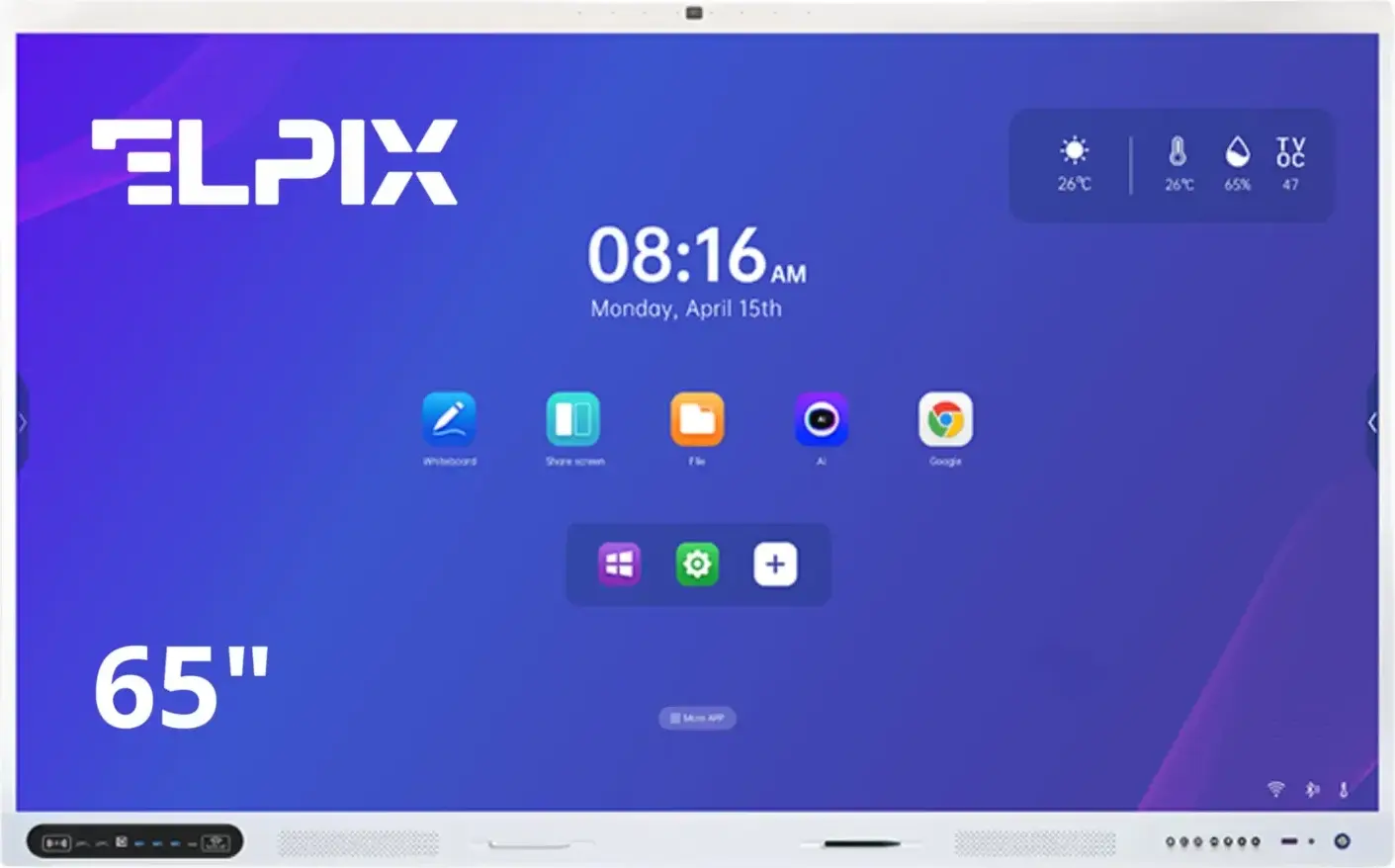
For smaller classrooms and meeting rooms. A compatible OPS module adds Windows functionality with performance matched to your software.
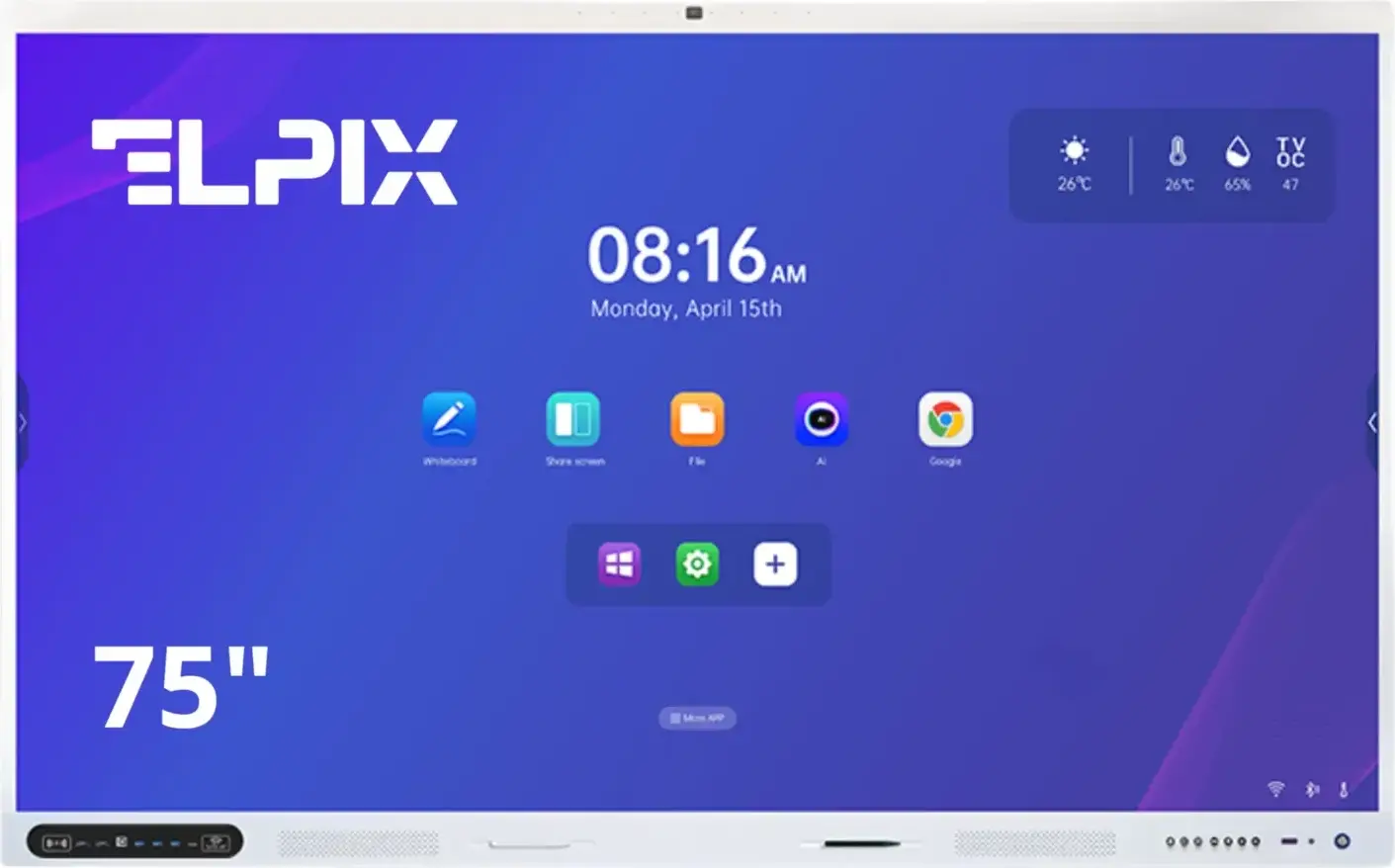
More screen space for presentations, diagrams, and collaboration. The product listing includes Core i5 and Core i7 OPS options with RTX 3050M graphics.
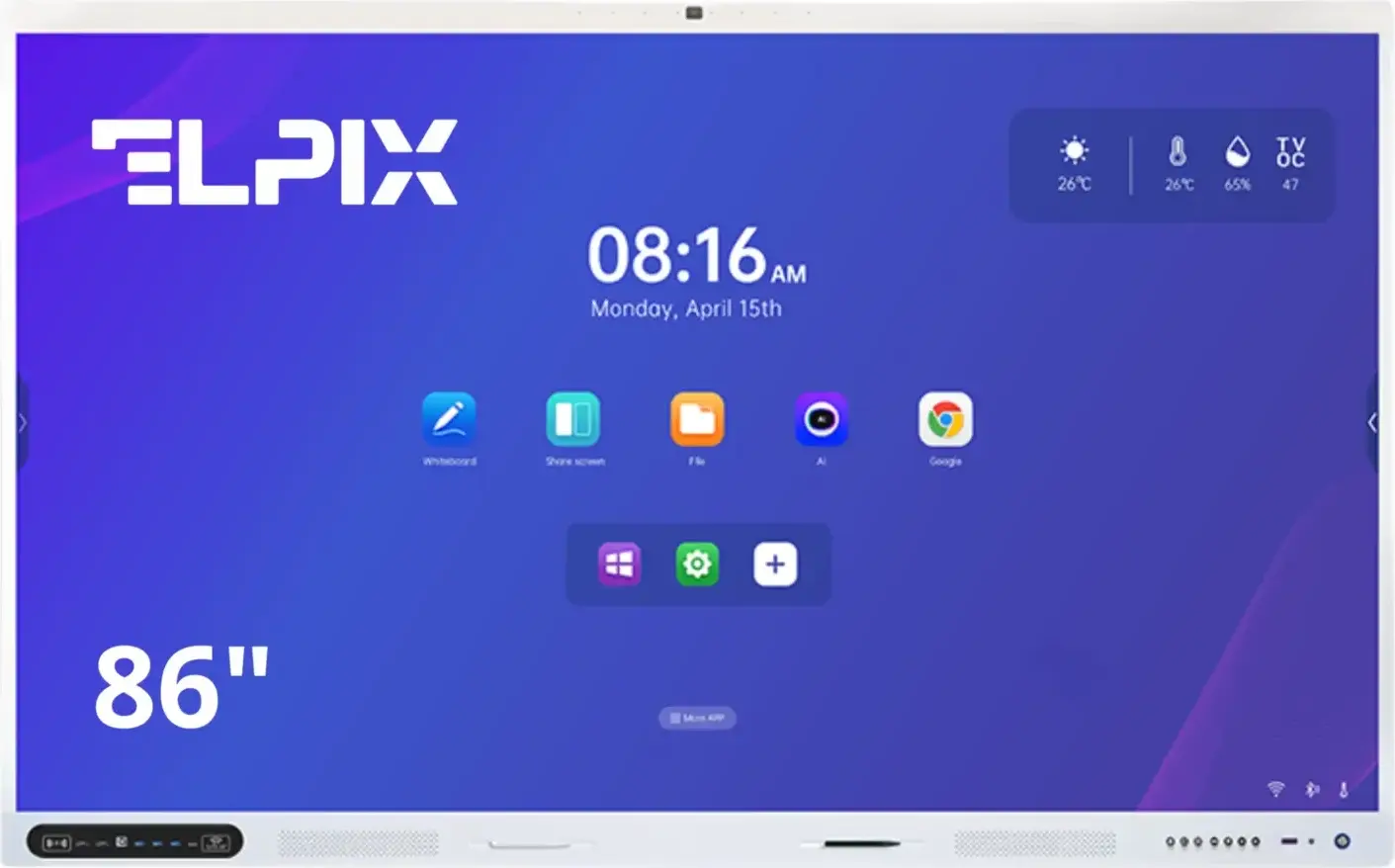
A large touch surface for conference rooms, learning environments, and working together with detailed visual materials.
The images show ELPIX Z3 displays in the stated sizes. Confirm current OPS options, computer specifications, and module installation compatibility on the relevant product page before ordering.
Conclusion: which OPS should you choose for an ELPIX interactive display?
Intel Core i5 is a practical choice for day-to-day work in classrooms, meeting rooms, and training centers running standard Windows applications. Intel Core i7 with dedicated graphics is worth considering for specialized workloads after verifying software requirements and the exact computer configuration.
The best OPS module is not necessarily the most expensive one. The right choice depends on applications, the number of concurrent tasks, graphics requirements, and operating conditions. ELPIX can help select a compatible OPS module, display size, mobile stand, and other options for your project. Browse the ELPIX interactive display catalog.
Technical references for this comparison: the ELPIX Z3 75″ product page, Intel Core i5-13450HX specifications, and Intel’s material on the OPS standard. Product options were reviewed in November 2026; confirm the latest configuration before ordering.