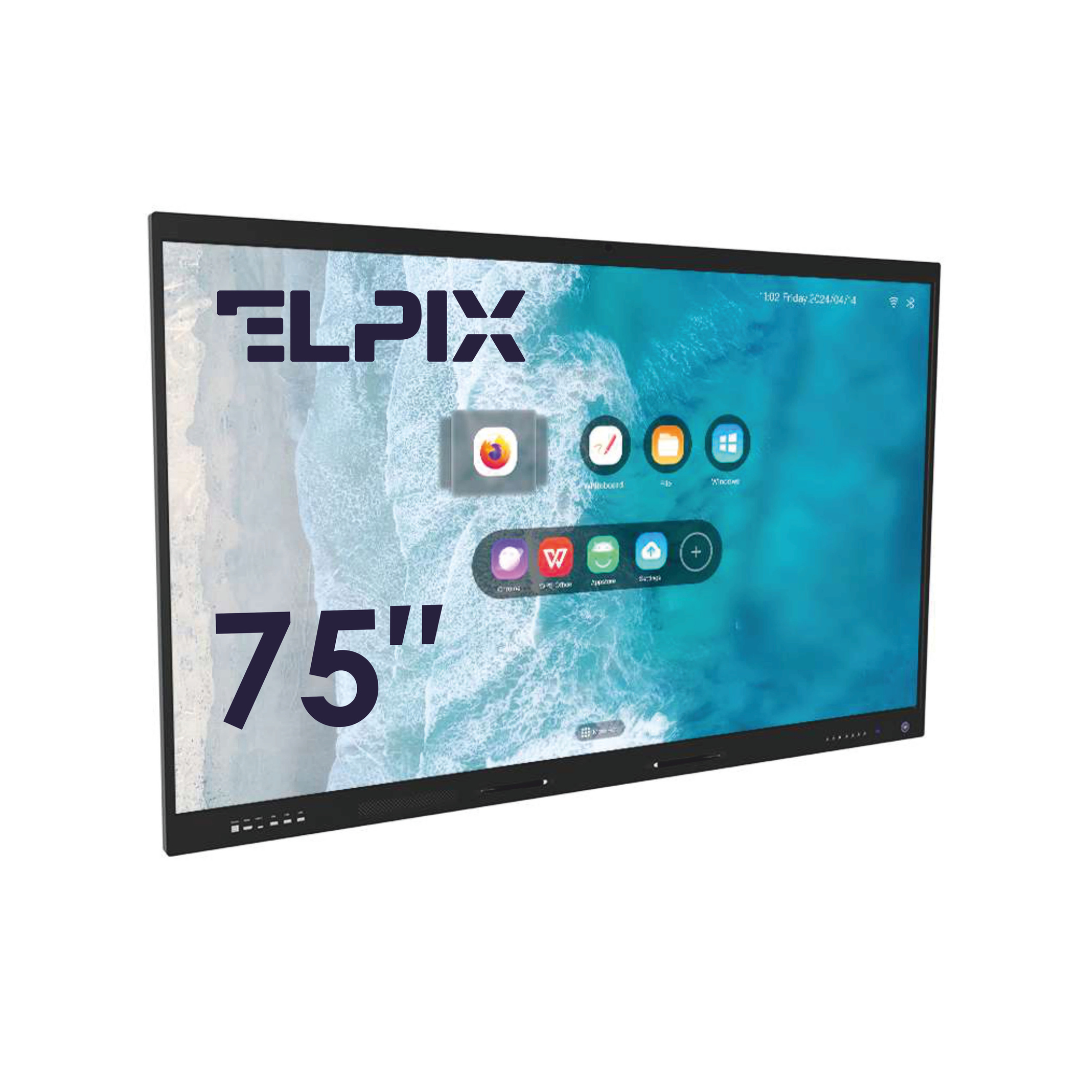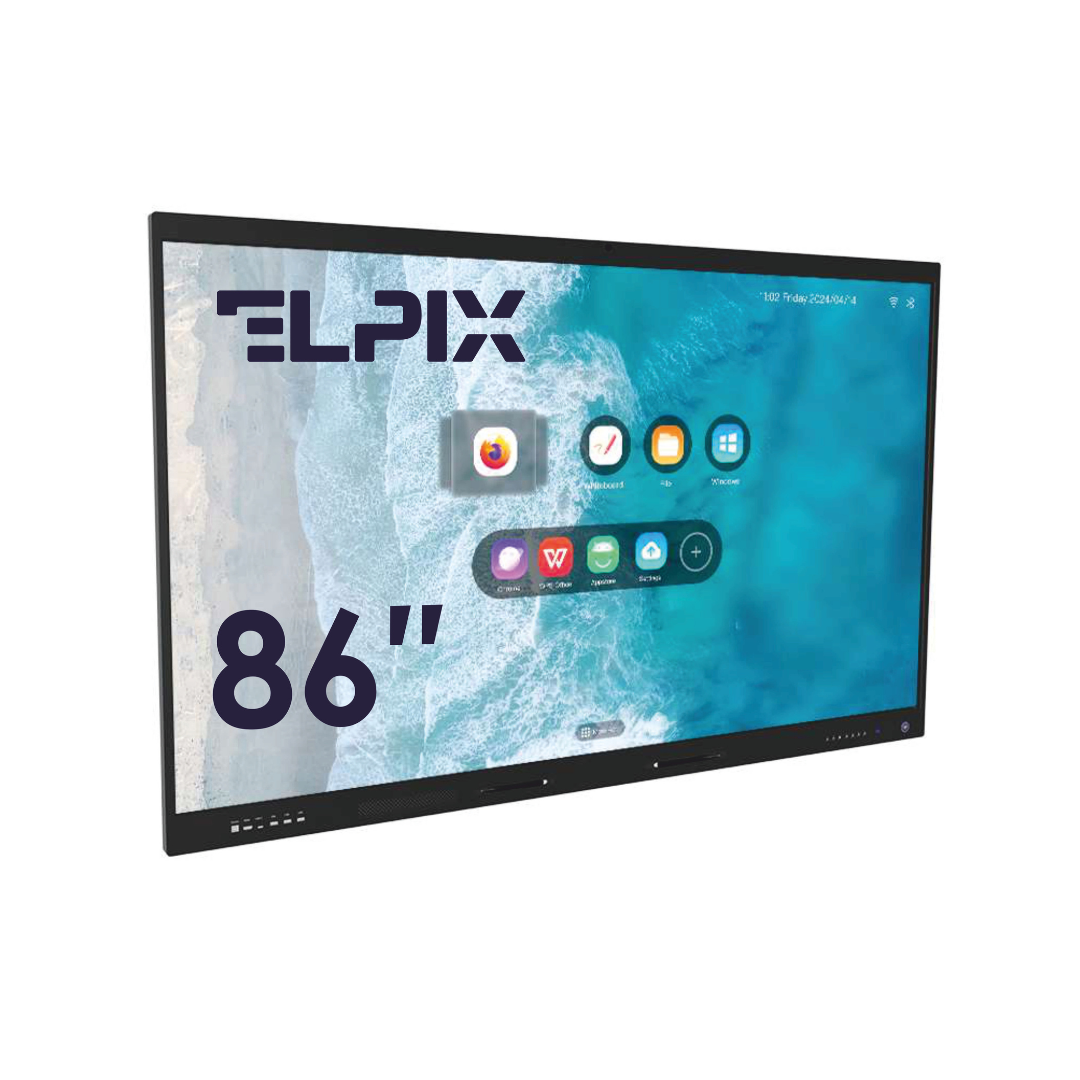

A multiboard is an all-in-one interactive display for collaboration and teaching: a touchscreen, built-in software, and wireless screen sharing from your devices. Put simply, it isn’t “a bigger TV” — it’s a working tool for lessons, meetings, and quick problem-solving right on the screen.
What a multiboard is
A multiboard is a standalone device: a 4K display, processor, RAM, Wi-Fi, Bluetooth, and built-in collaboration software in one body. No laptop or external computer needed. In my experience that single fact is what usually fixes the real problem in a classroom or meeting room, where nobody wants to start by hunting for an adapter.
What sets it apart from a TV or projector is the sensor: a multiboard registers 20 or more touches at once. You draw, write, and control content straight on the screen. Wireless sharing removes the cables — connect to Wi-Fi and your phone, tablet, or laptop screen is up. That’s it.
Multiboard or interactive panel — essentially the same thing
It’s essentially the same hardware. An interactive panel is the general term for a touchscreen display used for presentations and teaching, and a “multiboard” is the same panel in a full configuration: with a built-in computer, wireless sharing, and full collaboration software. So a “multiboard” in the catalogue isn’t a separate class of device — it’s an interactive panel with the maximum set of capabilities. The difference is the configuration, not the name.
| Criterion | Full configuration (multiboard) | Basic configuration |
|---|---|---|
| Built-in software | Yes, full suite | Minimal or none |
| Wireless sharing | Yes (Miracast, AirPlay, Chromecast) | Optional, usually via cable |
| Built-in PC | Yes, full-featured | None or weak |
| Touch points | 20 points and up | 10–20 points |
| Collaboration | Annotations, whiteboard, sessions | Limited |
| Price | Above average | Wider range |
Collaboration software features
The built-in software is the main thing that separates a multiboard from an ordinary screen. I’d ignore the marketing word “interactive” and look at 5 concrete functions in the standard set:
- Interactive whiteboard: drawing, diagrams, handwriting with auto-conversion to text.
- Annotations over any content — notes right on a slide, video, or website.
- Split screen: several sources shown at once.
- Session recording to a video file.
- Cloud sync — materials stay available after the session closes.
Multiboard for school and office
The device works in a classroom and in a meeting room alike. But the jobs differ. A school cares about lesson pace and keeping the material. An office cares about quick connection, video calls, and working properly with remote participants.
Use in education
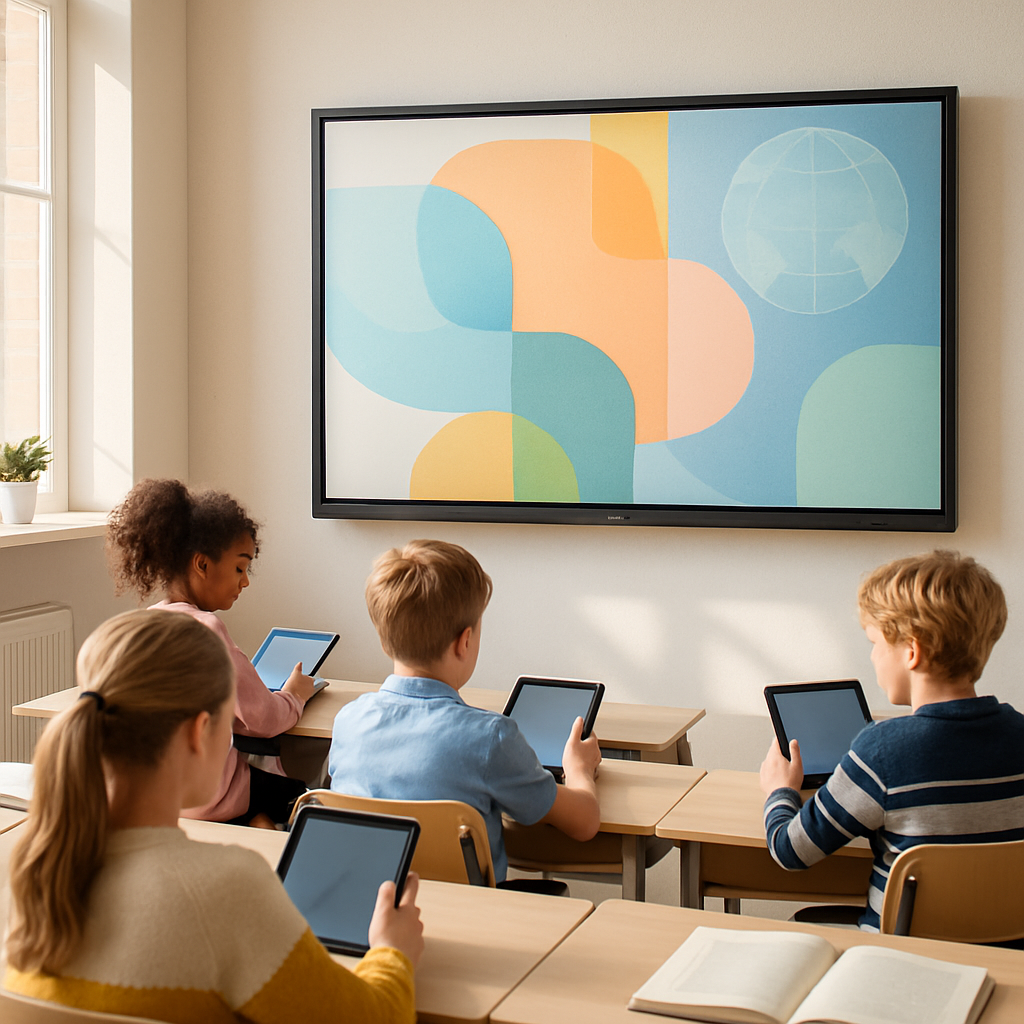
A multiboard for school replaces the board, the projector, and the teacher’s computer. The teacher launches an interactive lesson, connects students’ tablets over Wi-Fi, plays video, and saves the whole board to PDF with one tap. Why does that matter? Because after the lesson you’re left with a proper file of materials, not a photo of a whiteboard taken at an angle.
There’s no point inflating the extra scenarios into an endless list. In practice three things come up most:
- Hybrid classes: some students in the room, some online through the video conferencing built into the software.
- Group work: several students working different zones of the screen at the same time.
- Quizzes and polls right on the device, no third-party apps.
Use in the corporate setting
Offices complain about roughly the same things: the laptop takes forever to connect to the screen, materials get lost after the meeting, remote colleagues can’t hear or see. Wireless sharing closes the first problem in a few seconds. Built-in recording and video calling handle the rest. Honestly, if the team gathers around a screen to talk through tasks anyway, a multiboard pays off not through a “wow effect” but because the meeting finally starts without the technical fuss.
In practice it gets used wherever you need to sketch out a structure fast, show a screen to several people, or bring in a remote colleague without extra cables. Counterintuitively, the big screen isn’t the main argument on its own. Without convenient Miracast, AirPlay 2, or Chromecast sharing, the device quickly becomes an expensive display case.

Specifications and package
The technical parameters of the Elpix multiboard worth checking when you choose:
- Size: 65, 75, 86, or 98 inches — for any room or meeting space.
- Resolution: 4K UHD (3840 × 2160), anti-glare coating.
- Sensor: infrared, 20 touch points.
- OS: Android 13 plus an optional Windows OPS module.
- Processor: 8-core ARM or an Intel OPS module (depends on the configuration).
- Connectivity: HDMI, USB-A/C, LAN, Wi-Fi 6, Bluetooth 5.0.
- Wireless sharing: Miracast, AirPlay 2, Chromecast — no extra hardware.
- Built-in speakers: 2 × 20 W, microphone optional.
This is an easy place to slip up. It feels like you should take the largest size available — 98 inches sounds convincing. But for a small meeting room 65 or 75 inches is often the smarter call: text stays readable, people aren’t sitting too close, and the device doesn’t swallow the whole wall.
The package includes an active stylus, a wall mount, and cables. A wheeled stand is available on request. Yes, that goes against the usual “mount it on the wall straight away” advice — but if the device will move between rooms, the stand matters more than a tidy installation.
Price and ordering
The cost depends on size, manufacturer, and configuration. Current prices are on the catalog page. Elpix works across Ukraine: delivery, installation, and staff training are part of the service package. For one small room that may be overkill. For a school, a training center, or an office with regular meetings, it isn’t.
Leave a request — a manager will work out the cost for your budget and help you pick the size and configuration. My advice is simple: settle on the room and the use case first, then choose between 65, 75, 86, and 98 inches.
What is a multiboard?
A multiboard is an all-in-one interactive display with a built-in computer, a touchscreen, and collaboration software. It replaces a projector, a board, and a PC.
Are a multiboard and an interactive panel the same thing?
Essentially yes. A “multiboard” is an interactive panel in a full configuration: with a full built-in PC, wireless sharing (Miracast, AirPlay, Chromecast), and broader collaboration software. There’s no separate class of device — the only difference is the set of capabilities.
Is a multiboard suitable for schools?
Yes. A multiboard for school replaces the board, the projector, and the teacher’s PC. It supports hybrid lessons, group work, and saving materials to PDF after class.
Where can I buy a multiboard in Ukraine?
The Elpix multiboard is available at elpix.com.ua. The company works across Ukraine: delivery, installation, and staff training are part of the service package. Leave a request and a manager will work out the cost for your budget.