
Multimedia equipment is the hardware that displays and manages digital content: interactive panels, video walls, advertising displays, and Digital Signage systems. It goes into offices, classrooms, government buildings, and shopping centers whenever information needs to be shown big, clearly, and without the usual fuss over adapters, flash drives, and “give me a second to connect.”
Types of multimedia equipment
There are a lot of professional devices, and you can’t fit them all in one box. Below are the categories that actually keep coming up in real projects, not just in catalogs. I’m deliberately not trying to cover everything: a short map is more useful than an endless list.
Interactive panels (touch displays)
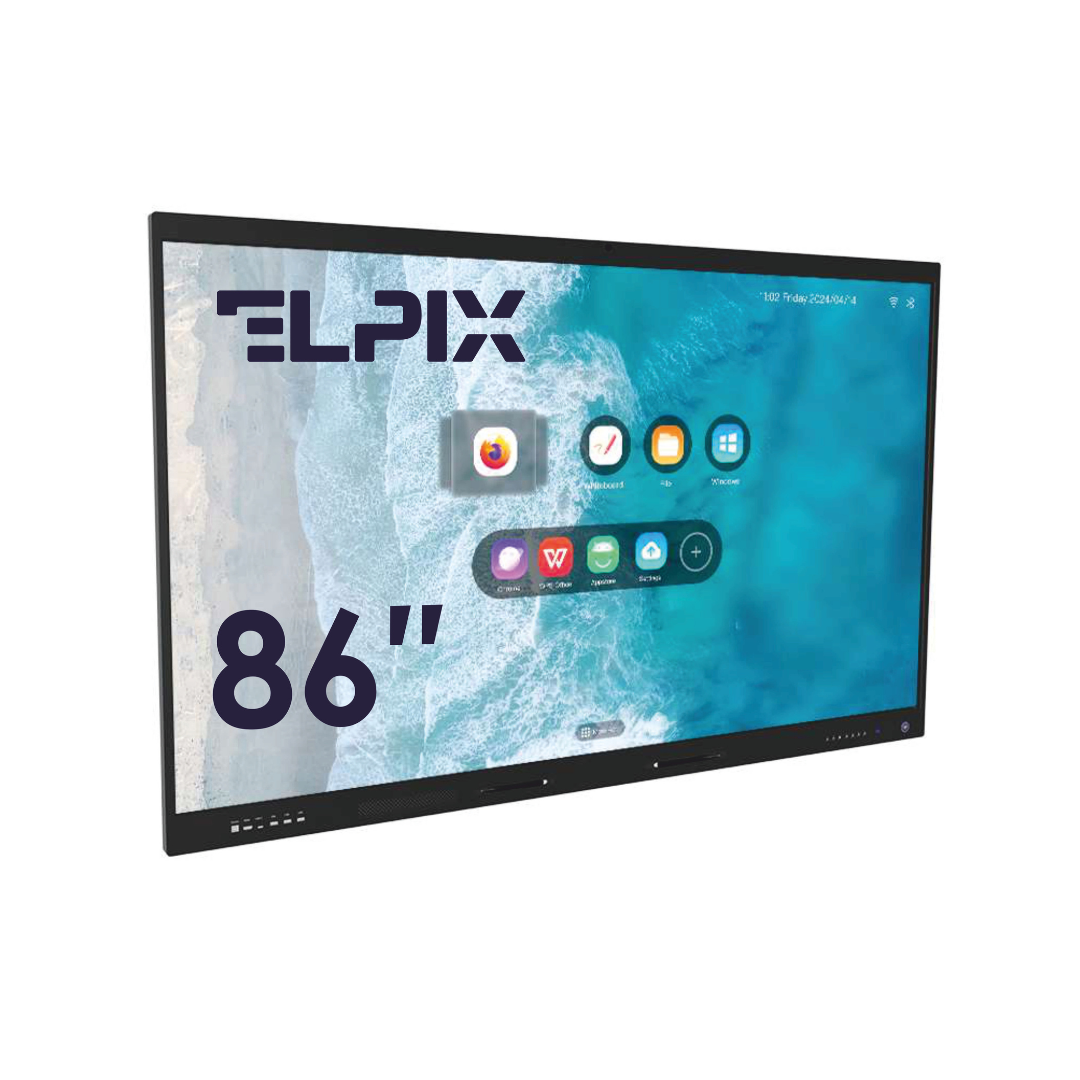
Interactive panels are touchscreen displays ranging from 55 to 110 inches. They replace projectors and dry-erase boards. Multitouch handles anywhere from 10 to 40 points at once, Android and Windows run inside, and there’s support for laptops, external cameras, and video conferencing systems.
People value them not for the “wow screen” but for real-time collaboration. Everyone in the meeting draws, jots notes, and moves files straight on the display instead of passing a laptop around the table forever. To be blunt: if Miracast, AirPlay, or Google Cast is set up properly, the picture from a laptop or phone shows up on the big screen in a few seconds and with no cables.
In offices, classrooms, and meeting rooms, these panels have become the default over the past three or four years. Analysts expect interactive panels to push projectors out of corporate spaces up to 60 square meters by 2026. Counterintuitively, it isn’t only image quality that decides this — more often it’s how fast the meeting actually starts.
Video walls (LED and LCD)
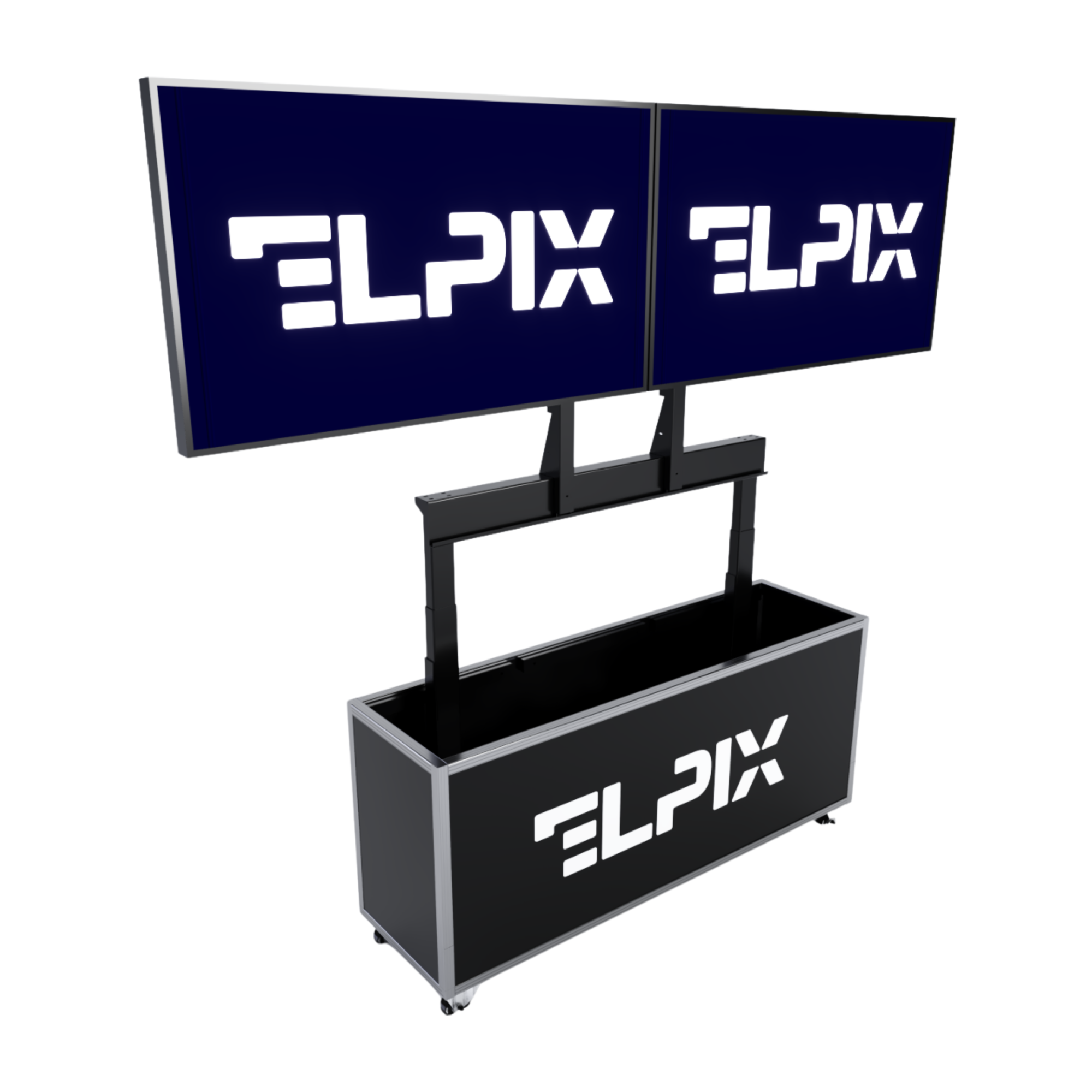
A video wall is a matrix of several displays or LED modules that shows one large image. There are two basic types, and it’s worth keeping them straight.
- LCD video walls are built from thin-bezel commercial panels with seams as narrow as 1.8 mm. They go into control rooms, command centers, meeting rooms, and showrooms. Brightness of 500–700 nits gives a crisp picture in spaces with controlled lighting.
- LED video walls are made of seamless modules. Brightness from 1000 to 6000 nits lets them run in almost any lighting. Pixel pitch from 0.9 to 4 mm sets the minimum viewing distance. These walls go up at concert venues, in mall atriums, on building facades, and at trade-show stands.
A video wall can be compact, say 2×2. Or it can take up dozens of square meters and become the main visual object in the room. Why does that matter? Because research shows dynamic content holds attention longer than an ordinary TV or a printed poster. In branded spaces a video wall often works as both a screen and a piece of architecture — a person sees it right away, before a single word with a salesperson.
Transparent displays and shop-window screens
Transparent OLED and LCD displays mount into a shop window, a shelf, or a glass partition. The visitor sees the product behind the screen and the dynamic content on the “glass” at the same time. Panel transparency runs from 30 to 70% depending on the model.
These displays are used in jewelry stores, car showrooms, museums, and fashion retail. My take is simple: this isn’t a universal replacement for a window, it’s a technique for situations where the object itself has to stay in view. The shopper checks the specs, watches a making-of video, or places an order without losing sight of the product.
Digital Signage: displays for advertising and information
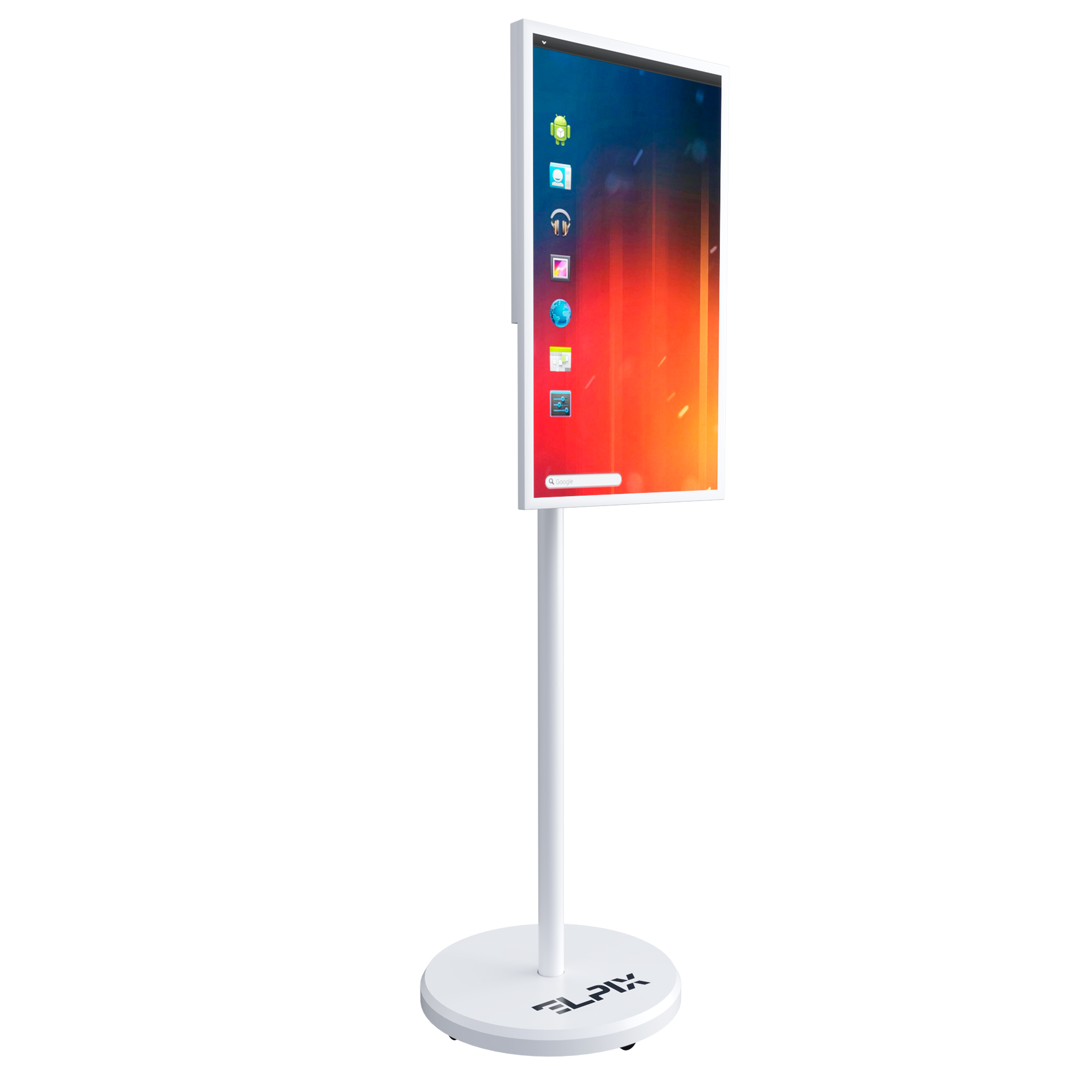
Digital Signage means managed networks of displays that show dynamic content: promotions, schedules, wayfinding, digital menus, and corporate announcements. A professional system usually consists of a screen, a media player, and a cloud CMS platform for centralized content management.
Digital Signage can start with a single screen by the register of a small café. Then the same principle scales to thousands of points across a restaurant or bank chain. Content on every screen updates in seconds, with no trip out to each device. For networks with hundreds of locations the difference is obvious: prices, promotions, and menus change everywhere at once. A small thing? No. It’s exactly these “small things” where operational discipline falls apart.
Use in business
It’s long past time to think of multimedia equipment as “just big screens.” In a proper installation it’s a working tool: it saves staff time, helps customers figure things out faster on the spot, and shapes how the company looks from the outside. Most guides open with screen size. That’s only half the story.
Conference rooms and meeting spaces
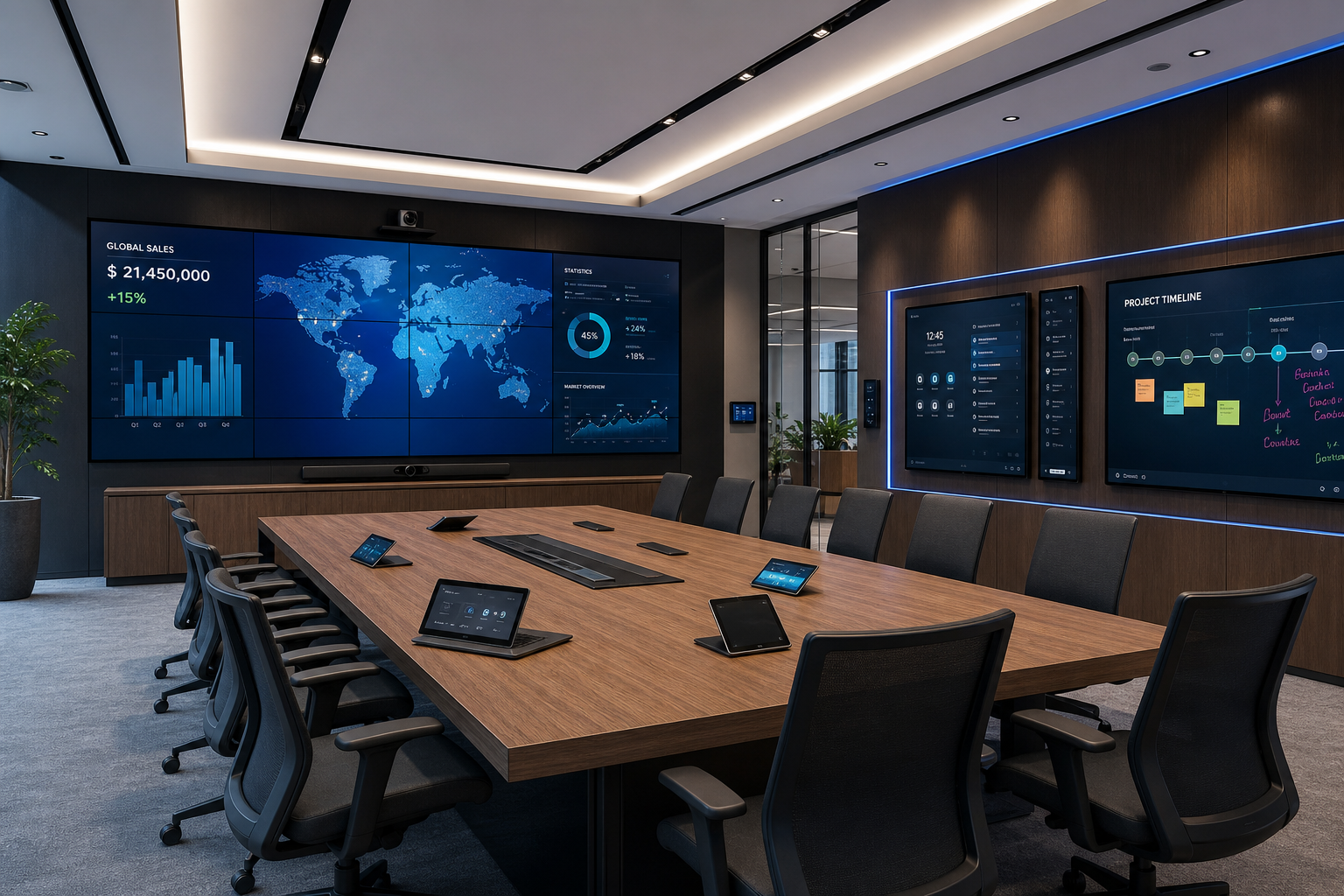
A modern meeting room is usually built around an interactive panel or a video wall with wireless connection. A typical kit for an 8–12 person room includes:
- A 75–98 inch interactive panel that runs Zoom, Microsoft Teams, and Google Meet with no separate computer.
- A ceiling or tabletop microphone array with noise suppression.
- A PTZ camera that auto-tracks the active speaker.
- A control system: one tablet or touch panel on the table instead of a pile of remotes.
A well-equipped room cuts meeting prep from 10–15 minutes down to 30 seconds. What we look at here isn’t the “beauty of the kit” but the first user scenario: someone walks in, presses one button, and starts the call. Hybrid meetings, where some people sit in the room and others join online, stop being painful: participants hear and see each other without the feeling that someone is talking to a wall.
Shopping centers and retail
In a retail space, multimedia equipment works in a rougher, more honest way: wayfinding, advertising, atmosphere, a quick nudge toward the right product. LED video walls in atriums and at entrances form the first impression of a place. Digital Signage displays near windows and checkouts steer shoppers toward current promotions and add-on items they can drop into the basket.
According to international retail research, dynamic content on screens draws four times more attention than static posters. The average dwell time on an ad message shown on a digital display is 30% higher than on a printed banner. For a fashion retailer, a restaurant, or a bank inside a mall, this isn’t about a pretty picture anymore. It’s about conversion and revenue.
Banks and government offices
Financial institutions and government offices use multimedia equipment to manage visitor flow, keep customers informed, and run internal messaging. A typical setup for a bank branch includes:
- A video wall in the service hall for exchange rates, loan products, and promotional clips.
- Self-service touchscreen kiosks: booking a specialist, printing documents, and pulling up product information.
- Digital Signage displays in the waiting area with rotating content, so the wait doesn’t feel as long.
For government offices, reliability and equipment lifespan matter most. Professional-grade commercial panels are rated for 16–24 hours a day and certified for public spaces with heavy foot traffic. Yes, that sounds dull. But an ordinary consumer TV won’t hold up under that schedule for long.
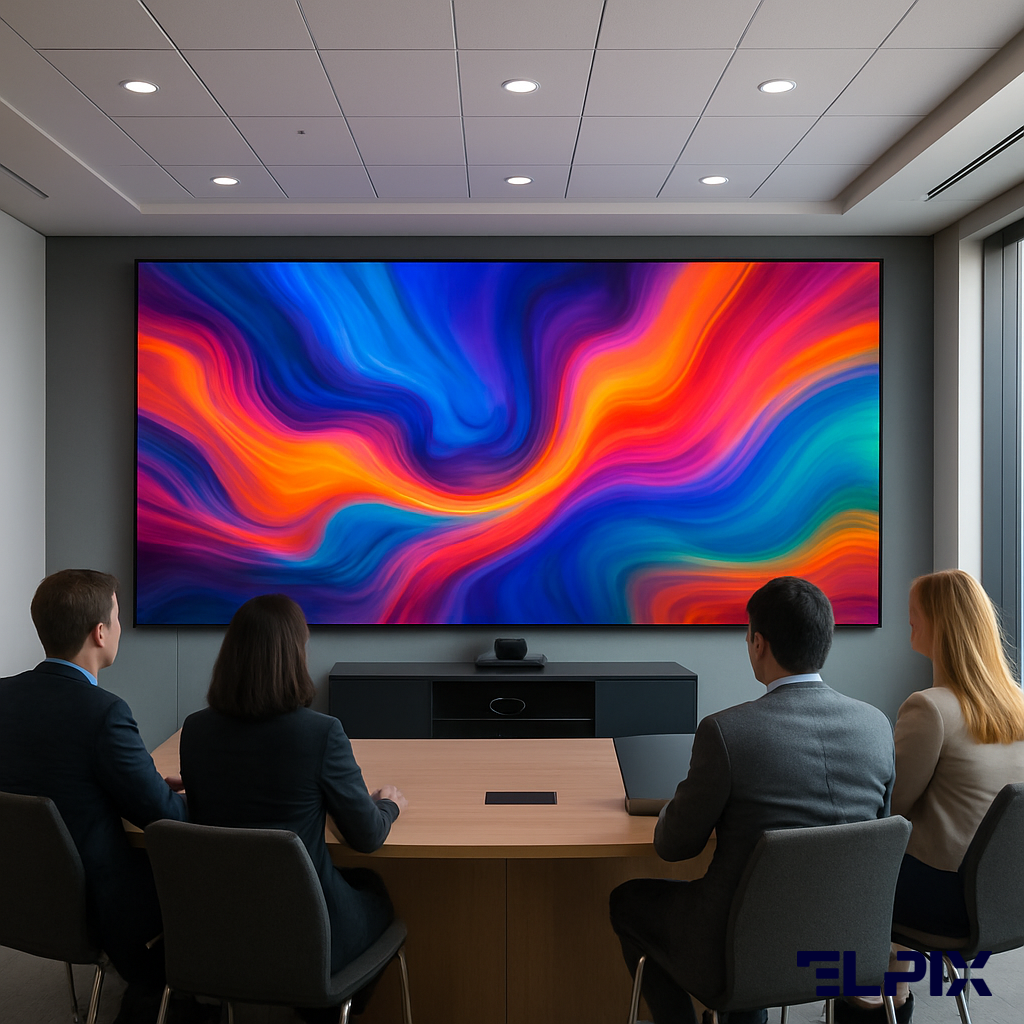
Elpix multimedia equipment
Elpix is a Ukrainian supplier of professional interactive solutions for business and education. The company works across several core directions, supplies the equipment, and handles installation throughout Ukraine.
| Equipment type | Main areas of use |
|---|---|
| Interactive panels | Meeting rooms, classrooms, conference halls |
| LED video walls | Malls, concert venues, building facades |
| LCD video walls | Control rooms, command centers, showrooms |
| Transparent displays | Jewelry stores, museums, car showrooms |
| Digital Signage displays | Restaurants, banks, retail chains |
| Information kiosks | Government offices, airports, shopping centers |
| Video conferencing systems | Corporate meeting rooms, remote teams |
| Outdoor LED screens | Outdoor advertising, facade video |
Elpix runs the project end to end: a technical site audit, the specification, installation, software setup, and training for the client’s staff. And this is the one place I wouldn’t cut corners — the site survey. Professional multimedia equipment has to work properly with the IT infrastructure that’s already there: the corporate network, access control systems, and video conferencing software.
Another Elpix direction is service after go-live. Once the warranty period ends, the company offers maintenance contracts with a fixed response time. For a business where a dead screen quickly turns into direct losses, that isn’t a formality. It’s insurance against downtime.
How to choose multimedia equipment and where to buy it
When you choose professional multimedia equipment, screen size and price aren’t the only things to weigh. The room conditions, the operating hours, the network connection, and who’ll manage the content all matter. A mistake at the selection stage usually costs more than a consultation before you buy.
Brightness and lighting conditions. Rooms with a lot of natural light need a panel from 500 nits. Shop windows and installations on the sunny side need 2000 nits and up. A standard office panel rated at 350 nits “washes out” in direct sun: content reads worse, and constant use in those conditions shortens the backlight’s lifespan.
Screen size and the right viewing distance. The rough formula goes like this: the panel’s diagonal in centimeters should be close to the viewing distance in meters multiplied by 35. For a meeting room with a typical 3-meter distance, an 85–98 inch panel usually fits. A smaller screen will be awkward for people at the back. Skip this step and the complaints start from the last row.
Commercial-grade vs consumer TVs. Professional installations need commercial-grade equipment. It’s built for continuous 16–24 hour operation, comes with an extended warranty, has proper cooling for both vertical and horizontal mounting, and includes RS-232 and RJ-45 control ports for integration into smart-space systems.
Software integration. For Digital Signage, the CMS platform matters. It should support the content formats you need, remote management, device health monitoring, and network growth. Elpix offers several platforms for different budgets and scenarios, from basic solutions for small business to enterprise systems with analytics and A/B content testing. Yes, this goes against the usual “buy the screen first” advice — but without a CMS, a screen quickly becomes an expensive frame for random files.
You can buy multimedia equipment with professional installation, a warranty, and commissioning work directly from Elpix. The company works across Ukraine, runs a free technical site audit before purchase, and matches a solution to your goals and budget. Do you need an audit for a single screen? Sometimes yes, because lighting, the network, and the mounting still decide the outcome. Elpix managers will prepare a quote based on your room’s specifics.
What does multimedia equipment include?
Multimedia equipment includes interactive touch panels, LED and LCD video walls, transparent and shop-window displays, Digital Signage systems, information kiosks, projectors and large screens, video conferencing systems, and content management software (CMS). In larger projects, professional audio, a single control system, and cabling infrastructure are added on top.
How does a video wall differ from a projector?
A video wall usually beats a projector on working parameters: brightness from 2000 to 6000 nits versus 300–800 on modern projectors, higher contrast, a lifespan of up to 100,000 hours without swapping parts, and operation in daylight. A projector often needs a darkened room, and the lamp or laser unit has to be replaced periodically. A video wall can run around the clock for several years with no scheduled maintenance. A projector is cheaper up front, but over a 5+ year horizon the total cost of ownership (TCO) for a video wall often comes out lower.
Is multimedia equipment suitable for outdoor use?
Yes. Outdoor use calls for dedicated solutions with IP65 and IP54 protection against dust and moisture, brightness from 2500 to 10,000 nits for visibility in direct sunlight, and a heating system for operation in temperatures down to −40°C. Ordinary office and commercial indoor panels aren’t suitable outdoors: they overheat in the sun, fade, have no protection from rain, and fail quickly. Elpix supplies certified outdoor multimedia equipment with warranties and documentation.
What is the lifespan of Elpix panels?
Professional commercial Elpix panels are rated for 50,000–100,000 hours of operation. At 12 hours a day, that works out to roughly 11–22 years. The LED modules in video walls have a comparable lifespan on the diodes. The standard warranty runs from 2 to 5 years depending on the line and manufacturer. Elpix also offers extended service contracts with a fixed response time from 4 hours for sites where the equipment has to run without downtime.