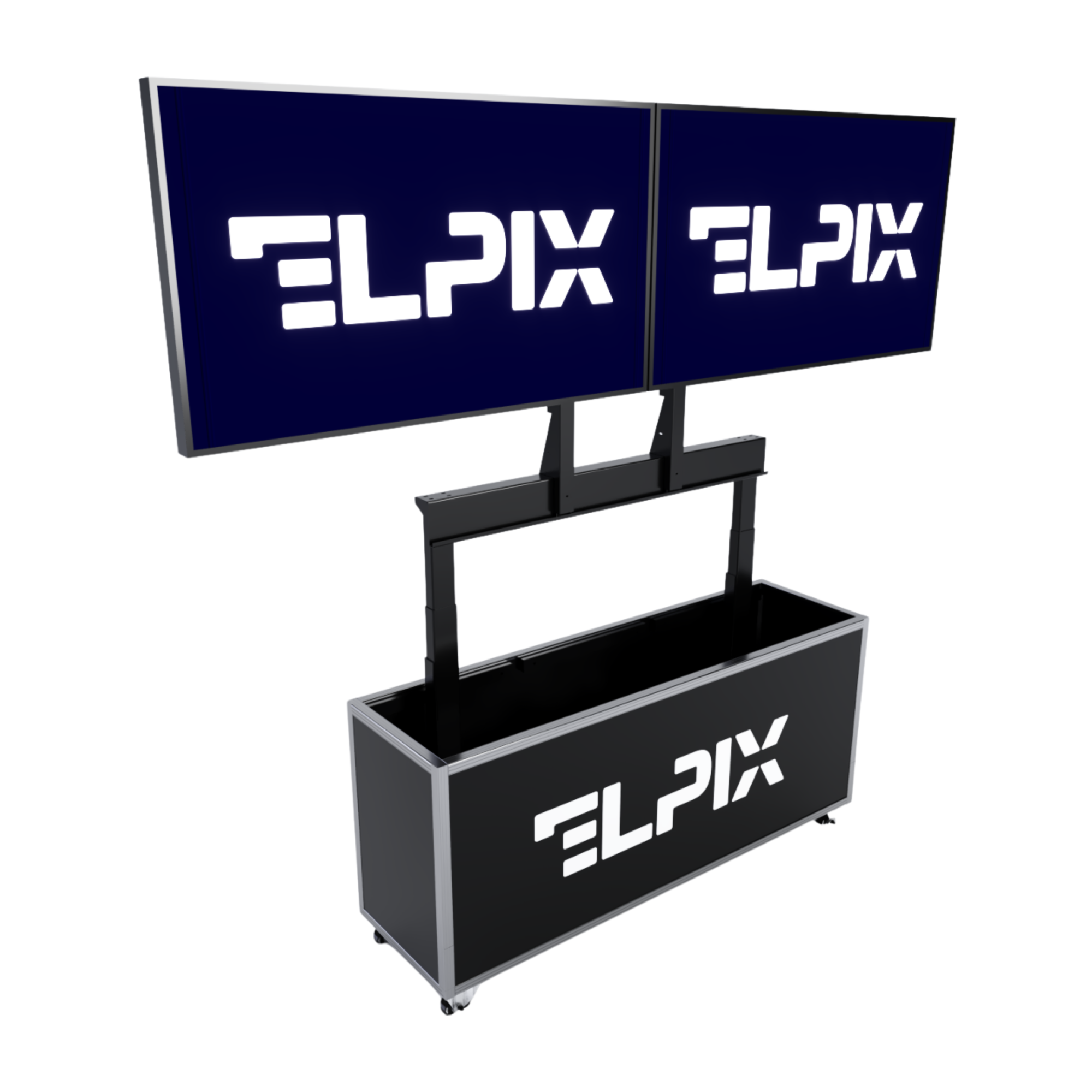

A mobile command post is a ruggedized operator workstation for field planning, mapping, and control: a touchscreen, dedicated software, and its own power supply. One person sets it up in 8 to 12 minutes. The point isn’t “digitization” for its own sake. It’s having a system that actually boots where ordinary hardware starts acting up.
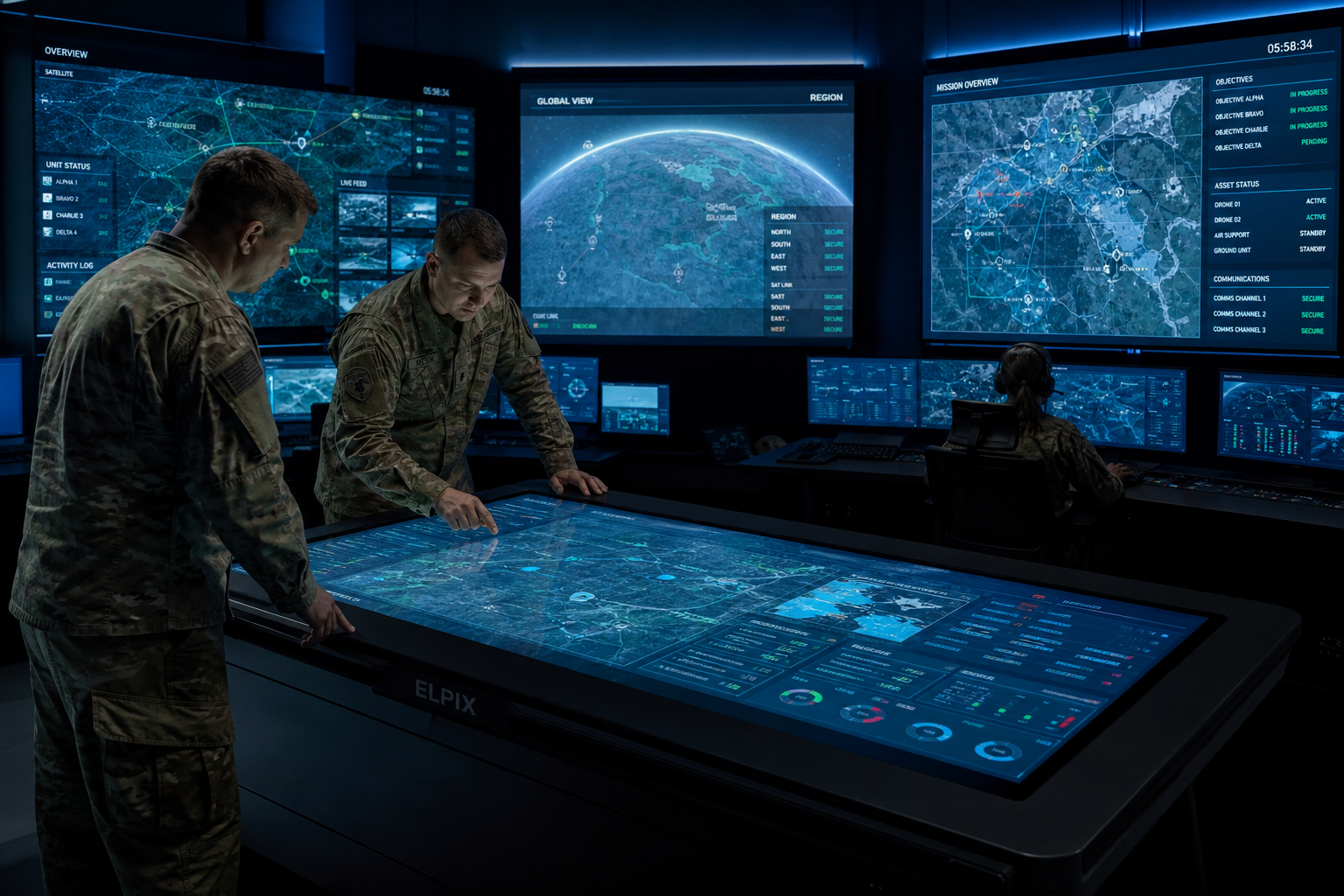
What an Elpix mobile command post is
The Elpix mobile command post is an engineering system built for the field, where there’s often no internet, power is unreliable, and dust and vibration come with the job. It pairs an interactive touchscreen with a built-in PC, a power unit with battery backup, and a switching panel. Everything ships in one transportable case that a single operator unfolds in 8 to 12 minutes.
The logic is “unfold and run.” Everything is configured in advance for the unit’s specific tasks, so there’s nothing to set up in the field. That strips out most of the friction when nobody has time to figure it out on site.
You match the configuration to the job, anywhere from a mobile two-operator station to a fixed headquarters post with four 32-inch screens. Elpix builds both the software and the hardware, so updates don’t stall on a third-party vendor. The usual advice is to split hardware and software across separate contractors, but for a field command post single ownership often matters more than a tidy procurement chart.
Purpose and use cases
The command post covers four working scenarios. The list reads dry, but behind it is the operator’s real routine: open the map, mark the task, push the change, don’t lose the log.
- Tactical planning: working with topographic maps, plotting routes, and placing posts interactively.
- Group control: tracking positions and communicating over secure channels through the built-in comms system.
- Training and briefing: showing the task before a mission and reviewing actions afterward.
- Site monitoring: pulling perimeter video feeds into one interface and time-stamping events.
One thing holds across all four: the system can’t depend on outside infrastructure. Why does that matter so much? Because the map, the event log, and task control have to stay available right now, not once the link comes back. To get there, Elpix relies on local data processing and an independent power source.
Configurations: four variants of the 4×32″ MCP
The Elpix mobile command post is built on four 32″ screens (4×32″) and comes in four configurations. They differ by the number of operators (1 or 2) and the performance tier — basic or powerful:
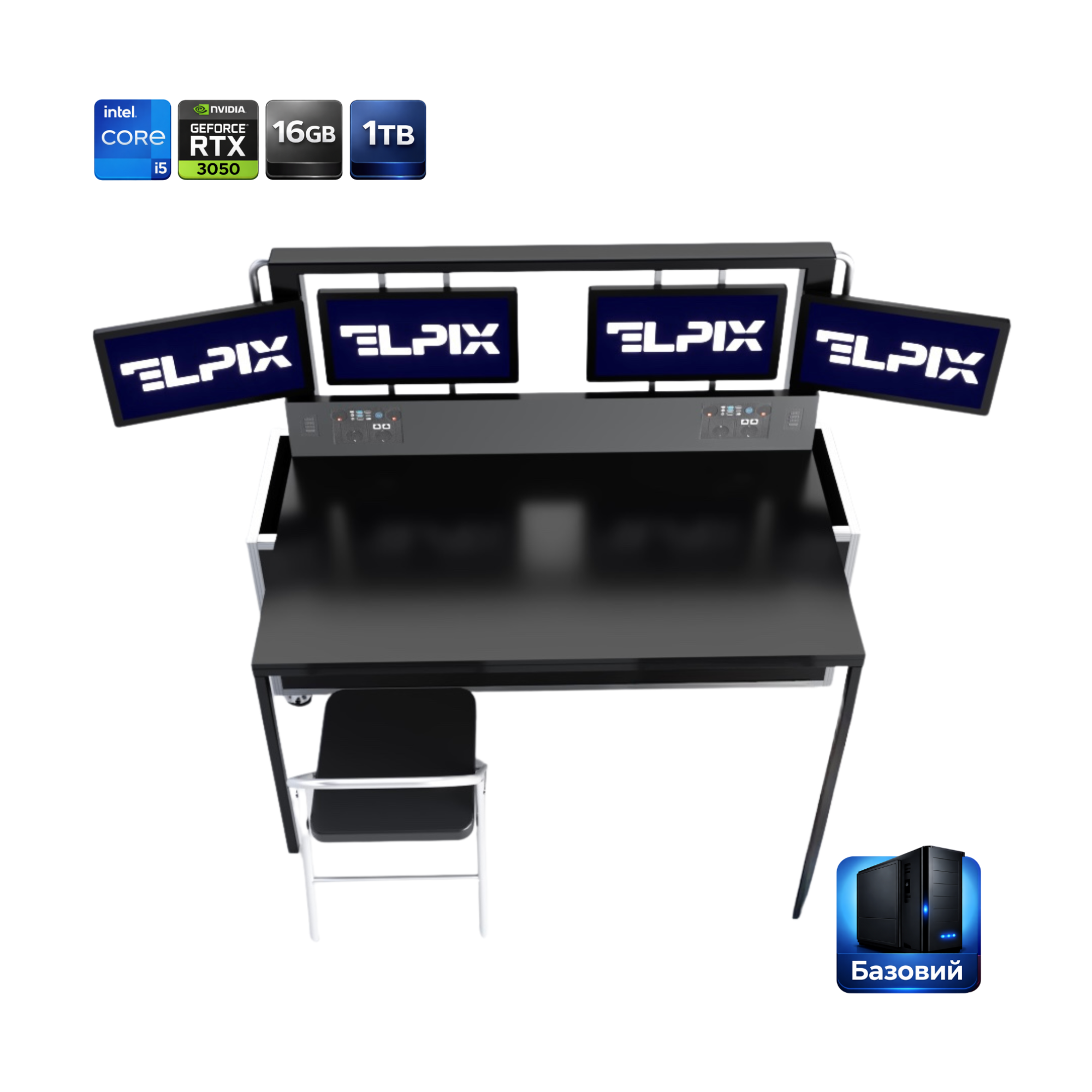 1 operator · basic Intel Core i5 |
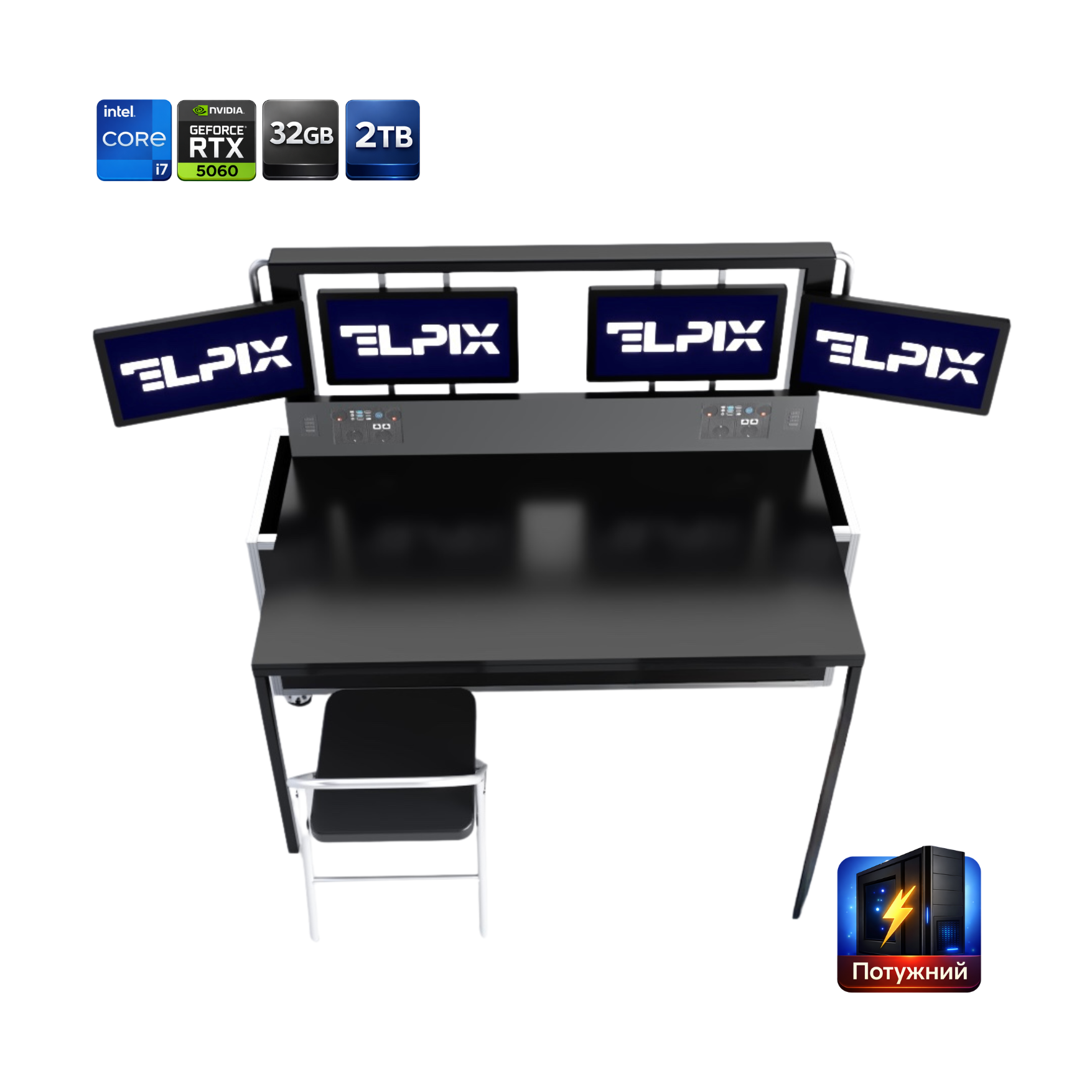 1 operator · powerful Intel Core i7-12700KF |
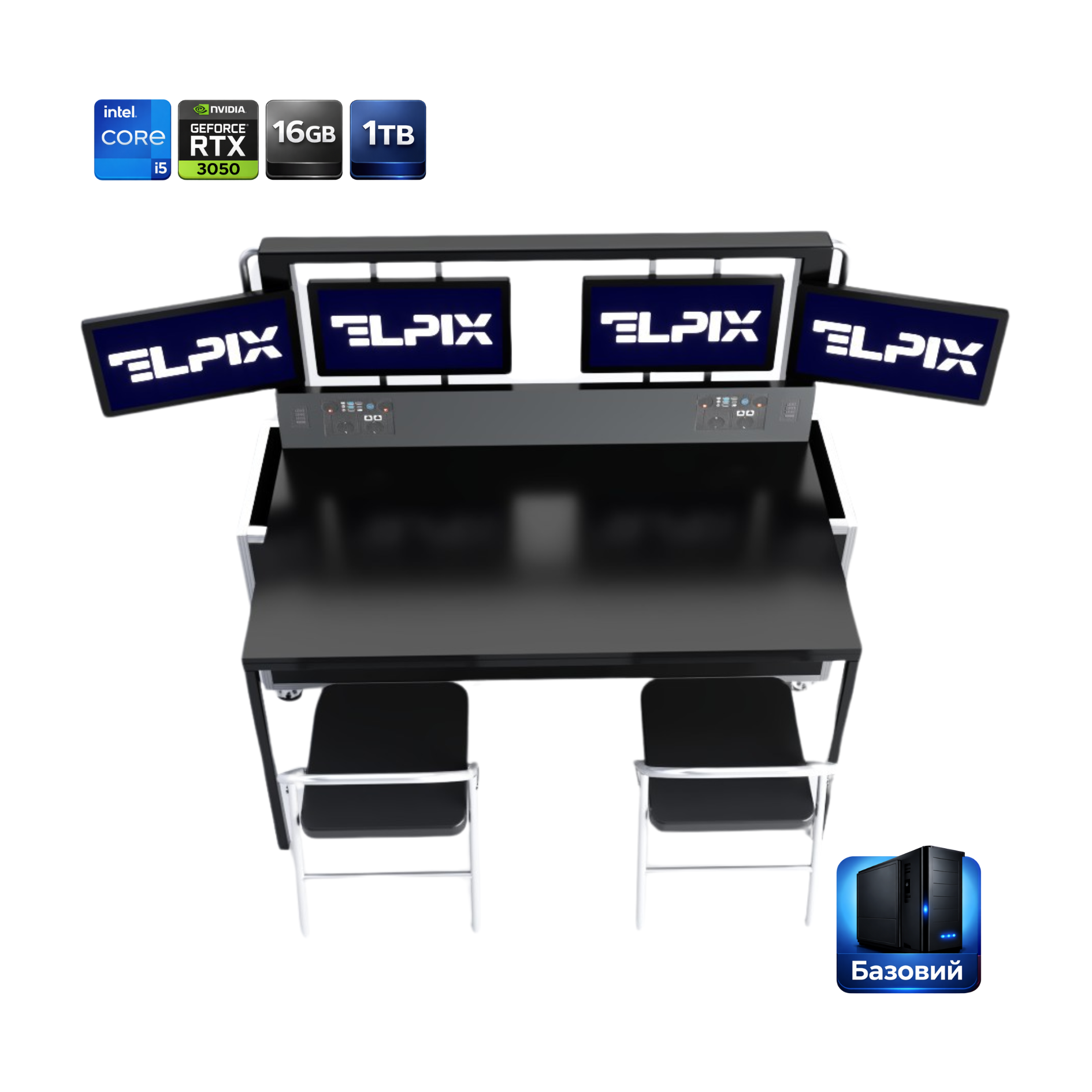 2 operators · basic Intel Core i5 |
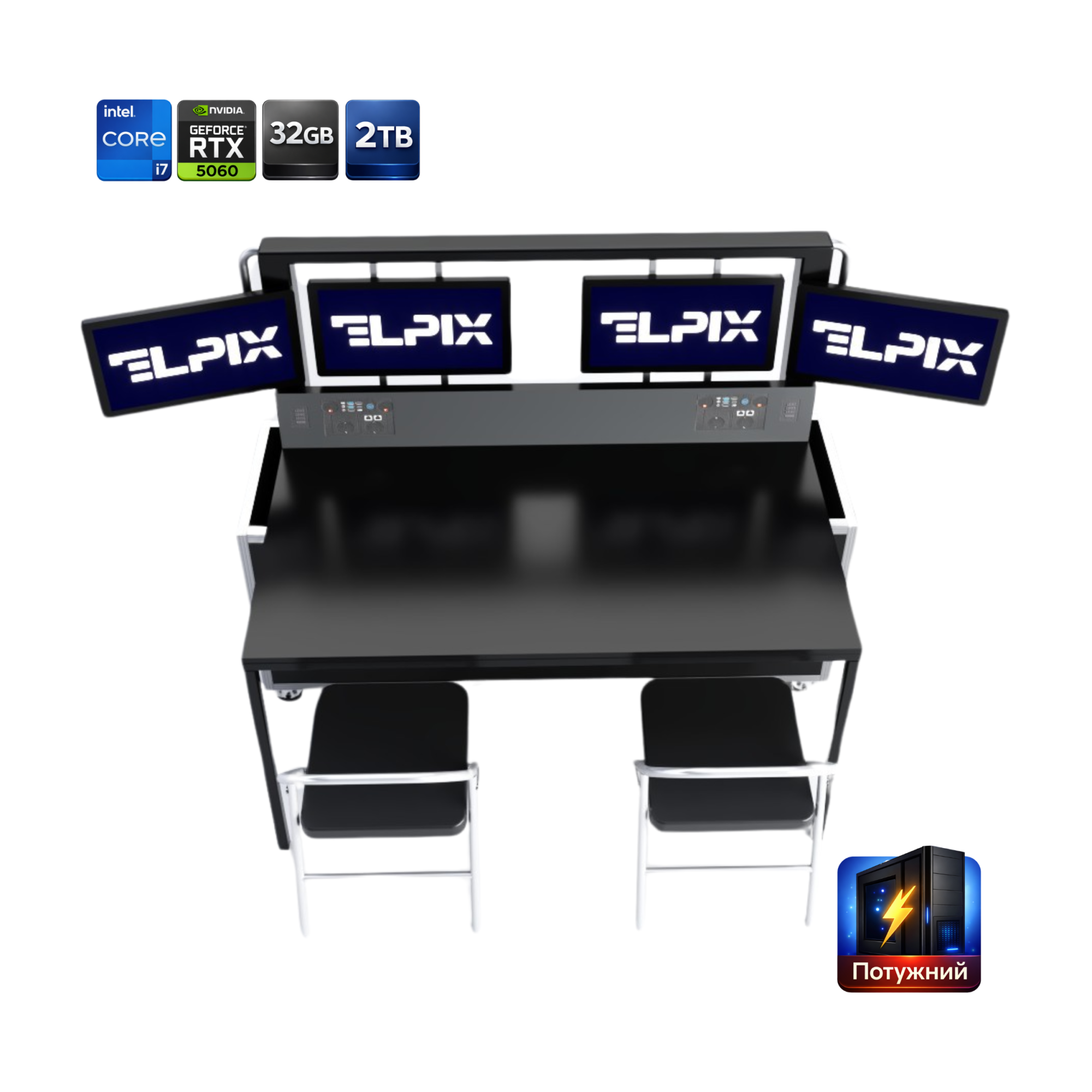 2 operators · powerful Intel Core i7-12700KF |
Separate from the MCP is the 2×27″ video module — it comes as a standalone unit or as an add-on to the command post, not as one of the 4×32″ configurations.
The base software set is the same across all configurations: a mapping module, a terminal interface, and an event log in one package, with extra functions added on request. I’d hold off on calling this a “universal platform” without a caveat — the universality only shows up after a proper technical brief.
Interactive table for the military: what it does
Elpix special-purpose tables are nothing like ordinary furniture with a touch overlay. They’re engineered to be moved and to keep working where fixed gear quickly becomes a liability. The work surface is impact-resistant tempered glass that registers touch through gloves. The processor unit sits in a separate protective case, which makes it easier to swap if something fails.
Mapping and planning on the touchscreen
The interactive table loads raster and vector maps in TIFF, GeoTIFF, SHP, and KMZ. These are the standard formats for military geodesy, not decorative “looks-good-in-a-brochure” compatibility. The interface handles multi-finger gestures for zoom and rotation, and panning stays smooth even on 20–50 GB files.
Operators draw objects, routes, and zones of responsibility straight onto the map, and changes save to a local database with timestamps. Once a link returns, the data syncs to an upper-tier server, provided the customer’s configuration includes that function. Sync is usually exactly where a slick demo falls apart when nobody thought it through ahead of time. Several operators can also work on different map layers at once, with no input conflict.
Offline operation and autonomous power
All data lives on a local SSD inside a protected unit. The map database, the event log, and the control software run with no internet connection at all. It’s counterintuitive, but for a system like this, offline mode beats cloud integration: the cloud is useful later, while the operator makes the call on the spot.
Power comes from a built-in 48 V battery, good for 4 to 8 hours depending on load. You can hook up an external UPS or a military generator through a standard 220 V / 24 V DC connector. On a full power loss, the system saves its state automatically every two minutes.
Interactive panel for the military
The wall-mounted or mobile interactive panel is a separate equipment type in the Elpix lineup. Diagonal runs from 55″ to 98″, protection is rated IP54, and the coating is anti-glare. The optical infrared touch technology works through gloves with no extra setup, and brightness from 400 cd/m² keeps it usable under side lighting in the field.
Briefings and the headquarters video wall
In a headquarters setup, the panel is the central display for the operational picture. It takes up to four video sources at once, such as surveillance zones and the map, with a terminal window and a comms channel broken out separately, and the operator switches and scales sources by touch.
In briefing mode, the panel works like an interactive projector, just without the calibration and the washout: the commander brings up the map, marks it with a finger or stylus, and the group sees the changes immediately. I’ll be blunt here. If you have to copy those marks into another system by hand afterward, that isn’t interactivity, it’s an imitation of it.
Integration with the customer’s software
Elpix panels ship with an open API for integration with existing software, such as position-management systems and video analytics. Special-purpose record systems connect within the same project scope. Integration happens during the project phase, before the equipment ships, with timelines fixed in the technical brief. If the customer runs Windows or Linux, the panel connects as a standard monitor with a touchscreen, no extra drivers needed.
Specifications and what’s included
The Elpix MCP ships in two performance tiers — basic and powerful. Both are built on four 32″ screens; they differ in processor, memory, and graphics card:
| Parameter | Basic | Powerful |
|---|---|---|
| Screens | 4 × 32″ | 4 × 32″ |
| Resolution | 1920 × 1080 per screen | 1920 × 1080 per screen |
| Brightness | over 350 cd/m² | over 350 cd/m² |
| Processor | Intel Core i5 | Intel Core i7-12700KF |
| RAM | 16 GB | 32 GB |
| Storage | SSD 1 TB | SSD M.2 2 TB |
| Graphics | GeForce RTX 3050 | GeForce RTX 5060 |
| Enclosure protection | IP20 or better | IP20 or better |
The kit includes a folding desk (850 × 1700 mm) and a chair, a transport case (1600 × 1900 × 500 mm, moisture-resistant plywood), a wireless keyboard and mouse, power cables, and a manual. The 1- and 2-operator configurations differ in the number of workstations.
Deployment, training, and warranty support
Every delivery comes with on-site, in-person training. An Elpix engineer walks through the full cycle — setup, connecting power, launching the software — with the basic scenarios run right there. Training one operator group takes about four hours.
After acceptance, the customer gets documentation in two formats: a digital PDF on a protected drive and a printed copy. The paper version still earns its place, especially when the drive or a working PC isn’t reachable for a while.
The warranty runs 12 months from delivery, and during that window Elpix fixes manufacturing defects at no extra cost. Post-warranty support is set up by contract: scheduled maintenance, sensor calibration, software updates, and remote diagnostics over a secure connection whenever there’s a link.
The components are commercial and aren’t tied to closed, proprietary suppliers. If a power unit or drive fails, you swap in a standard part without going back to the manufacturer. In the field, an “exclusive component” turns into downtime fast.
How is the operator AWS different from a regular computer?
An office PC isn’t built for field work. The Elpix AWS has a shock-resistant enclosure, dust-protected connectors, anti-glare screens, and a built-in battery, so it runs without mains power and sets up at a new location in 8 to 15 minutes without tools. You could assemble something similar from separate parts, but it won’t hold up the same way against vibration and temperature swings.
Does the command post work without internet?
Yes, and it’s a base requirement built into the project from day one. The map database, control software, and event log sit on a local SSD inside the protected unit, so you don’t need internet to boot the system, load maps, or keep the log. When a link comes back over a military channel, mobile network, or satellite, the system syncs data with an upper-tier server if that integration is part of the project. The default mode stays autonomous, so losing the link never takes the command post offline.
How long does deployment take?
The one-operator setup with two 27-inch screens deploys in 8 to 10 minutes; the two-operator version with four 32-inch screens takes 10 to 15. That’s the time from opening the case to launching the software: pull out the unit and screens, fit them into the mounting frames or stand, and connect power and the cable harness. No tools or separate technician required, and after three to five solo deployments most operators land at the lower end of the range.
Which screen configurations are available?
The standard lineup has two options: 2×27″ for compact single-operator installs and 4×32″ for headquarters use with two workstations. Both run IPS Full HD screens with 10-point PCAP. Other diagonals are available on request (a single 32″, 43″, or 55″), and for fixed headquarters posts Elpix designs video walls from commercial displays with narrow bezels. The final configuration is agreed during the technical brief.