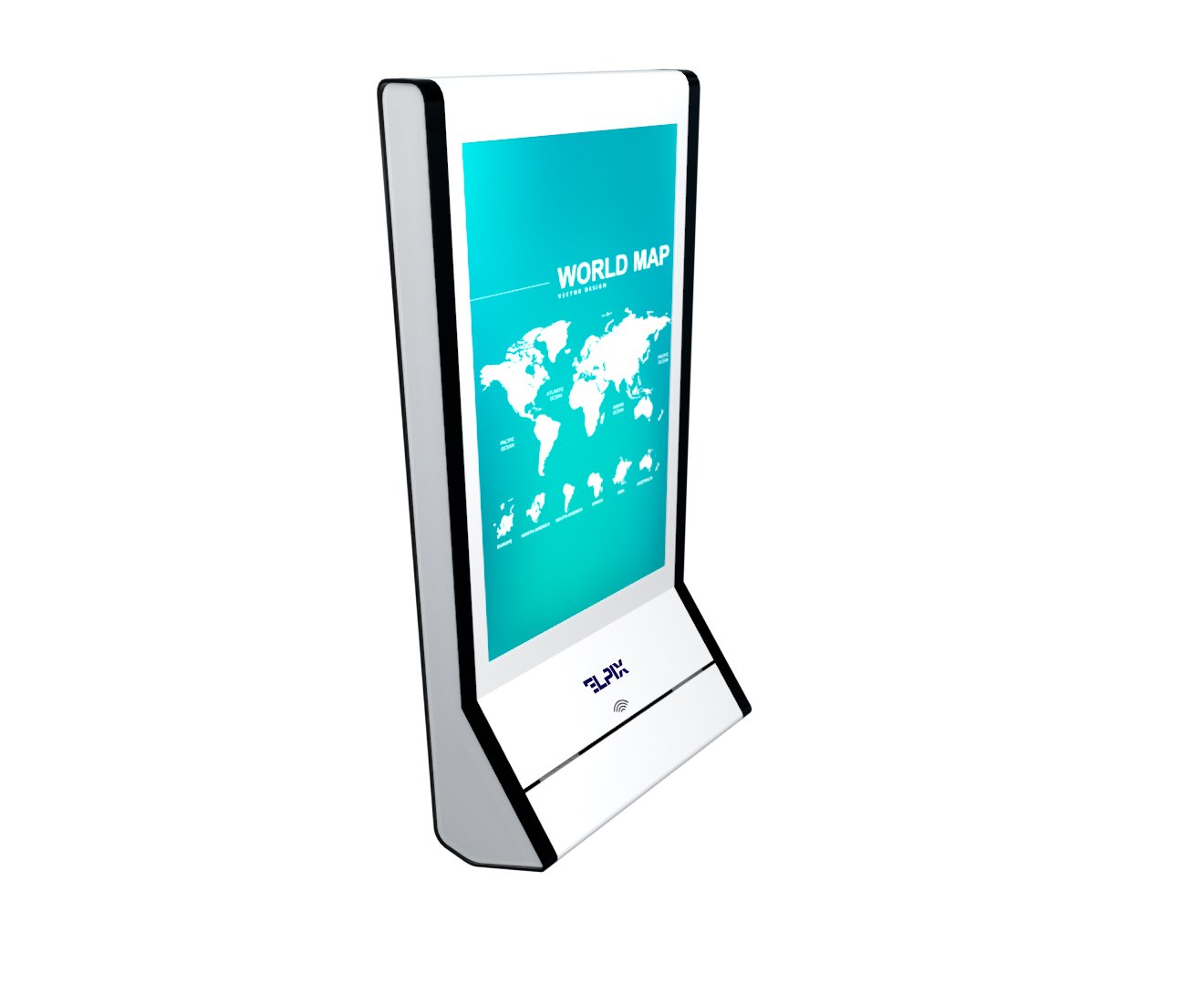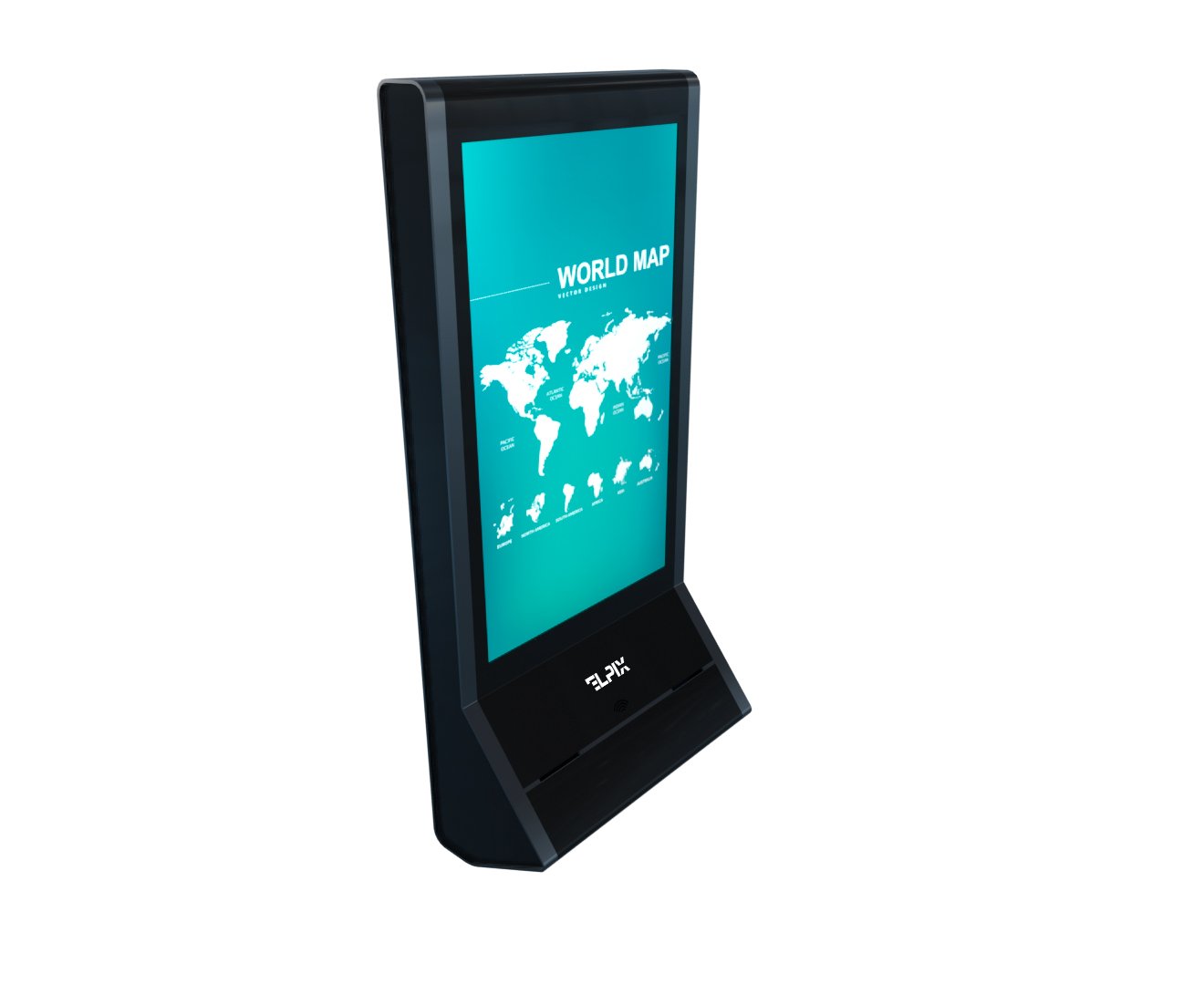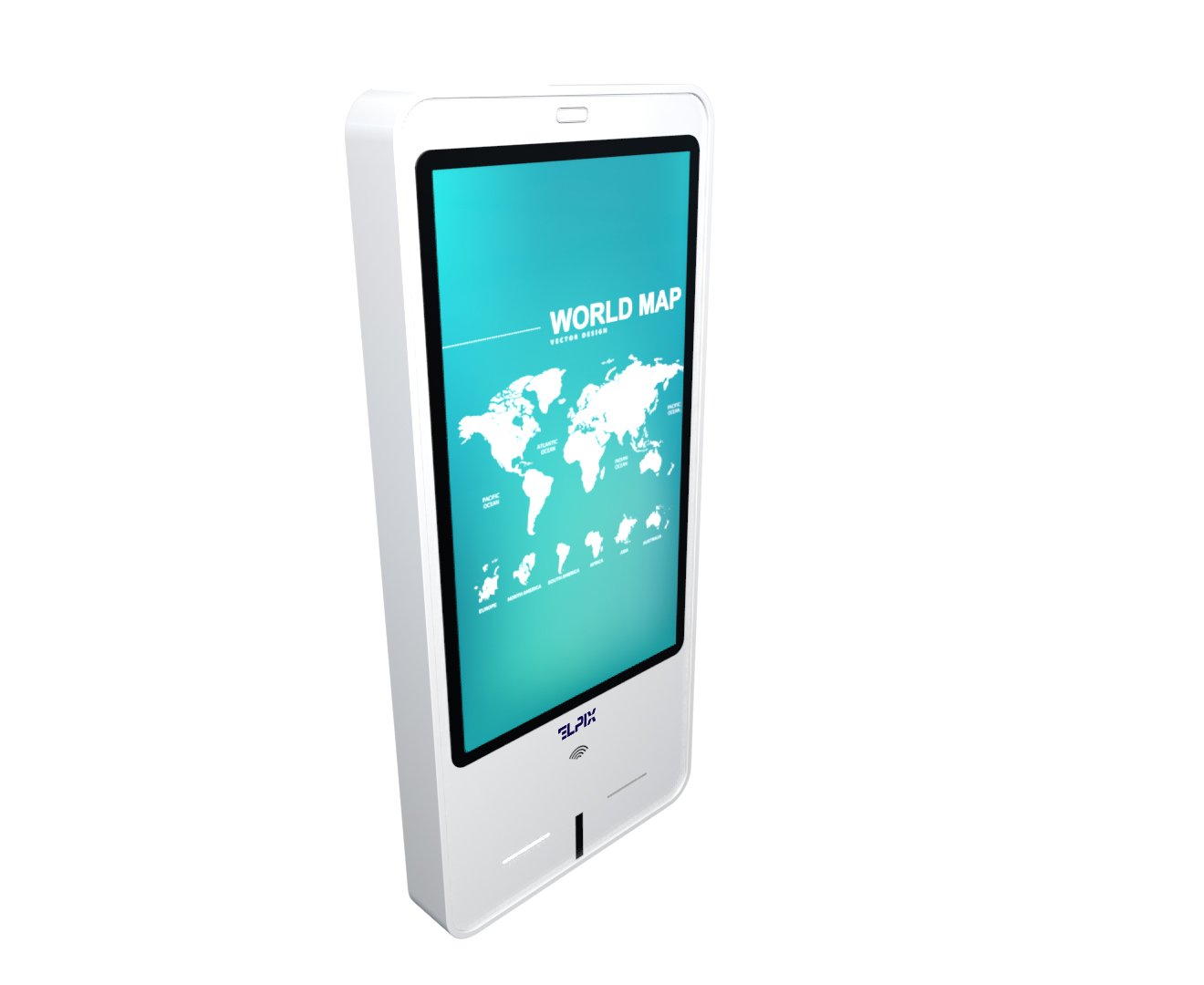

A self-service terminal is a standalone touchscreen kiosk where the customer gets the service themselves: checks information, registers, places an order, or pays, without waiting for a staff member. Put simply, it isn’t “a nice screen in the lobby” — it’s a tool that takes the repetitive work off your staff and runs around the clock.
What a self-service terminal is and why business needs one
A line at the front desk costs more than it looks. The customer waits and gets irritated while a staff member explains, for the tenth time that hour, where the lift is, how to pay by card, and where to pick up a ticket. A self-service terminal takes that repetitive job off their hands. People stay for the hard questions, and the kiosk runs without a break. In my experience that’s the real win in any high-traffic spot — not a “wow effect,” but the fact that routine stops eating the shift.
The numbers here aren’t magic. Retail studies put the average service time per customer down from 4–6 minutes to roughly 90 seconds once kiosks are in place. A hotel in Kyiv cut the queue at reception by 40% after installing a self check-in stand, especially in the morning when the shift is still warming up. That’s the whole arithmetic: when there’s no cashier standing right there, people make the choice more calmly on their own.
Stripped down, a self-service kiosk is a computer with a touchscreen in a rugged enclosure, placed in a public space. The screen size, the body, the printer, the card reader, and the software are all picked to fit the job. So a “terminal” isn’t one box off a catalog page. It’s several different configurations, and mixing them up is dangerous for the budget.
What the kiosk handles without staff
Whoever stands at the till or reception hears the same questions every day. Interactive stands answer them on their own. Staff stay for complaints, odd requests, and anything that needs a human tone. I’d ignore the marketing word “automation” and look at 5 concrete functions in the standard set:
- Navigation and information — a building map, schedules, an FAQ, no staff involved.
- Registration and check-in — the guest scans a QR or booking and gets a key card or receipt without queuing.
- Payment — by card, phone, or QR code in a few seconds.
- Booking — pick a time, confirm, print a ticket.
- Feedback collection — an NPS survey right after the visit, no calls or mailshots.
One important caveat: the terminal doesn’t “fire everyone.” It’s a popular line in pitch decks, but it’s off. The kiosk strips out routine, and the people who used to hand out tickets move on to consultations and keeping customers. That’s why NPS tends to go up after kiosks go in, not down — a real person finally deals with the person, not the buttons.
Indoor vs outdoor kiosks: the difference
From the outside an indoor and an outdoor kiosk can look alike. Inside they’re different products. No romance about it: the wrong model can give out after its first cold season or a heavy rain.
| Parameter | Indoor kiosk | Outdoor kiosk |
|---|---|---|
| Enclosure rating | IP42 (dust + the odd splash) | IP65 (full dust protection + direct water jet) |
| Operating temperature | +10 … +40 °C | −20 … +55 °C |
| Display brightness | 500–800 cd/m² (standard IPS) | 1000–2500 cd/m² (High Bright, readable in sun) |
| Protective glass | 4–6 mm | 8–10 mm tempered (Gorilla Glass or equivalent) |
| Thermal control | Passive ventilation | Active heating + forced cooling |
| Typical use | Reception, sales floor, lobby, public office | Mall facade, parking, transport hub |
The rule is simple. Kiosk behind glass doors, in the warm? Go indoor. Kiosk outside the building or in an unheated vestibule? You need outdoor. It sounds too obvious, but the “almost inside” spots are exactly where people get it wrong. For a glazed entry, a car park, or a passage, check the actual winter temperature — if it drops to −5 °C in there, an indoor kiosk won’t last long.
Where it gets used
The same self-service kiosk covers different jobs in different industries. What follows isn’t brochure theory but three common cases where the pain is usually felt right away.
Hotels and HoReCa
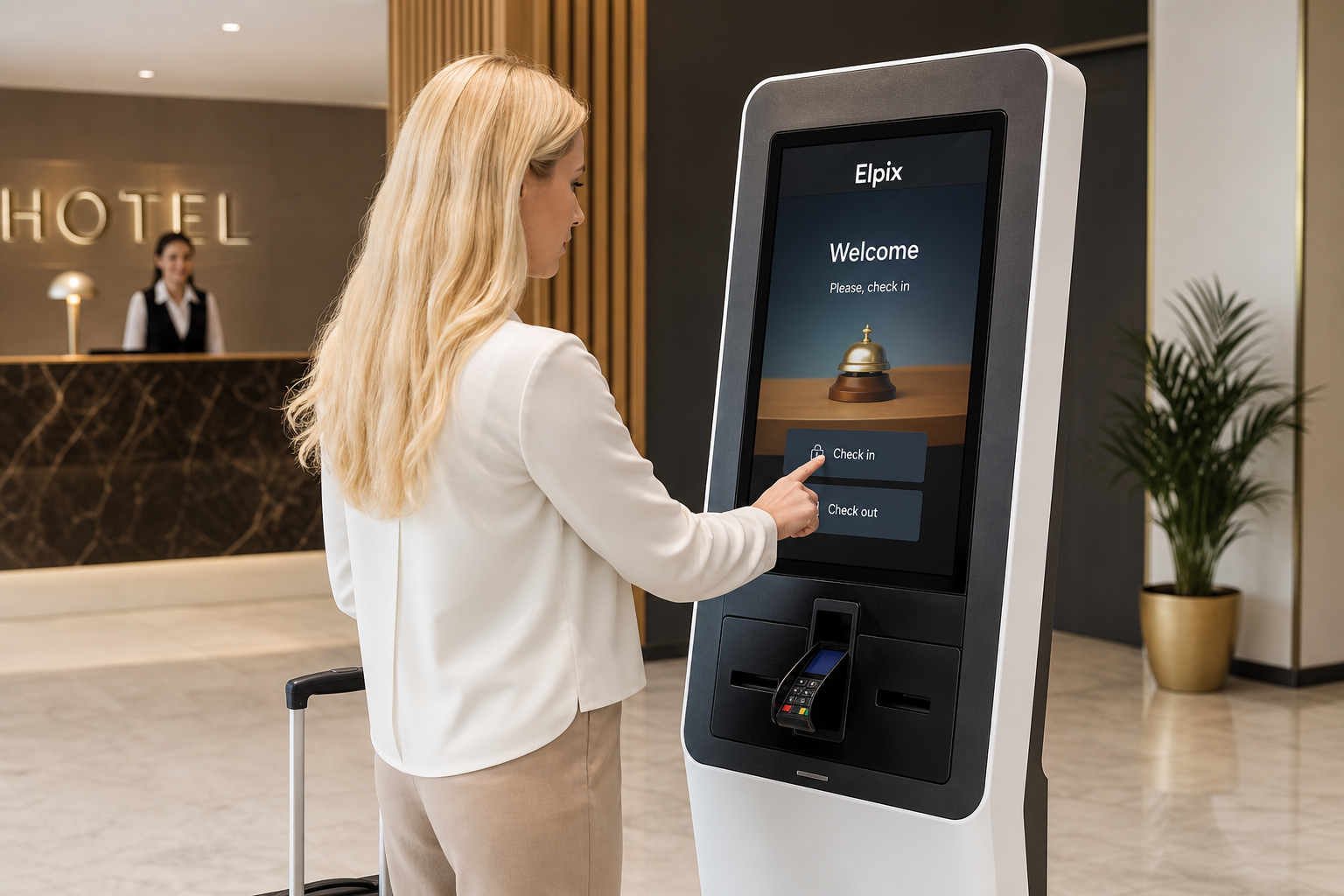
For hotels the sore point is the late arrival and an empty reception at night. A guest who lands at four in the morning wants their room, not a hunt for the duty manager. The terminal closes the loop on its own: self check-in by booking number or a QR from the confirmation email, a key card dispensed from the unit, a 12-plus language interface, and service requests with no call to the desk. One terminal in the lobby effectively covers the night shift. I’d look not only at the payback but at the night incidents — that’s where self-service often saves a Booking review.
Shopping centers and retail
For a mall the terminal is both a visitor service and a way to manage flow. A wayfinding kiosk with a center map cuts the load on security and concierge by 50–60%. A self-checkout running at 200-plus people an hour lets four kiosks stand in for 2–3 cashiers per shift, and the average basket grows 15–20% thanks to on-screen prompts. There’s an unpleasant detail too: the touch surface takes a beating fast. At 100-plus touches an hour you want a PCAP matrix (a capacitive sensor) rather than an IR frame — it’s more accurate, faster, and still works through gloves.
Government and service centers
A visit to a public service office or a service center usually starts with a ticket. The terminal takes that first step: the visitor picks a service on screen and gets a queue ticket with an estimated wait, while a pre-booking by QR sends them past the general line. Offices running terminals report the load on operators dropping by up to 35% on routine requests. In plain terms — more people served without hiring extra staff.
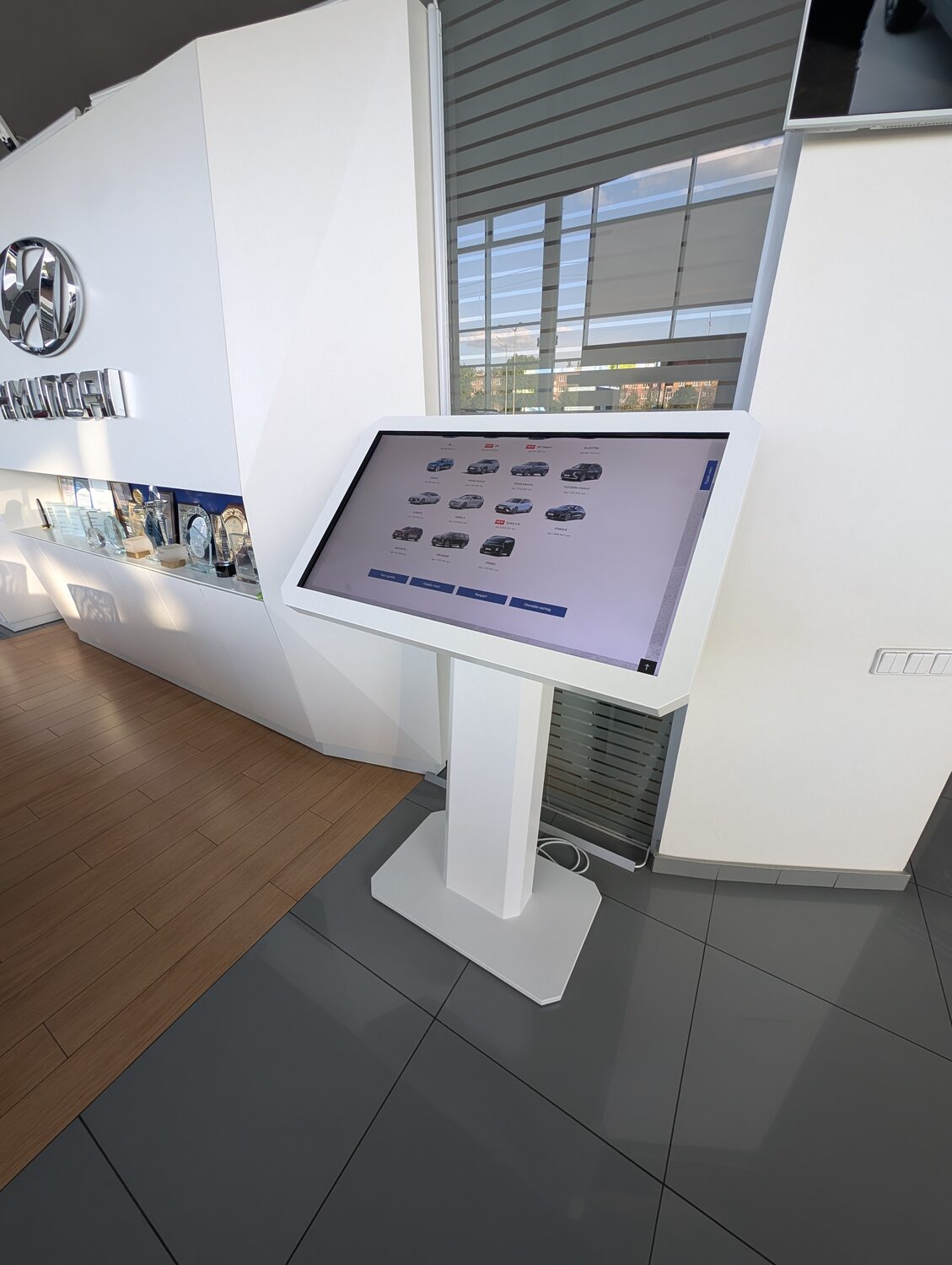 Elpix self-service terminal — real installation |
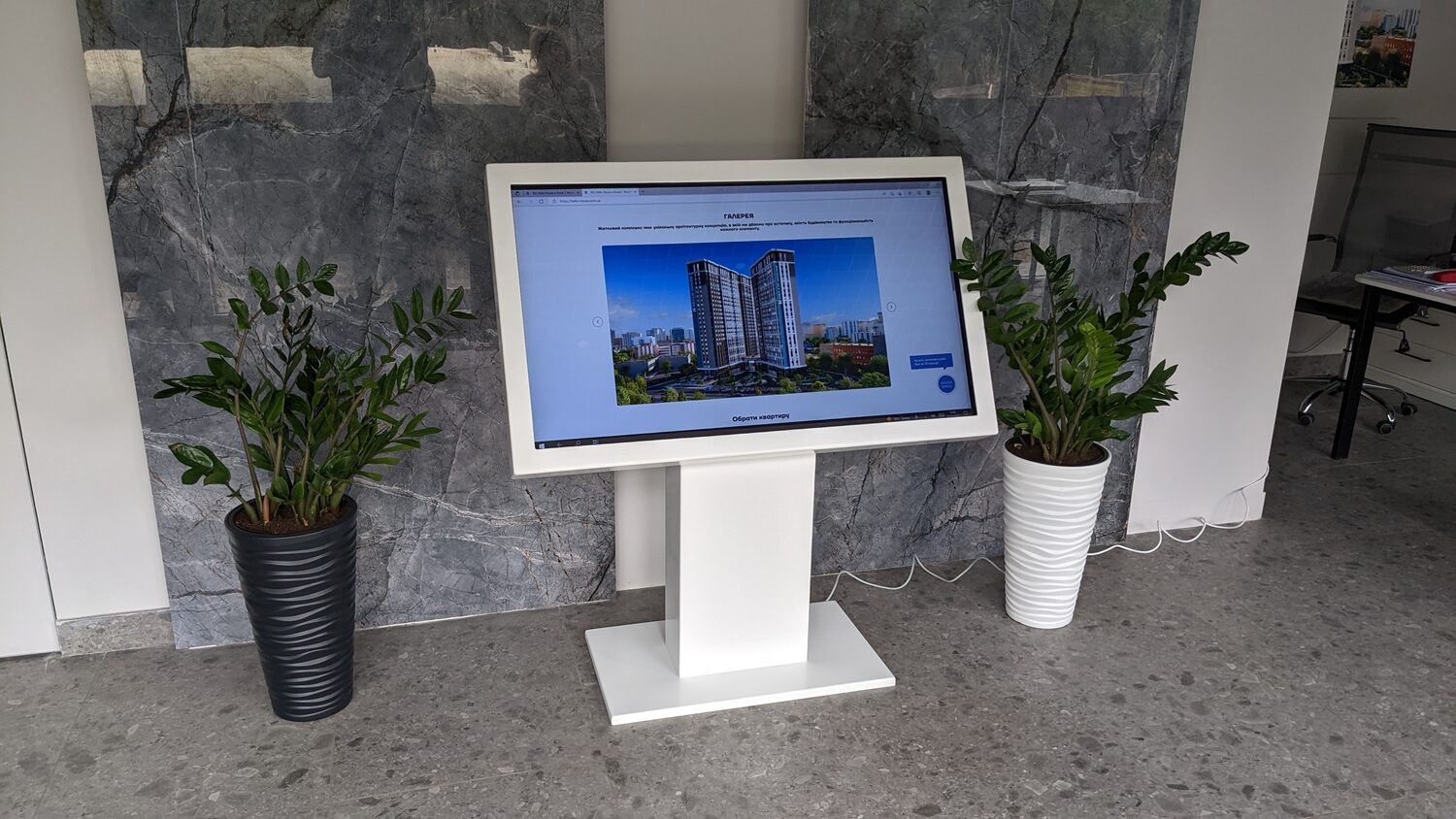 Elpix interactive touch stand — our work |
How to choose an interactive touchscreen kiosk
The purchase doesn’t start with a model. First answer three questions: where it stands, who uses it, and what it has to do. That dictates the screen size, the enclosure rating, and the peripherals. Screen size goes by the task and the distance a person approaches from:
- 21–24″ — desktop info terminals, reception, pharmacy, a till in a narrow aisle.
- 32″ — a wayfinding stand, registration, electronic queue. For most sites this is the safest size.
- 43″ — a floor-standing advertising and navigation terminal, a mall entrance zone, a hotel lobby.
- 55″ and up — the main entrance of a large mall, an exhibition stand, an airport.
Pick peripherals to match the use case, not “just in case”: every extra module complicates integration, servicing, and your spare-parts stock. A receipt printer matters in HoReCa and electronic queues; an NFC/EMV card reader is for payment (with PCI DSS certification); a QR scanner handles bookings and tickets; a card dispenser issues key cards in hotels. For outdoor units, the advice runs against the usual “start cheap”: tempered PCAP only, plus an IP65 body with 8–10 mm tempered glass and active thermal control. One service callout to a region can cost as much as a month of scheduled maintenance, so headroom on IP rating and temperature isn’t overkill here.
The Elpix lineup, integration, and ordering
Elpix builds terminals for business end to end — from the enclosure to the interface. Stock models are available off the shelf; custom configurations are built to the client’s brief, not the other way round. The range covers floor-standing stands, desktop terminals, outdoor pillars, double-sided kiosks for main entrances, and compact mini-kiosks that fit into a reception desk. Customization includes the RAL body color, an engraved logo, and a start screen in the brand’s style, so the terminal reads as part of the interior rather than a stray piece of kit by the wall.
On the software side there’s an own CMS: a manager updates content, promotions, or schedules from any device, no developer needed. The other option is to connect the terminal to a system you already run through an API: 1C, OPERA PMS, R-Keeper, Ukrainian processors LiqPay, Portmone, WayForPay. There’s no lock-in to a single platform. A project starts with an audit and a brief, then production (stock at once, custom in 15–25 working days), installation, integration, and staff training. Leave a request and a manager will prepare a spec for your site with a payback estimate.
How much does a self-service terminal cost?
The price depends on the configuration: screen size, enclosure type, the set of peripherals, customization to your brand book, and integration complexity. A stock model and a fully bespoke project can differ several times over. Request a quote and an Elpix manager will put together an exact spec for your needs.
How is an indoor kiosk different from an outdoor one?
An indoor kiosk works in a heated space at +10 … +40 °C, with a 500–800 cd/m² display and protection up to IP42. An outdoor one is built differently: an IP65 body, 8–10 mm tempered glass, heating down to −20 °C, cooling up to +55 °C, a High Bright display of 1500+ cd/m², and A-class locks. Pick the wrong type and the equipment can fail in its first season, so it’s best to settle the operating conditions at the brief stage.
Can the kiosk integrate with our system?
Yes. Elpix connects terminals through REST API, SOAP, and direct database connectors. There have already been projects with 1C, Oracle Hospitality OPERA PMS, R-Keeper, LiqPay, Portmone, WayForPay, and various CRMs. If your system is non-standard, name it when you request a quote and the team will check compatibility and propose an integration approach.
What’s the lead time for a custom terminal?
Stock models ship at once. Custom configurations — a modified body, a non-standard RAL color, branded graphics, engraving, extended peripherals — take 15–25 working days once the brief is agreed and the deposit is in. Installation and software integration are timed separately for the site and scope of work.