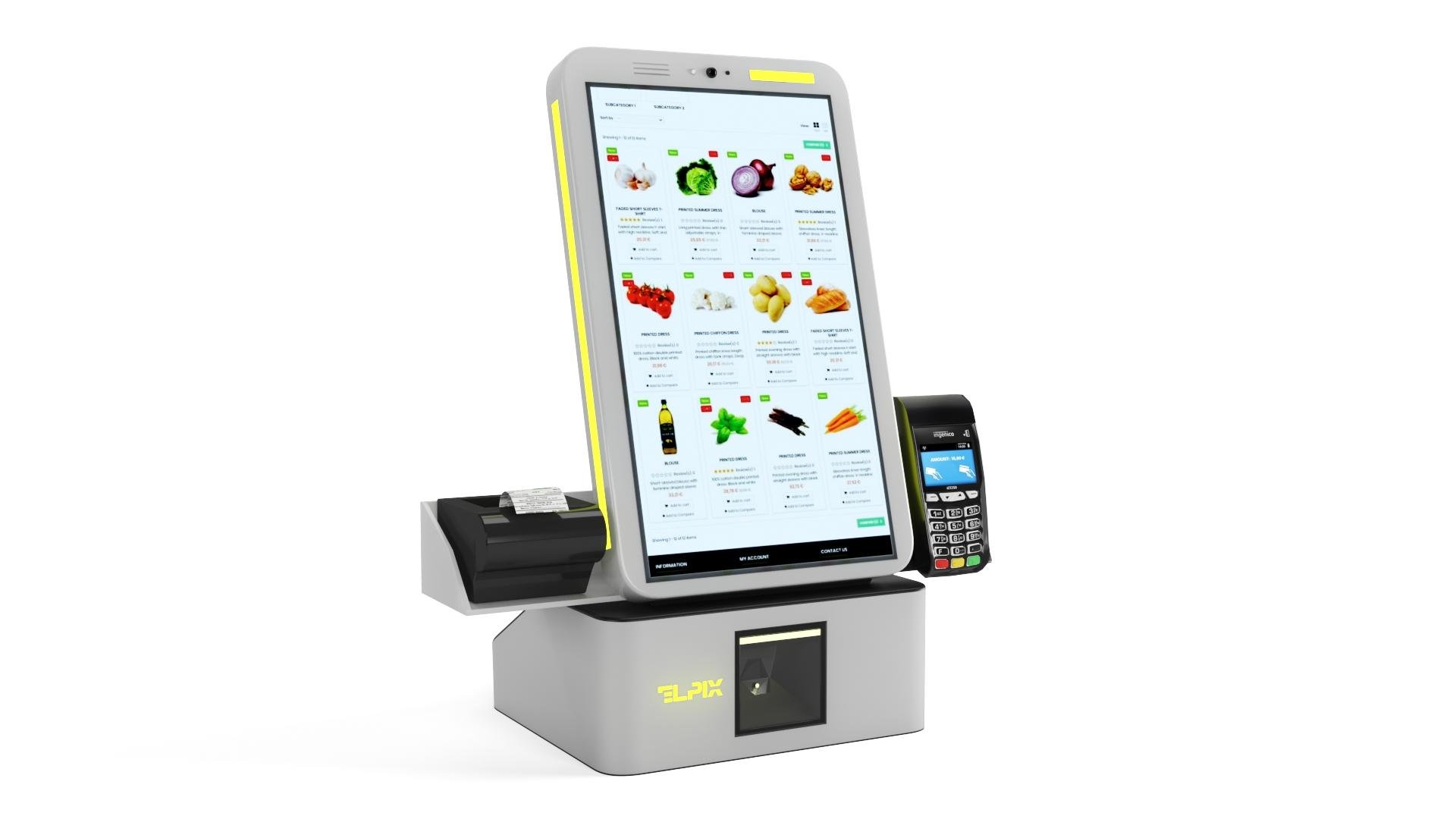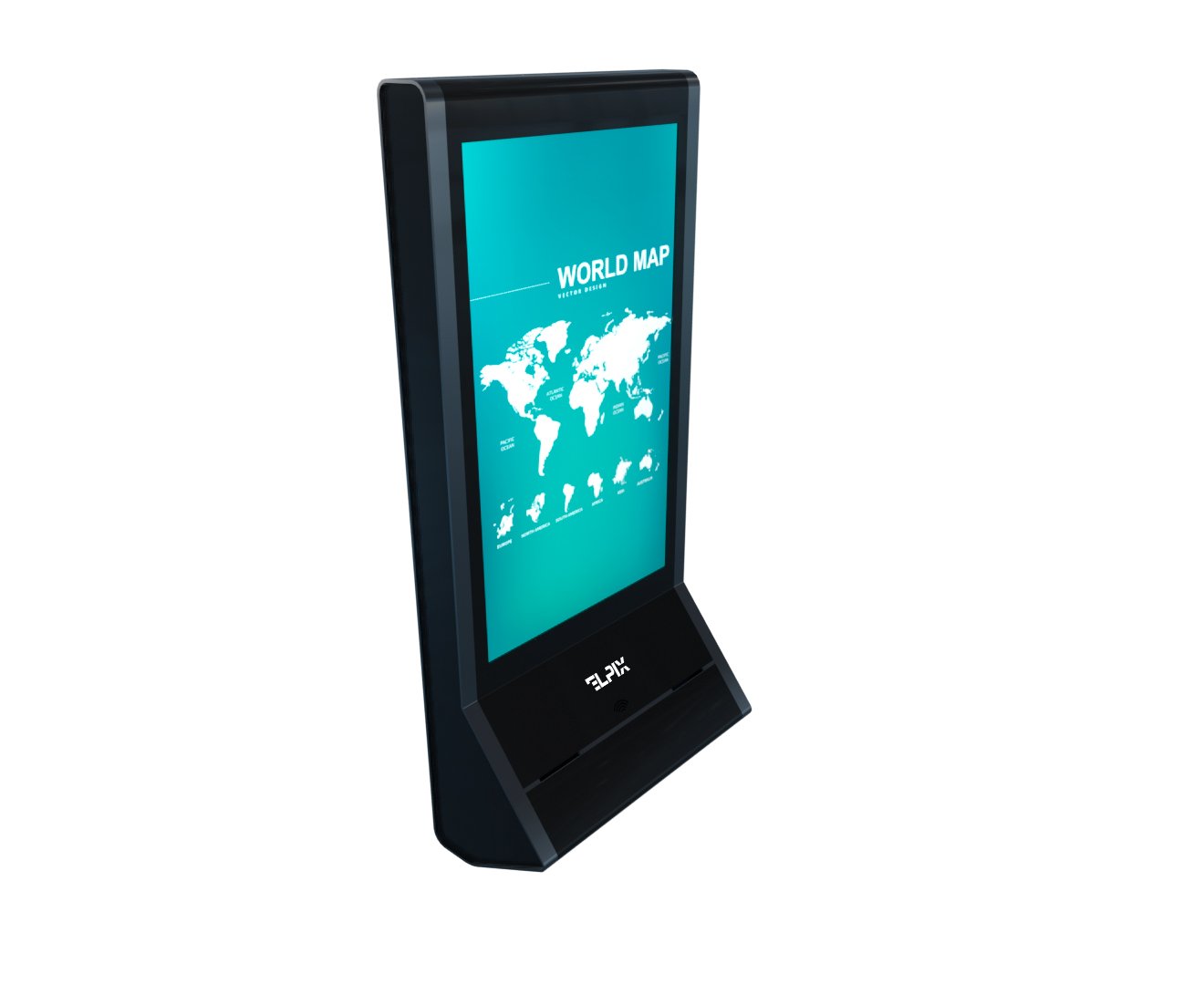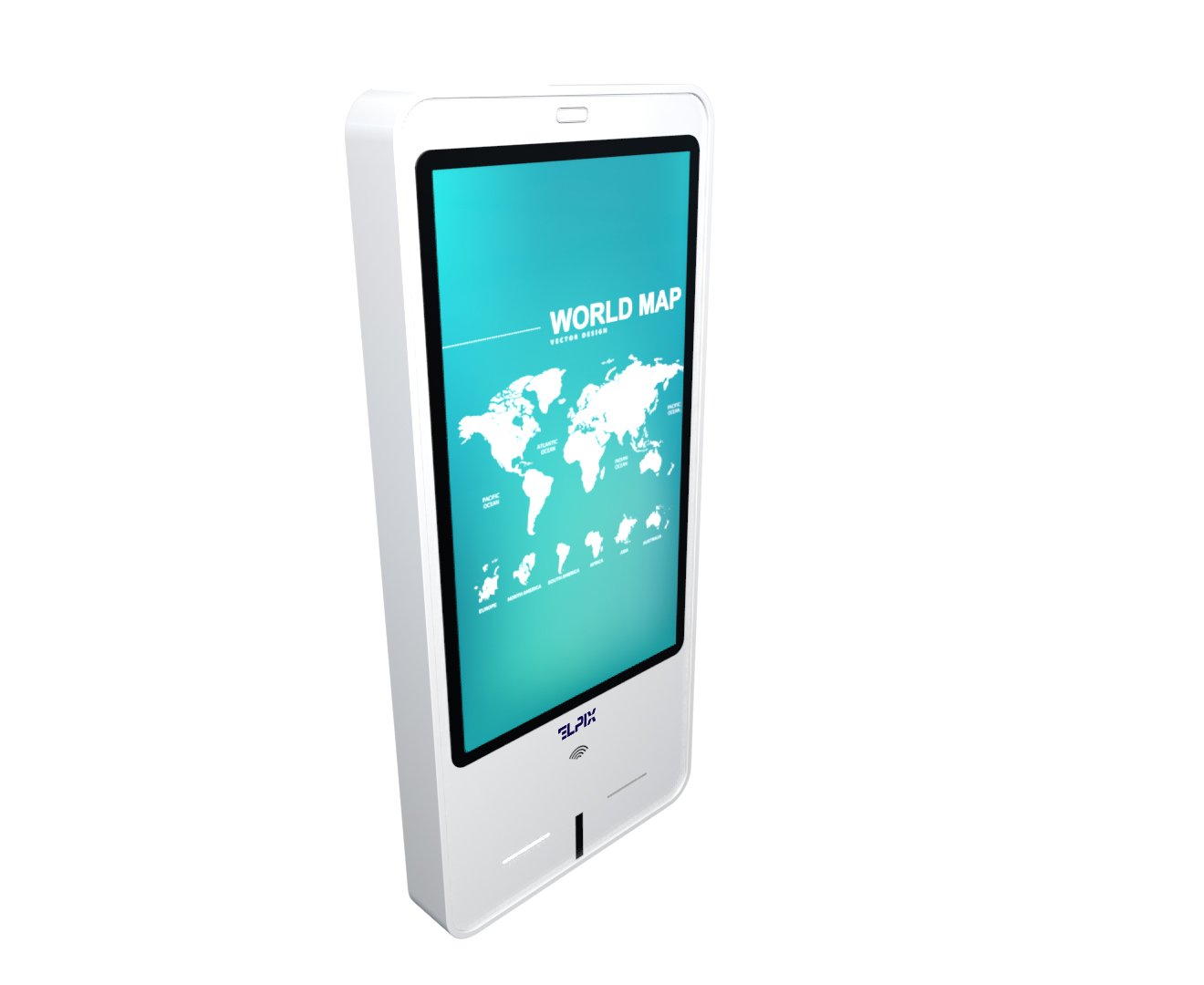

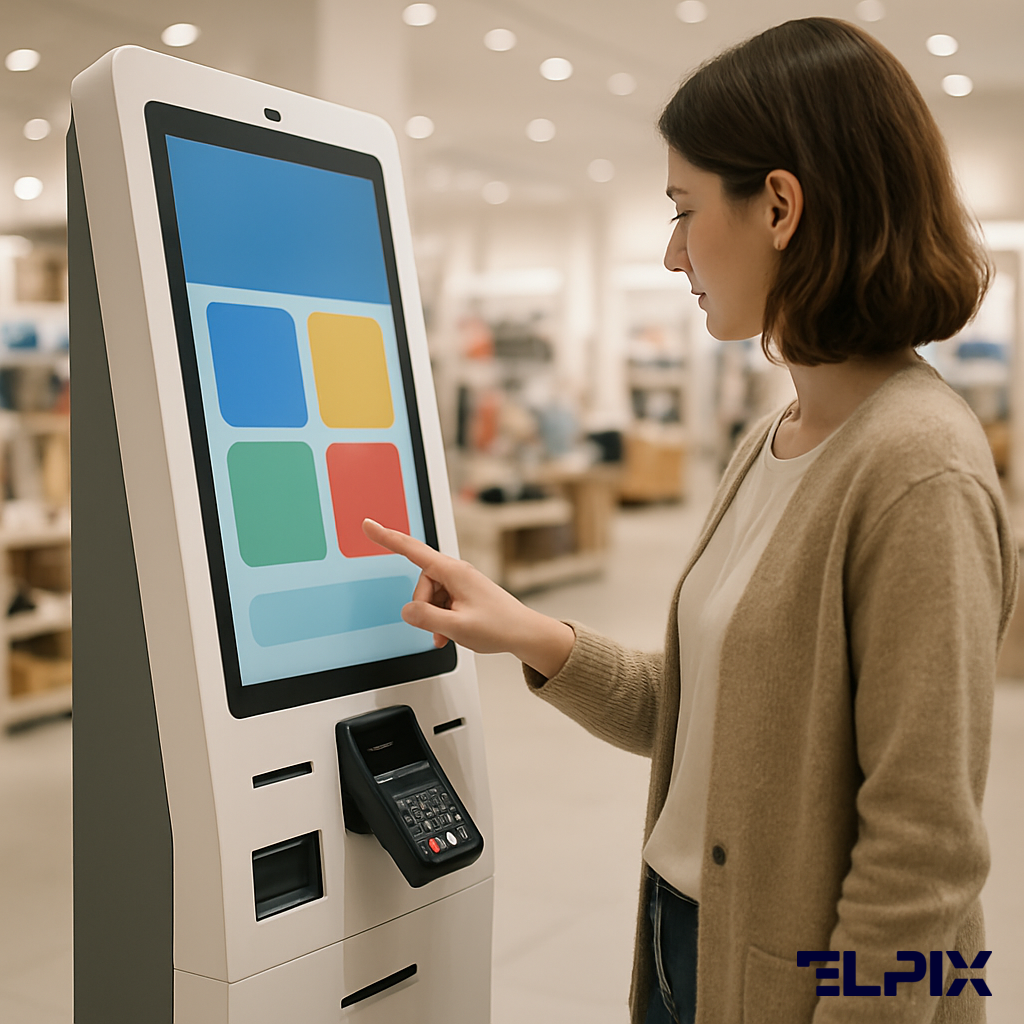
A self-service payment terminal is a touchscreen kiosk that takes card, NFC, or cash payments without a cashier. The customer walks up, picks a product or enters an amount, taps a card or feeds in a bill, and leaves. For a business it comes down to less manual work at the till, fewer change disputes, and clean control over the money.
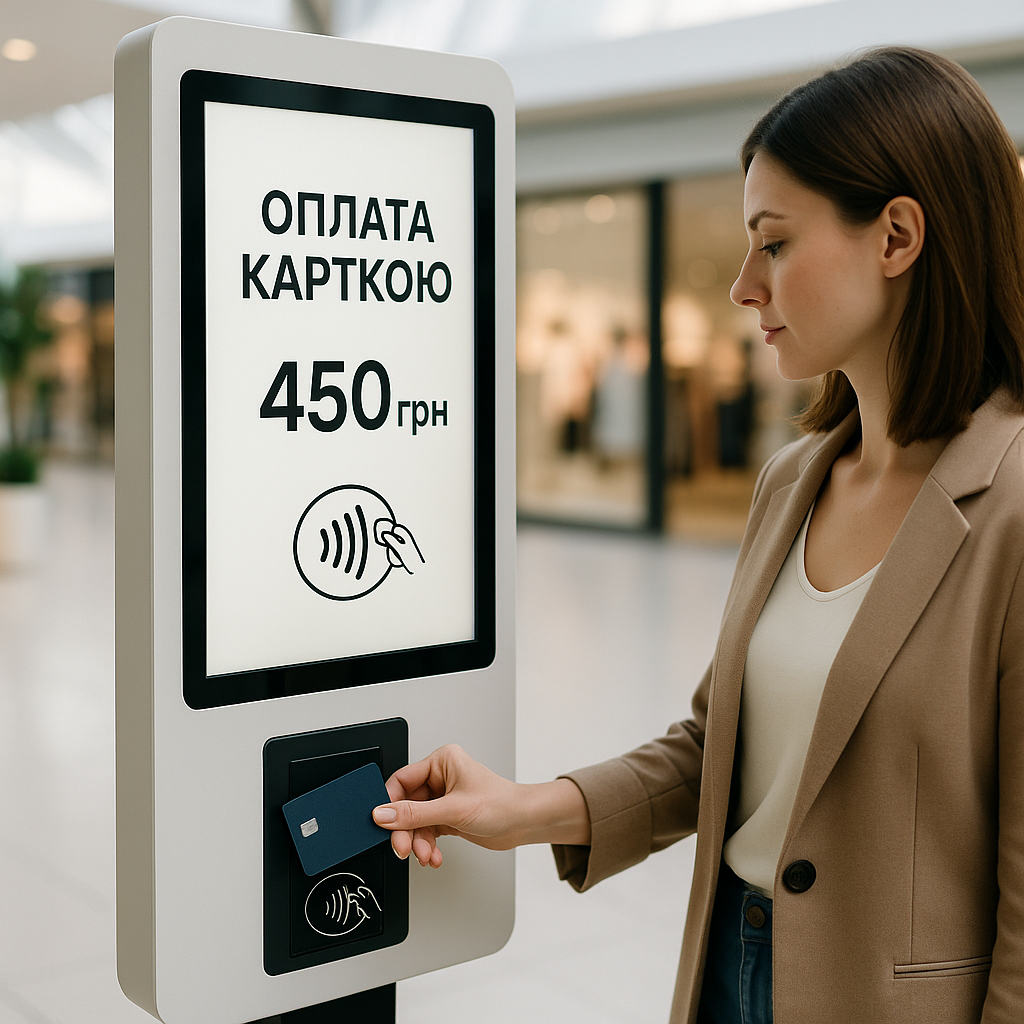
What a self-service payment terminal is
One body holds a touchscreen for choosing a product or keying in an amount, a POS module for Visa, Mastercard, and contactless, and — where you need it — a bill acceptor, coin acceptor, receipt printer, and fiscal recorder. That’s a payment terminal: a till with nobody standing behind it. That’s the whole idea.
In Ukraine the demand for self-service isn’t a trend thing. The reasons are down to earth: the minimum wage pushes payroll up, and the RRO/PRRO rules now force even small outlets to record every sale properly. Most write-ups say a terminal is about speed. In my experience that’s only half the truth. The other half is fiscal discipline and money control without daily manual heroics.
POS terminal vs self-checkout
The two get confused all the time, and it isn’t a small thing: at the quote stage everyone talks about one device and buys another. I’d draw a hard line between them.
A POS terminal is a node for card payment, usually run by a cashier who enters the amount and asks the customer to tap a card or enter a PIN. The buyer chooses almost nothing. A self-checkout (SCO) is already a full system: the customer scans items, builds the receipt, and pays. An SCO has a POS module inside, but it does more: it works with a barcode scanner, scales, change dispensing, and the inventory system. The Elpix U92 self-checkout sits in that second category: from picking a product to a fiscal receipt.
| Device type | Main job | Typical sites | Cash acceptance |
|---|---|---|---|
| POS kiosk | Pay for a service or order | Restaurant, fuel station, gym | Optional |
| SCO (self-checkout) | Full purchase: pick, scan, pay | Supermarket, pharmacy, DIY store | Yes, with change |
| Parking kiosk | Pay for parking by plate or ticket | Mall, business center, airport | Yes |
| Fuel terminal | Choose fuel, prepay, start the pump | Fuel station | Yes |
Use in business
The reasons differ by industry, but the result tends to look the same: staff get stuck on payment less, queues shorten, cash moves through a controlled loop. At peak hours you see it right away — not in a report, with your own eyes.
Retail and supermarkets
The familiar picture: morning from 8 to 10, evening from 6 to 9, a tail forms by the tills. One or two SCO terminals next to the regular registers take a chunk of the flow, especially from shoppers with 10 to 15 items in the basket. The store doesn’t lose the people who walk out over a queue, and it doesn’t keep a separate cashier just for two peak hours. Sounds dull. Works.
Ukrainian retail has a separate fork in the road: the self-checkout has to work with PRRO. Without it, the business breaks fiscalization rules. Yes, that goes against the usual “let’s install the hardware first and sort the fiscal side out later.” Better the other way round. Elpix ships its SCO with a built-in software RRO, so there’s no separate fiscal recorder to buy.
HoReCa and fast food
In fast food and coffee shops the weak point is often the same one, taking orders. At lunch a single cashier can’t keep up, and it isn’t only about hand speed. People change their minds, ask about syrups, pay in different ways. A POS kiosk takes the order, runs the card or NFC payment, and sends the order to the kitchen display. The cashier is no longer the bottleneck — you need people in the kitchen.
McDonald’s and Burger King put in self-order kiosks long ago. In Ukrainian HoReCa the shift is happening too, just at a different pace. My takeaway is simple: if the menu is standardized, a kiosk pays back faster than the first estimate suggests. Elpix has done projects for coffee shops and delis where the kiosk sits by the entrance and the kitchen runs off printed tickets, with no cashier on the front line.
Fuel stations and parking
At a fuel station the terminal handles a few steps in a row: the driver picks fuel, prepays by card or cash, starts the pump. The operator’s till isn’t clogged with small payments. Parking follows the same logic: the system reads the plate, counts the time, the terminal takes payment, the barrier opens. No digging for coins. No conversations through a window.
An outdoor fuel-station terminal has to survive a real street, not just a pretty render. A working temperature from −20 °C, an IP65 body, vandal resistance, a High Bright 1500+ cd/m² display — those aren’t decorative lines in a quote. The screen has to stay readable in direct sun, and the body has to take dust, rain, and careless handling. Otherwise the device turns from a helper into a problem fast.
Healthcare, banks, and government services
In services, terminals are gradually crowding out the separate cash desk too. At a medical center a patient enters a contract number or scans a QR from an SMS, pays for a consultation or tests by card, and gets a receipt. The front desk doesn’t touch payment; it handles bookings and the questions where a human is actually needed.
Banks set up terminals for utility payments, loan repayments, and topping up cards with cash. Administrative service centers use them to pay fees without queuing for an operator. The counterintuitive part: a terminal doesn’t always “replace people.” Often it just takes the most routine slice out of their work.
Technical capabilities and integrations
How useful a terminal is comes down to its integrations. Hardware with no link to accounting, acquiring, and fiscalization is just an expensive box. I’d start the choice not from screen size but from one question: where does the data end up afterward? The main building blocks:
- Acquiring: Visa, Mastercard, AMEX, Prostir, contact and contactless cards, NFC via Apple Pay and Google Pay. Cards are taken through a built-in PIN pad certified to PCI DSS Level 1.
- Cash: a bill acceptor for up to 200 notes before collection, with counterfeit checking. A coin acceptor and change dispensing depend on the model.
- Software interface: a REST API connects the terminal to an inventory system, a kitchen display, or a CRM. Elpix has linked terminals to 1C, Oracle POS, R-Keeper, and iiko.
- Fiscalization: a built-in PRRO or a connection to a hardware RRO over an interface. The receipt goes to the tax service in real time.
- Diagnostics and monitoring: the service team sees device status, cassette fill level, and printer errors through a web panel or API.
A word on security. Card data is processed inside a protected PIN pad. It isn’t stored in the terminal’s main computer and doesn’t pass through it — that’s what PCI DSS requires. The Elpix terminal is certified to the standard, and the acquiring bank checks the certificate before connecting you. Without certified hardware you simply won’t get acquiring.
Vandal protection for malls, stations, and airports isn’t about “premium looks” but plain physical strength: a 2 mm cold-rolled steel body, tempered screen glass, hidden bolt fixings. The service compartment won’t open without a special key. A camera and a tamper sensor are added on request.
The Elpix lineup
Elpix manufactures payment kiosks in Ukraine. This isn’t reselling ready-made boxes from China but in-house production with customization for the client’s brand. A few core models:
- U92-215 Metal: a floor-standing metal body, a 21.5″ screen, built-in acquiring, a receipt printer, and an optional bill acceptor. IP42 protection, working range +5…+40 °C. Suited to fuel stations, parking, and restaurants.
- Elpix U92 SCO: a self-checkout for retail with a 15.6″ customer screen, a barcode scanner, scales, a bill acceptor with change, and a built-in PRRO. Throughput up to 600 transactions a day.
- Embedded POS module: a fit for an existing interior — a bar, a reception, an information desk. The POS core goes into the client’s own enclosure. Handy during a rebrand, when you don’t want to swap all the furniture.
- Outdoor terminal: IP65, 8 mm tempered glass, −20…+55 °C, a vandal-resistant metal body. It goes on fuel-station islands, by mall entrances, and in parking zones.
Before settling on a model, it’s worth describing the scenario honestly. A terminal in a sales floor and an outdoor terminal at a fuel station can look almost identical, yet inside they’re different devices. The second question is peripherals: if you need cash acceptance with change, write it into the spec from the start rather than trying to “bolt it on later.” Stock items ship right away; a custom build takes 15 to 25 working days once the spec is agreed.
RRO law and requirements in Ukraine
Since 2022, RRO/PRRO has been mandatory for most businesses that take cash and cashless payments. Single-tax payers in groups 2, 3, and 4 must record every transaction through an RRO or PRRO registered with the tax service. The penalty can reach 300% of the violation amount on a first finding. This isn’t a minor formality anymore. It’s money.
An RRO is a registrar of settlement operations, a hardware device from the tax-service registry that physically stands at the point of sale. A PRRO is a software RRO — an app on a tablet, a PC, or the terminal that talks to the tax-service server over a secure channel. It’s usually the more flexible and cheaper-to-run option. The Elpix payment terminal supports both: a built-in PRRO in the software shell or an external hardware RRO over USB/COM.
Retail has one wrinkle: when you install an SCO, each device is registered as a separate business unit with its own Z-report. Accounting doesn’t fall apart over this; modern inventory systems pull data from all terminals into a single report. An inspector sees the fiscal receipt in the tax-service registry right after payment, so grey schemes aren’t needed here, and the risk is no longer worth the savings anyway.
How is a payment terminal different from an ordinary POS?
An ordinary POS terminal runs under a cashier: the cashier enters the amount, the customer taps a card. A self-service payment terminal is a customer-facing device with a screen, a selection interface, acquiring, and fiscalization. The buyer chooses, pays, and gets a receipt without staff.
Does it support PRRO in Ukraine?
Yes. Elpix terminals ship with a built-in software RRO registered with the tax service. Every transaction creates a fiscal receipt and sends it to the tax-service registry in real time. No extra fiscal hardware is required.
Does it accept cash?
It depends on the configuration. The base model takes cards. The extended version adds a bill acceptor for up to 200 notes and a coin change module. For fuel stations and parking, cash is usually built in from the start. It’s best to confirm when you request a quote.
Can it integrate with 1C or an accounting system?
Yes. Elpix has integrated terminals with 1C, Oracle POS, R-Keeper, iiko, LiqPay, WayForPay, and other systems through a REST API and direct database connectors. If your system is non-standard, name it when you request a quote and the Elpix team will check compatibility and propose a connection scheme.