


Self-service kiosks are increasingly used in retail stores, restaurants, healthcare facilities, shopping centers, and other businesses. They allow customers to place orders, make payments, access information, and use services independently, without constant staff assistance.
Before introducing this equipment, a key question arises: how much does a self-service kiosk cost, and what budget is required to make it fully operational?
The overall project cost depends on more than the price of the touchscreen device. The budget may also include software, payment modules, integration with accounting systems, delivery, installation, and ongoing maintenance. Let’s look at what makes up the cost of implementing a self-service kiosk and where you can save money.
What determines the price of a self-service kiosk?
A self-service kiosk is a hardware and software system that combines a touchscreen display, a computer, an enclosure, and optional peripheral devices. Even models with the same screen size can differ significantly in price depending on their configuration and intended purpose.
- Display. Screen size, resolution, brightness, touch technology, and protective glass.
- Enclosure. Desktop, wall-mounted, or floor-standing design, materials, and manufacturing complexity.
- Computer. Processor, RAM, SSD, and operating system.
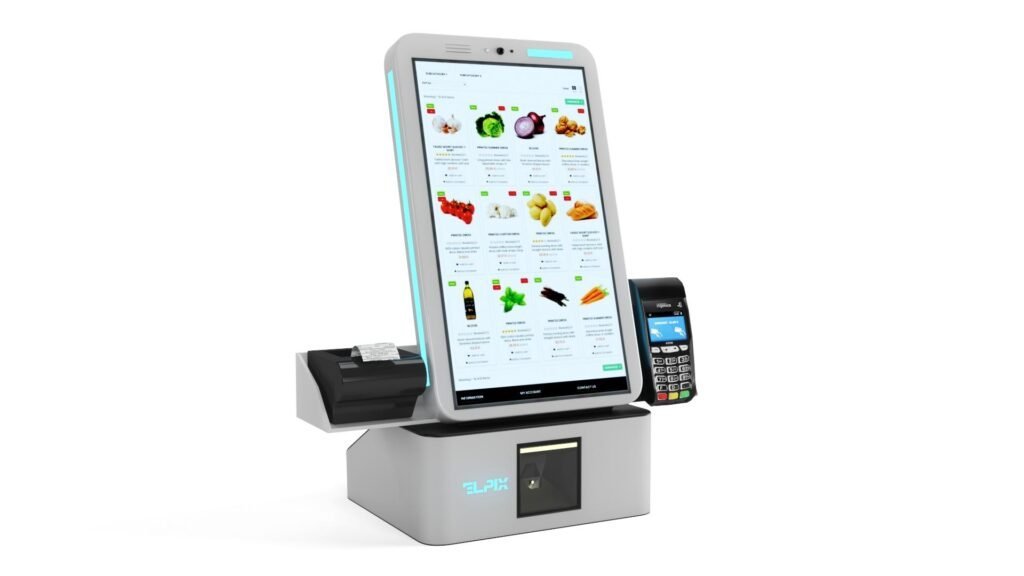
- Peripherals. Scanner, receipt printer, NFC reader, payment terminal, or banknote acceptor.
- Software and integration. Off-the-shelf applications or custom development, plus connections to POS, CRM, and payment services.
Therefore, the budget should be based on how the kiosk will be used, rather than the model name alone.
How much does an ELPIX self-service kiosk cost?
The Ukrainian manufacturer ELPIX offers different kiosk formats, from compact desktop models to self-checkout terminals. Below are indicative starting prices published in the product catalog.
| Model | Screen size | Published starting price |
|---|---|---|
| ELPIX U5, white MDF | 19″ | from UAH 65,543 |
| ELPIX U5, black metal | 24″ | from UAH 76,568 |
| ELPIX U6, white MDF | 43″ | from UAH 98,657 |
| ELPIX U4, black metal | 50″ | from UAH 127,264 |
| ELPIX U92, self-checkout terminal | 21.5″ | from UAH 142,335 |
Prices reflect the published starting offers in the ELPIX catalog at the time this article was prepared. They may change. Current pricing, the exact equipment configuration, and delivery terms should be confirmed when ordering.
The price of a kiosk is not the same as the total implementation cost. If custom modules, software, or integrations are required, the project budget will be different.
1. Hardware costs: display, computer, and enclosure
Touchscreen display
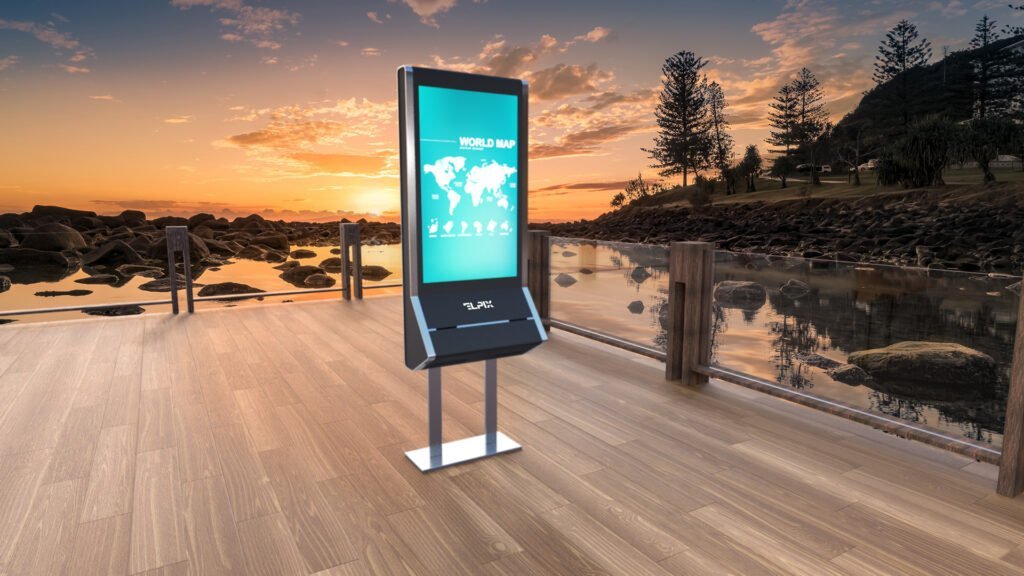
Compact information and check-in kiosks may use 19–24″ displays. Interactive catalogs, large menus, and wayfinding systems often use 43–55″ screens. Touch technology, brightness, and protective coatings also affect the price.
Computer and operating system
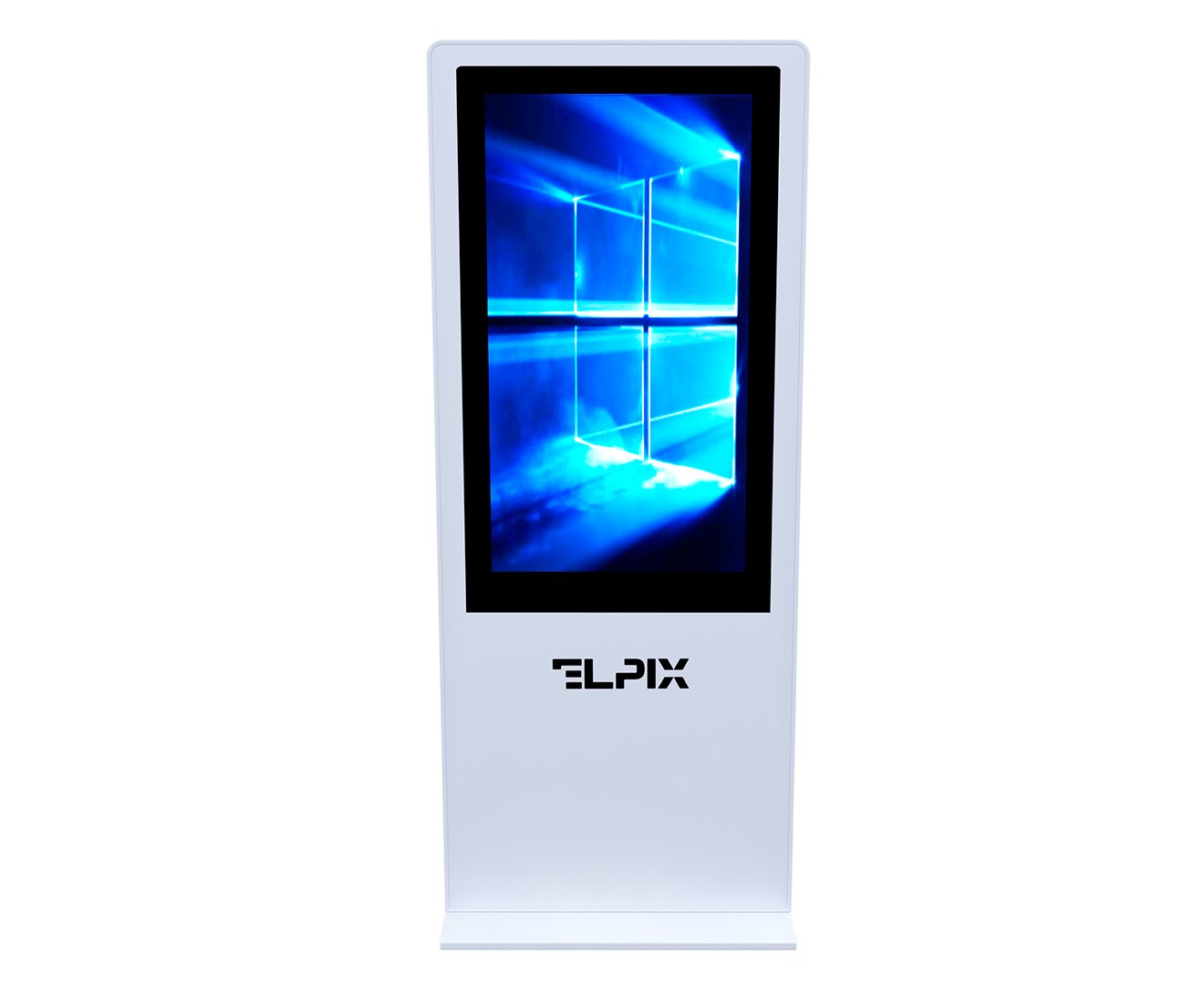
A kiosk can run Android or Windows. Android may be sufficient for informational applications, while certain enterprise software may require a Windows computer. The U6 43″ model offers different computing platform options.
Enclosure material and construction
Desktop kiosks take up less space, while floor-standing and wall-mounted solutions suit different high-traffic environments. Available materials may include metal, MDF, wood, and acrylic stone.
2. Additional modules: what affects the final price?
A basic touchscreen kiosk does not necessarily include all the components needed to accept payments or print documents. Additional devices are selected according to specific requirements.
| Module | Purpose |
|---|---|
| Payment terminal | Accepting bank cards and other supported payment methods |
| Receipt printer | Printing documents, receipts, or tickets, depending on the software |
| QR code scanner | Identifying tickets, orders, and codes |
| NFC reader | Reading compatible cards and identifiers |
| Banknote acceptor | Accepting cash when the appropriate integration is available |
| Camera | Video communication and other functions supported by the software |
There is no need to add peripherals simply “just in case.” It is more efficient to define essential features in the technical specifications and agree on future expansion options.
3. Software: off-the-shelf or custom-built?
Software determines how customers interact with the kiosk: selecting a product, registering, placing an order, or paying for a service.
Off-the-shelf software
If a business already uses a compatible POS system or ready-made application, the kiosk can connect to it as an additional device. This may reduce development work, but licensing, subscription fees, and support costs must still be considered.
Custom software development
A non-standard use case may require a dedicated interface, such as a digital menu, product catalog, registration system, ticketing application, or CRM integration. Development costs depend on the features, design complexity, number of integrations, and testing required.
Clarify in advancewhether interface design, licenses, installation, updates, and technical support are included in the price.
4. Integration with payment and business systems
For complete self-service functionality, a kiosk may exchange data with POS, CRM, ERP, payment services, queue management systems, or Ukrainian software-based fiscal cash registers (PRRO), if required by the business process.
- POS: Transferring order and sales data.
- CRM/ERP: Synchronizing products, prices, and business records.
- Payment service: Processing transactions and exchanging payment status updates.
- PRRO: Fiscalizing transactions where required by law in Ukraine.
Integration costs depend on API availability, the capabilities of the existing system, and the modifications required. Payment processing fees and software license charges may also apply.
5. Delivery, installation, and setup
Before launch, the installation site must be prepared with access to electrical power, a stable internet connection, suitable mounting where necessary, and enough space for maintenance access.
- Delivery of the kiosk to the site.
- Installation and securing of the unit.
- Connection to power and the network.
- Software installation and configuration.
- Testing of peripherals, payments, and user workflows.
- Staff training.
The ELPIX catalog notes that installation and software setup may be included in the supply price. However, the exact scope of work, especially any non-standard integrations, should be specified in the quotation.
6. Maintenance costs after launch
Accurate budgeting means accounting for both one-time expenses and operating costs: connectivity, electricity, licenses and subscriptions, card processing fees, printer consumables, updates, and post-warranty service.

A simple information kiosk generally has lower ongoing costs than a checkout terminal that handles payments, fiscalization, and receipt printing. Actual amounts depend on the service arrangement.
Sample self-service kiosk implementation budget
Let’s compare two typical scenarios: an information kiosk and a self-checkout terminal.
| Cost category | Information kiosk | Self-checkout terminal |
|---|---|---|
| Hardware | Touchscreen kiosk without payment modules | Kiosk with payment peripherals |
| Software | Information application or digital catalog | Ordering and payment system |
| Integrations | CRM or business management system, if needed | POS, accounting, payment service, fiscalization |
| Installation | Connection and basic setup | Connection, configuration, and payment testing |
| Ongoing costs | Connectivity, updates, technical support | Connectivity, licenses, transaction fees, service |
Monthly operating costs are calculated separately. An accurate estimate can only be prepared after the required functionality and supply configuration have been agreed upon.
How to estimate the payback period of a self-service kiosk
Efficiency should be measured using specific indicators: how many transactions the kiosk handles, how much employee time those transactions would otherwise require, which expenses are actually reduced, and whether more customers can be served.
For illustration, if implementation costs UAH 150,000 and the verified net monthly economic benefit is UAH 15,000, the simple payback period is 10 months. This is a hypothetical calculation, not a forecast for every business.
How to reduce implementation costs without sacrificing functionality
- Avoid overpaying for screen size. A 43–55″ display is not always necessary for compact applications.
- Choose the computer to match the software. Excess processing power adds no value if the application cannot use it.
- Add only the modules you need. A printer, NFC reader, or payment terminal should match the intended workflow.
- Use existing systems. A compatible POS system or ready-made application may reduce development costs.
- Plan for expansion. For a network of kiosks, define centralized management, updates, and support requirements in advance.
ELPIX self-service kiosks for different applications
ELPIX manufactures kiosks with different screen sizes, mounting formats, enclosure materials, and configuration options. For convenience, three models are listed below with links to their product pages.

ELPIX U5 19″ Self-Service Kiosk
A compact desktop solution for information access, registration, and order placement.

ELPIX U6 43″ Self-Service Kiosk
A large-touchscreen model for information and service applications.
ELPIX U92 21.5″ Self-Checkout Terminal
A solution for orders and payments with peripheral equipment according to the chosen configuration.
Other configurations are available in the ELPIX self-service kiosk catalog.
How to order a self-service kiosk and calculate the budget
For an initial estimate, determine the installation location, user actions, need for payment and printing, software requirements, number of kiosks, and preferred scope of installation and support.
ELPIX will help you select equipment that meets your business needs, agree on the configuration, and prepare a quotation. Browse self-service kiosks or contact the company for a customized cost estimate.