An advertising information stand and an interactive information kiosk are not synonyms, though they are often confused. The first displays content and brands the space. The second responds to touch and guides a person toward a result. The difference is not visible in a catalog — it shows up in the use case. This guide will help you decide what you actually need: a Digital Signage stand, a touch panel, or a full-featured info kiosk with a printer, card reader, and electronic queue system.
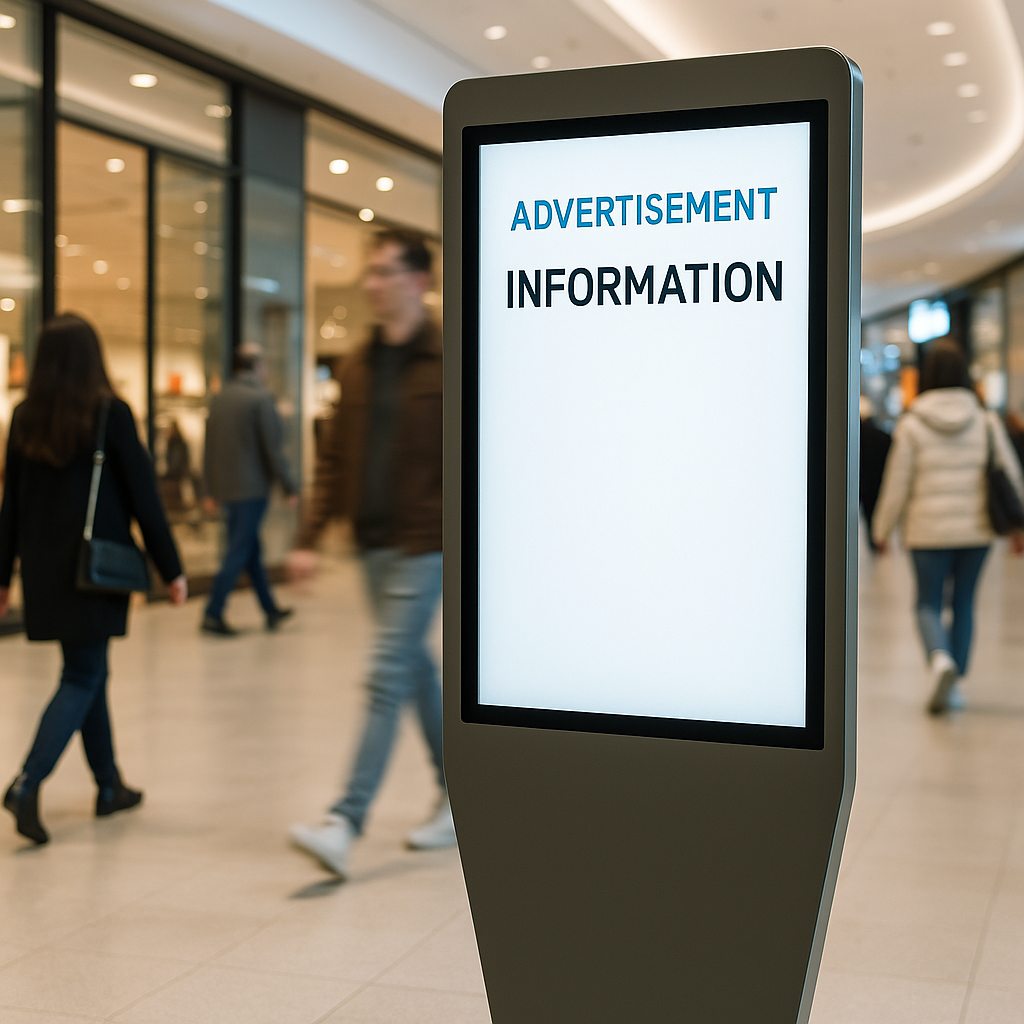
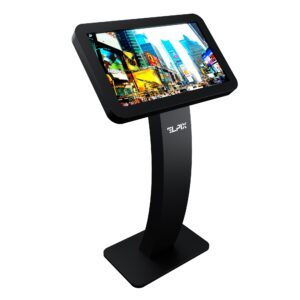
An advertising information stand is a floor-mounted or wall-mounted screen in a housing that displays media content: promotions, schedules, venue maps, tenant advertising, wayfinding. The key difference from a regular television is a sturdy vandal-resistant housing, a built-in media player or computer, and the ability to manage content remotely — changing the playlist from an office or admin panel without physically visiting the device.
The word “stand” is the operative term here. It is a freestanding structure, most often on a floor base, less commonly on a bracket or wall niche. In a shopping mall, a stand like this sits at the entrance, in the corridor between anchor stores, or near elevators. In a hotel — in the lobby next to reception. In a bank — beside the waiting area.
What a typical advertising information stand displays:
A stand without a touchscreen is a passive display. But that is sometimes exactly what you need: where visitor interaction is not required and the goal is simply to deliver information or reinforce the brand. That said, today’s market is moving steadily toward interactivity. A screen that does not respond to touch registers poorly with visitors — especially younger audiences.
“We manufacture stands that work for years without replacement. Sheet-steel housing, screens with 50,000-hour industrial-grade backlights, overheat protection. This is not a showcase — it is infrastructure.” — Elpix
Where exactly does the line fall between a stand and a kiosk? The comparison table below makes it concrete.
| Parameter | Digital Signage Stand | Touch Stand / Touch Panel | Info Kiosk (Interactive Kiosk) |
|---|---|---|---|
| Touchscreen | No (display only) | Yes (PCAP or IR) | Yes (PCAP, multi-touch) |
| Visitor interaction | Viewing only | Touch, wayfinding, selection | Full cycle: from data entry to receiving a document |
| Built-in peripherals | None | Optional (camera, scanner) | Printer, card reader, QR/barcode scanner, payment |
| Content management | CMS playlist, schedule | CMS + interactive software | Custom software or integration with ERP/CRM |
| Typical use | Advertising, navigation, brand | Mall wayfinding, directory, product catalog | Electronic queue, self check-in, payment, ticket printing |
| Cost (rough guide) | Lower (no sensor or peripherals) | Mid-range | Higher (peripherals + software + integration) |
| When to choose | Advertising, brand zone, information without interaction | Mall wayfinding, directory, filtered catalog | Bank, service center, hotel, queue, registration, payment |
If the only task is broadcasting advertising and schedules, a Digital Signage stand is sufficient. If visitors need to find a store on a mall map, you need a touch stand. If visitors must print a ticket, pay for a service, or check in, you need an info kiosk with the corresponding peripherals. The line between the second and third options is often blurry: a touch stand can be upgraded to an info kiosk by adding a printer and card reader, provided the housing has the necessary internal space and connectors.
A specific note on scaling: if today you need one wayfinding touch stand but plan a network of ten locations within a year, think about this now. Standardized housing, unified CMS, centralized content management — all cheaper than assembling a mixed fleet from different suppliers and synchronizing them manually later.
Advertising information stands solve different problems depending on the venue. A shopping mall, hotel, bank, or government office — each has its own scenarios and equipment requirements. Here are the most common ones.
Shopping mall. This is an environment with high foot traffic, a wide variety of requests, and a strict reliability requirement: a stand cannot freeze on a Friday evening. Digital Signage stands are placed at entrances, in corridors between anchor stores, near escalators and elevators. Their job is tenant advertising content and general venue information. Management is centralized: the mall’s content manager updates the playlist in the CMS, and within a minute all stands display the new promotion. For tenants, this is a direct communication channel with shoppers inside the mall.
Wayfinding touch stands in malls are placed at entrances and key traffic intersections. A visitor types a store name or category — and receives a route with a highlighted path on the floor plan. In large malls (60,000+ m²), wayfinding kiosks reduce the load on security staff and concierges by 50–60% for questions like “where is the restroom,” “how do I get to the store,” “where is the parking.” That literally frees people from routine work.
A separate category in retail is self-checkout in grocery supermarkets and electronics stores. Four self-checkout terminals at a flow of 200+ customers per hour replace two to three cashiers per shift. Average basket size tends to grow by 15–20%: without a cashier present, shoppers are more relaxed about adding items to the cart.
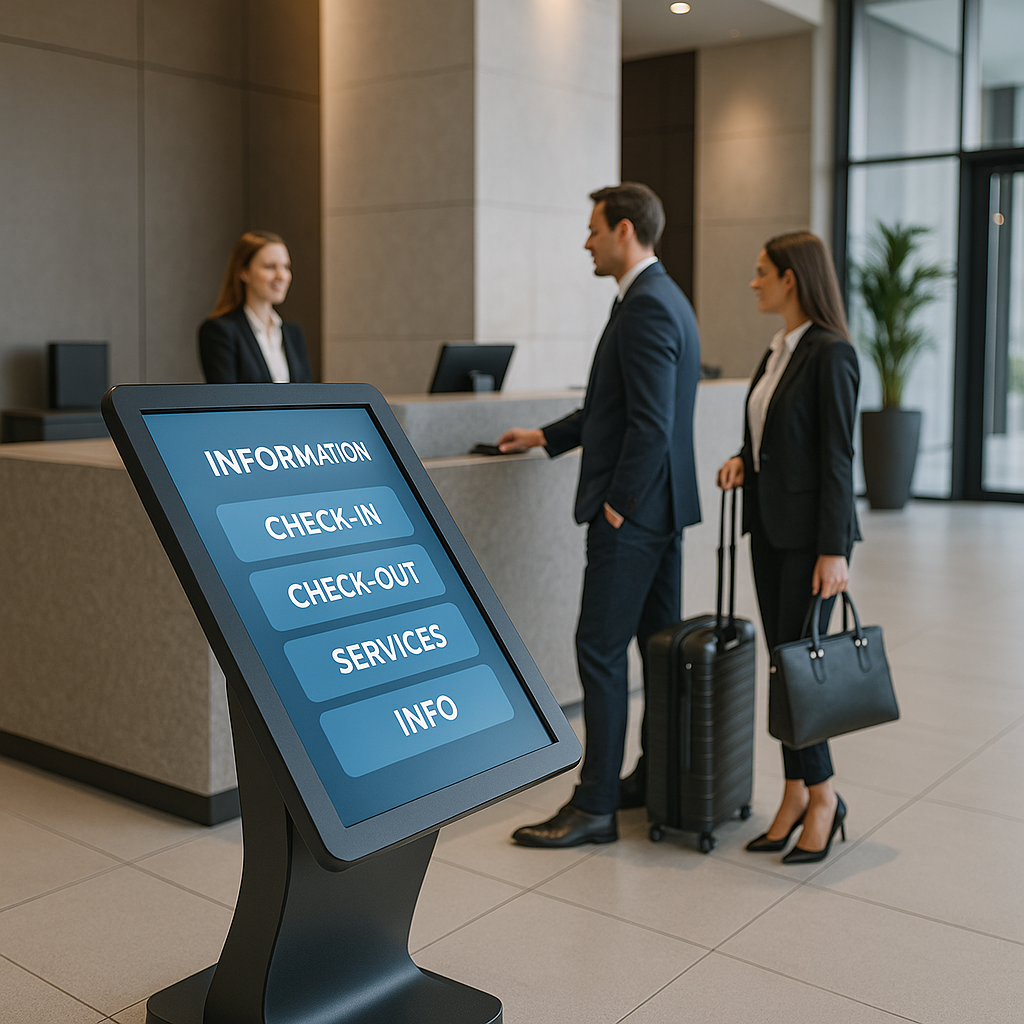
Hotel. The perennial pain point of any hotel is late check-in and the overnight front desk shift. A guest arrives at 2 a.m. and wants to get to their room. The administrator may be dozing or not present at all. A self check-in stand closes the loop autonomously: the guest scans the QR code from the booking confirmation, the system verifies the reservation, the dispenser issues the key card. The entire process takes 60–90 seconds. No staff required.
What a hotel info kiosk can do:
Typical payback at 30+ guests per day: 14–18 months. One terminal replaces the overnight administrator shift. For a chain of three to five properties with centralized content management, the numbers become significant. For hostels, where budgets are tighter but the need is the same: a compact touch stand without a key card dispenser, with a simple interface and QR-based access — cheaper than hiring a night shift administrator.
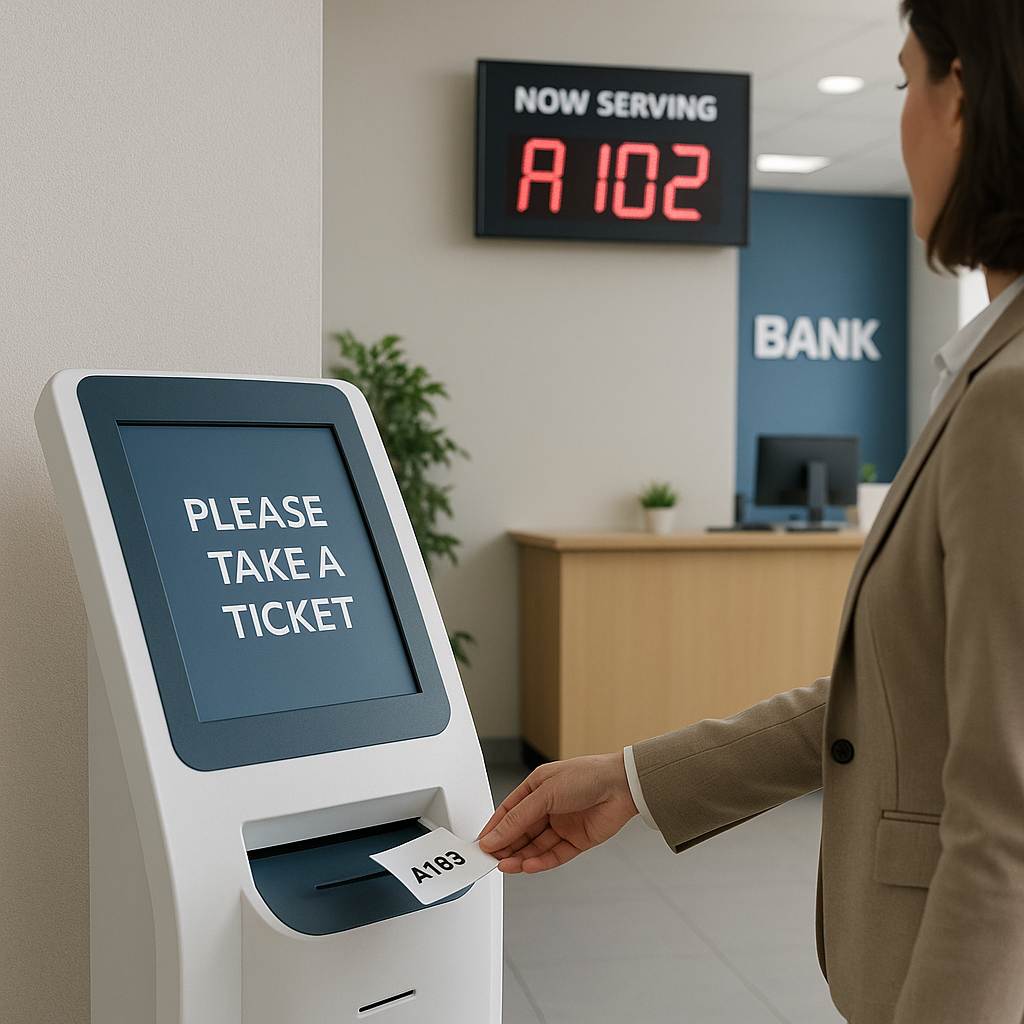
Bank and government service center. A client enters the branch, selects the required service on the kiosk, and receives a ticket with a number and estimated wait time. While the client waits, the screen displays relevant products. This is not intrusive — it works, because the offer reaches the client exactly when they are already in the context of banking services. According to banking sector data, terminals reduce the time to process a standard application from 8 minutes down to 2. Operator workload for routine requests drops by 30–40%.
For business centers and office complexes, a wayfinding stand solves a different problem: a visitor from outside does not know where the meeting room on the 7th floor is or how to register at reception. The stand handles this without involving the front desk. Reception staff remains available for VIP guests and non-standard situations.
Where else advertising information stands are used:
“For shopping malls, we build stands with branding specific to the venue: housing color, logo, idle-state screen. It becomes part of the environment, not a foreign object.” — Elpix
Interactive information kiosks are more than just a screen. They are a computer in a protected housing that guides the user through a scenario — from submitting a query to receiving a result. The function set depends on the task, software, and installed peripherals. Here is what a modern info kiosk can do:
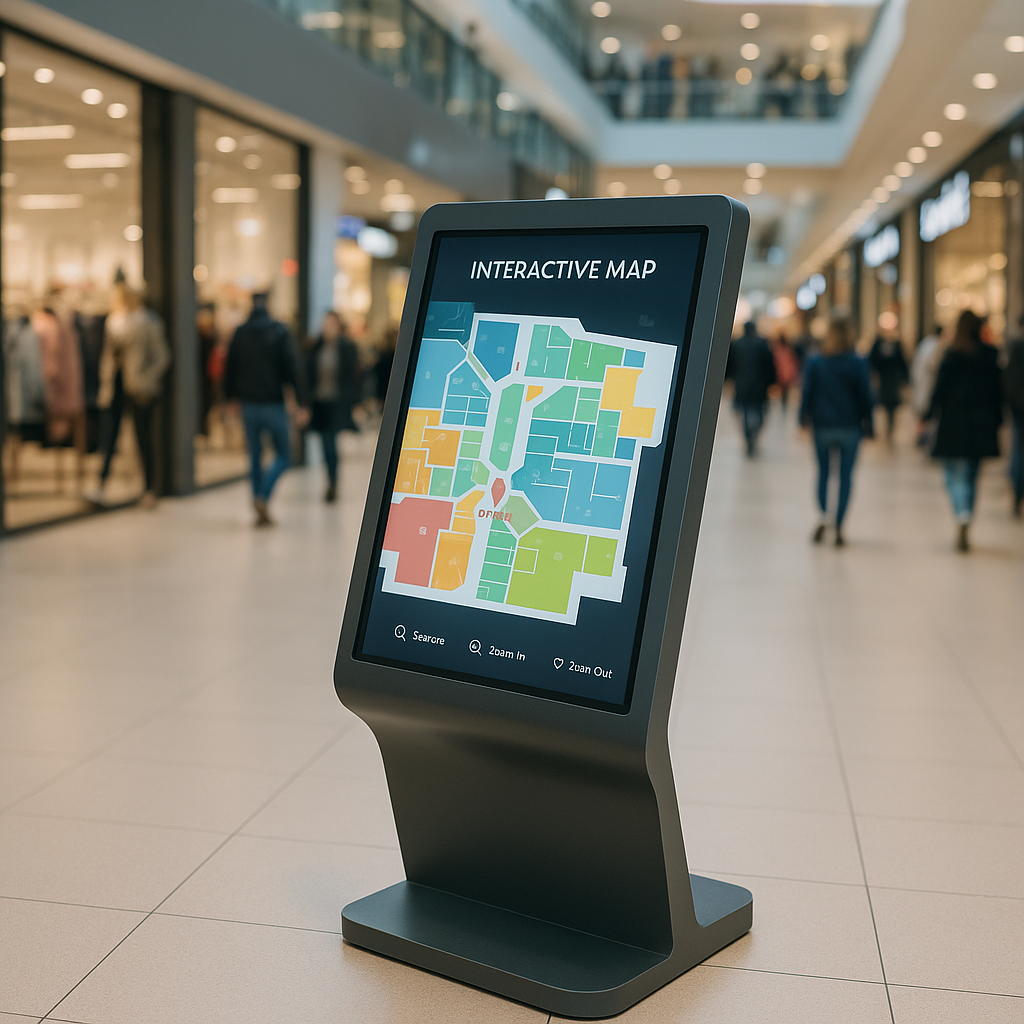
All of this in one housing. Peripherals are selected to match the task: a bank needs a receipt printer and card reader; a mall needs only a printer and sensor; a hotel needs a key card dispenser and verification camera. There is no point paying for a bill acceptor if the venue operates exclusively with cashless payments.
An important technical detail: a PCAP sensor (capacitive multi-touch) is not an “option” — it is a requirement for high-traffic venues. IR frames are cheaper, but at 200+ touches per hour they wear out faster, respond poorly to wet or dirty hands, and do not work with gloves. For shopping malls and medical facilities, this distinction is not minor.
Specific kiosk use cases in shopping centers:
For mall kiosks, appearance matters as much as functionality. A stand that does not fit the venue’s design language is already half a failure. Elpix manufactures housings to match mall branding: RAL color on request, logo, idle-state branded screen, perimeter accent lighting.
Screen orientation is one of the first parameters determined at the brief stage. There is no universally “right” answer: everything depends on content type and stand placement.
| Orientation | Advantages | Typical Use Cases | Limitations |
|---|---|---|---|
| Portrait (Vertical) | Compact in width, natural for standing viewing, “mobile-style” content feel | Wayfinding stand, Digital Signage in corridor, electronic queue, product catalog | Horizontal video content needs adaptation; floor plans less convenient in tall format |
| Landscape (Horizontal) | Natural for video (16:9), more surface area for complex maps and floor plans | Advertising stand in lobby, window display screen, large mall floor plan | Occupies more floor width, less ergonomic for close standing viewing |
| Rotatable (Pivot) | One device for two modes, flexibility for different tasks | Exhibition stands, temporary installations, showrooms | More complex housing, higher cost, requires two versions of content |
Portrait orientation is the most common choice for interactive wayfinding and queue-management kiosks. A person stands in front of the stand, and a screen 150–170 cm tall with a vertically oriented image naturally corresponds to human height. This is why the majority of floor-standing navigation kiosks in malls, banks, and government service centers are portrait — it is the most ergonomic configuration for a person standing and interacting.
Landscape orientation is better suited for advertising content: video, slideshows, and brand reels are shot in 16:9 format. Large Digital Signage panels in hotel lobbies or on mall walls are typically landscape. Landscape also wins when you need to display a detailed floor plan or an interactive multi-level mall map where horizontal width is essential for readability. A 55″ landscape panel in a hotel lobby communicates brand atmosphere far more effectively than the same panel in portrait.
Rotatable models are a niche product for specific scenarios. An exhibition stand that runs portrait during the day for participant wayfinding and switches to landscape in the evening for brand video — that is a legitimate use case. For permanent installations without a clear need for dual modes, a rotatable model adds unnecessary complexity. If you are unsure, clarify the content type before ordering. In many cases, content type has not been finalized at purchase — in that scenario, it is worth asking the manufacturer whether the internal bracket can be repositioned after delivery.
Elpix manufactures stands in both standard orientations, as well as custom housings for non-standard angles. Discuss this at the brief stage — it determines housing engineering and the mounting bracket inside the unit.
One stand is just a screen. A network of several dozen stands across multiple venues is infrastructure that requires centralized management. This is where a Digital Signage CMS enters the picture.
What a modern Digital Signage CMS can do:
The right CMS selection depends on network size and requirements:
The economics of Digital Signage at scale: a single advertising slot on a mall stand generates significant monthly revenue. A network of stands with multiple advertising slots multiplies that for the property management company considerably. But this only works when content is managed from a single point — not by manually visiting each stand with a USB drive. The difference between a basic single-device solution and a networked CMS is recovered quickly once the network grows beyond five units.
“Centralized content management is not a convenience — it is a necessity. For a network of five or more stands, an administrator’s time already costs more than the price difference between a basic and a networked solution.” — Elpix
A public environment is not an office. A stand in a shopping mall or bank withstands hundreds of touches per day, occasional impacts, attempts to open the housing, and contamination. Technical protection here is not an option — it is a basic requirement that must be factored into the spec from day one.
Housing. Powder-coated sheet steel is the standard for indoor installations. A 1.5–2 mm wall thickness provides protection against accidental impacts and tampering attempts. For outdoor installations or high-humidity environments — stainless steel and IP65 protection rating.
Glass. Vandal-resistant tempered glass 4–6 mm over the sensor is the standard for stands in public spaces. Without it, the sensor matrix is vulnerable to mechanical damage from sharp objects and sustained pressure. Some manufacturers use standard acrylic glass — which scratches and yellows within one or two years of use, degrading readability and appearance.
Mounting types and configurations:
| Mounting Type | Description | When Used | Advantages |
|---|---|---|---|
| Floor Stand | Freestanding structure on a floor base, optionally anchored to the floor | Malls, hotel lobbies, bank corridors, airports | Mobility, repositionable, visible from all angles |
| Wall Mount | Bracket to wall, screen can be surface-mounted or recessed | Narrow corridors, room entrances, reception zones | No floor space used, protected on three sides |
| Column Mount | Integration into an existing architectural column or pillar | Malls and business centers with column structures | Maximum vandal resistance, minimal footprint |
| Double-Sided | Two screens back to back on a single stand | High-traffic centers, mall intersections | Covers both directions of foot flow from a single location |
Vandal protection specifics:
For outdoor installations, the spec extends further: weather protection (IP65+), thermostat for operation from -20°C to +50°C, reinforced glass with anti-reflective coating to counter direct sun glare, and sealed connectors throughout the assembly.
A self-service terminal is an info kiosk in which the visitor performs an action previously handled by a staff member: pays for a service, receives a queue ticket, registers, or prints a document. The difference between “just a kiosk” and “a terminal” lies in the peripheral set and the depth of integration with back-end systems.
What distinguishes a self-service terminal from a basic touch kiosk:
Self-service terminal use cases across sectors in Ukraine:
For government institutions specifically, accessibility requirements add another dimension. See our Barrier-Free Kiosk 32″ — designed specifically for institutions required to meet accessible environment standards: tilted screen for wheelchair users, handrails, large font, audio guidance for the visually impaired. This is the standard for public-facing government venues in Ukraine, not an add-on.
The price of an interactive kiosk or advertising information stand is not the “price of a screen.” It is the sum of several components, each of which affects the total. The purchase begins not with selecting a model from a catalog but with understanding the operating environment and what the device needs to do.
What drives the cost:
| Equipment Type | What’s Included | Price Tier |
|---|---|---|
| Digital Signage Stand | Industrial screen 32–43″, media player, housing, basic CMS module | Standard |
| Touch Stand / Navigation Kiosk | PCAP touch screen, industrial PC, housing, interactive software | Mid-to-high |
| Info Kiosk with Peripherals | Touch stand + receipt printer + NFC card reader + CRM integration | Premium |
| Full Self-Service Terminal | All of the above + payment terminal + bill acceptor + camera + custom software | Enterprise |
An important note: do not chase the cheapest solution for a public venue. Consumer displays in stand housings are a risk — they are not designed for continuous operation and fail quickly. The price difference between an industrial and a consumer display is fully recovered through avoided replacement costs and prevented downtime. Clarify software costs at the start, not after signing the contract. In practice, the software cost for an integrated kiosk system frequently equals or exceeds the hardware cost.
Elpix manufactures advertising information stands and interactive information kiosks in Ukraine. This is not a resale of Chinese housings with a logo swap — the entire production cycle from design to assembly is handled on our side. This matters for customization, warranty service, and lead times.
How the ordering process works:
We work with shopping centers, hotel chains, banks, government institutions, and industrial facilities across Ukraine. If your task is non-standard — write to us. Non-standard projects are more interesting to us than routine orders.
“Elpix is a manufacturer with its own engineering team. We do not resell — we design, build, and support. The 12-month warranty and service contract are not marketing language — they are part of the agreement.” — Elpix
A common question: can you buy the hardware only and install your own software? Yes. We supply the hardware with open ports ready for the client’s own software — if you already have a developer and a ready queue-management or content-management system in place. Clarify this at the brief stage, as it affects the configuration and pricing.
What about spare parts and long-term support? The industrial components we use — screens, sensor matrices, control boards — have confirmed spare parts availability for several years forward. We do not build products on components scheduled for discontinuation within a year of delivery. For venues that plan five to seven years of operation without a full equipment replacement, this is a critical distinction worth asking about at the spec stage.
Browse the catalog: Elpix interactive kiosks. Our Interactive Kiosk Elpix V15 32″ Powerful is a well-balanced starting point: PCAP sensor, industrial PC, peripheral bay with connectors pre-wired, and housing customization available to match your venue’s branding. It covers most scenarios without paying for features you will not use. For government and public-facing installations, see the Barrier-Free Kiosk 32″ with full accessibility compliance built in.
Choosing a model starts not with the catalog but with three questions: where is the equipment placed, who uses it, and what should the visitor accomplish in a single session. Here is a concise guide to Elpix models aligned to different scenarios.
For wayfinding, queue management, and catalogs in malls and offices:
Elpix V15 Interactive Kiosk 32″ Powerful — PCAP multi-touch, industrial Android or Windows platform, peripheral bay with internal connectors, housing customization for venue branding. Designed for high-traffic environments: navigation, electronic queues, product catalogs, interactive maps in malls, offices, and transit hubs.
For government institutions, banks, and facilities with accessibility requirements:
Elpix Barrier-Free Kiosk 32″ — tilted screen optimized for wheelchair-height interaction, handrails, large-format font, audio guidance for the visually impaired. Meets Ukraine’s accessible environment requirements for public institutions. Designed specifically for CNAPs, banks, medical facilities, and any government-facing location required to comply with disability access standards.
View all available models: Elpix interactive kiosk catalog. Questions about model selection, project scope evaluation, or pilot installation — contact us directly. We provide technical consultations without obligation.
💡 Looking for an advertising information stand or info kiosk? Elpix manufactures Digital Signage stands and interactive kiosks for malls, hotels, and government facilities. All kiosks and stands.
View Details

View Details
View Details