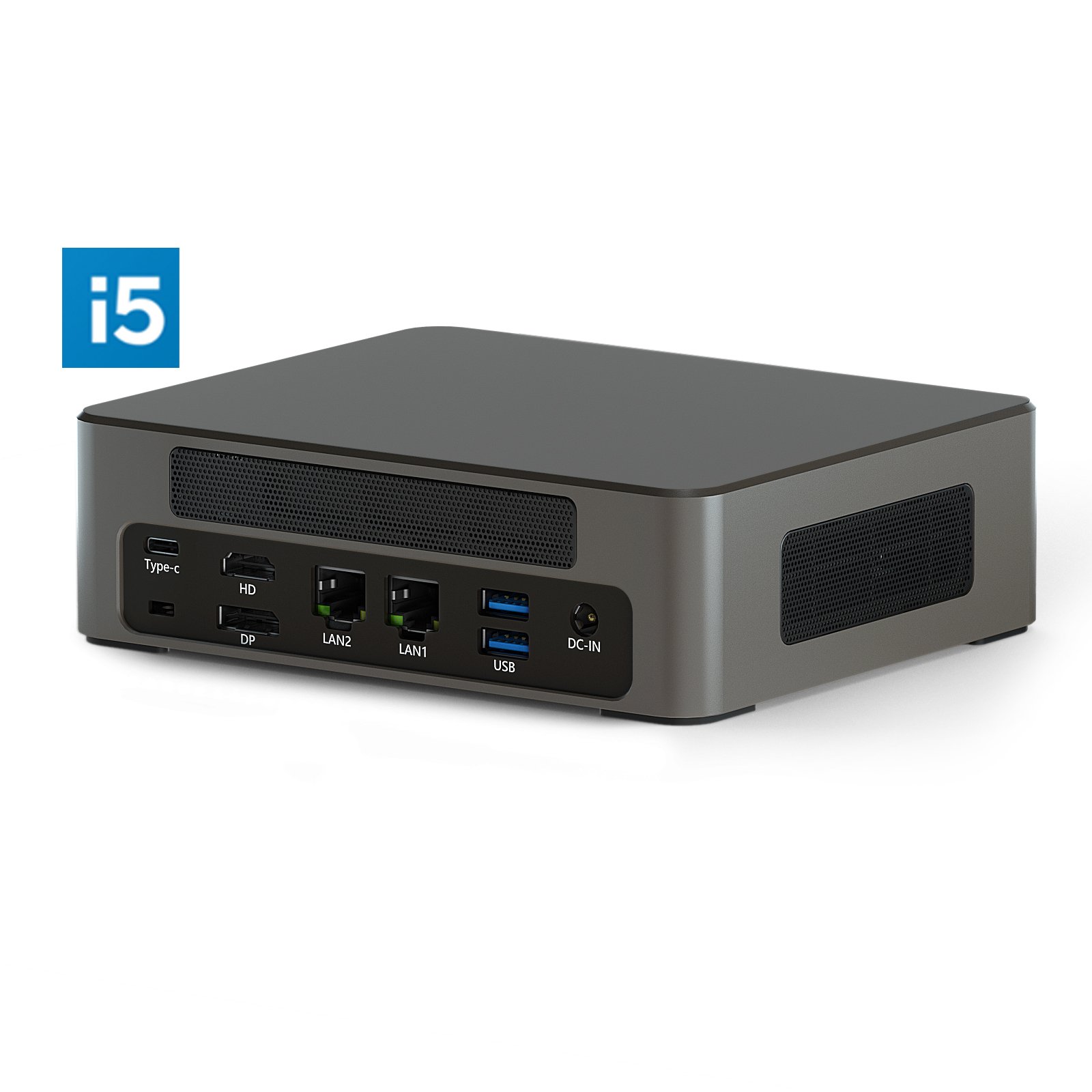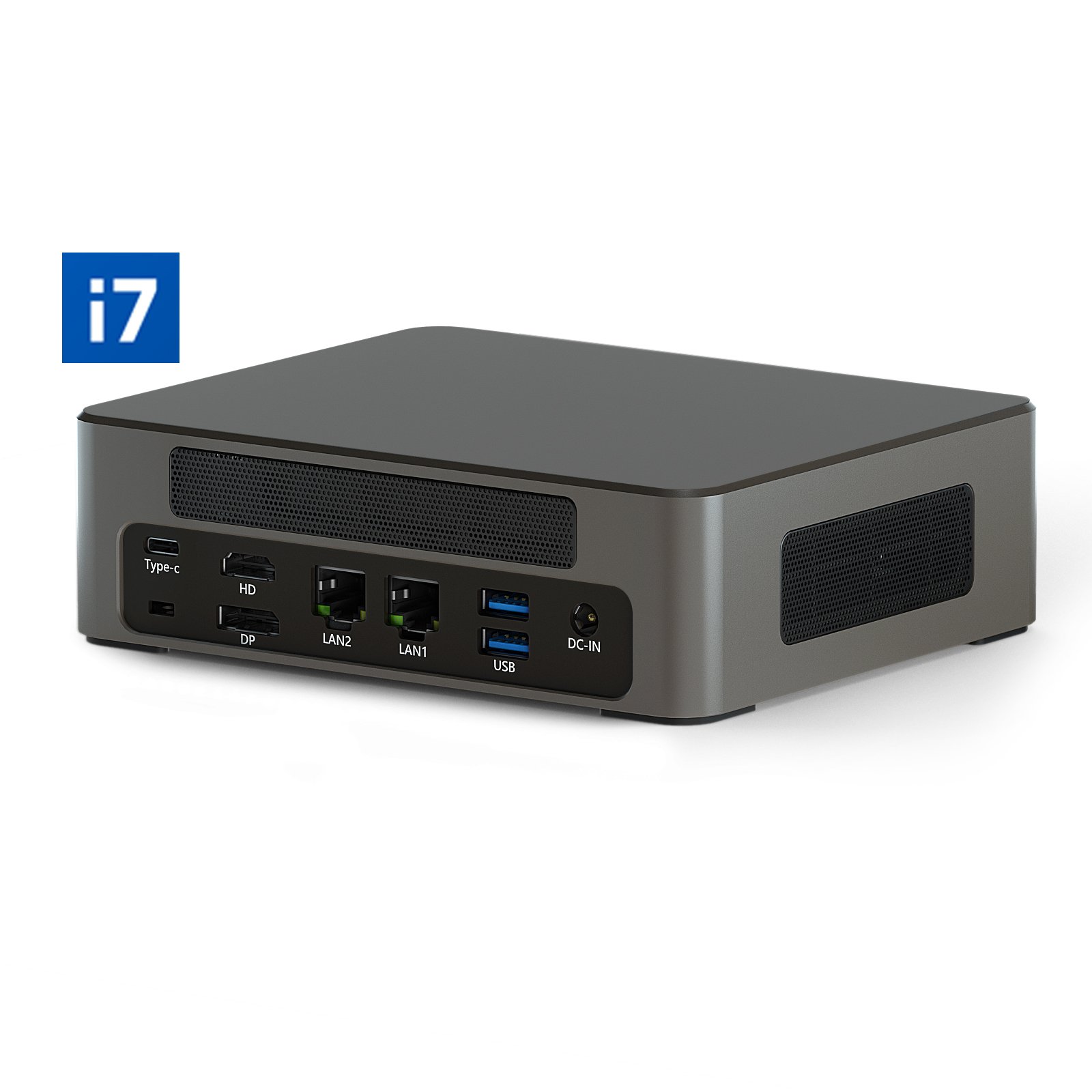

A nettop is a compact desktop PC with no monitor: smaller than your palm, fanless, drawing 15–35 W. It works as the computing unit behind interactive panels, video walls, and self-service kiosks. Put simply, it isn’t “a weak PC for browsing the web” — it’s a working machine that hides wherever a normal tower physically won’t fit.
What a nettop is and how it differs from a laptop
A nettop (from “net top,” a networked desktop) is a PC form factor about the size of a paperback. Inside sit a processor, RAM, an SSD, and a set of ports. Outside is a case with no screen, keyboard, or battery. You set it down, plug it in, and it runs.
The difference from a laptop is the obvious one: a laptop travels with you, a nettop stays in one place. The second difference is cooling. The processor’s TDP usually stays in the 15–25 W range, so most mini-PCs are barely audible. Why does that matter? Because in a classroom, a shopping mall, or an office, even a quiet constant hum starts grating on people after a couple of hours — more than it seems at the purchasing stage.
The name “nettop” appeared in the early 2000s, when it referred to budget networked PCs for web surfing. Today the term is broader and covers compact computers in the mini-PC or USFF format. And yes, the old idea that “small means weak” no longer holds: a mini-PC on a 12th-gen Core i7 outruns a 2019–2020 office desktop.
Nettop vs laptop vs tower
These form factors play different roles. Not better or worse, just different.
| Parameter | Nettop (mini-PC) | Laptop | Desktop tower |
|---|---|---|---|
| Size | Smaller than a book | A mid-size briefcase | Large case |
| Monitor | External (any) | Built-in | External (any) |
| Portability | None (stationary) | High | None (stationary) |
| Noise | Minimal / quiet | Moderate | High |
| Power draw | 15–35 W | 25–65 W | 150–400 W |
| Price | Mid-range | Mid to high | Mid to high |
You pick a laptop where a person actually moves around with the device. You pick a tower when you need maximum power, a discrete GPU, and headroom for upgrades. A nettop is the stationary option with minimal footprint, low power draw, and almost no noise. It isn’t good “for everything in general” — it’s good where the PC needs to disappear.
What tasks it fits
A mini-PC is built for situations that need continuous operation in a tight enclosure or behind a screen. The typical scenarios look like this:
- driving an interactive panel or multiboard in a classroom, meeting room, or sales floor;
- playing content on digital signage — ads, schedules, wayfinding;
- the “brain” of a self-service kiosk in a store, bank, or government office;
- a thin client in a corporate network or cloud setup;
- an office PC for the browser, an office suite, and video calls;
- a home media center or smart-home server.
In practice this is not “one more small computer on a desk.” It’s a hardware unit that gets embedded in equipment or mounted behind a monitor on a VESA bracket. The user sees the screen, a mouse, a keyboard, sometimes a touch panel. The PC itself drops out of sight.
Use in business and education
Compact PCs left the niche of rare installations a long time ago. Most often they replace bulky towers or expensive embedded platforms in three clear places: interactive panels, digital signage, and kiosks.
Interactive panels and multiboards
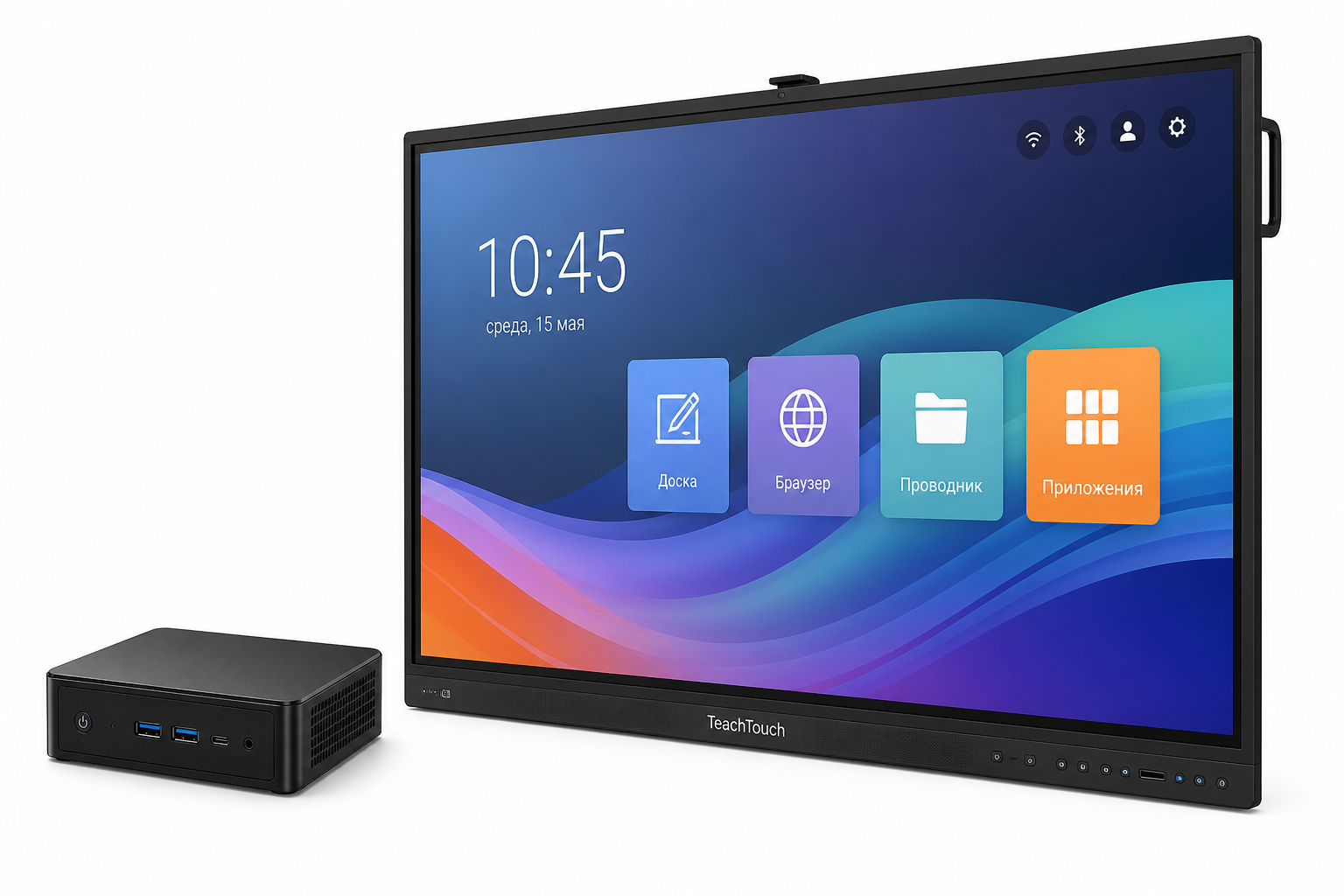
A modern interactive panel is a large touchscreen that needs a computing module. Built-in Android covers the basics. But Windows apps, heavy PDFs, domain authentication, and the familiar office workflow already call for a full PC.
A nettop mounts to the back of the panel through a VESA adapter or into a dedicated OPS slot (Open Pluggable Specification). On the outside you’re left with just the panel: the computer doesn’t stick out, the cables don’t dangle, and there’s no separate tower under the desk. In schools, teachers run MS Office, Google Classroom, and specialized software. In meeting rooms, it’s video calls and analytics with no extra hardware on display.
Digital signage
Digital signage means the ad screens in shopping centers, the info boards in airports, the menus in cafes, the wayfinding in office towers. A setup like that runs around the clock. So the platform has to run cool, sip power, and behave under remote management.
Counterintuitively, these jobs don’t always need the fastest processor. Stability, the thermal profile, and quick access for a swap usually matter more. The mini-PC tucks into the screen housing or clips on behind it and won’t overheat under a 24/7 load. The operator changes the schedule or the ad clip straight from the office. A unit fails? Unclip it, plug in a new one, the screen is back at work.
Terminals and kiosks
Payment terminals, self-service kiosks, and info stands in supermarkets and government offices are often built on compact PCs. A nettop fits inside the kiosk housing, holds up to long runtimes, and gets replaced without dismantling the whole structure. It’s a dull detail. But it’s exactly the one that saves the service crew’s time.
Inside a self-service terminal, the mini-PC runs the touchscreen, the printer, the card reader, and the server connection from a single compact unit. The energy savings aren’t abstract either: a network of 50 terminals on nettops draws about as much as 8–10 ordinary towers.
Elpix M9 nettop specifications
The Elpix nettop M9 line is built for installations in education and business. There are two processor options — Intel Core i5 and i7 — plus a choice of memory and storage to match the specific scenario.
Elpix M9 specifications:
- Processor: Intel Core i5 / i7 (10th–12th gen);
- RAM: 8 or 16 GB DDR4;
- Storage: M.2 NVMe SSD, 256–512 GB;
- Video outputs: 2× HDMI or DisplayPort, dual-monitor support;
- Ports: USB 3.0, USB-C, Gigabit LAN, Wi-Fi 6, Bluetooth 5.0;
- OS: Windows 10/11 Pro or no OS;
- Cooling: low-noise active, near-silent under normal load;
- Power draw: 15–35 W depending on load;
- Mounting: compatible with VESA 75×75 and 100×100.
The unit ships with a VESA bracket for mounting behind a monitor or panel, so the cables stay out of sight. In my experience this is the part people underrate when they choose. They study the specs closely and remember the mounting only once they’re on site. The Core i7 version with 16 GB of RAM handles multitasking without trouble: a presentation, a browser full of tabs, a messenger, and a video call at once, with no noticeable lag.
Every Elpix M9 model is tested for compatibility with popular display-management and digital signage platforms.
How to choose a nettop: what to look at
Most guides open with the processor. That’s not wrong, but it’s only half the job. Before you buy, it’s better to walk through a few parameters and tie each one to the place it will be installed.
1. Processor performance. For digital signage and a thin client, a Core i3 or Celeron is enough. For heavy apps, 4K video, or several simultaneous streams you want an i5 or i7. For a large classroom or conference room, nothing below an i5.
2. RAM. 8 GB is the minimum for Windows plus a browser plus office apps. 16 GB if you’re planning multitasking or a corporate agent.
3. Number of video outputs. Need two displays? Check for two independent outputs. The Elpix M9 supports two monitors out of the box.
4. Noise and heat. For public spaces and classrooms, pick passive or low-noise cooling. A processor TDP up to 25 W is a good marker for quiet operation.
5. Interfaces. Look not at “more ports” but at the actual peripherals: USB for a printer, LAN or Wi-Fi 5/6 for the network, compatibility with the card reader and the touchscreen.
6. Mounting. For installs behind a panel or inside a kiosk you need VESA compatibility or a mounting kit. Confirm what’s included when you order.
Is it overkill to choose a small PC this carefully? For a home media center, maybe. For a school, an office, a retail point, or a network of 50 terminals, no. A nettop matched to its task runs for years without service — which is exactly why compact PCs took hold in educational and commercial installations. If you’re choosing a solution for a school, an office, or a retail point, the Elpix team can help spec the configuration for your scenario and budget.
How is a nettop different from a desktop tower?
A nettop is a compact PC about the size of a book that draws 15–35 W. A tower is noticeably bigger, draws 150–400 W, and is built for maximum performance and upgrades. The nettop wins where small size, quiet, and energy savings matter — for example, behind an interactive panel or inside a kiosk.
How many monitors does a nettop support?
Most modern mini-PCs support two monitors at once through two independent video outputs — HDMI plus DisplayPort, or two HDMI ports. The Elpix M9 nettop has two video outputs and drives two displays without extra adapters.
Does a nettop run silently?
Most nettops run very quietly: processors with a 15–25 W TDP don’t need heavy airflow. Some models use passive cooling and are completely silent. The Elpix M9 uses a low-noise active fan — under normal load the device is barely audible.
Is a nettop good for gaming or video editing?
For demanding modern games a nettop won’t do: the integrated graphics can’t hit the frame rates you need. Basic Full HD video editing is possible on the Core i5 or i7 models, but heavy 4K projects with layered effects need a discrete GPU, which mini-PCs don’t have. The nettop is at its best for business tasks, panels, kiosks, and digital signage.