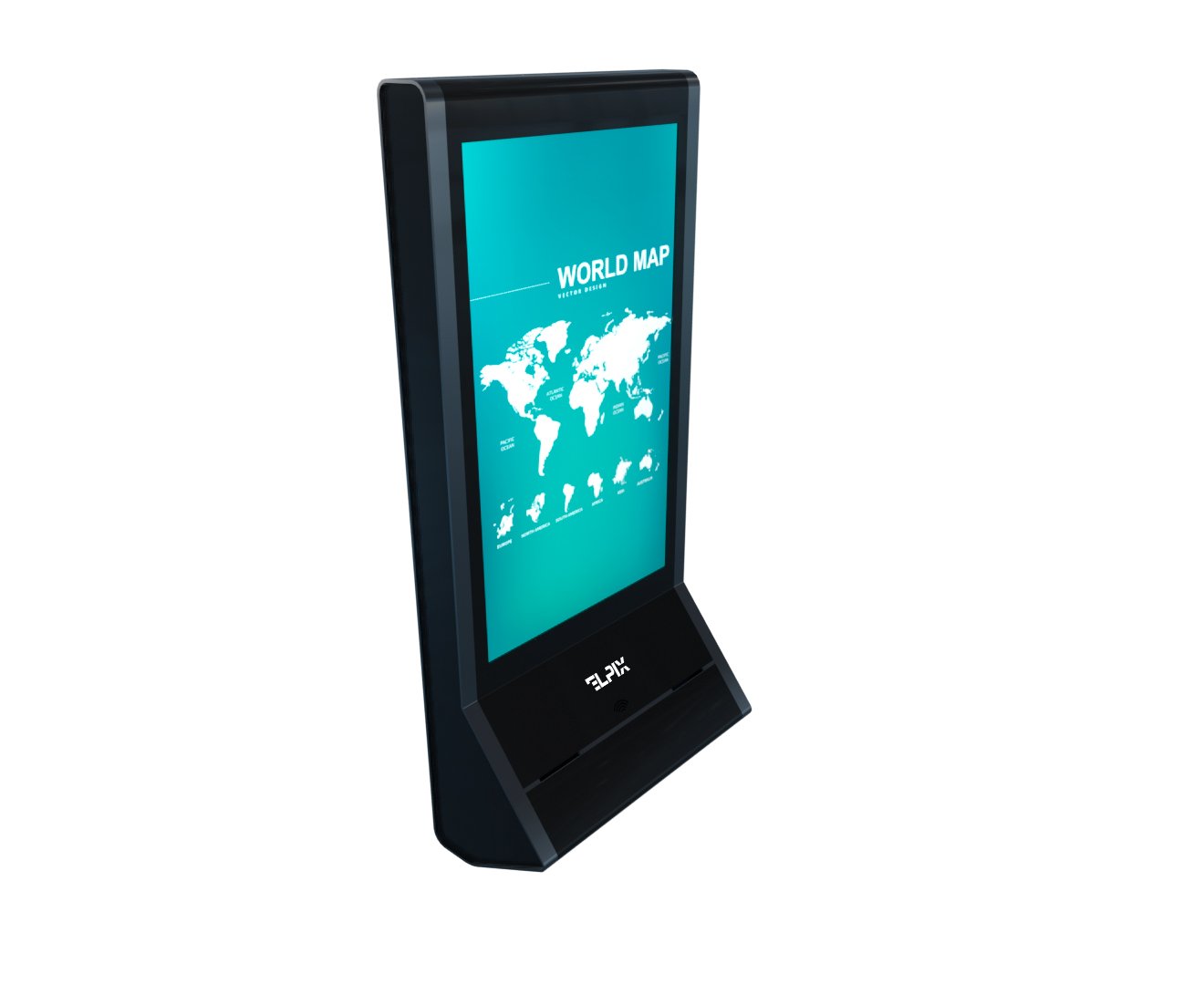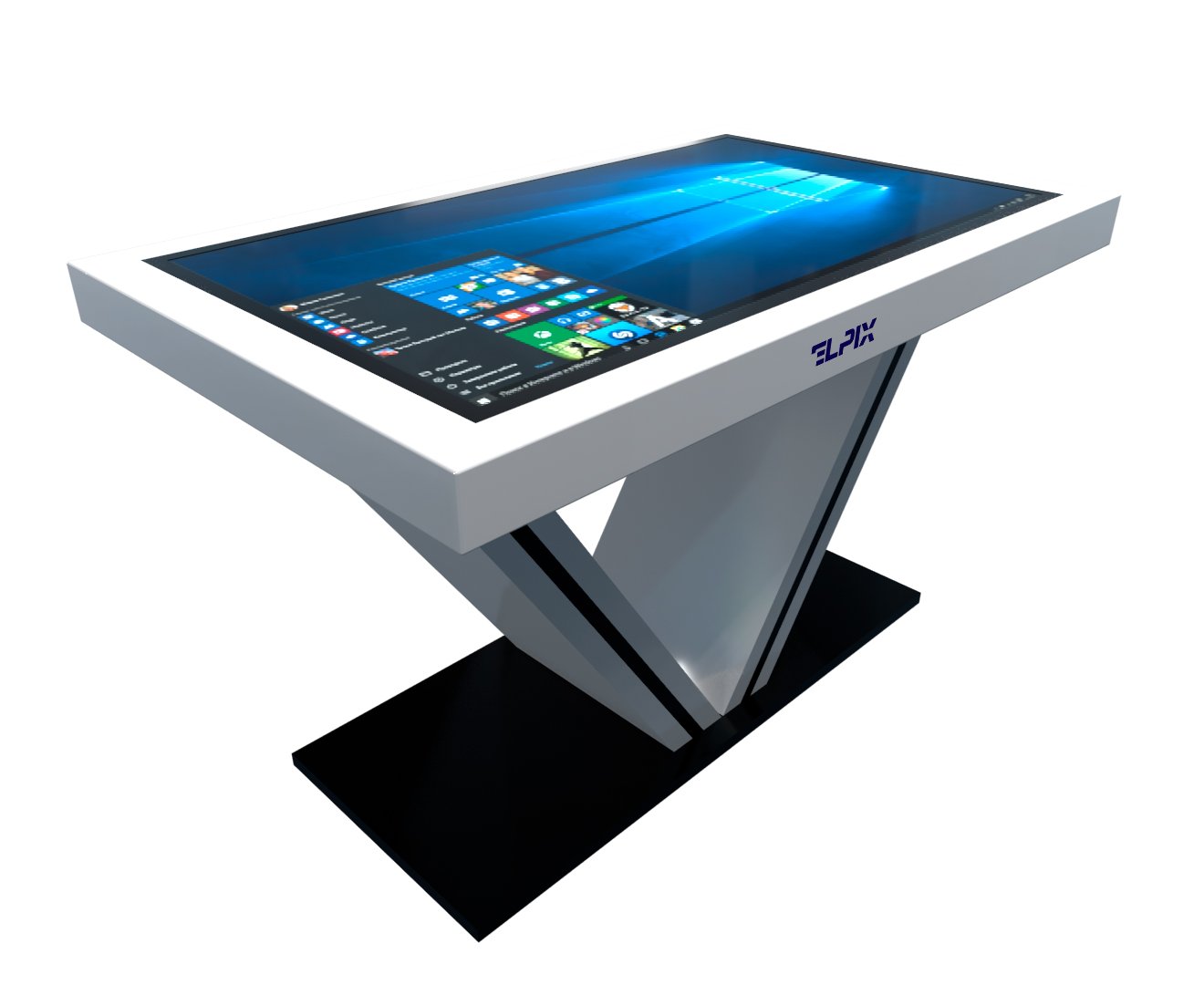

Interactive equipment is electronic hardware that reacts to touch, a gesture, a QR code, a voice command, or movement. The group covers panels, kiosks and self-service terminals, video walls, touch films, sensor frames, and interactive tables. You’ll find it in shops, malls, schools, government offices, banks, airports, the metro, and at train stations.
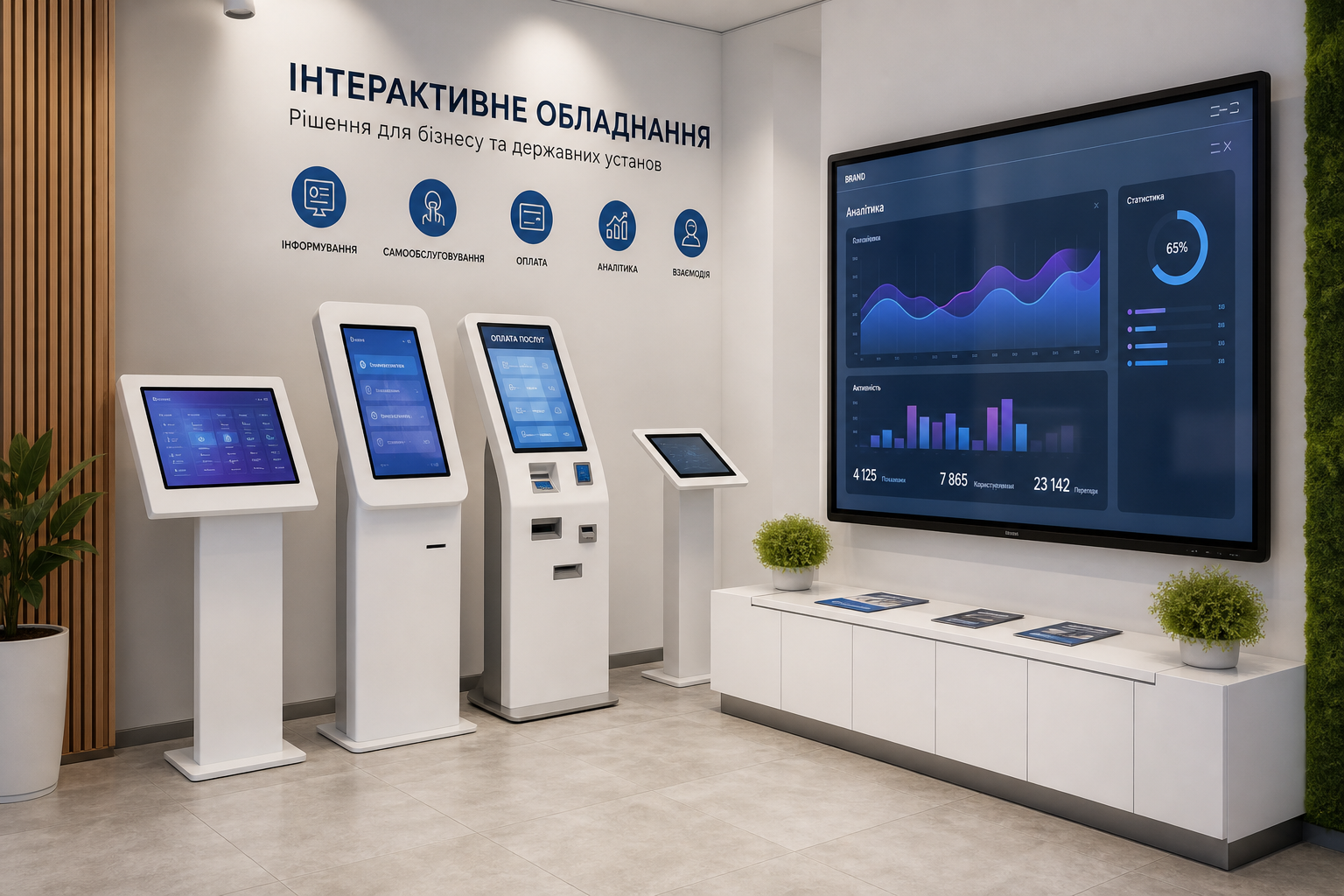
What interactive equipment is
Interactive equipment is hardware a person works with directly. You touch the screen, scan a QR code, say a command, wave a hand, or simply step up to a sensor. The device reads the action and answers back.
An ordinary screen just shows a picture. An interactive screen moves the scenario forward: you tap, and you get a route, a payment, a form, a video, or the next step. I wouldn’t overcomplicate the definition — if the user changes what’s happening on the screen, it’s already interactive.
The idea is simple. The device takes the user’s action and immediately changes the scenario: it opens a section, builds a route, plays a video, files a request, or passes data into a system. Why does that matter? Because the screen stops being a poster and becomes a service point.
Interactive vs passive display
A passive display is a monitor, a TV, or a billboard. It works in one direction. A person looks at it but changes nothing.
Interactive equipment is different. A shopper in a mall taps the map and sees the path to a store. A passenger at the airport scans a QR code at a kiosk and checks in. A visitor at the bank takes a ticket with no clerk involved. A small thing? Not really. These are exactly the spots where people usually lose time.
For a business the difference isn’t only convenience. The system sees which buttons get pressed, which sections open more often, where the user abandons the flow. Most write-ups stop here and say “it improves the customer experience.” True, but that’s half the point. The other half is real data instead of the guesswork of a greeter at the door.
How touch input works (IR / PCAP / optical)
Touch can be detected in several ways. Here I always look past the nice word in the spec sheet at where the thing will actually stand: a street, a school, a shop window, a table, a large hall. A sensor mistake surfaces late, usually only after the install.
- IR (infrared): a grid of infrared beams runs along the edge of the screen. A finger or stylus breaks a beam, and the system records the coordinate. It works with gloves and suits large sizes from 55 to 110 inches. Outdoors it can respond worse under bright light.
- PCAP (projected capacitive): a conductive mesh reads the electrical field of a finger. Accuracy is high, and multitouch usually goes up to 40 points. These sensors sit in many commercial panels.
- Optical: cameras track a finger or an object on the surface. This option shows up in interactive tables and projection installations, where a capacitive sensor is uneconomical or technically awkward to fit.
| Parameter | IR | PCAP | Optical |
|---|---|---|---|
| Size | 32–110″ | 21–86″ | 32–500+ cm |
| Multitouch | Up to 20 points | Up to 40 points | Up to 50 points |
| Works with gloves | Yes | No / limited | Yes |
| Outdoor | Limited | Yes (with protection) | No |
| Accuracy | Medium | High | High |
Types of interactive equipment
Interactive equipment comes in different shapes, but the jobs are usually down to earth. Find a room. Pay for a service. Show an ad. Replace the board in a classroom. Hand a visitor a catalog without a sales assistant.
| Equipment type | Where it’s used |
|---|---|
| Interactive panels and multiboards | Schools, conference rooms, corporate offices |
| Self-service terminals and kiosks | Malls, airports, banks, government offices |
| Video walls and multi-screen systems | Command centers, advertising spaces, exhibitions |
| Interactive films and window screens | Shop windows, showrooms, office partitions |
| Sensor frames and overlays | Upgrading existing monitors and LED panels |
| Interactive tables | Children’s facilities, museums, retail showrooms |
| Outdoor screens | Stops, facades, advertising structures |
Interactive panels and multiboards
An interactive panel is the most familiar type of this equipment. In essence it’s a large touchscreen with a built-in computer, speakers, and a camera. Sizes typically run from 55 to 110 inches. A multiboard is the version made for teaching and work meetings: it’s handy for writing over documents, walking through presentations, and joining video calls. Several people can work at the screen at once.
Elpix panels support several users working at the same time, ship with Android or Windows built in, and connect to MDM systems for remote management of a fleet of devices.
Self-service terminals and kiosks
A self-service terminal is a standalone device built for one operation with no operator. People use it to pay for services, register, take a ticket, look up a route, or print a document. You can add a barcode scanner, a receipt printer, a label printer, a card reader, a bill acceptor, a camera, or another module into the body to suit the task.
Terminals like these take load off staff and shorten queues. In retail a standard self-service terminal usually pays for itself in 8 to 14 months through lighter pressure on cashiers and a higher average basket. My take: the payback here breaks not on the price of the body but on a poor scenario on the screen.
Video walls and multi-screen systems
A video wall is a set of thin-bezel LCD or LED modules assembled into one large image. It goes where size matters: security centers, car-dealer showrooms, mall advertising zones, control rooms, and exhibition spaces.
Content can be split into zones. One part runs an ad. Another carries a live feed. Separately you can push out an interactive map or service data. For a business this isn’t a “big TV” but a working tool that has to sit calmly in 24/7 mode and not lose brightness a few months in.
Interactive films and window screens
An interactive film is a thin layer that bonds to glass or acrylic. Hook up a projector and an ordinary shop window turns into a touchscreen.
This option is a frequent pick for showrooms, bank offices, and medical facilities. Here’s a counterexample to the usual “get a bigger panel” advice: sometimes a panel is exactly what ruins the interior. A film is quieter visually and doesn’t force a bulky screen into a spot where it would look out of place.
Sensor frames and overlays
A sensor frame (touch frame) is an add-on IR frame for an existing monitor or LED panel. It adds multitouch without replacing the screen. If the equipment is already bought, this is often the most sensible way to modernize: fit the frame, plug in USB, set up the software.
PCAP overlays are thinner and a better fit for shop windows and glass. A transparent film with capacitive sensors mounts in front of the display and barely changes the look of the structure. Sounds like a detail. On a shop window it isn’t a detail.
Use by industry
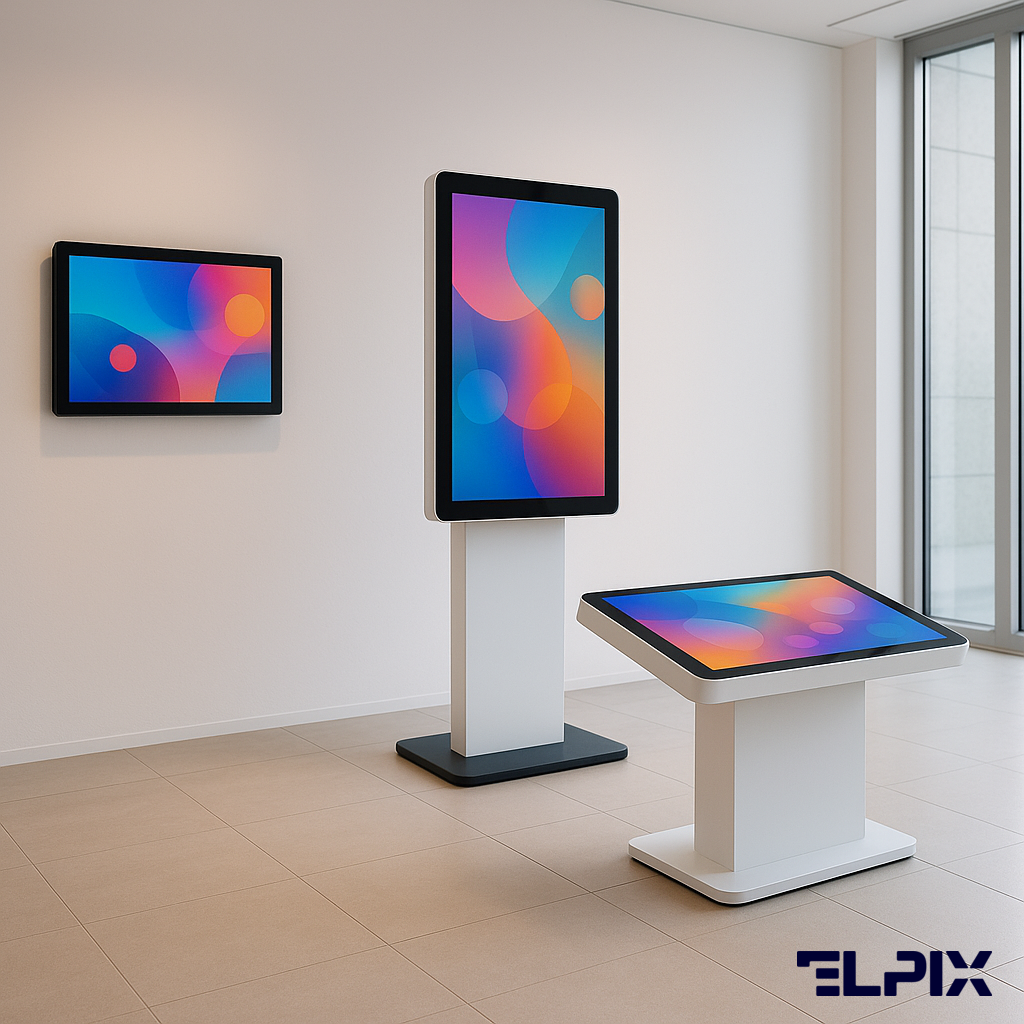
Interactive equipment stopped being a school-only thing long ago. It goes wherever there’s a flow of people and repeated actions: a queue for a ticket, navigation in a mall, a help desk at a public-services center, a payment at a bank, a check-in at the airport. A share of those operations can be moved into a terminal or a panel.
Retail and shopping malls
In retail spaces interactive equipment closes a few clear tasks. A mall map helps you find a store. A terminal shows the catalog, stock, and promotions. A self-checkout speeds up the purchase. In fitting rooms you can add a screen for finding sizes or products.
For retail this isn’t a toy by the entrance. A shopper who found the product and checked stock at a terminal reaches the purchase more often than someone who spends ten minutes looking for an assistant and walks off annoyed. Why? Because waiting for an assistant is already friction, and a terminal removes at least part of that friction.
Education
In schools interactive equipment has become part of the modern classroom. Multiboards and panels replace the projector-and-whiteboard combo. There’s no need to darken the room, the image is visible in daylight, and a teacher can work from a laptop or tablet over Wi-Fi.
Elpix SM3 interactive tables are used in preschools. A child touches the tasks by hand, moves objects on the screen, and works with learning content without a mouse or keyboard. For small children that’s noticeably more natural. I wouldn’t argue with the teachers here: motor skills and direct touch genuinely do more than slick animation.
Public sector and banks
At public-services centers, tax offices, and banks, terminals take a slice of the load off operators. A person files a request, takes a ticket, or pays for a service on their own. Video walls in situation rooms show data in real time, when you need several sources in view at once.
In banks interactive equipment ties into security as well. Terminals with biometric identification help cut the risk of fraud when verifying a client.
Transport (airports, stations, the metro)
Transport is probably one of the harsher segments. The equipment runs there under heavy foot traffic, temperature swings, dust, and constant peak loads. Freezing during rush hour simply isn’t an option. This is where you need display boards, navigation terminals, and check-in and ticket-sale kiosks.
At airports video walls mirror the schedule and run ads. Interactive panels in waiting areas hand out terminal maps. In the metro, sensor frames on information stands help people build a route with no mobile data.
How to choose interactive equipment
When choosing, it’s better to start not with size and price but with the scenario. Who will use the device? Where will it stand? What should happen after a touch? A mistake in the design phase costs more than the screen itself. I’ve seen projects like that: a nice terminal stands there, and using it is a pain.
The operating conditions decide the enclosure. Indoors or outdoors, temperature, humidity, dust — an outdoor install needs an IP65+ enclosure, protective glass, and active cooling. An ordinary commercial display may not survive a single season on the street.
The intensity of use decides the hardware. An 8/5 or a 24/7 mode — commercial panels are built for continuous work, household TVs are not. Backlight life on a commercial display usually starts at 50,000 hours.
The type of interaction decides the peripherals. Will the user browse a catalog? Pay? Scan a code? Sign a document? Weigh goods? The answer decides what to add into the body: a printer, a scanner, a card reader, a scale, a dispenser.
The software environment decides the device’s life after the install. The hardware on its own settles little — you need a CMS for content, analytics, and remote monitoring. Yes, this goes a little against the usual buying logic of “screen first, software later.” But without software the device quickly turns into an expensive screen that nobody updates properly. Check in advance whether the software is included or billed separately.
Service and warranty matter precisely for 24/7 mode. A dead terminal in a mall on a Friday evening means lost revenue and extra questions from tenants. Better to find out up front whether they provide a replacement during repairs.
Elpix equipment: manufacturing and turnkey supply
Elpix is a Ukrainian manufacturer and integrator of interactive equipment. The company works with businesses, educational institutions, government bodies, and transport facilities.
The catalog holds the main equipment categories:
- Interactive panels from 55 to 110 inches for education and the corporate sector.
- Self-service terminals with modular peripherals to suit the client’s task.
- Video walls based on thin-bezel LCD and direct LED with a controller and software.
- Interactive films for shop windows and glass partitions.
- Multiboards with software for educational institutions.
- Sensor frames for upgrading equipment that’s already installed.
Elpix takes on the technical-spec design, supply, installation, commissioning, and service. The specialists match the equipment to the site conditions, the use case, and the budget. They don’t just offer the nearest size that fits — and honestly, that matters more than it seems at the first call.
The Elpix catalog keeps growing: new sizes, signal-transmission protocols, outdoor enclosures, and built-in mounting options appear over time. Current models and specifications are listed in the Products section on the site.
Which interactive equipment should I choose for a shop?
It depends on the task. For navigation around a mall, a floor-standing terminal with a 32–43-inch screen works well. For a shop window, an interactive film on glass or a small panel behind glass. For a self-checkout, a terminal with a card reader and a receipt printer. Elpix configures the solution to the retail format.
How is an interactive display different from an ordinary one?
An ordinary display shows an image. An interactive one takes a touch and answers: it opens a menu, scrolls a catalog, plays a video, or sends data into a system. Commercial interactive displays are built for 24/7 work, have a brighter backlight — usually 400–700 nits against 200–300 nits on a TV — and a built-in control computer.
Is there equipment for outdoor installation?
Yes. The Elpix range includes outdoor versions of panels and terminals in IP65 enclosures, with protective glass, active cooling, and heating for the Ukrainian climate. Outdoor display brightness runs from 2,500 to 5,000 nits, so the image stays readable even in direct sun. It’s best to match the specific model to the installation site.
How much do installation and setup cost?
The installation price depends on the equipment type, the number of units, the site conditions, the mounting height, the wall material, the power and network, and the distance from Kyiv. Elpix prices installation individually after inspecting the site or from a floor plan. After a request, an engineer clarifies the details and prepares a quote.