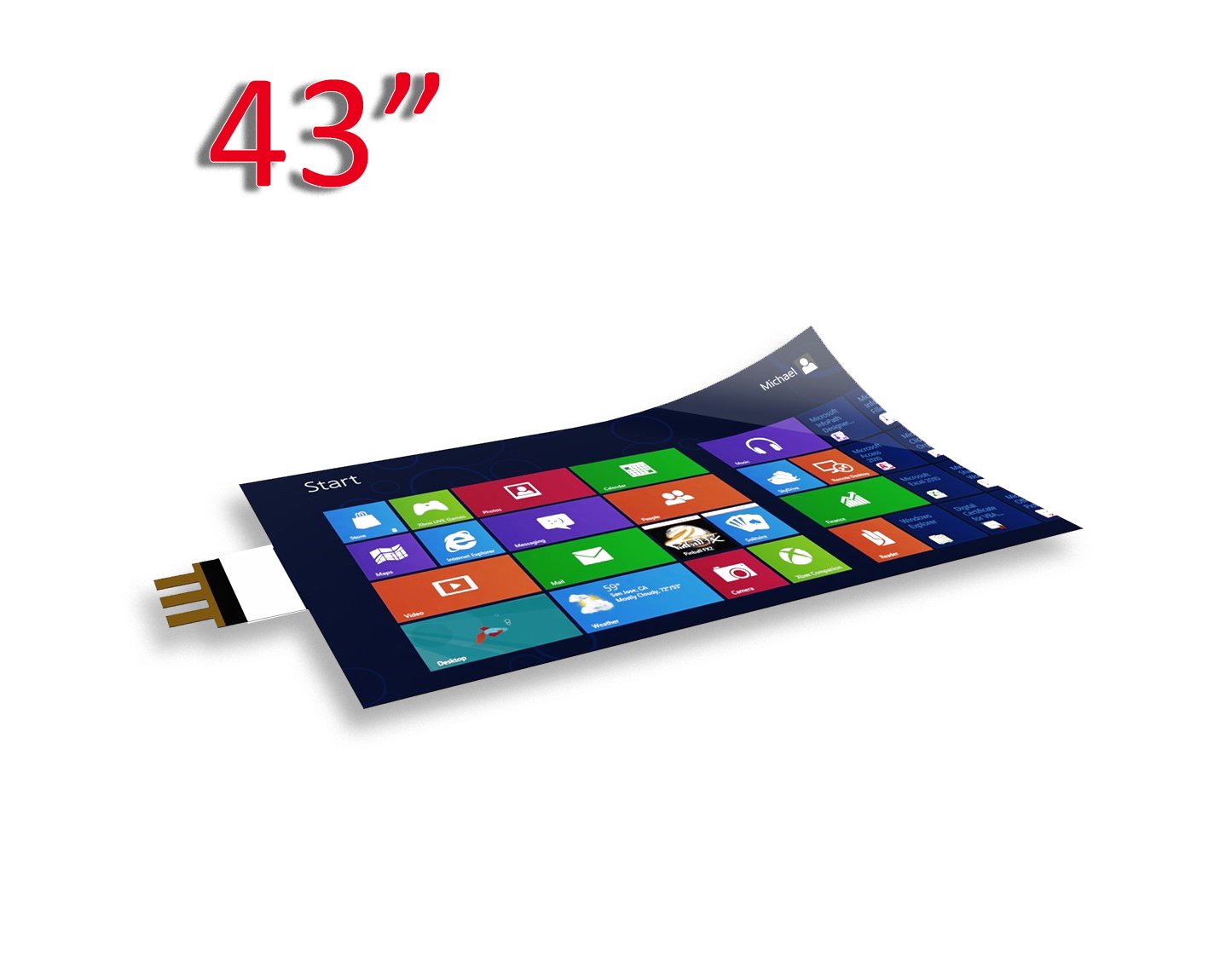

An interactive, or touch, film is a thin PCAP coating that you stick onto glass or acrylic. After that a shop window, a partition, or the protective glass in front of a display behaves like a multitouch screen. You don’t replace the display itself — and replacing the hardware is usually what eats the budget, not the sensor.
What an interactive film is and how it works
An interactive film runs on a capacitive principle. Inside is a mesh of thin conductors that notices the change in the electric field when a finger touches it. A controller reads the coordinates and sends them to a computer or media player as ordinary USB-HID data, roughly like a mouse or a trackpad. No separate drivers needed. No yearly calibration either: the film starts on Windows, Linux, and Android without a long setup. My takeaway is simple — the fewer service rituals after installation, the calmer the site is six months in.
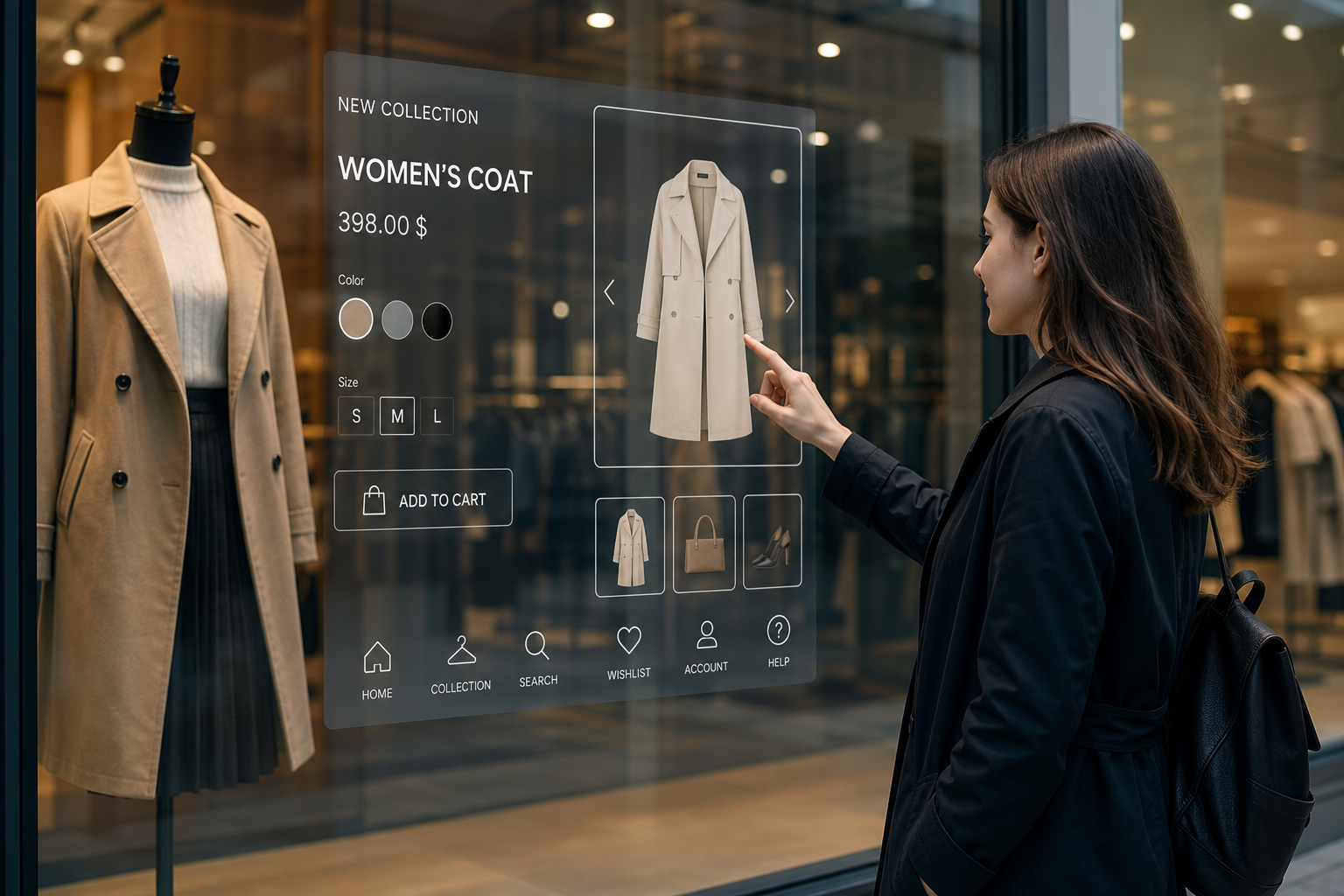
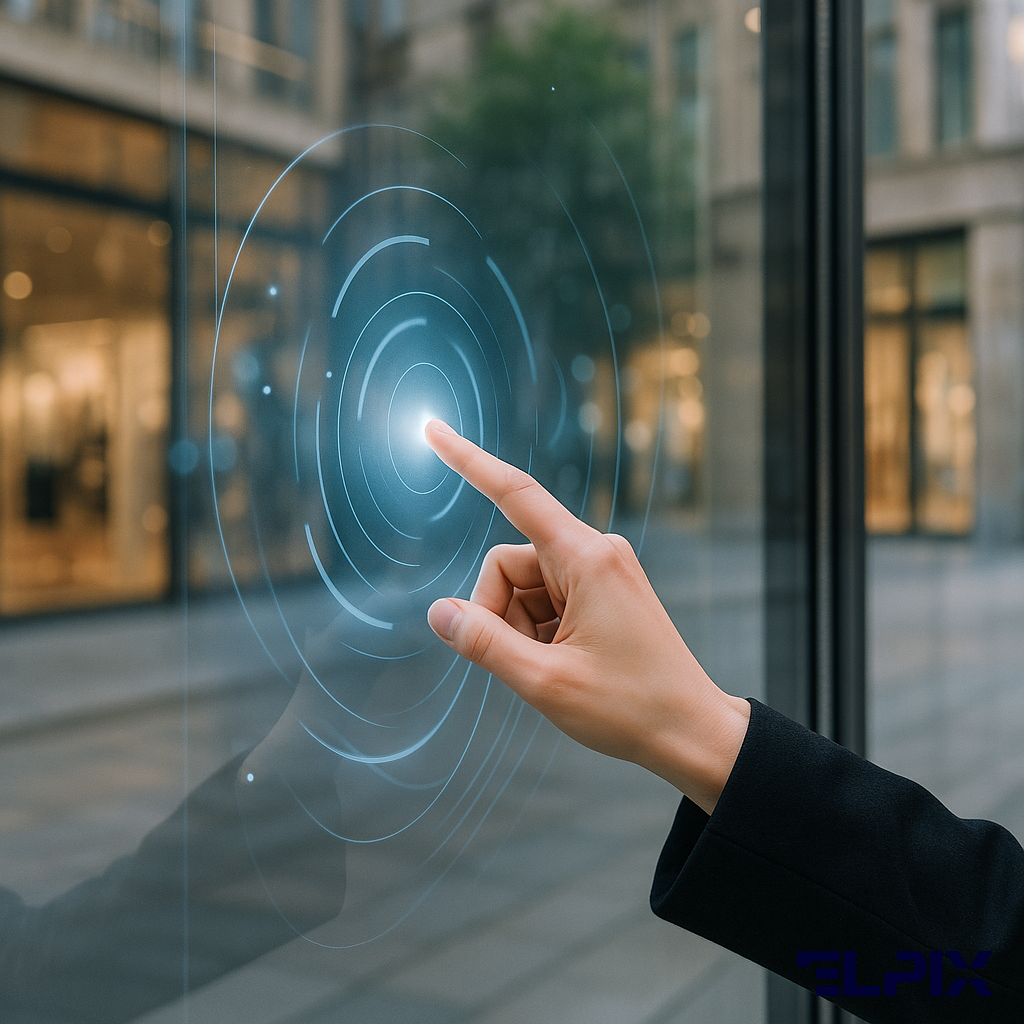
In practice an ordinary window pane becomes a touchscreen. A visitor touches content on the display behind the glass and controls a catalog, a kiosk, a menu, or an ad clip. Sounds almost too simple? It does, and that’s exactly the point of PCAP film: the touch layer gets added on top of a structure that’s already there.
PCAP vs IR frame vs resistive technology
In interactive shop windows people most often compare PCAP film, an IR frame, and a built-in touchscreen. But it’s more honest to look not at “which technology is better” but at what’s already installed on site. PCAP film — that is, capacitive film — differs like this:
| Characteristic | PCAP film | IR frame | Built-in touchscreen |
|---|---|---|---|
| Mounting on existing glass | Yes, stick-on | Needs a frame around it | Replace the whole screen |
| Multitouch, simultaneous points | 10 points | 20+ points | 10–40 points |
| Thickness and appearance | 0.25 mm, almost invisible | 20–40 mm frame | Depends on the model |
| IP65 protection | Yes | No, dust and IR glare interfere | Depends on the model |
| Works with gloves | Yes, in a special mode | Yes | Depends on the type |
| Cost of deployment | Medium | Medium | High |
Most reviews praise IR frames for the number of touch points. That’s only half the story. In halls with panoramic glazing, IR frames can produce false triggers: sunlight hits the IR beam zone and throws the sensor off. A built-in touchscreen means replacing the entire display module, which usually costs 3–5 times more. PCAP film doesn’t make an old screen new, but it gives you the accuracy of a capacitive sensor without swapping the screen.
What the film is made of (layers)
The Elpix touch film is built like a thin technical sandwich, where each layer handles its own job:
- Protective coating — 3H hardness, resistant to scratches and chemical cleaning agents;
- Capacitive mesh — ITO, indium tin oxide, or a copper mesh applied by photolithography with a pitch of < 5 mm;
- Optically clear OCA adhesive — light transmission >90%, no air gap;
- Mounting layer — fixes the film to the glass and helps lay it down without bubbles.
A flexible FPC cable carries the signal to a compact USB controller. You connect that to a PC or an Android media player. That’s it. From there the system sees touches as standard input.
Where touch film gets used
Touch film goes in where replacing equipment is expensive or technically awkward. Sometimes it’s even simpler than that: the screen is already there, the glass is already there, and there’s just no interactivity.
Shop windows and retail floors
Film for a shop window is the most common scenario. A shopper walks up to a closed store and scrolls a catalog right on the glass: prices, stock, product specs, and a QR code to jump into the online store. The system runs at night without staff.
Clothing, electronics, and jewelry shops use a window like this for after-hours marketing. A passer-by opens the product they want on the glass, scans the QR code, and moves to the online store. The window keeps selling after the location closes. In our recent retail projects this was the scenario people raised first most often, because a store manager gets it without a long pitch.
On the retail floor, film goes onto fitting-room partitions and info stands. Advertising displays are a separate story. Ten-point multitouch suits gesture-controlled galleries, zooming collection photos, interactive maps of shopping centers, and picking a product from a catalog.
Bank branches and medical facilities
In banks the film goes on information terminals with armored glass: the client touches the glass and the video kiosk takes the commands. IP65 film withstands wiping with isopropanol. Why does that matter? Because in clinics, banks, and reception areas the surface is touched dozens of times a day, and sanitizing it shouldn’t turn into a risk for the sensor.
Medical facilities often need it to work in latex gloves. That mode switches on in the controller firmware and is tuned for the most frequent single touches. Yes, this contradicts the usual line that “a capacitive sensor only works with a bare finger.” In real installations it all comes down to the controller’s sensitivity and the thickness of the glove.
Advertising displays and Digital Signage
Outdoor agencies use touch films on window structures in the retail corridors of airports and train stations. A passive poster turns into an ad kiosk, but you don’t have to change the structure of the stand. Content is managed remotely through a CMS, while the film adds touch input on top of an already installed media player.
In Digital Signage the film is mounted on the outside of window-facing LED screens. The shopper controls the ad from the street and never enters the store. In short: the screen stops being just a screen.
Advantages of film over a built-in touchscreen
If you need to add touch input to an existing display, an interactive panel with a built-in touchscreen usually means replacing the hardware. Film works differently. Not always “better” — just differently:
- Installation with no teardown. Installers clean the surface and stick the film straight onto the glass in 30–60 minutes. Two people are usually enough, and you don’t have to close the store.
- Works with any display. The film runs over LCD, LED, OLED, and projection screens. The matrix type behind the glass doesn’t matter.
- Choice of size. Elpix window films come in 43, 49, 55, and 65 inches. For non-standard surfaces, a made-to-size order is possible.
- An almost invisible layer. A thickness of 0.25 mm and light transmission >90% keep the brightness and contrast of the image.
- A service life of 5 years and up. The touch layer is rated for standard commercial use. The Elpix warranty is 12 months.
- Savings. The film costs 3–5 times less than a new interactive display of comparable size. For a retail store the ROI is usually 3–8 months with a window running around the clock.
- Content changes without swapping hardware. For a rebrand or a new ad campaign, the CMS side changes. The sensor stays the same.
For example, a sports-nutrition chain with 12 windows refreshed its displays: the films went onto the existing screens instead of replacing the LED panels. The installation took one working day and didn’t cost them any trading time. I wouldn’t call this a universal recipe, but for 12 windows that are already mounted, this approach looks far more sensible than a full replacement.
For new sites, where the display hasn’t been chosen yet, it’s better to consider a ready-made touch frame: a screen with the sensor and media player in one body. Film is more suited to upgrading glass that’s already installed. The counter-case is simple: if you’re buying a new screen anyway, a separate film can turn out to be an extra link in the chain.
Technical parameters and installation
Before ordering it’s worth checking the film’s parameters against your window. Not by eye, but by the glass, the diagonal, the cable exit point, and the operating conditions:
- Sensor technology: PCAP, projected capacitance, USB-HID interface;
- Touch points: 10 simultaneous;
- Film thickness: 0.25–0.38 mm, depending on the size;
- Light transmission: ≥90%;
- Protection rating: IP65, protection from dust and water jets;
- Operating temperature: -20°C…+70°C;
- Cable: USB 2.0, up to 5 m with an active extender;
- OS: Windows 7/10/11, Android 4.0+, Linux, kernel 2.6+.
Installation looks like this: the glass is degreased with isopropanol, then the film is laid out with a squeegee from the center to the edges. With normal technique no air pockets are left. The FPC cable is routed along the bottom or side edge. The controller is hidden in a mounting box behind the window.
A 55″ film is installed in 40–50 minutes. Elpix supplies the kit with step-by-step instructions and a video guide. For complex sites, on-site installation through certified technical partners is available. From experience: most of the time goes not into sticking the film down, but into prepping the glass and routing the cable neatly.
After installation a one-time software calibration is needed. It takes 2–3 minutes through the driver interface on Windows or a setup script on Linux and Android. Recalibration is only needed after the screen is moved or the controller is replaced. The PCAP layer itself doesn’t “drift”: capacitive technology doesn’t depend on mechanical wear, unlike resistive films.
For basic operation you don’t need the internet. The sensor works on its own over USB. A network is only required for managing content remotely through a CMS. Is this overkill? For a 50-page catalog on a local media player, no — you can leave the network out entirely.
Elpix films: sizes and specifications
Elpix manufactures interactive films in Ukraine. The standard formats are:
| Size | Active area (mm) | Use |
|---|---|---|
| 43″ | 941 × 529 | Info stands, checkout zones |
| 49″ | 1073 × 603 | Retail windows, reception |
| 55″ | 1209 × 680 | Advertising displays, banks, medicine |
| 65″ | 1428 × 803 | Large windows, Digital Signage |
| Custom | To drawing | Arched windows, non-standard surfaces |
All Elpix PCAP films go through factory calibration and ship with a positioning-accuracy certificate of ±1 mm. A standard size ships in 5–7 working days. A custom size — from 15 working days. Here I’d build a buffer into the timeline straight away if the site opens on a specific date.
For high-humidity sites, such as outdoor windows and food courts, a version with reinforced sealing of the cable edge around the perimeter is available. For medical facilities there’s an option with an antibacterial protective coating. Don’t cut corners on the cable edge: that’s usually where the trouble starts if the mounting area is damp.
The kit includes the film, a USB controller, a cable, and installation instructions. A manager will pick the size for your site and confirm the timeline. The minimum batch for a custom project is 1 unit. From 5 units, special terms apply for corporate clients.
If you need to build a new interactive point from scratch rather than upgrade existing glass, the Elpix interactive panels are a good fit: ready kits with a display, built-in PCAP, and a media player in one body. In that case there are fewer separate components, but less flexibility for windows that are already in place.
Does touch film work with gloves?
Standard PCAP film responds to bare fingers. Thin surgical gloves up to 0.1 mm usually pass. For work or latex gloves, Elpix offers a controller with Glove Mode: it lowers the sensitivity threshold and recognizes single touches better.
How many touch points does the film support?
All Elpix films support 10 simultaneous points, that is 10P multitouch. That’s enough for gesture interfaces: pinch-zoom, rotation, and multi-finger scrolling. Window kiosks and interactive catalogs usually fit within this limit without trouble.
Can the film be applied to curved glass?
The film is designed for flat surfaces and a small curve with a bend radius of ≥ 2000 mm. For windows with a moderate curve, a pre-profiled version can be supplied to an individual drawing. Strongly curved cylindrical surfaces, R < 500 mm, are not supported.
Do you need to replace the glass when installing interactive film?
No. The film is applied to existing window glass from 3 mm thick. Tempered, laminated glass and triplex are all fine. Replacement is only needed in two cases: the glass is damaged, or it has a coating — frosting or tinting >60%, for example — that sharply reduces transparency.